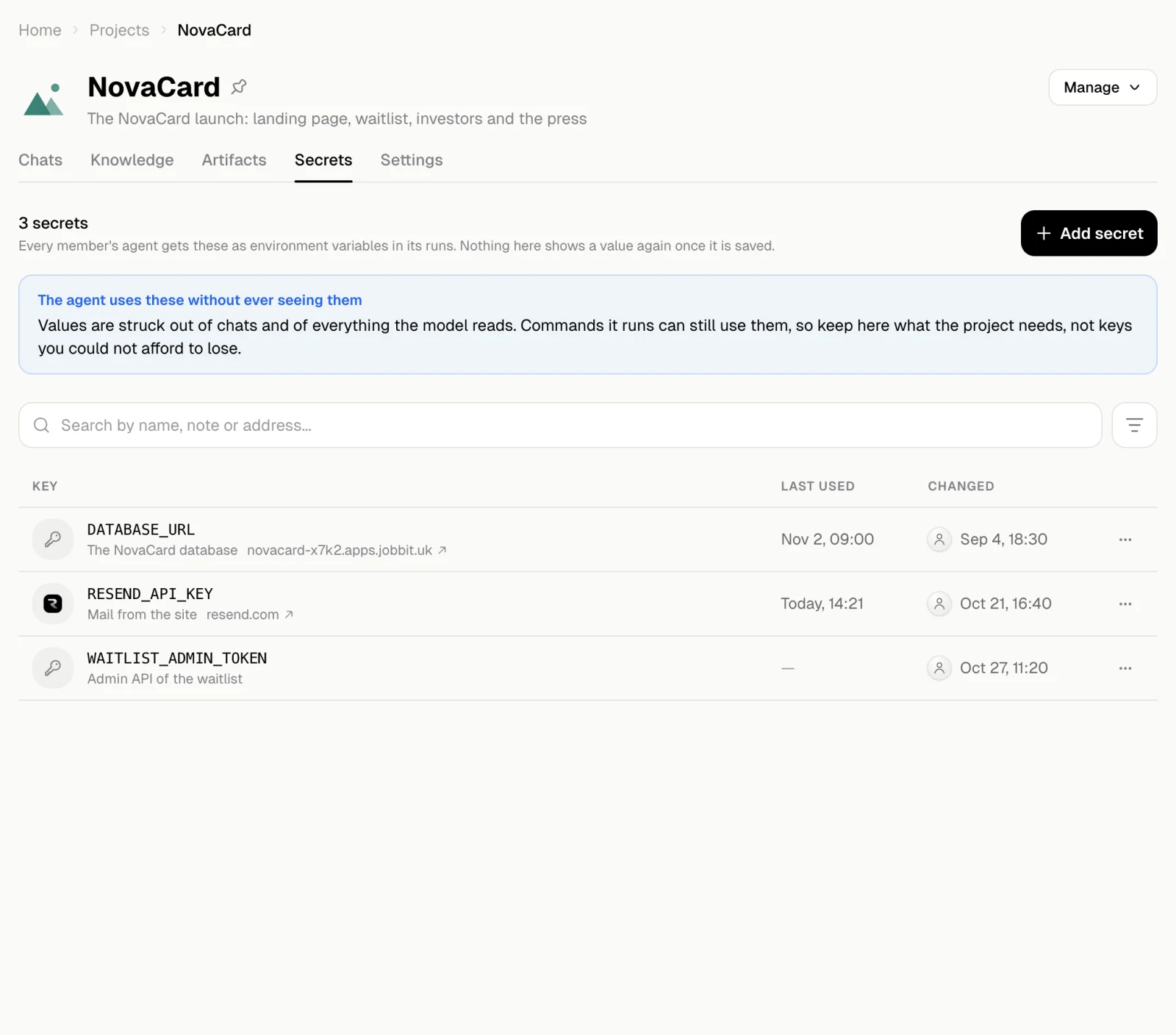
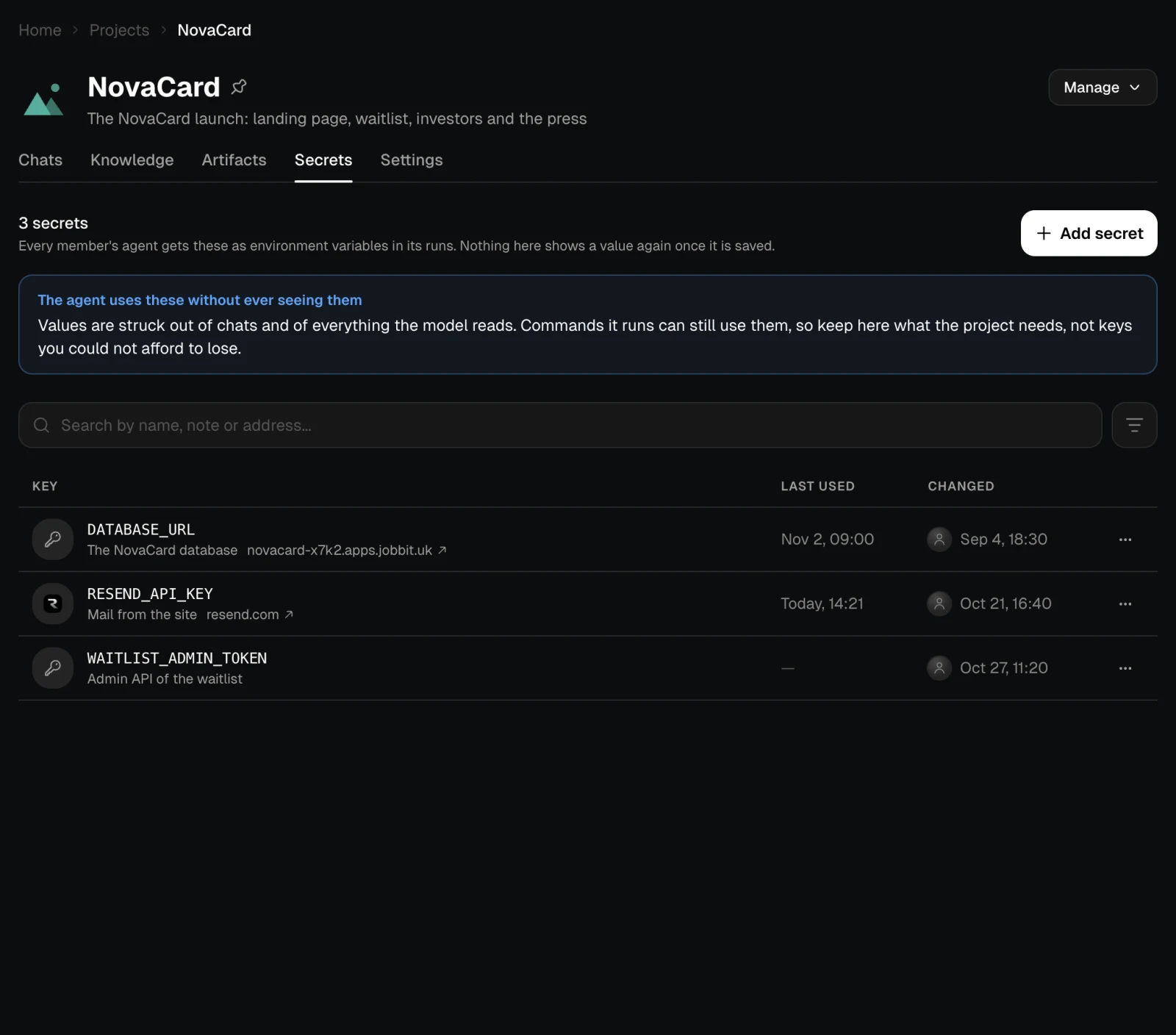
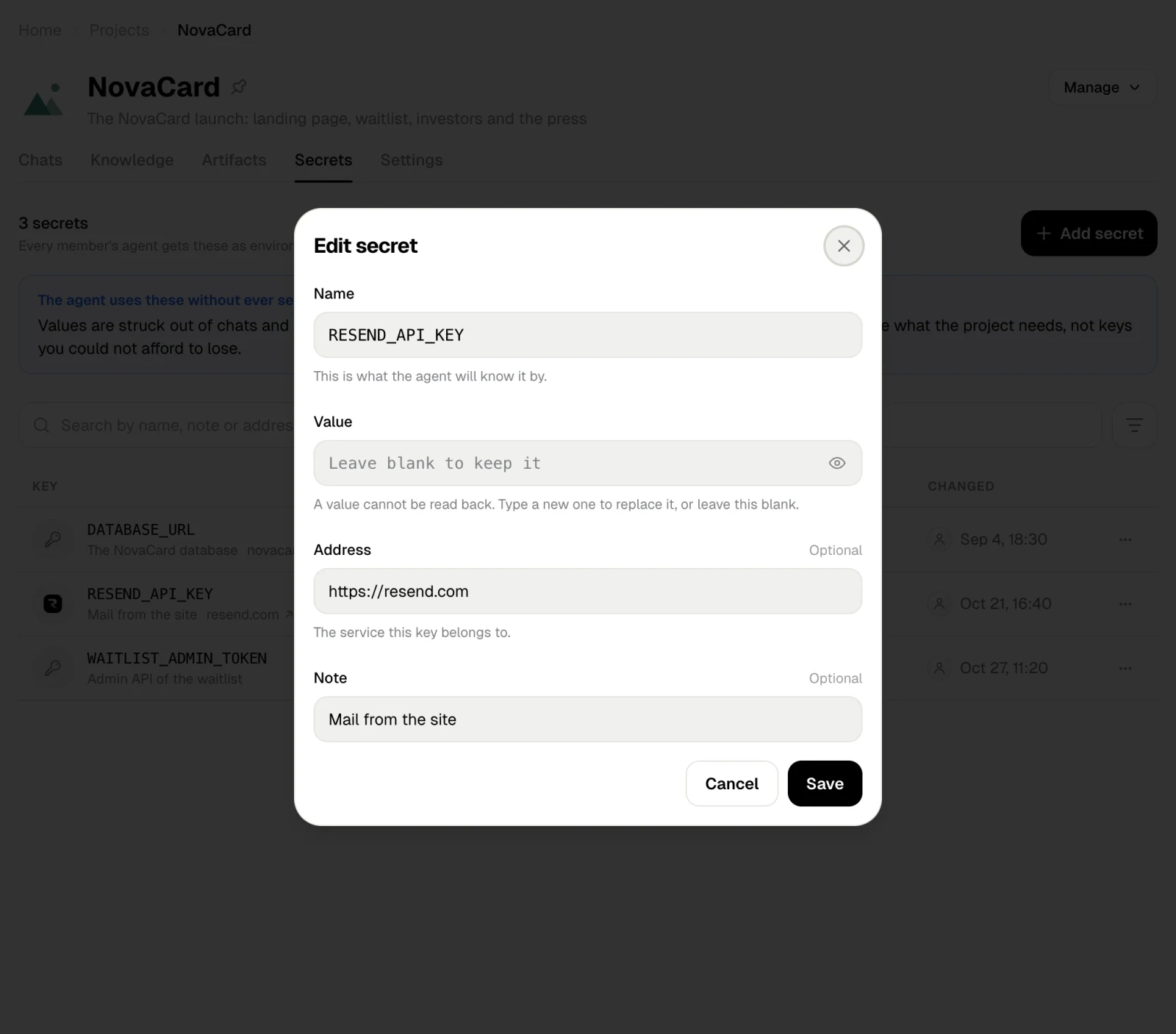
The Secrets tab keeps the keys the project needs, such as a database address or an API key of a service. Every member’s agent gets them as environment variables in its runs.
The agent uses these without ever seeing them. Values are struck out of chats and of everything the model reads, but commands it runs can still use them. Keep here what the project needs, not keys you could not afford to lose.
Add a secret
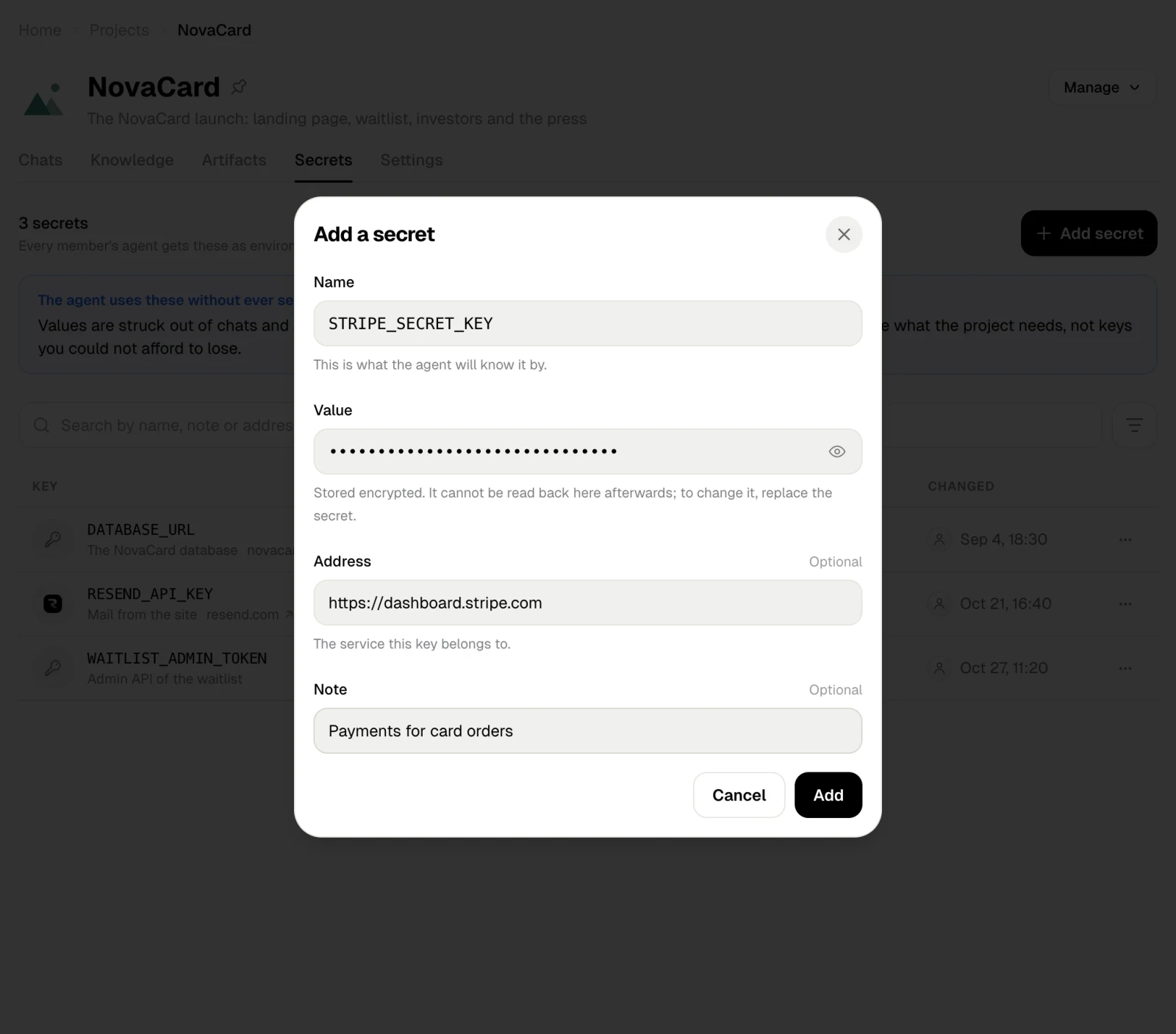
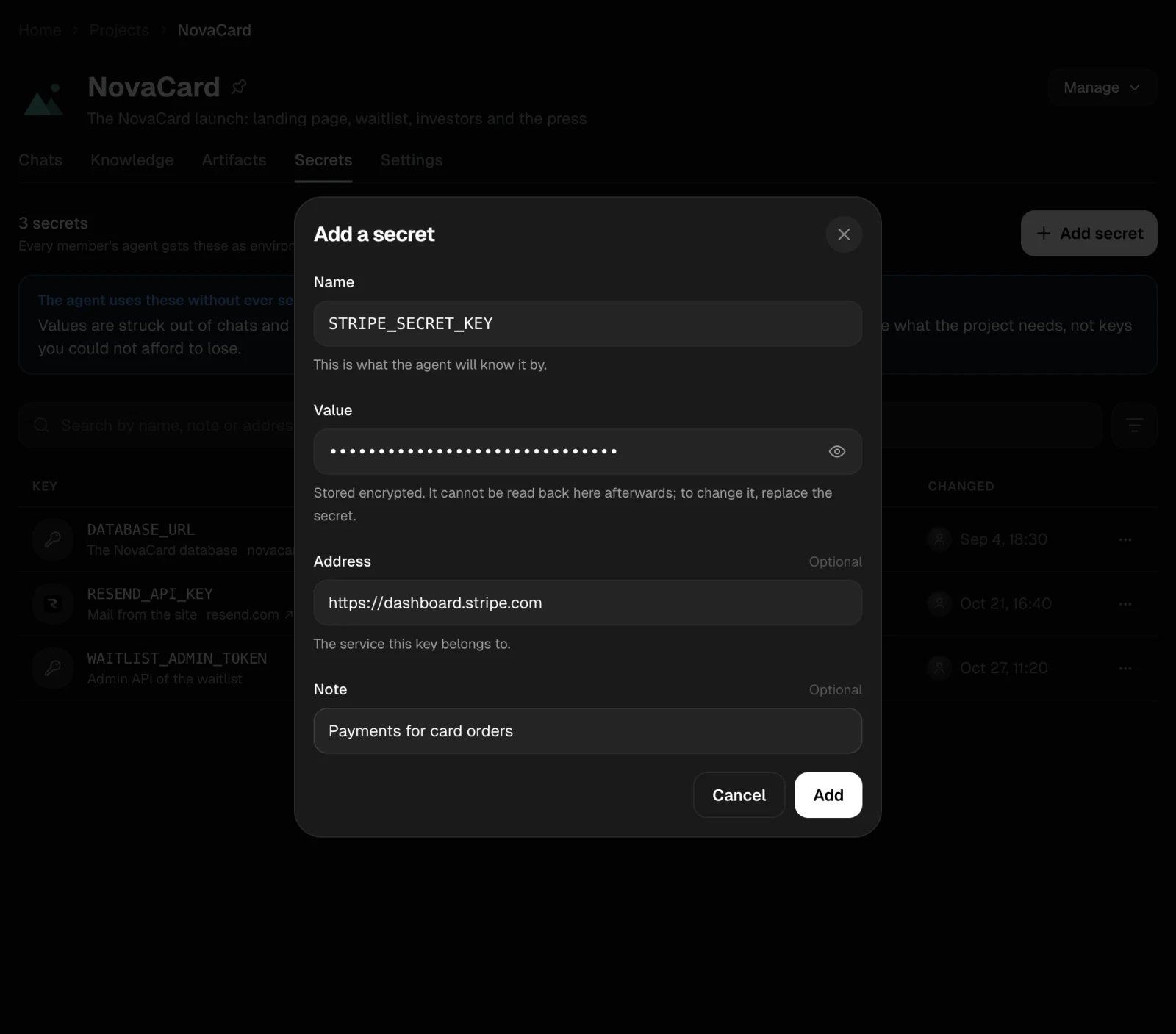
Add secret asks for:
| Field | What to enter |
|---|
| Name | What the agent will know it by, such as STRIPE_SECRET_KEY |
| Value | The key itself. It is stored encrypted and cannot be read back here afterwards |
| Address | Optional. The service this key belongs to |
| Note | Optional. What the key opens |
Change or delete a secret
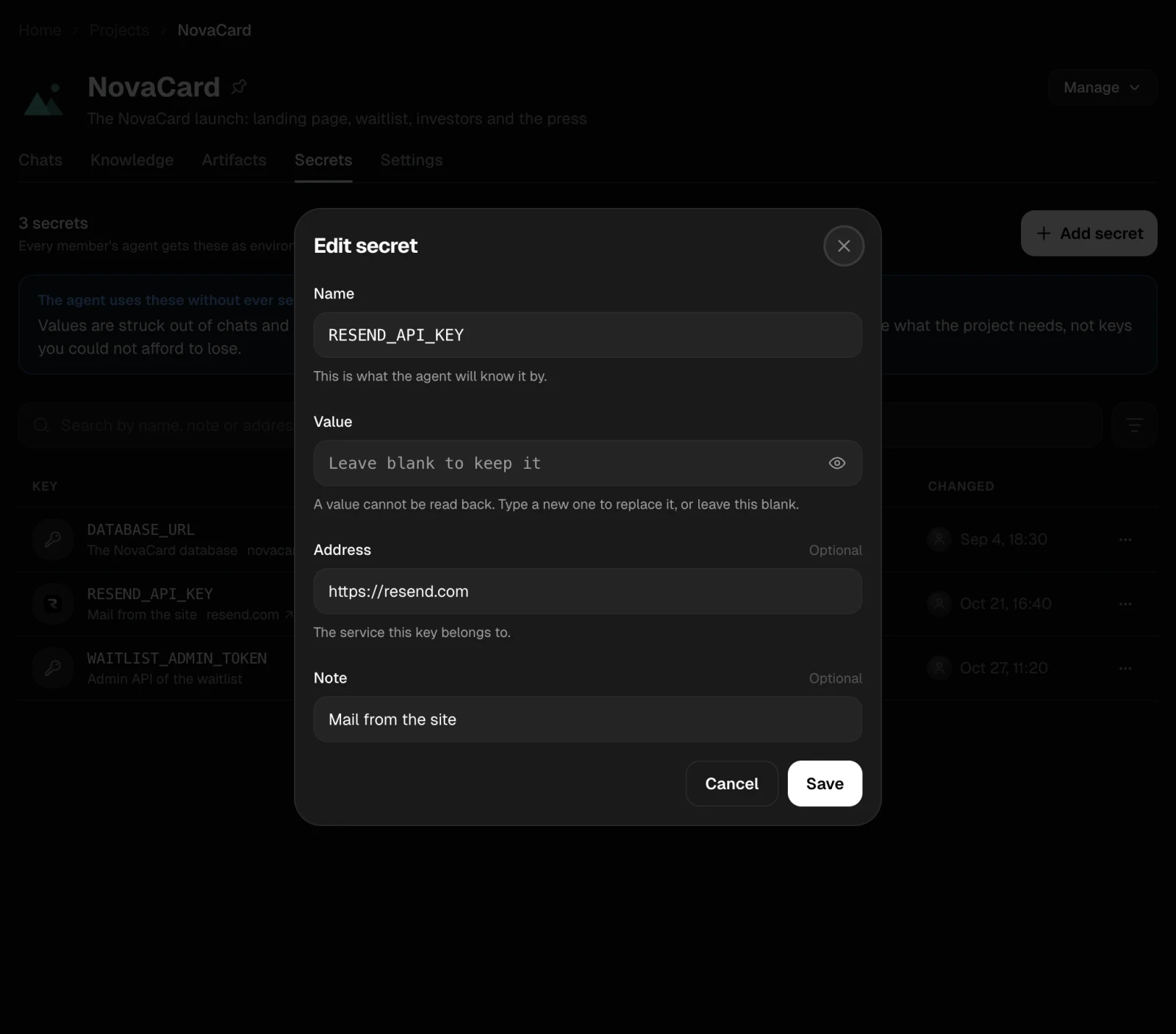
Edit in a key’s ⋯ menu changes its name, address or note. A value cannot be read back: type a new one to replace it, or leave the field blank to keep the old one.
Delete removes the key from the project after you confirm. Anything the agent does with it stops working in every chat of the project.
Who can change secrets
The owner and members who can edit add, change and delete secrets. Nobody sees a value once it is saved, not even the owner.
Secrets and automations
An automation in the project can take one of these keys under a name of its own. It is linked, not copied, so changing the key here changes it there too. See Secrets of an automation.