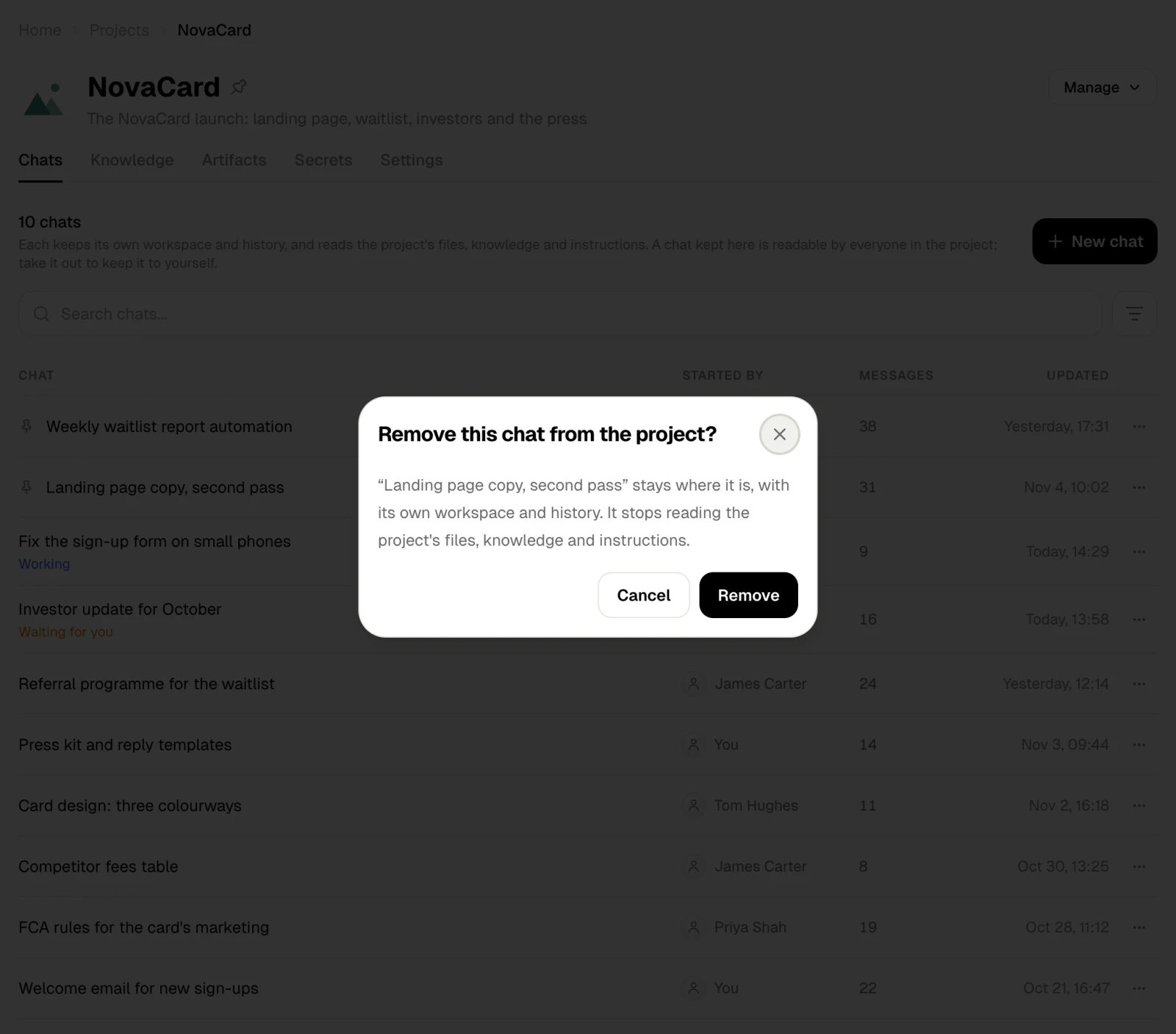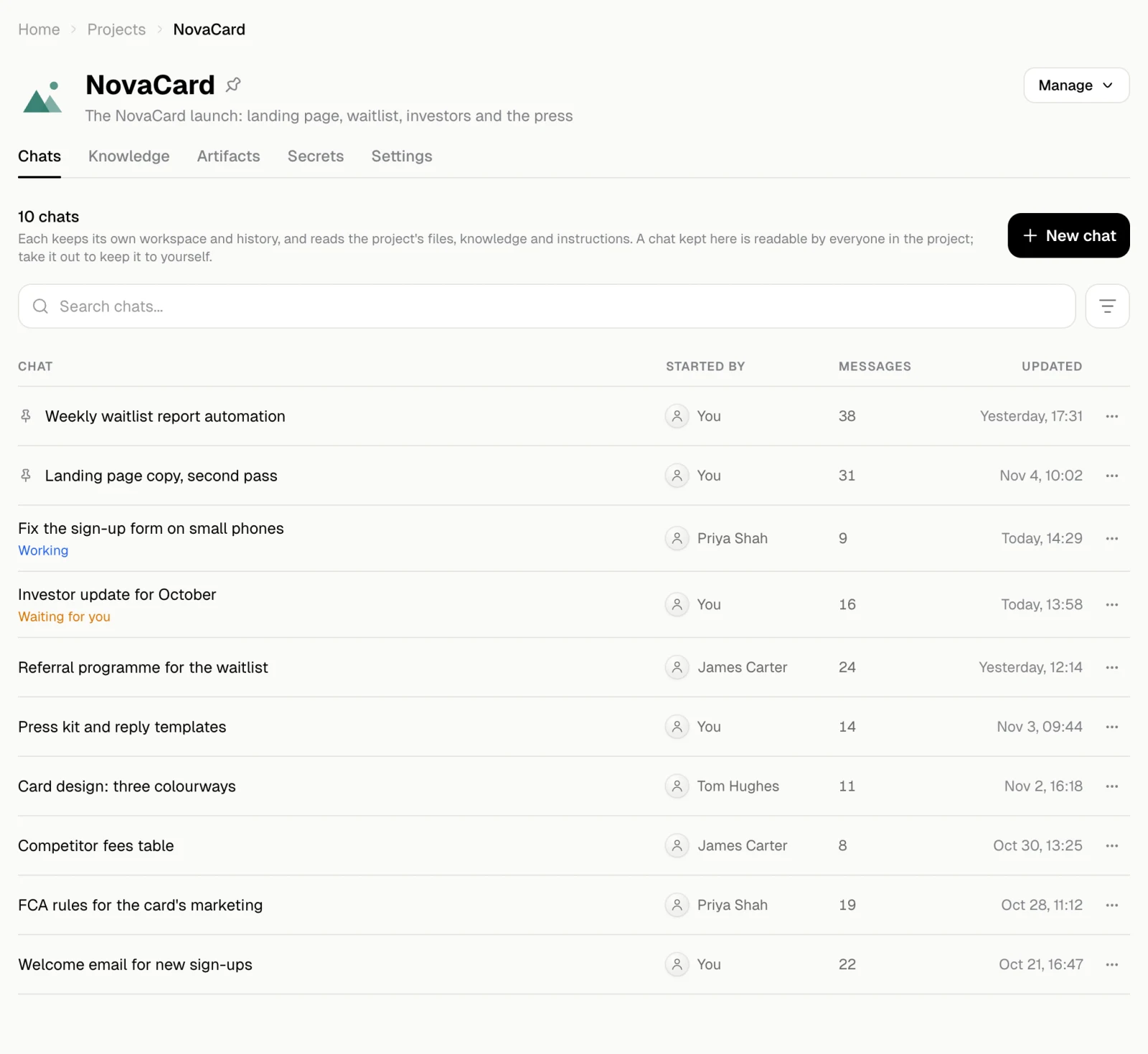
A chat kept in a project is readable by everyone in the project. To keep a chat to yourself, take it out of the project.
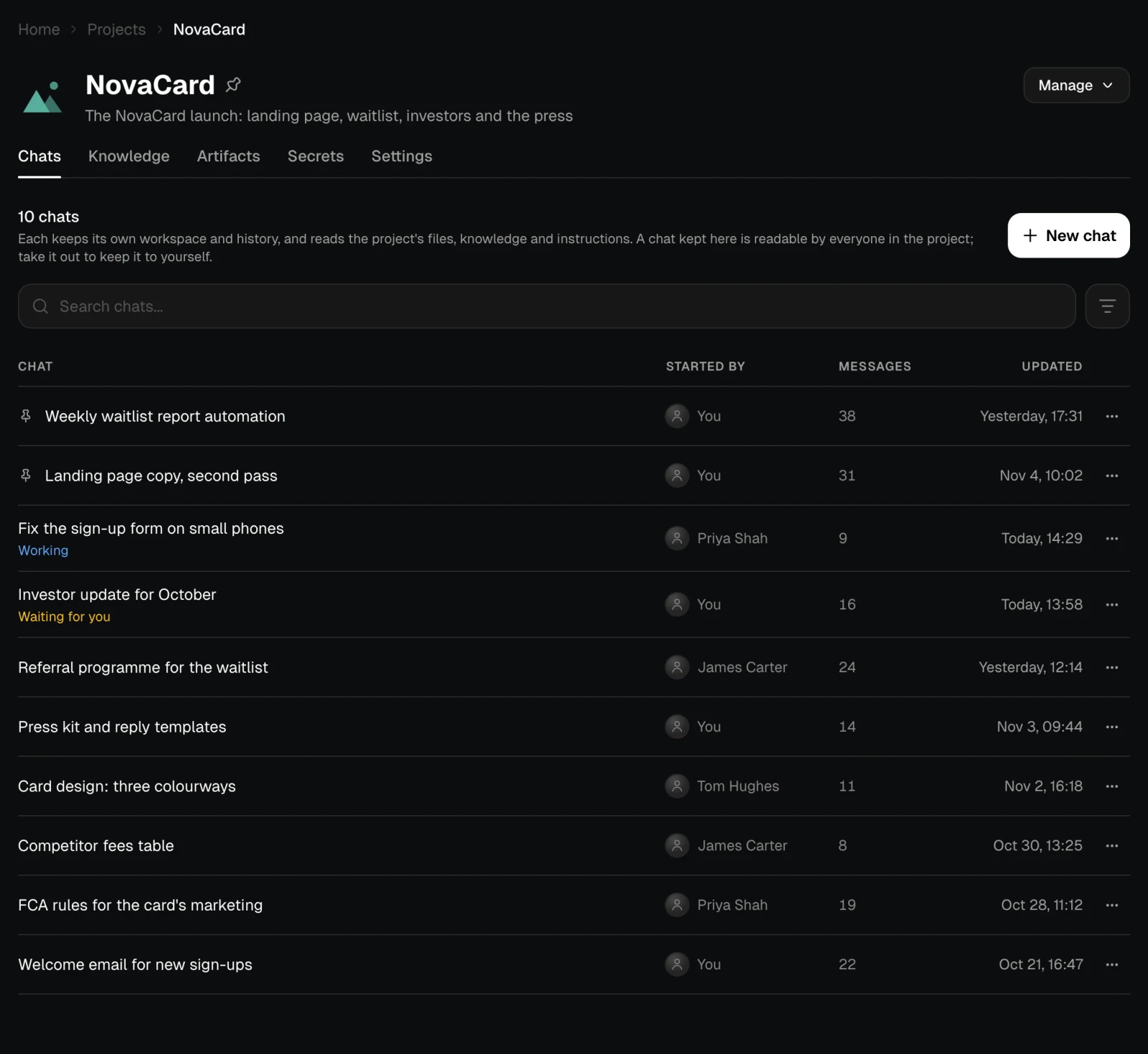
| Column | What it shows |
|---|---|
| Chat | The title. Working while the agent is busy in it, Waiting for you when it needs your reply |
| Started by | Who started it |
| Messages | How many messages it has |
| Updated | When it last changed |
Actions on a chat
The ⋯ menu of a chat you started has Pin or Unpin, Rename, Fork, Remove from project and Delete. On a chat someone else started, you can Fork it: you get a copy of your own to carry on from.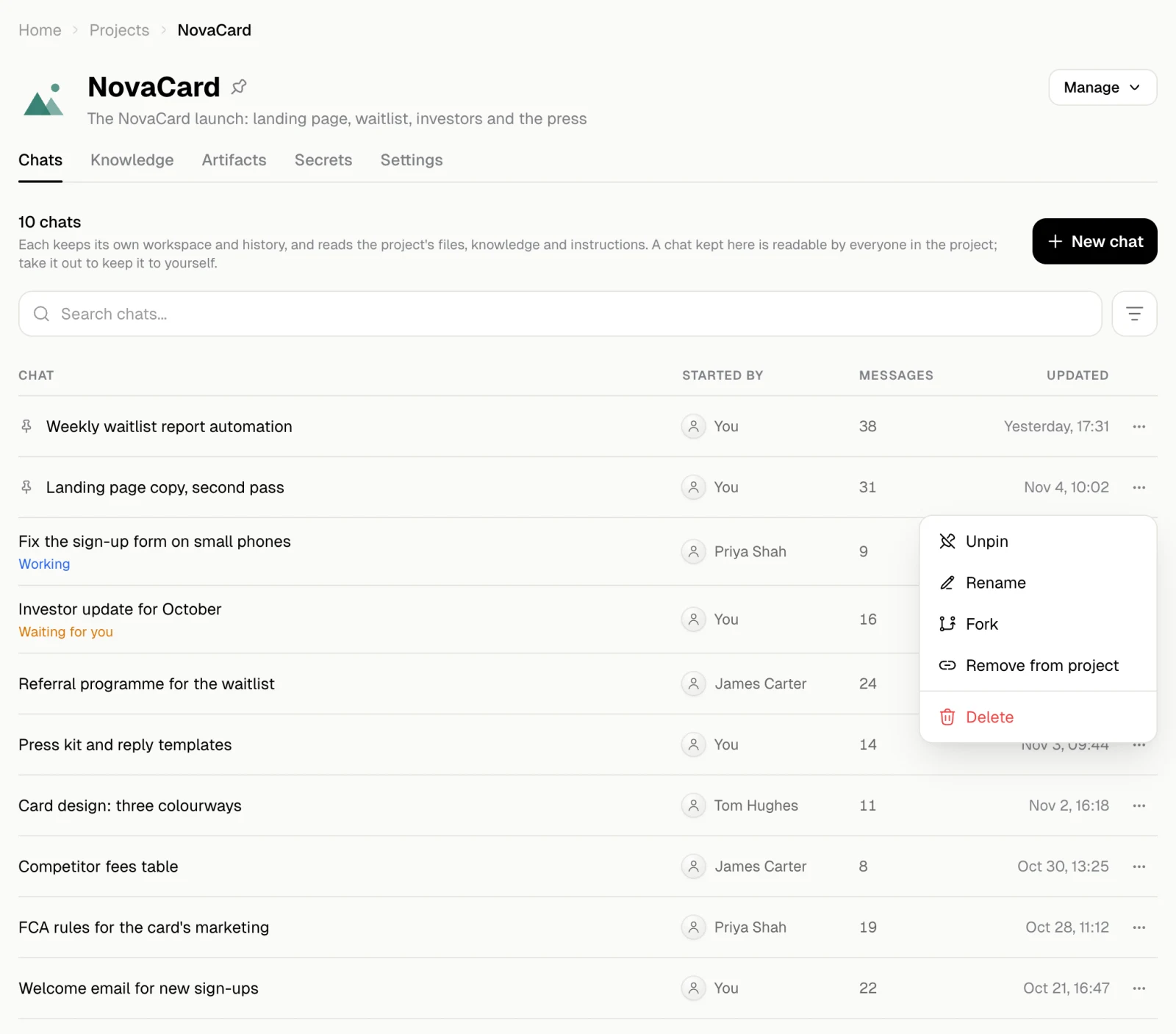
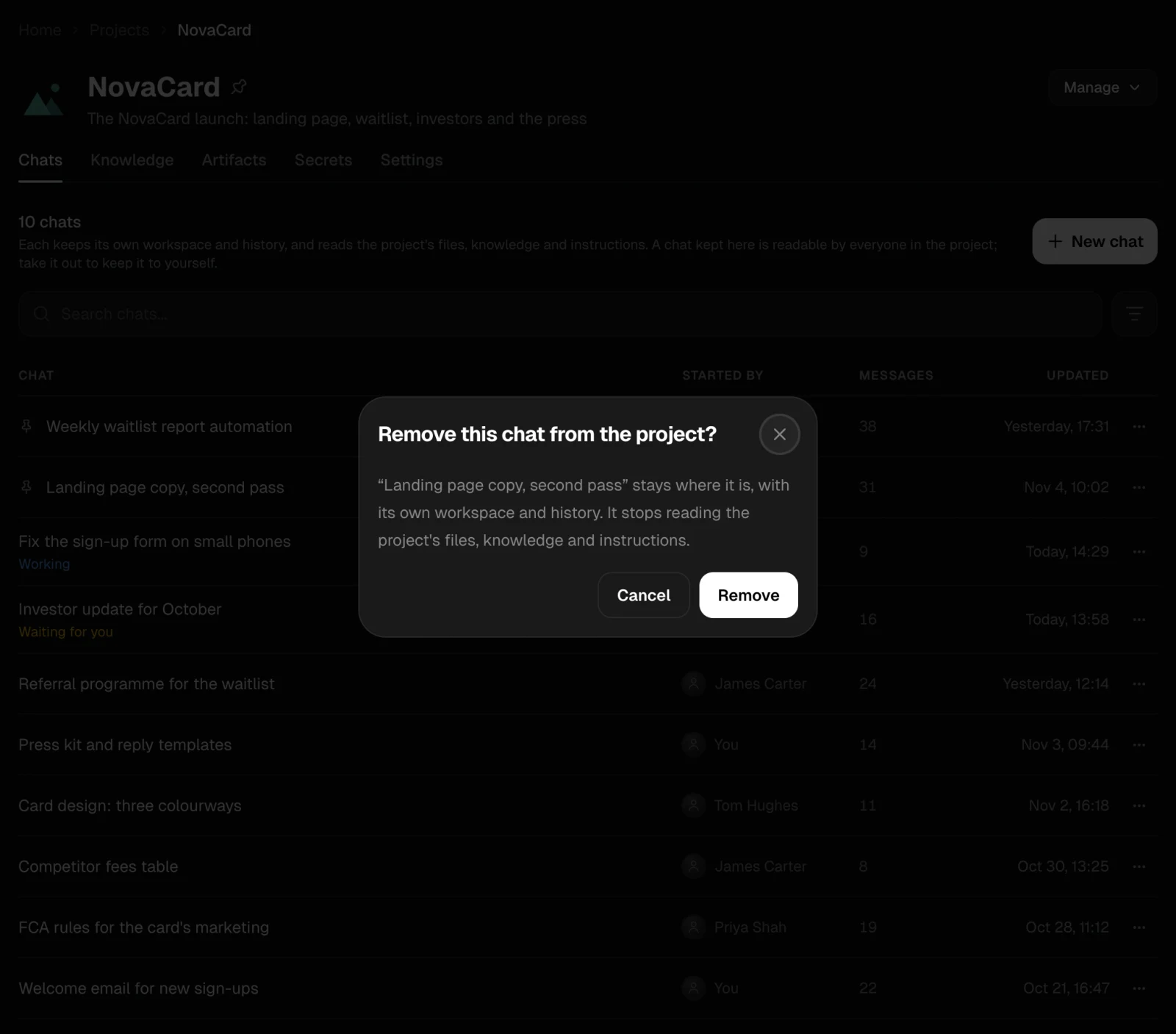
Take a chat out of the project
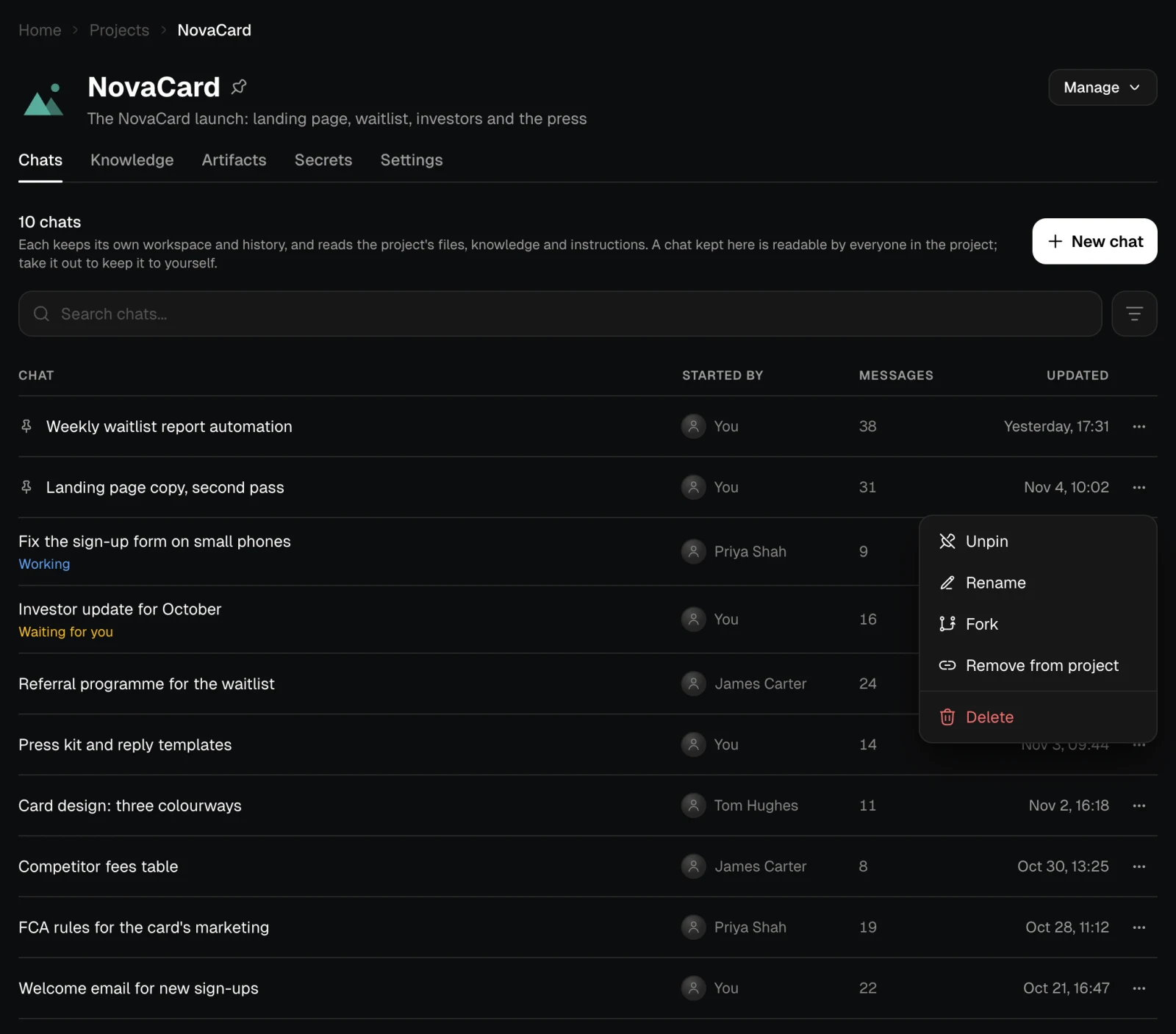
Remove from project keeps the chat where it is, with its own workspace and history. It stops reading the project’s files, knowledge and instructions, and the rest of the project no longer sees it.