

Current plan
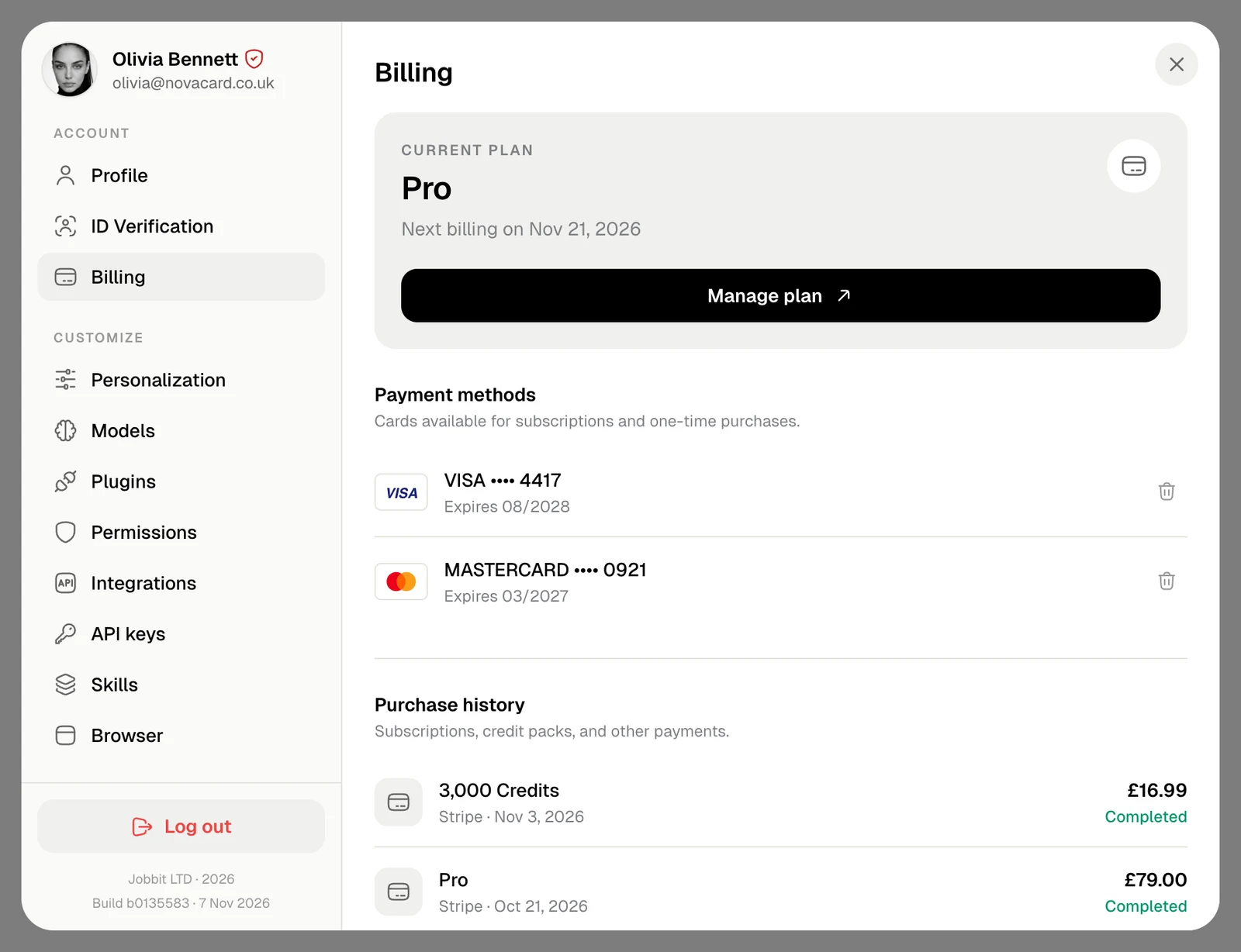
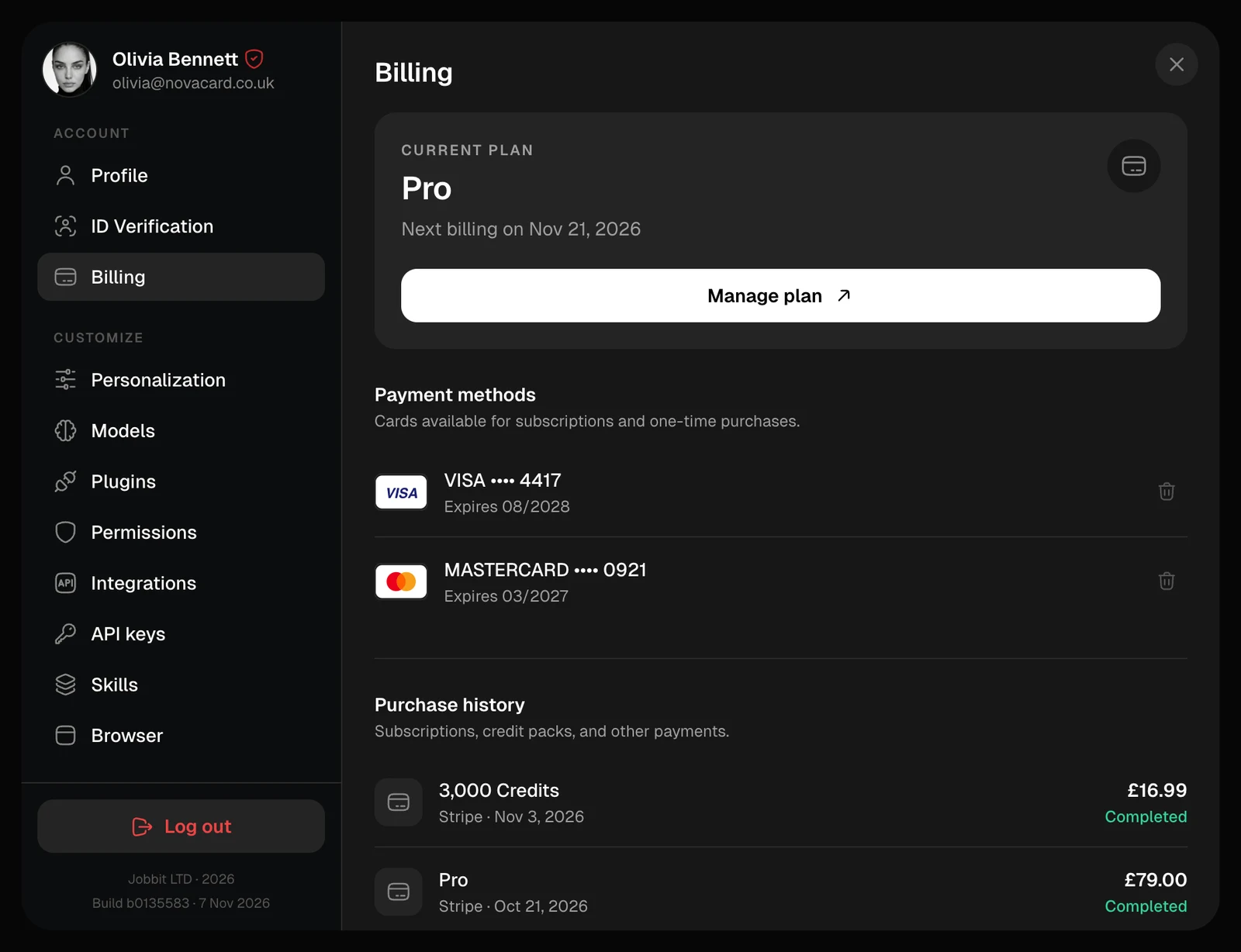
The card at the top shows your plan and when it is billed next. Manage plan opens the plans, where you change or cancel it. If you bought your plan in the Jobbit app on a phone, the card says so: change or cancel it in the App Store or Google Play. Its button is then Buy credits.Payment methods
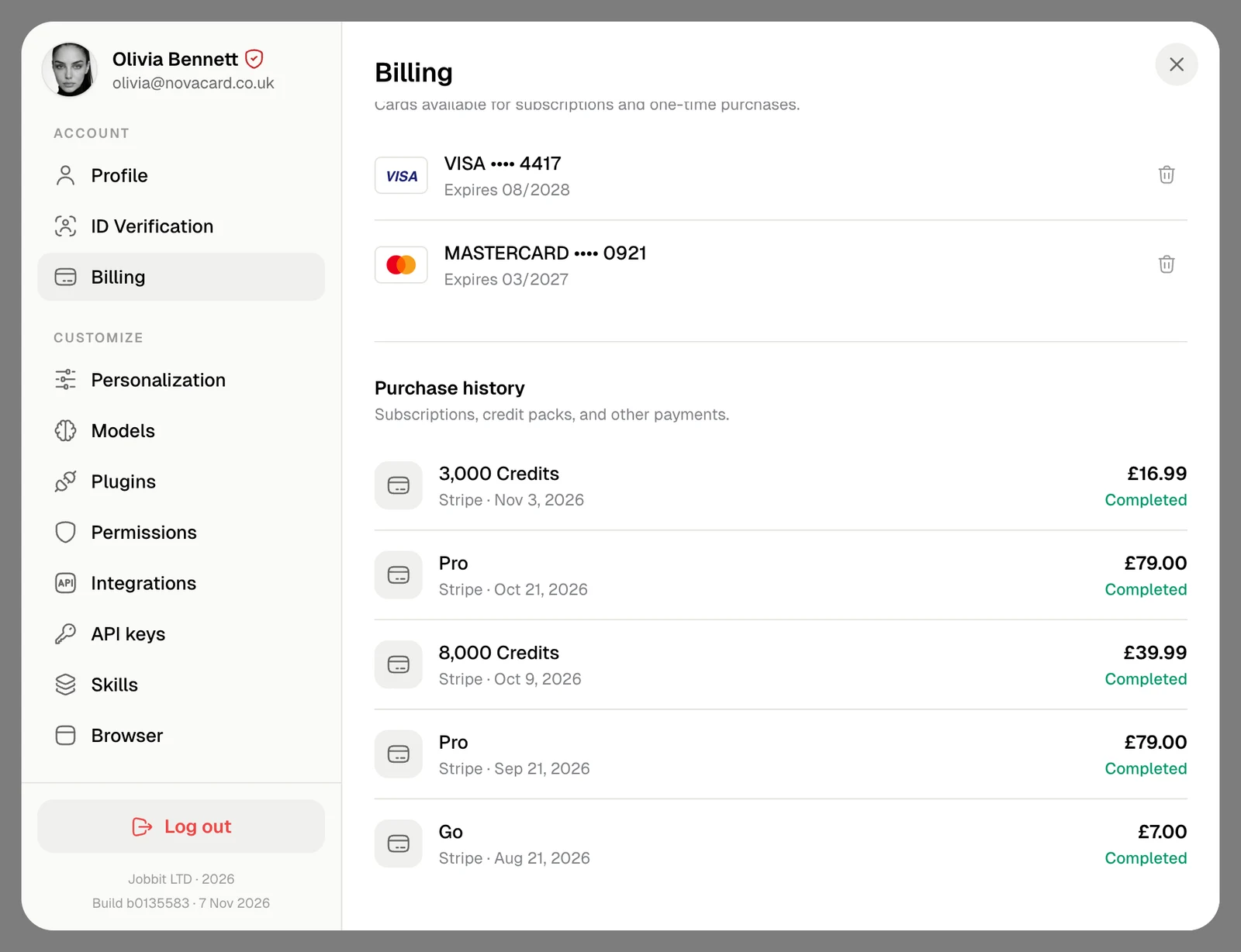
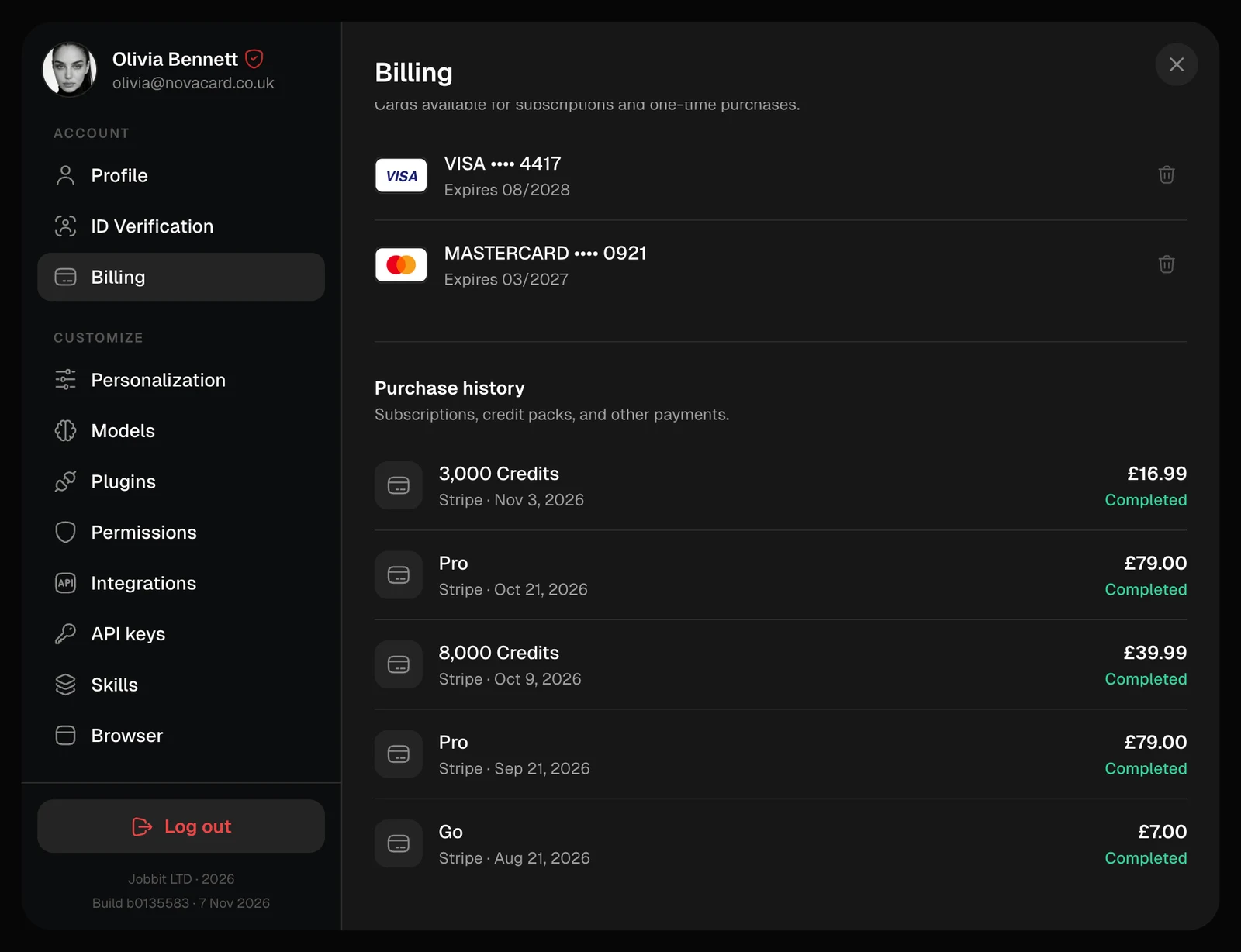
The cards you saved at checkout, with their last four digits and expiry date. They pay for plans, credit packs and domain renewals. The bin removes a card, after you confirm. Payments and domain auto-renewals that use that card stop working, so add another card before you remove the one they rely on.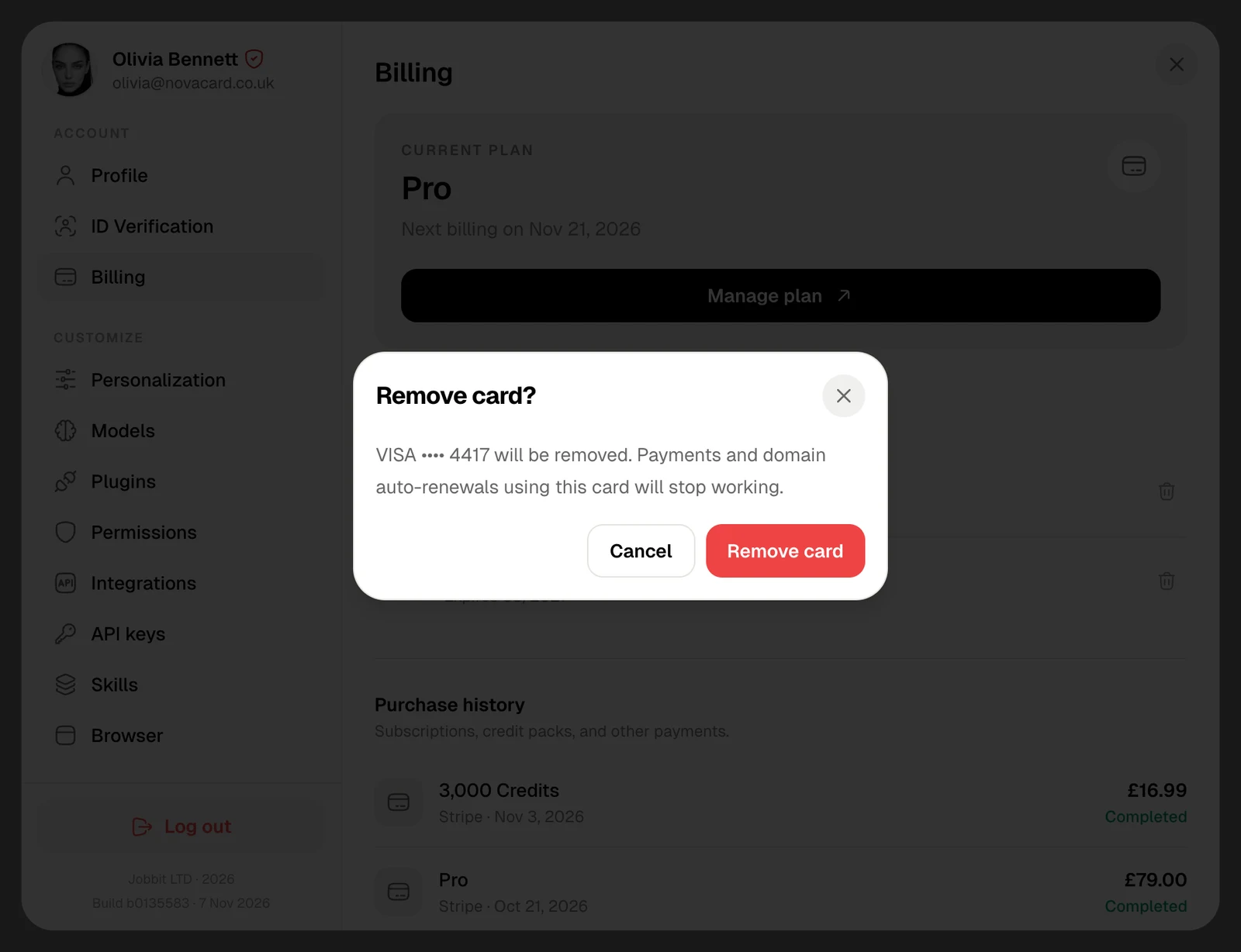
Purchase history
Every subscription payment and credit pack, newest first: what you bought, how you paid, the date, the amount and its status.| Status | Meaning |
|---|---|
| Completed | Paid |
| Pending | Still being processed |
| Refunded | The money went back to you |
| Failed | The payment did not go through |
On the free plan
Without a subscription the card says Free, and Manage plan opens the plans to pick one. Cards and purchases show here after your first checkout.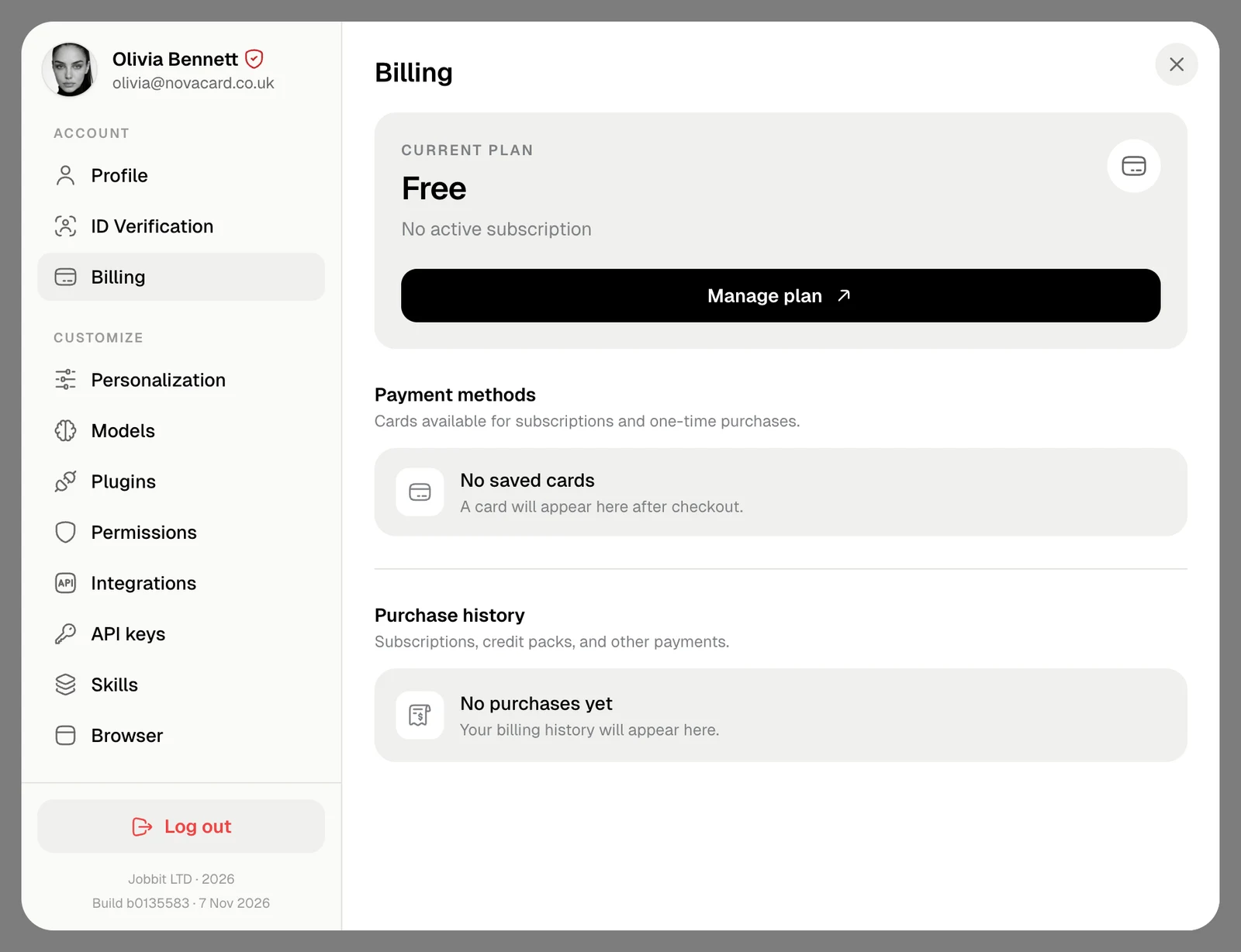
Money for experts you hire on Human Network is in a separate wallet.