Settings › Support is where you talk to the Jobbit support team. A red count next to Support in the menu shows replies you have not read.
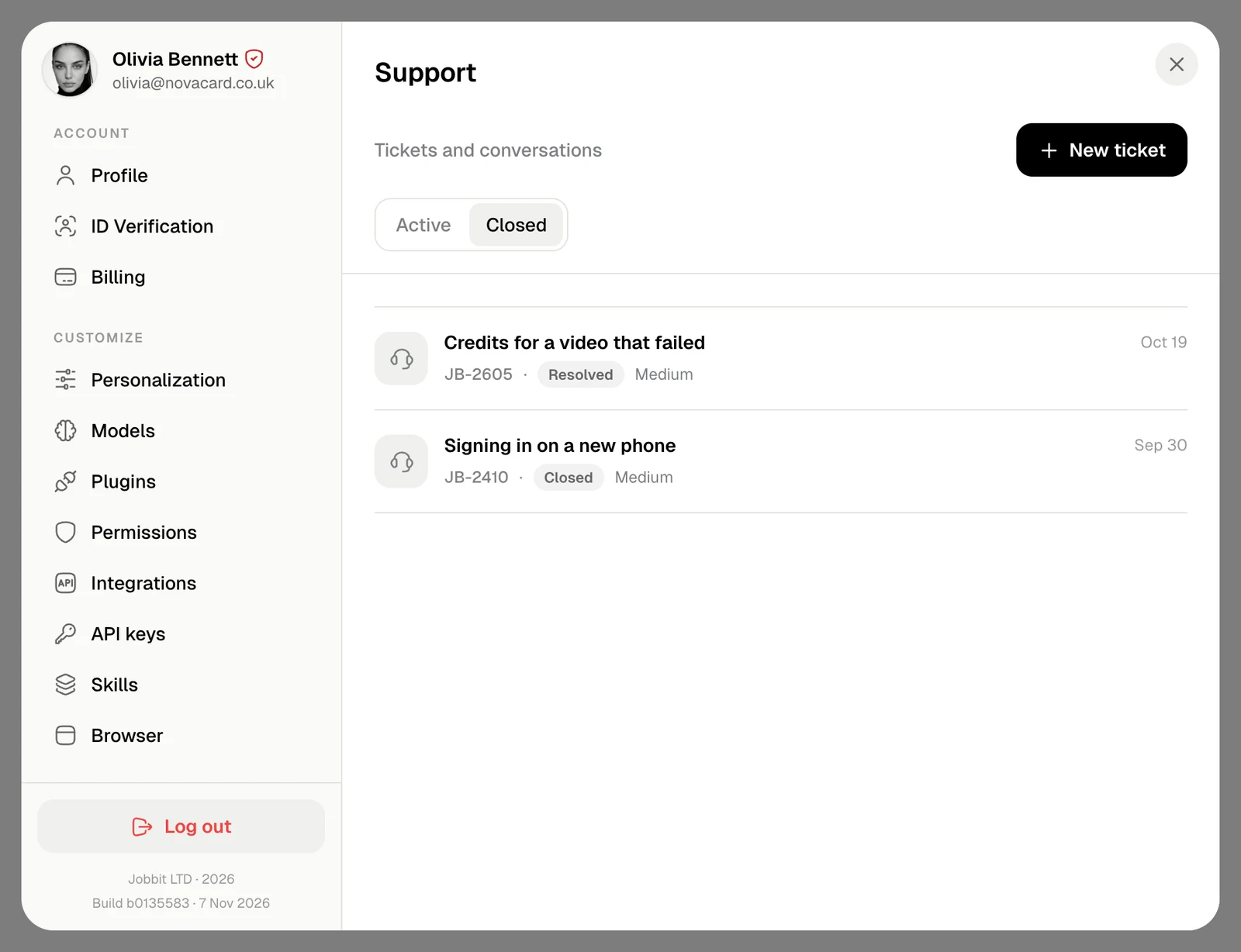
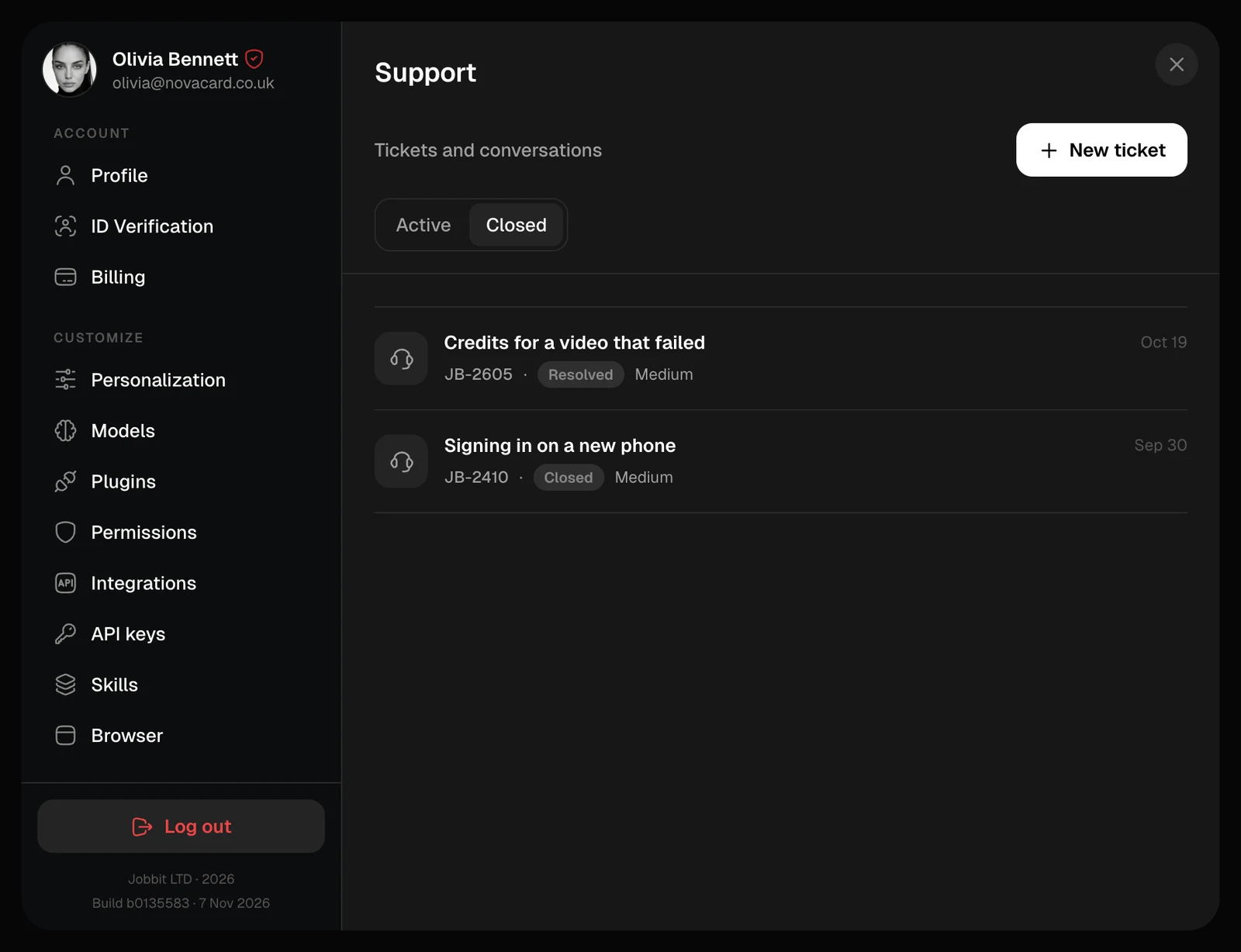
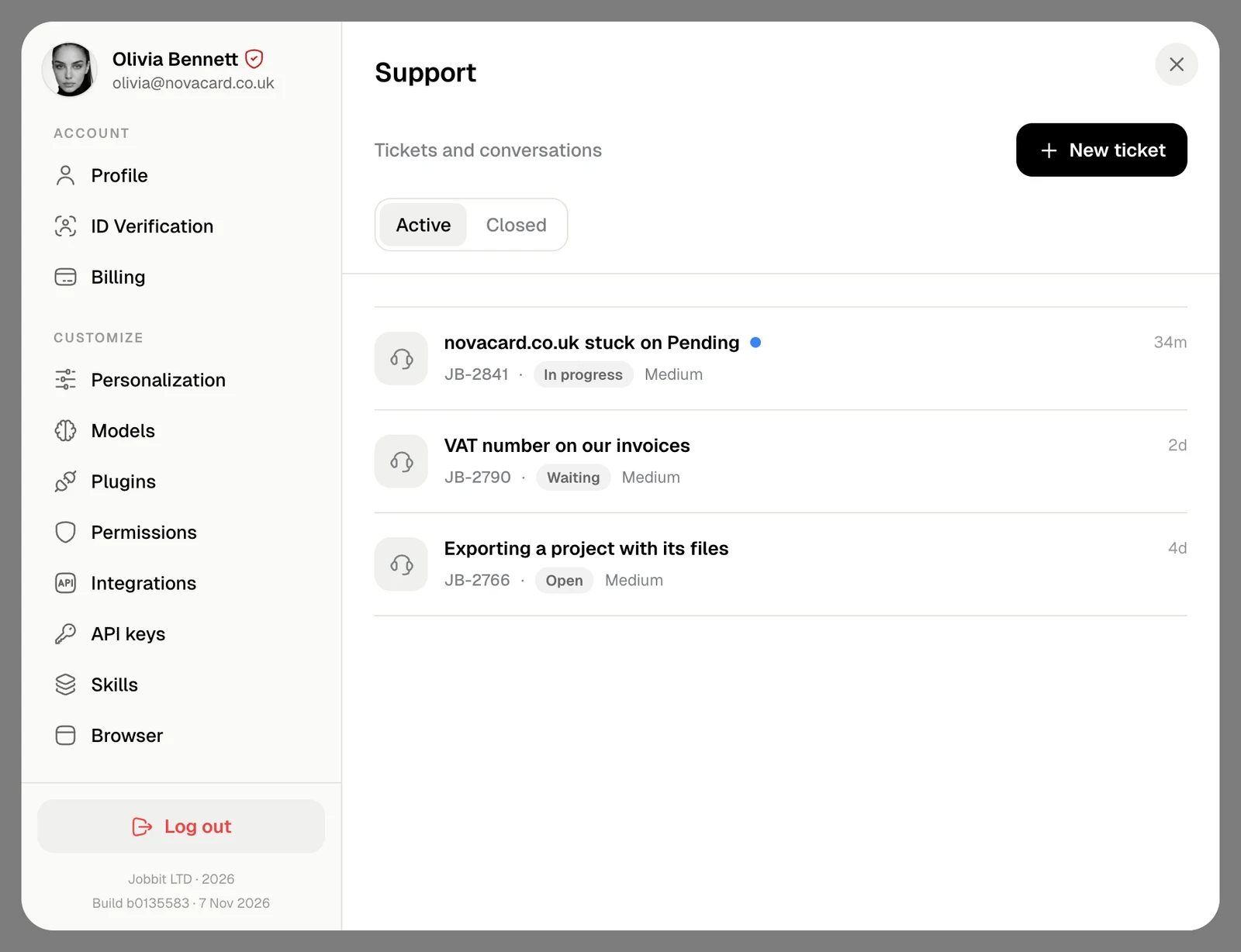
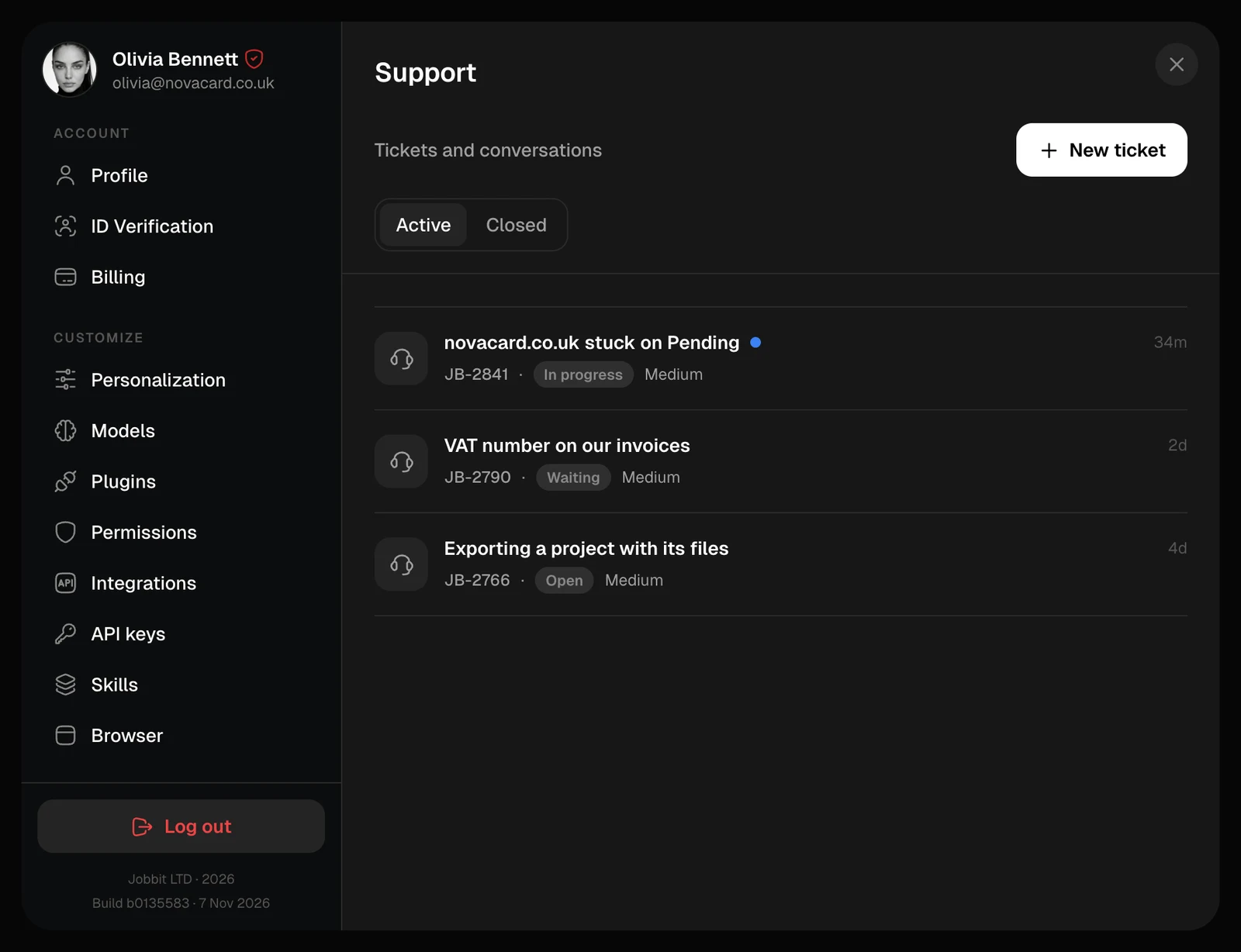
Support with three active tickets, light themeSupport with three active tickets, dark theme
Active lists your open tickets, Closed the finished ones. Each shows its number, status and when it last changed; a blue dot marks a new reply.
StatusMeaning
OpenWaiting for the support team
In progressSomeone is working on it
WaitingThe team needs an answer from you
ResolvedSorted out
ClosedFinished

Write to us

Choose New ticket, say what happened and send. + attaches screenshots or files: up to 10 at a time, each up to 25 MB, such as images, videos, PDFs, documents, spreadsheets or archives.
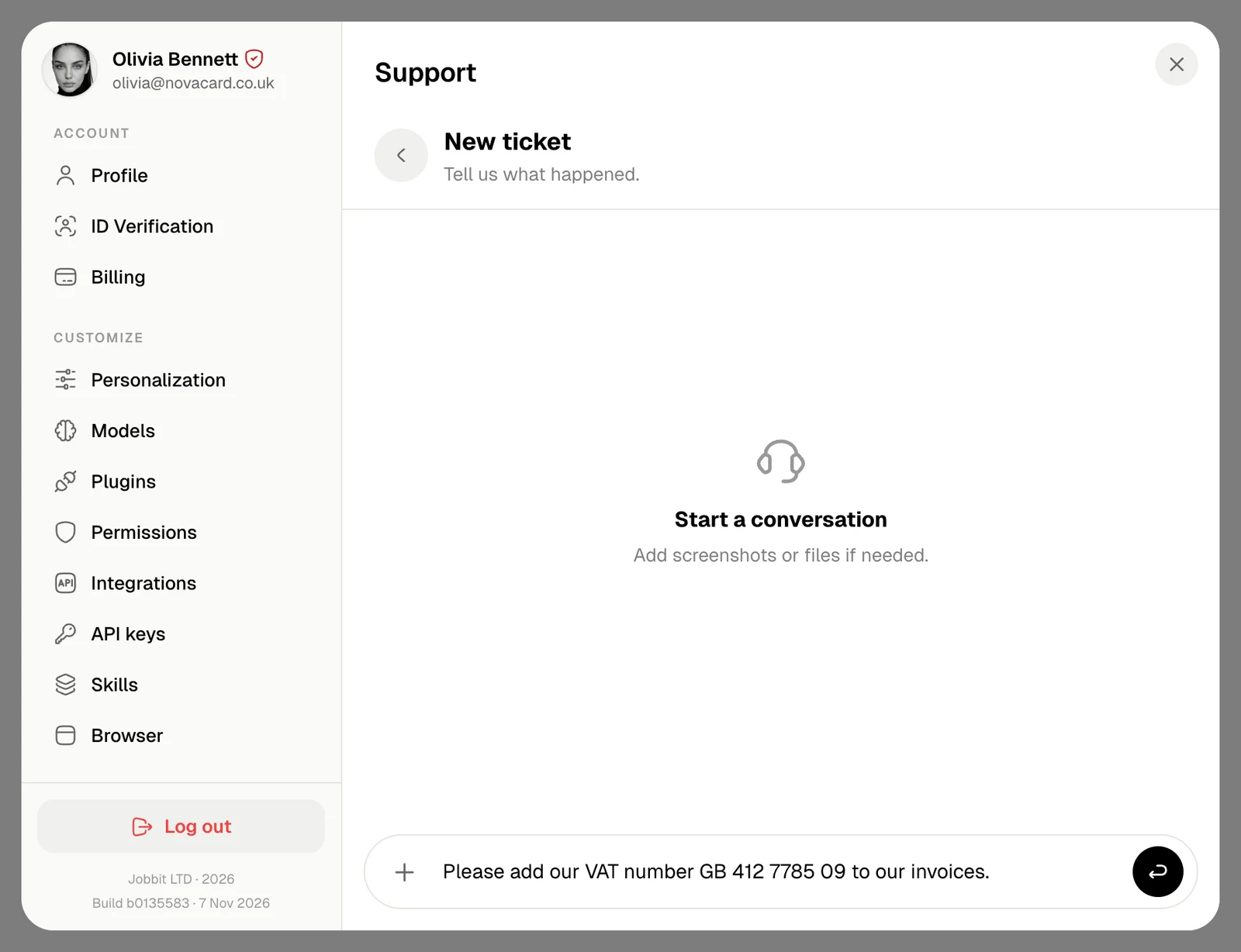
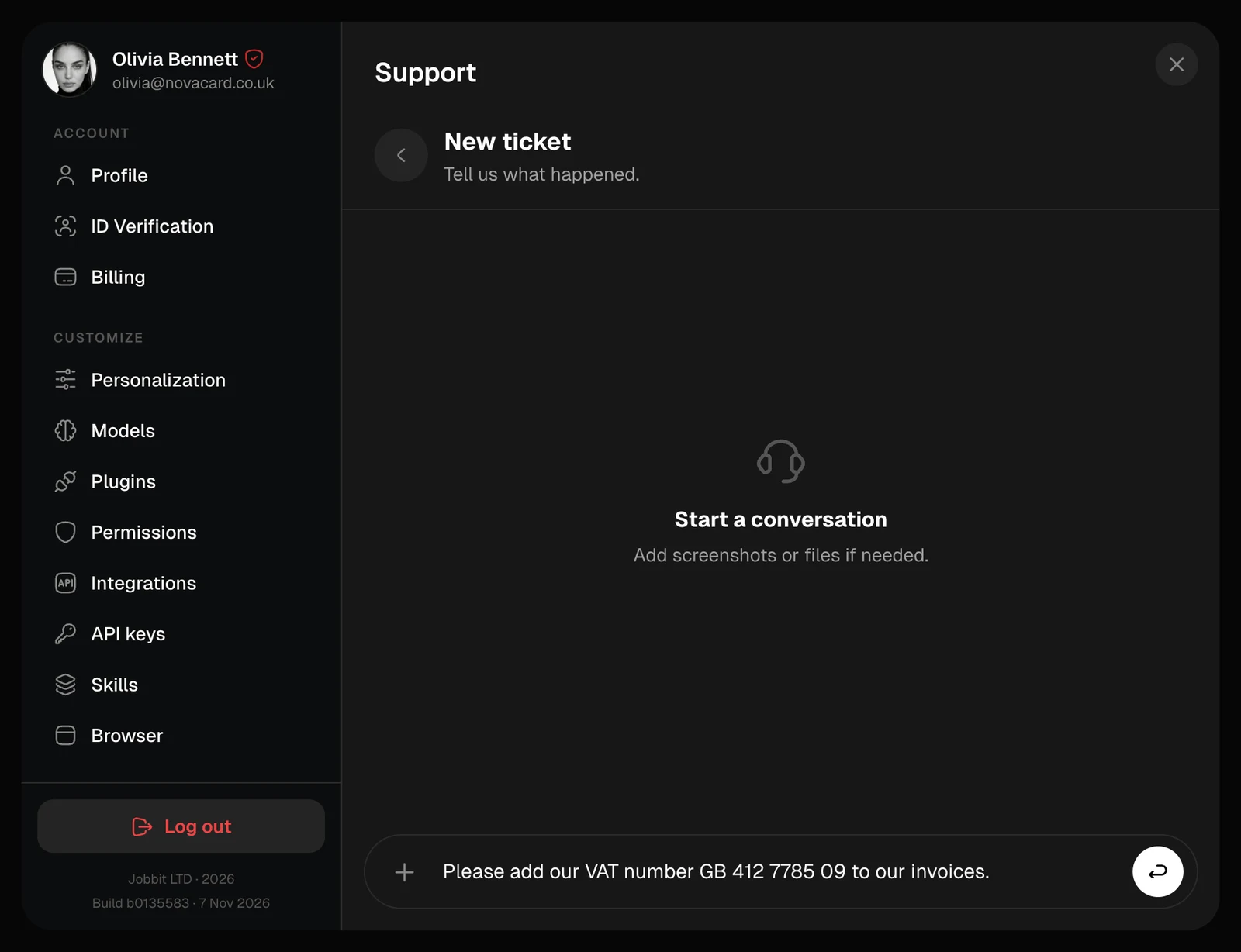
New ticket with a message typed, light themeNew ticket with a message typed, dark theme
Say which chat, app or order it is about. Your Profile ID in General helps too.

The conversation

Click a ticket to open it. Your messages are on the right, the support team’s on the left with their name. Reply at the bottom, with files if needed; download an attachment from its card.
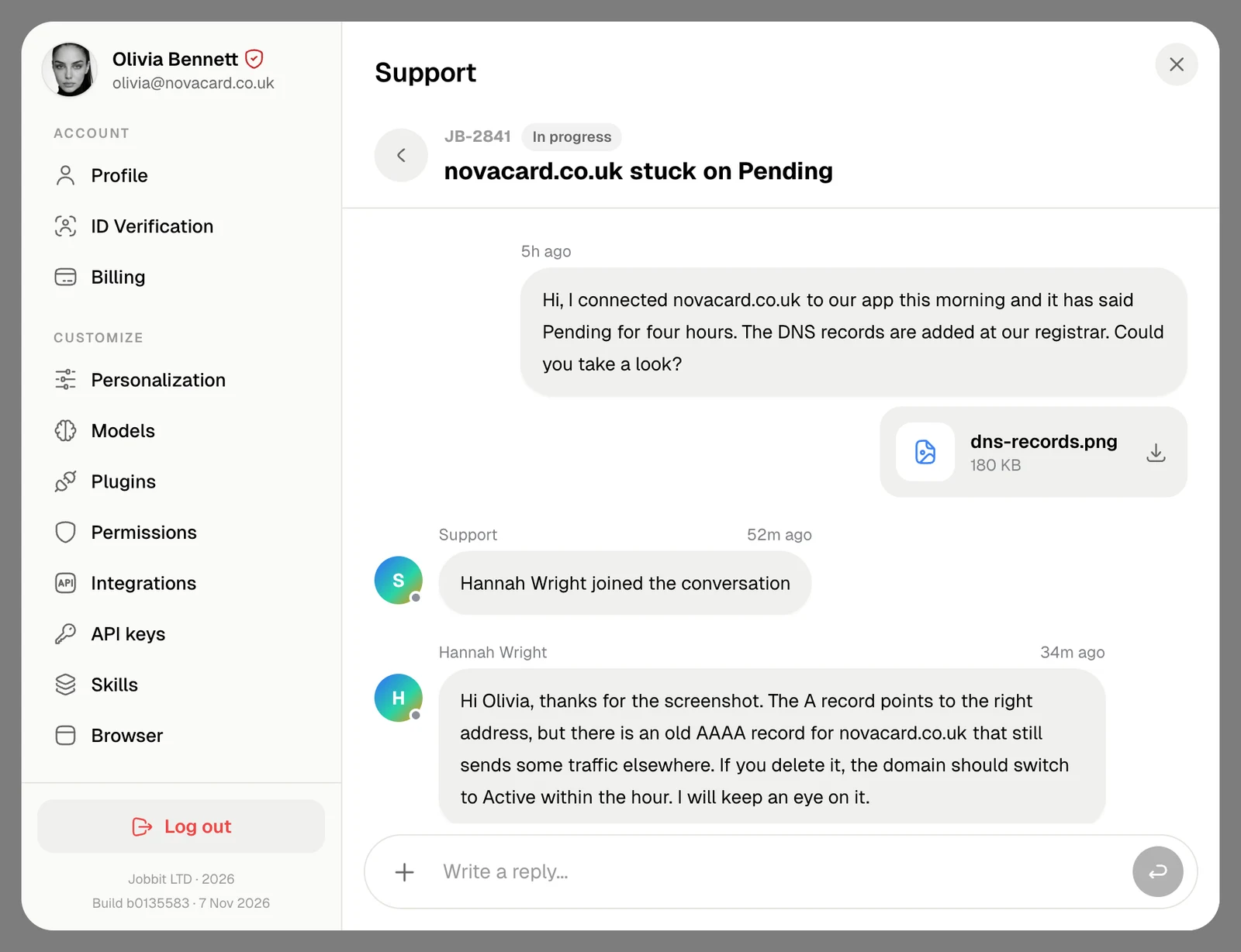
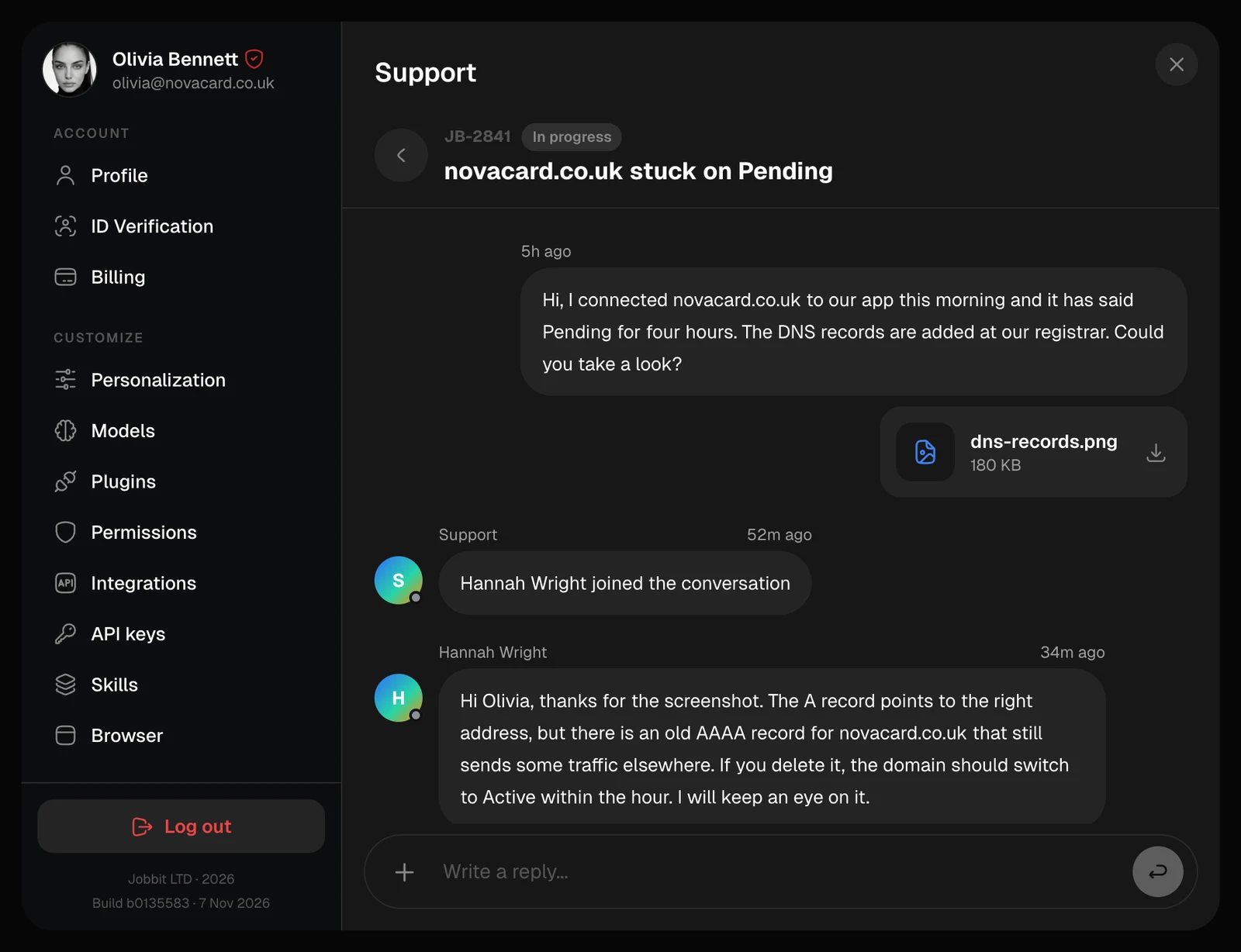
A support conversation with a screenshot and a reply, light themeA support conversation with a screenshot and a reply, dark theme
The Closed tab with two tickets, light themeThe Closed tab with two tickets, dark theme