Send your details
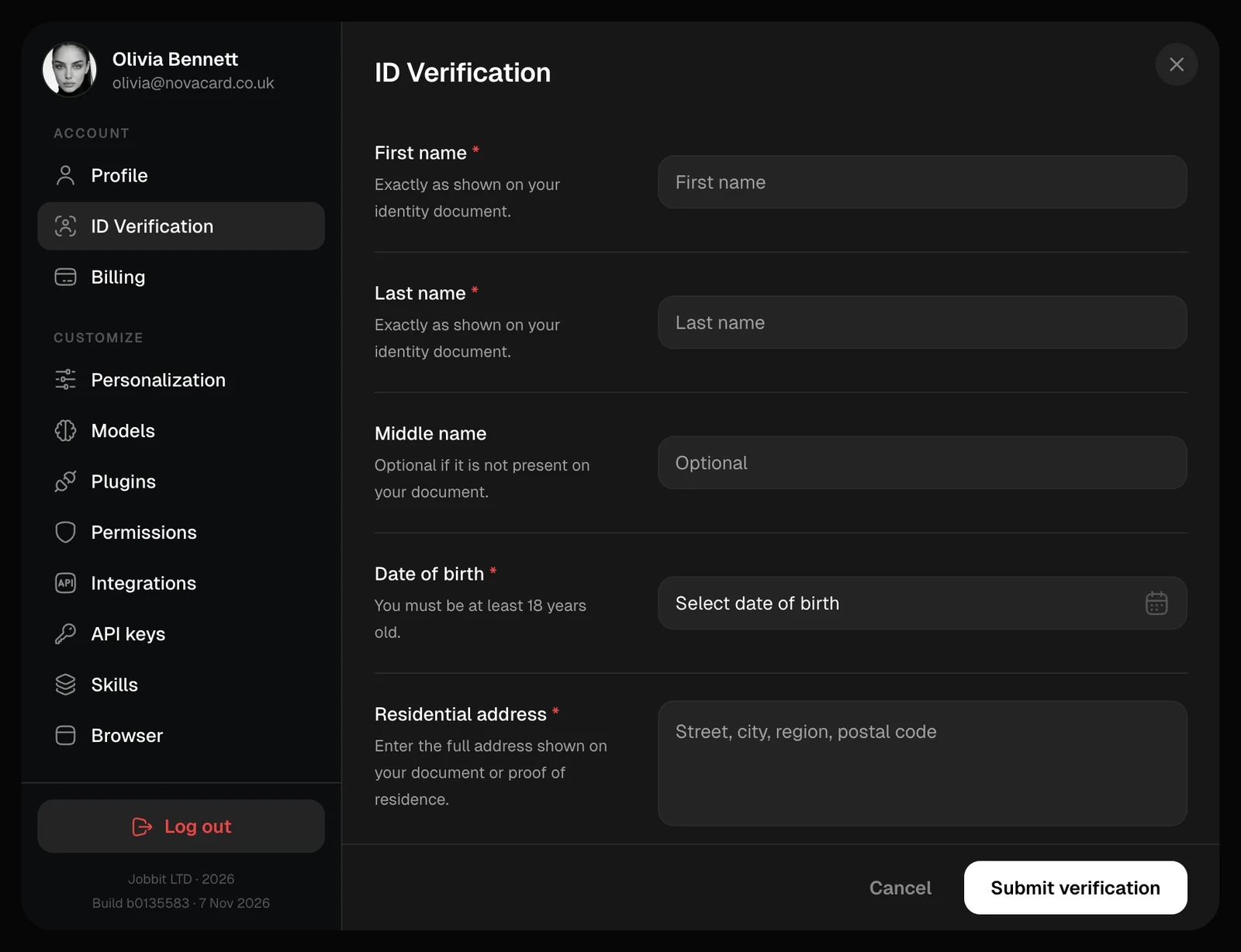
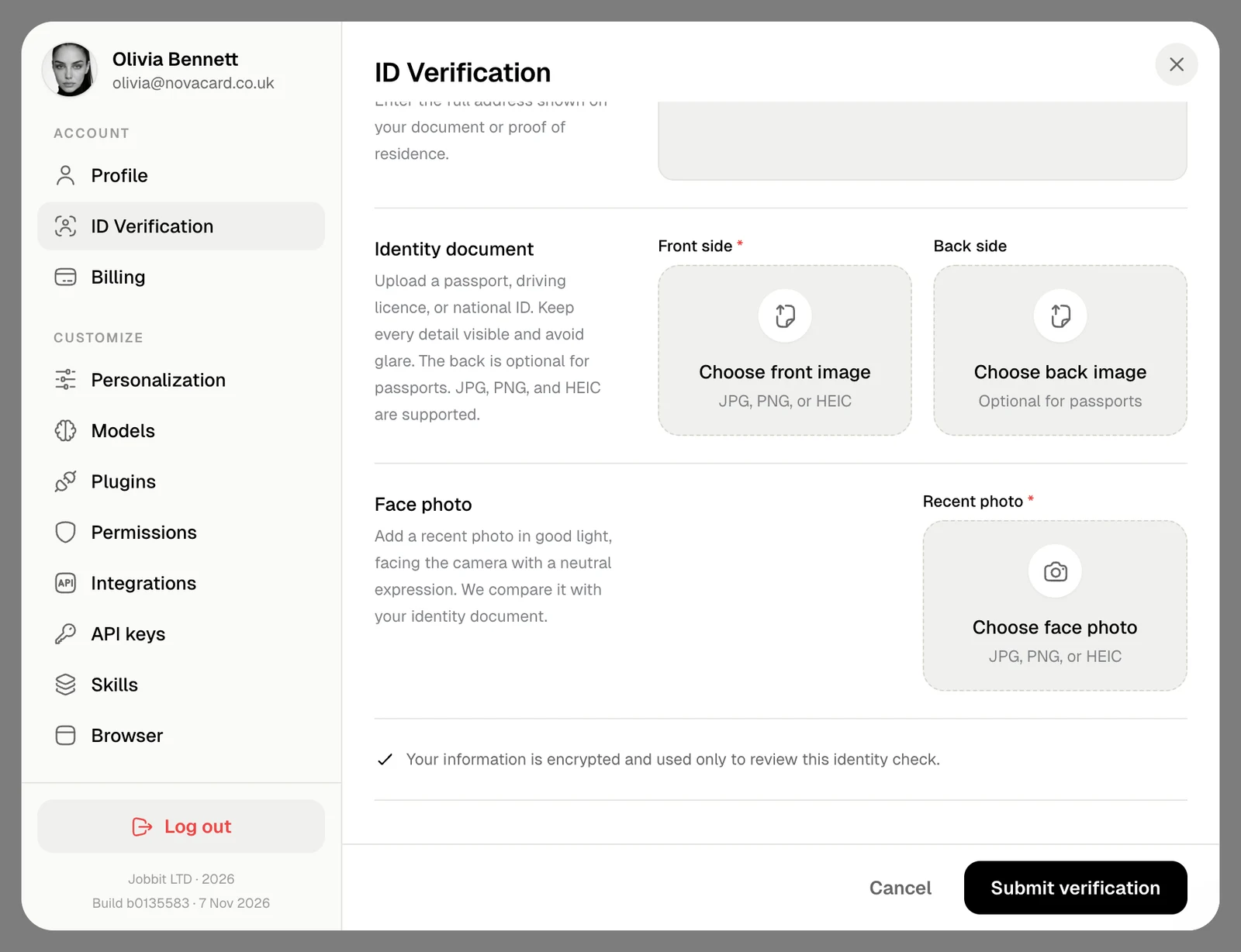
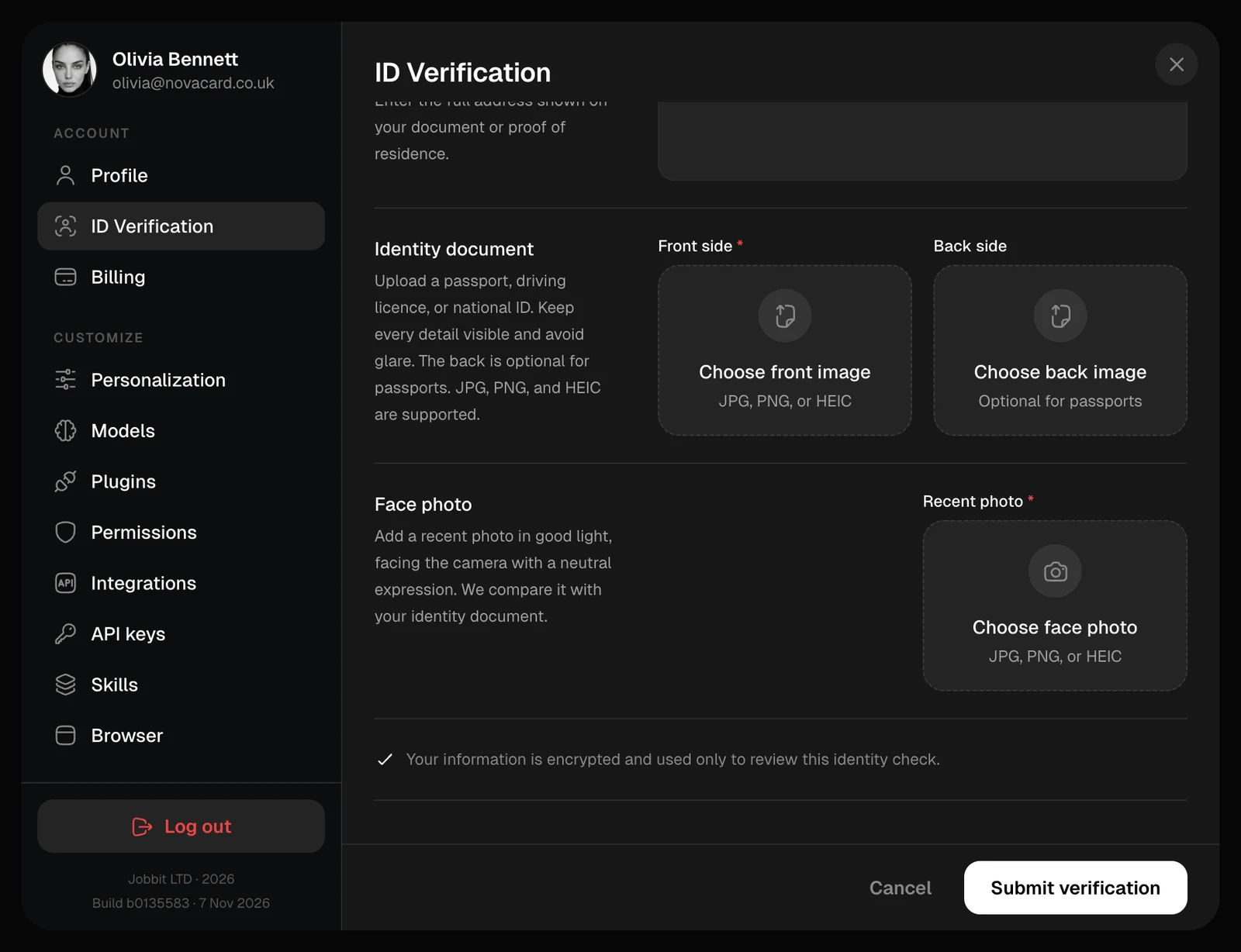
Fill in your details exactly as they are on your identity document. Fields marked with a red star are required.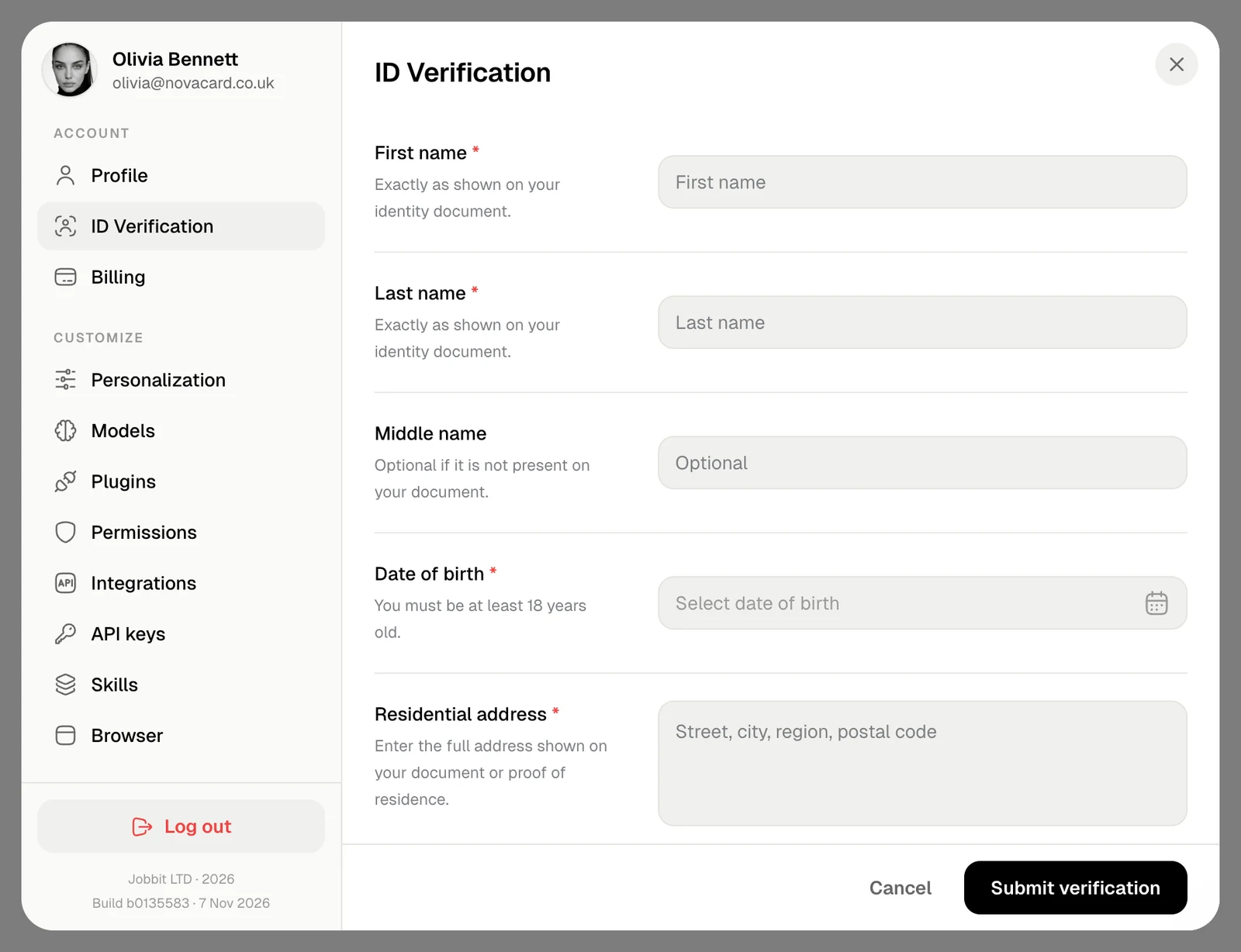
| Field | What to enter |
|---|---|
| First name, Last name | Exactly as shown on your identity document |
| Middle name | Only if your document has one |
| Date of birth | You must be at least 18 |
| Residential address | The full address on your document or proof of residence |
| Identity document | A photo of your passport, driving licence or national ID: the front, and the back unless it is a passport. Keep every detail visible and avoid glare |
| Face photo | A recent photo in good light, facing the camera with a neutral expression. It is compared with your document |
While we check
The section says Verification submitted until the check is complete. You are notified when it is done.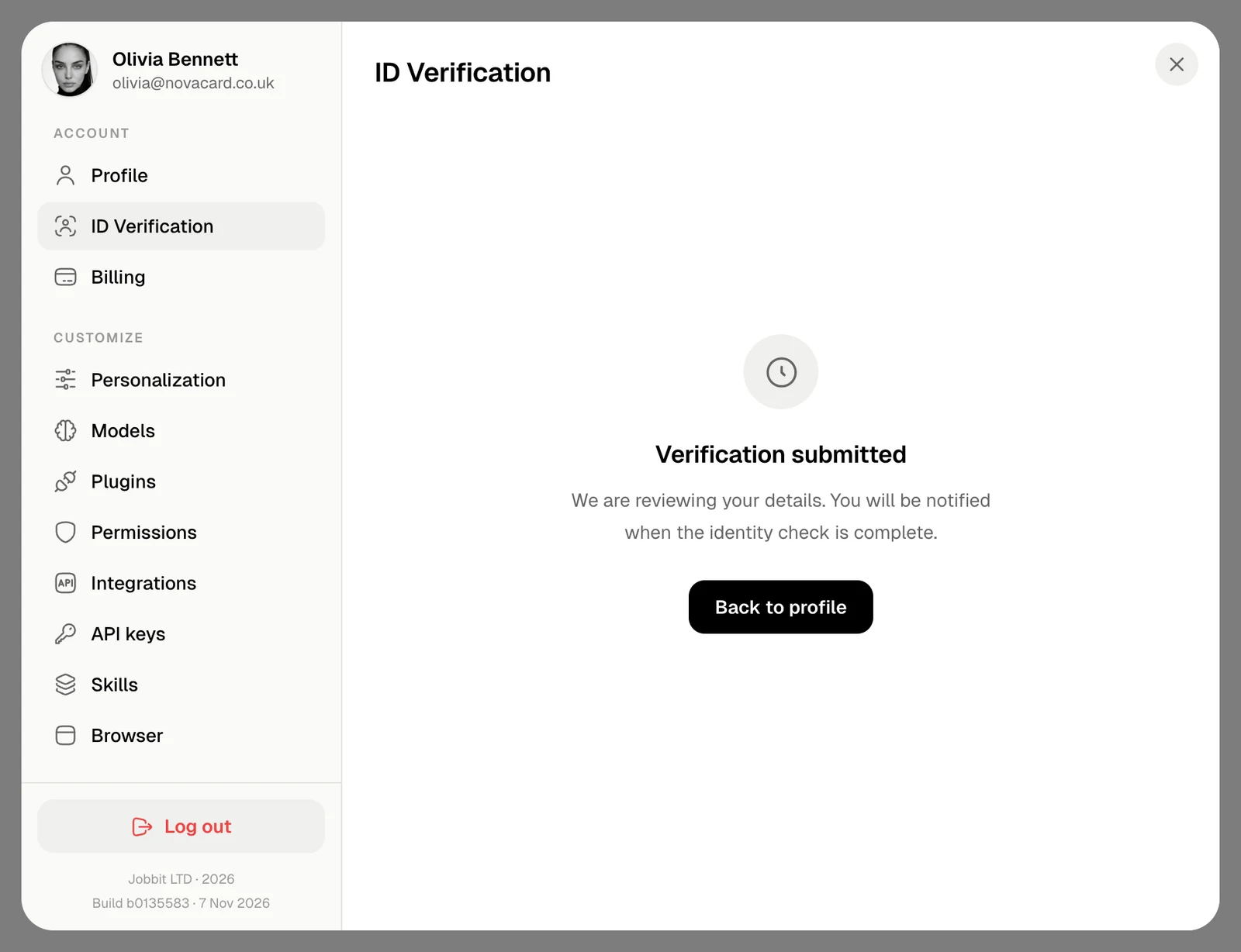
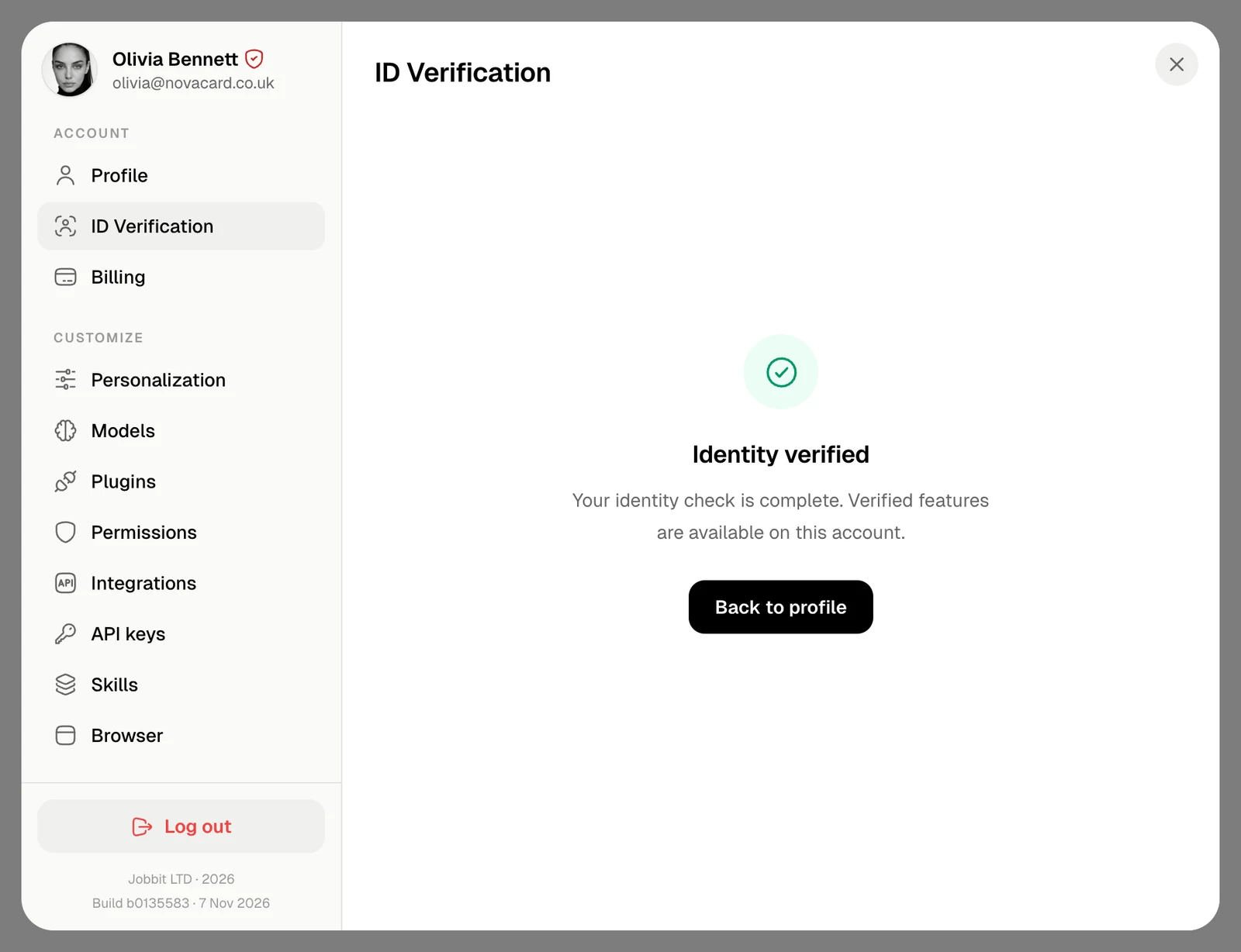
Verified
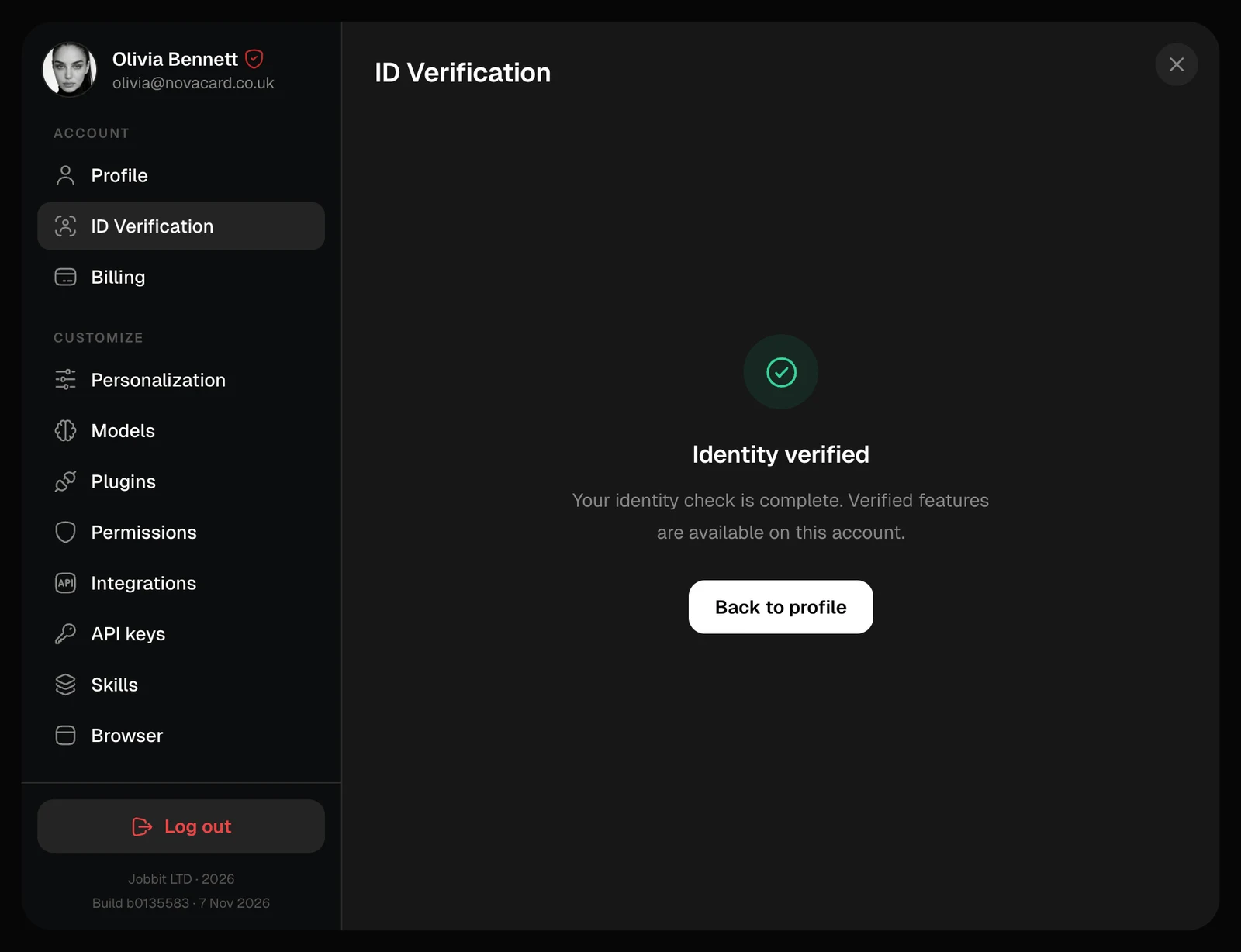
Identity verified means the check is complete. Your name in your profile now comes from your document, and the verified mark appears next to it.