

| Field | What to know |
|---|---|
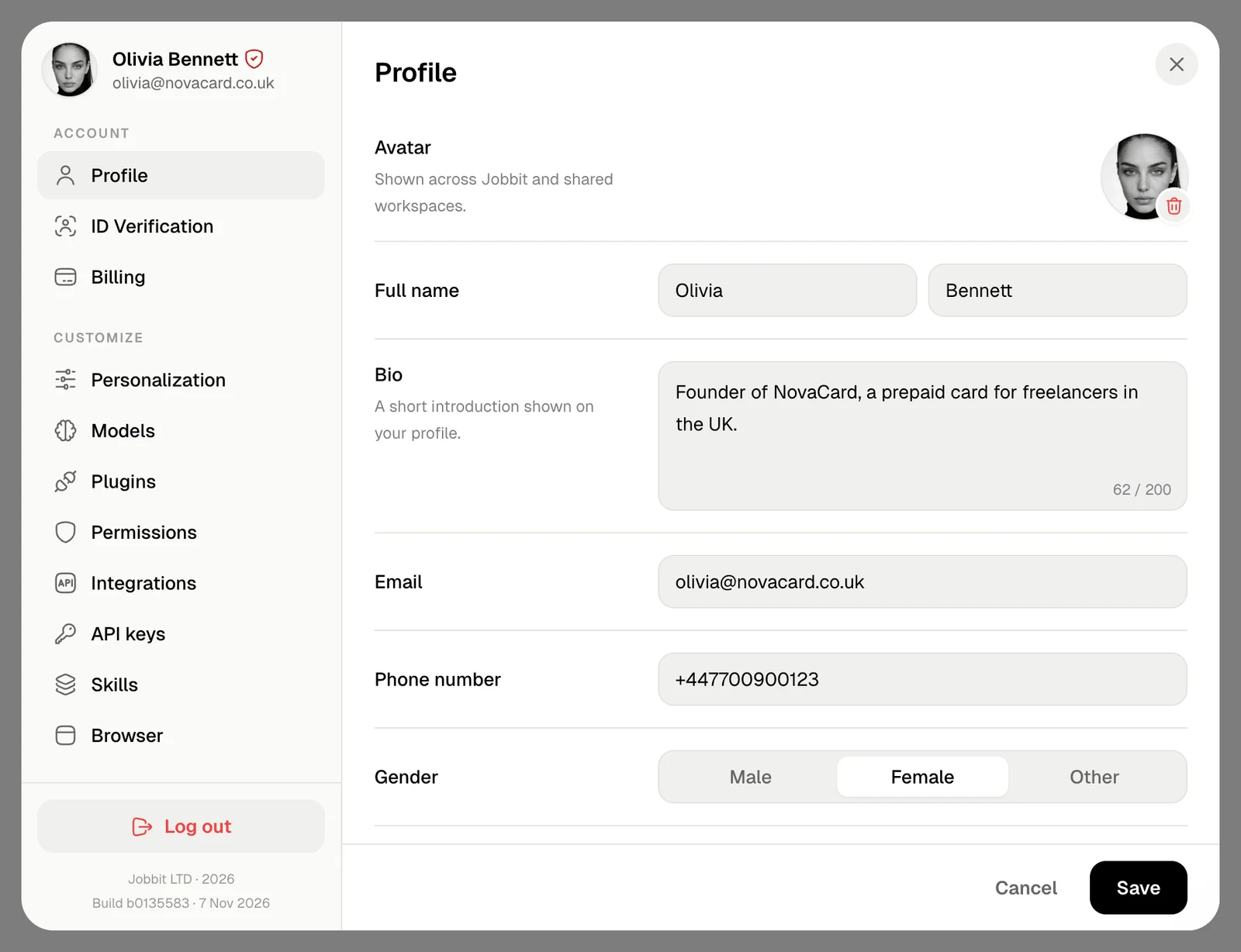
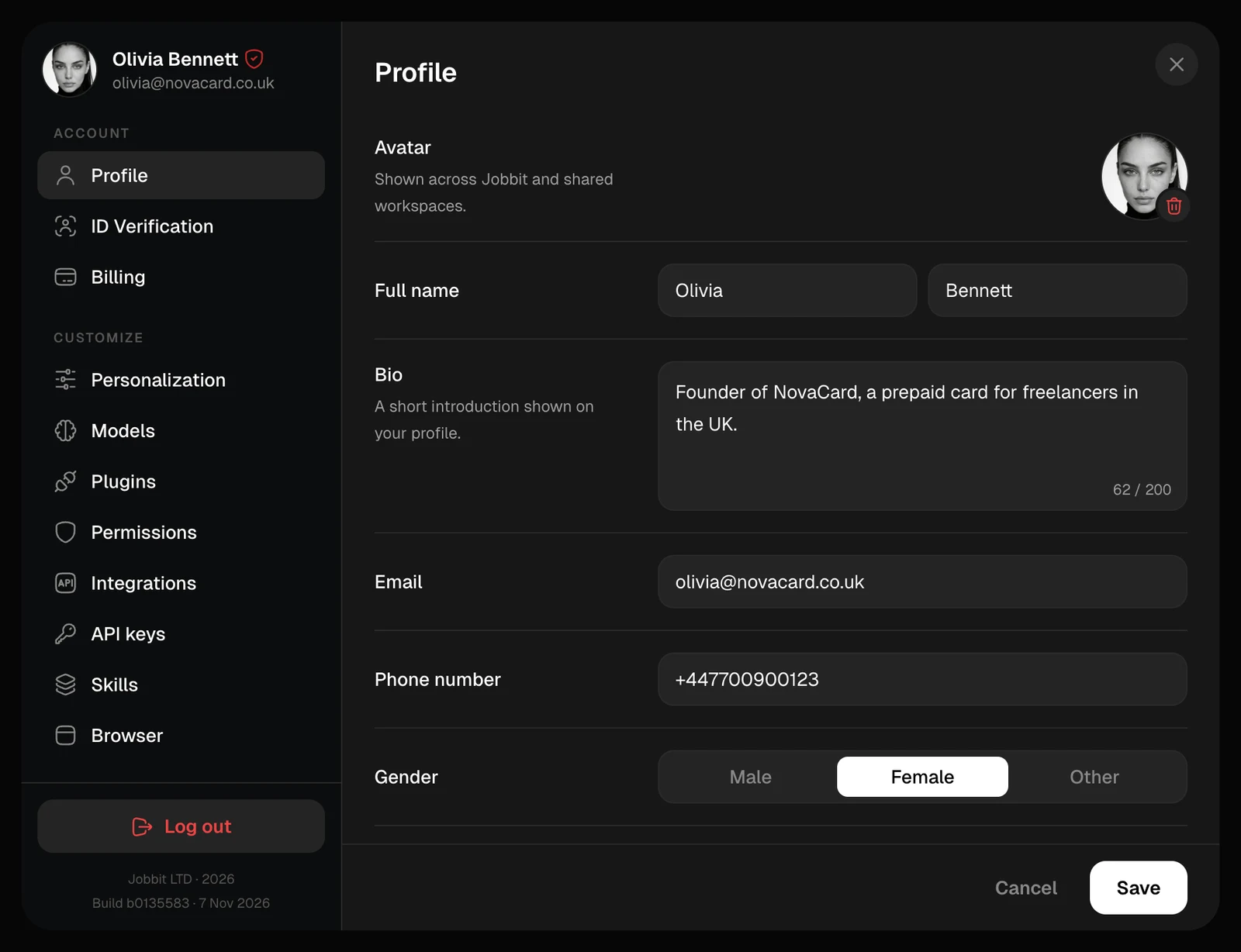
| Avatar | Shown across Jobbit and in shared projects. Click it to choose a new image |
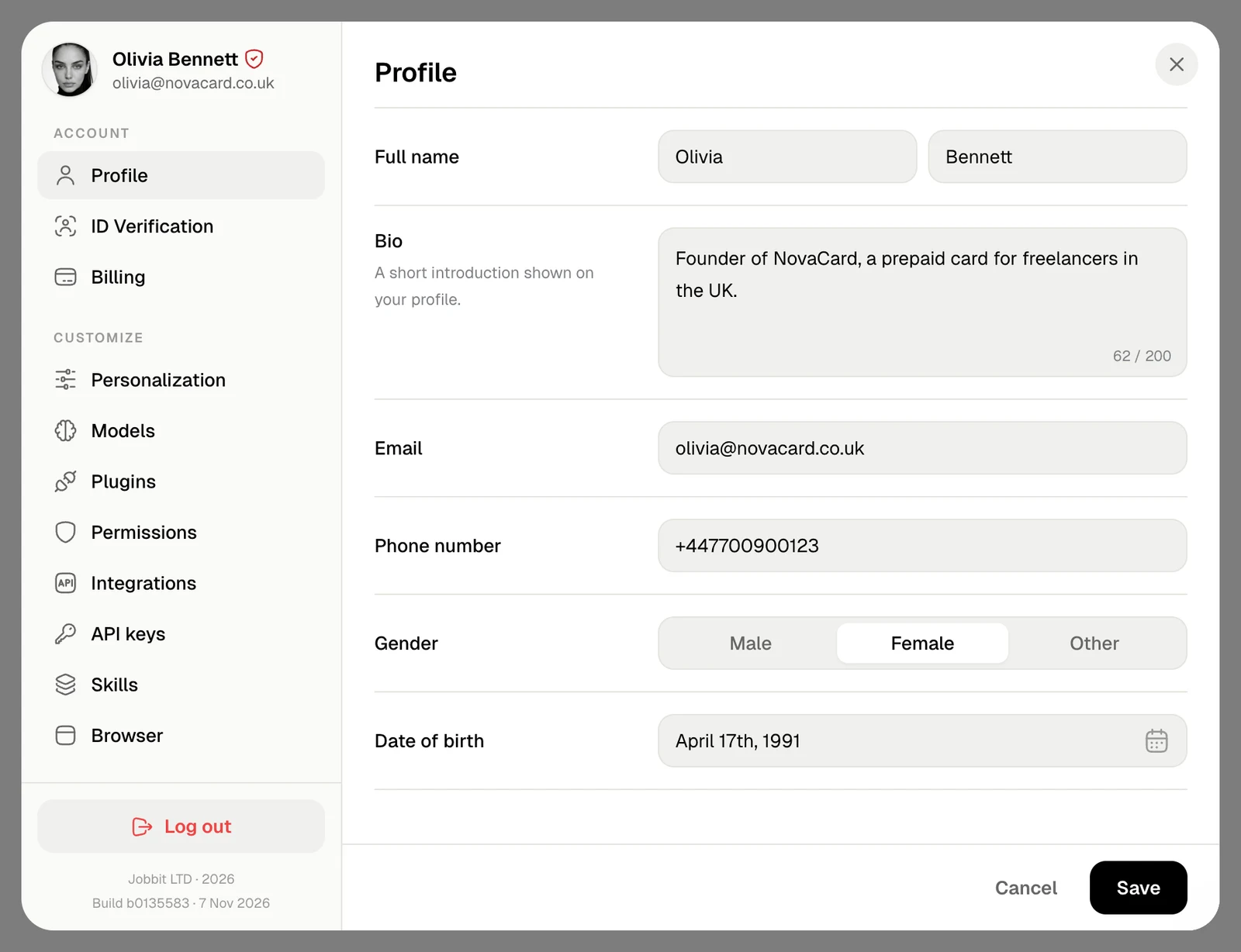
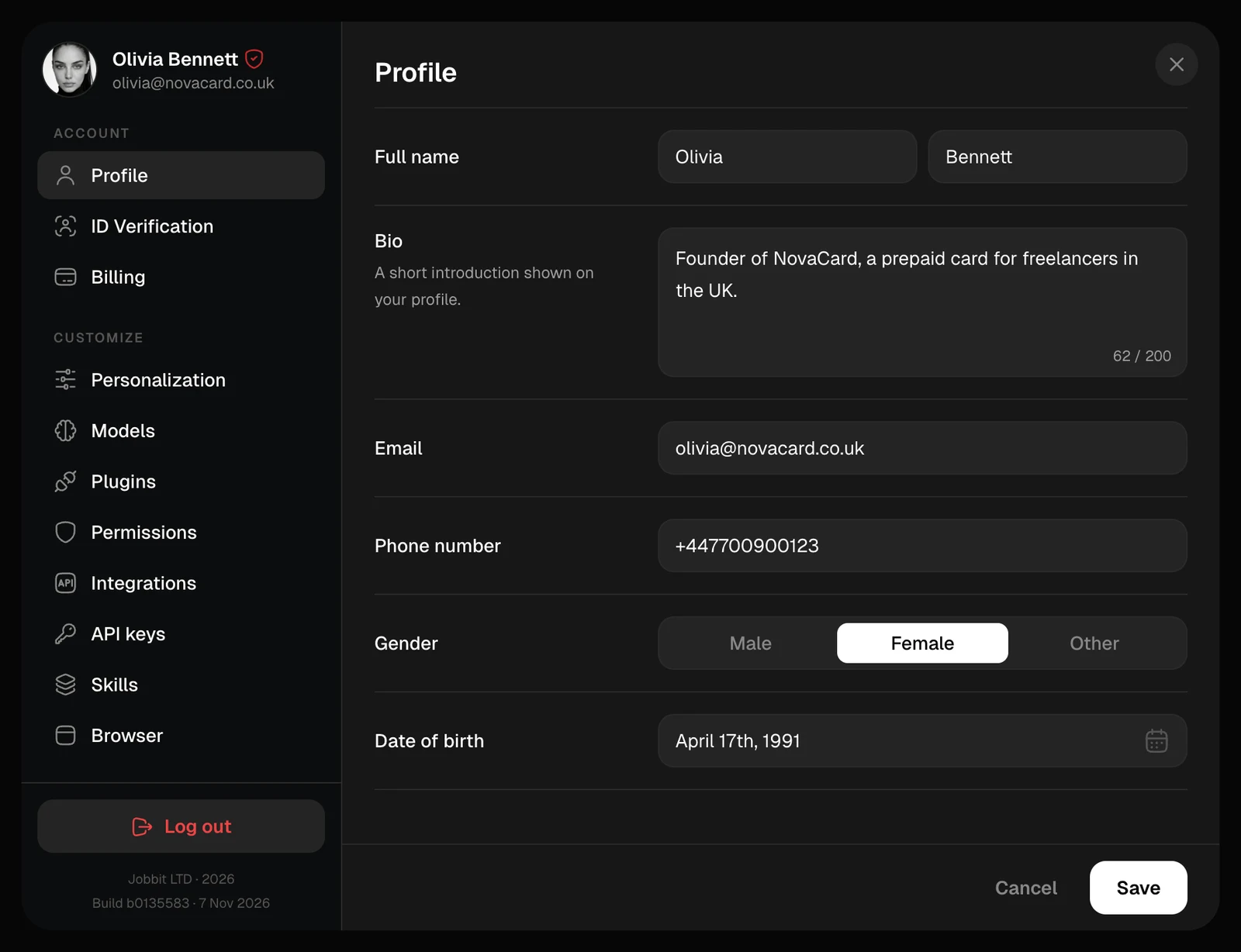
| Full name | First and last name, each required and under 28 characters |
| Bio | A short introduction on your profile, up to 200 characters |
| Where Jobbit writes to you, and a way to sign in | |
| Phone number | With the country code, such as +44 |
| Gender | Male, Female or Other |
| Date of birth | Cannot be in the future |
Remove your avatar
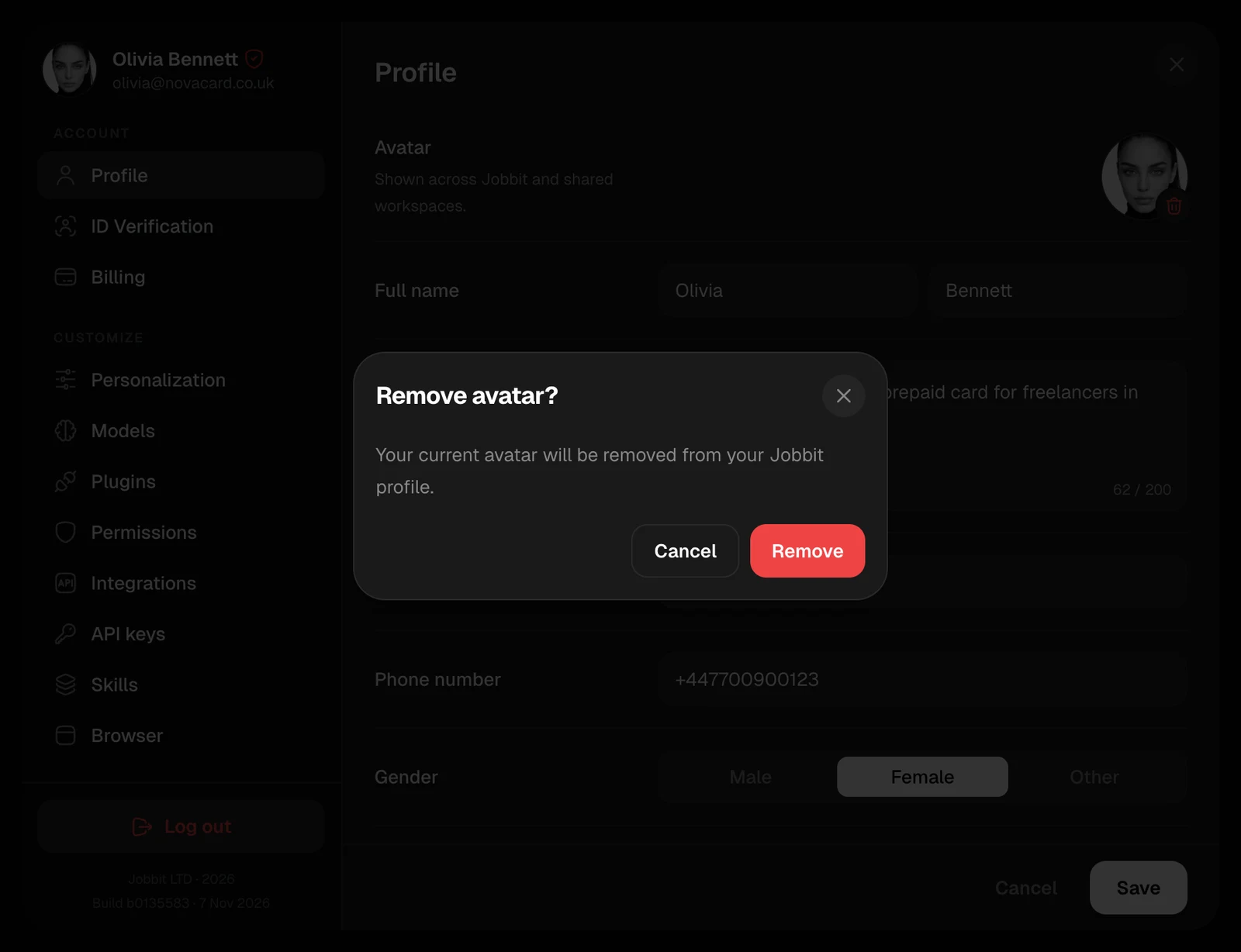
The bin on the avatar removes it, after you confirm. Your profile then shows a plain placeholder.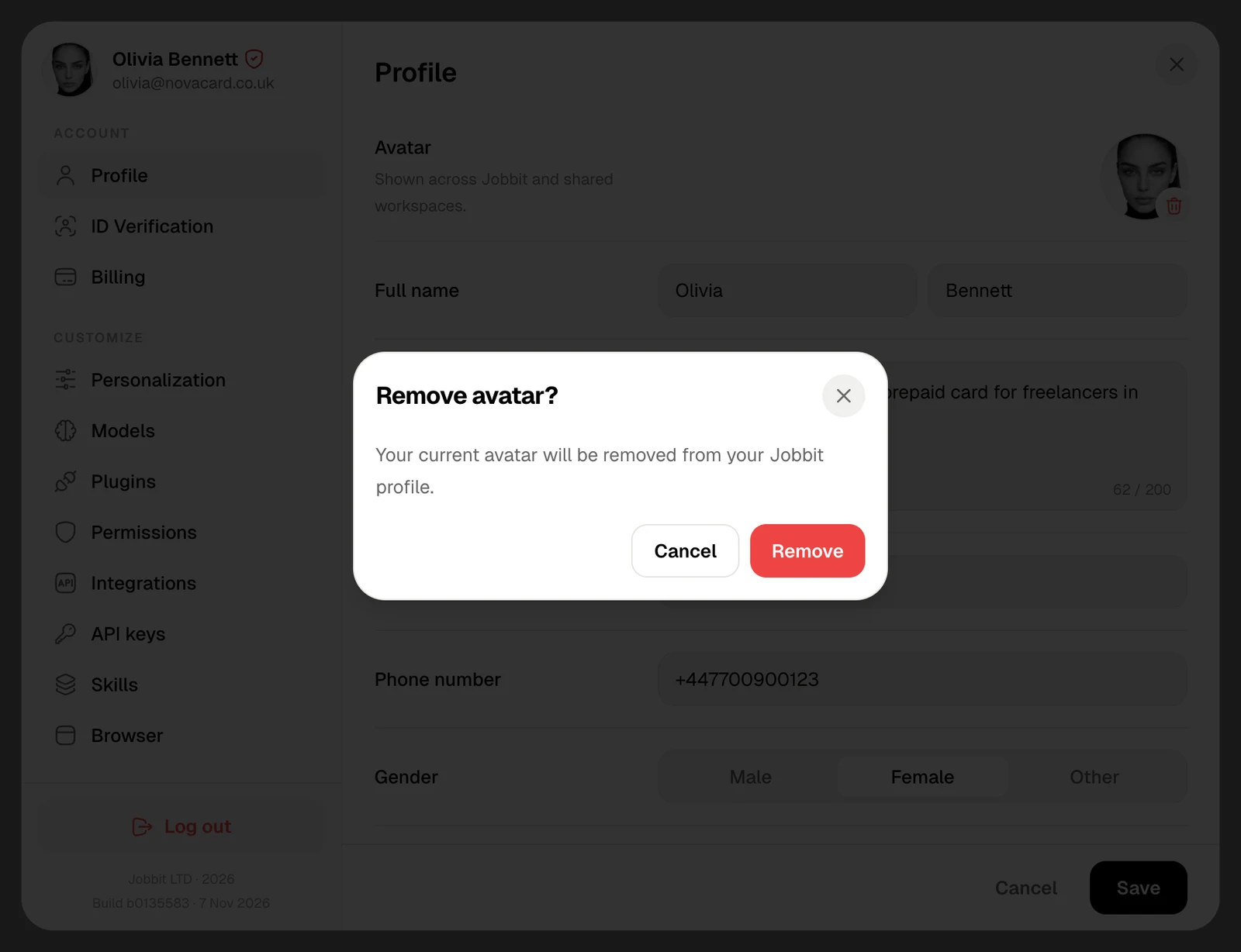
Once your identity is verified, your name comes from your identity document. See ID Verification.