| Setting | What it does |
|---|---|
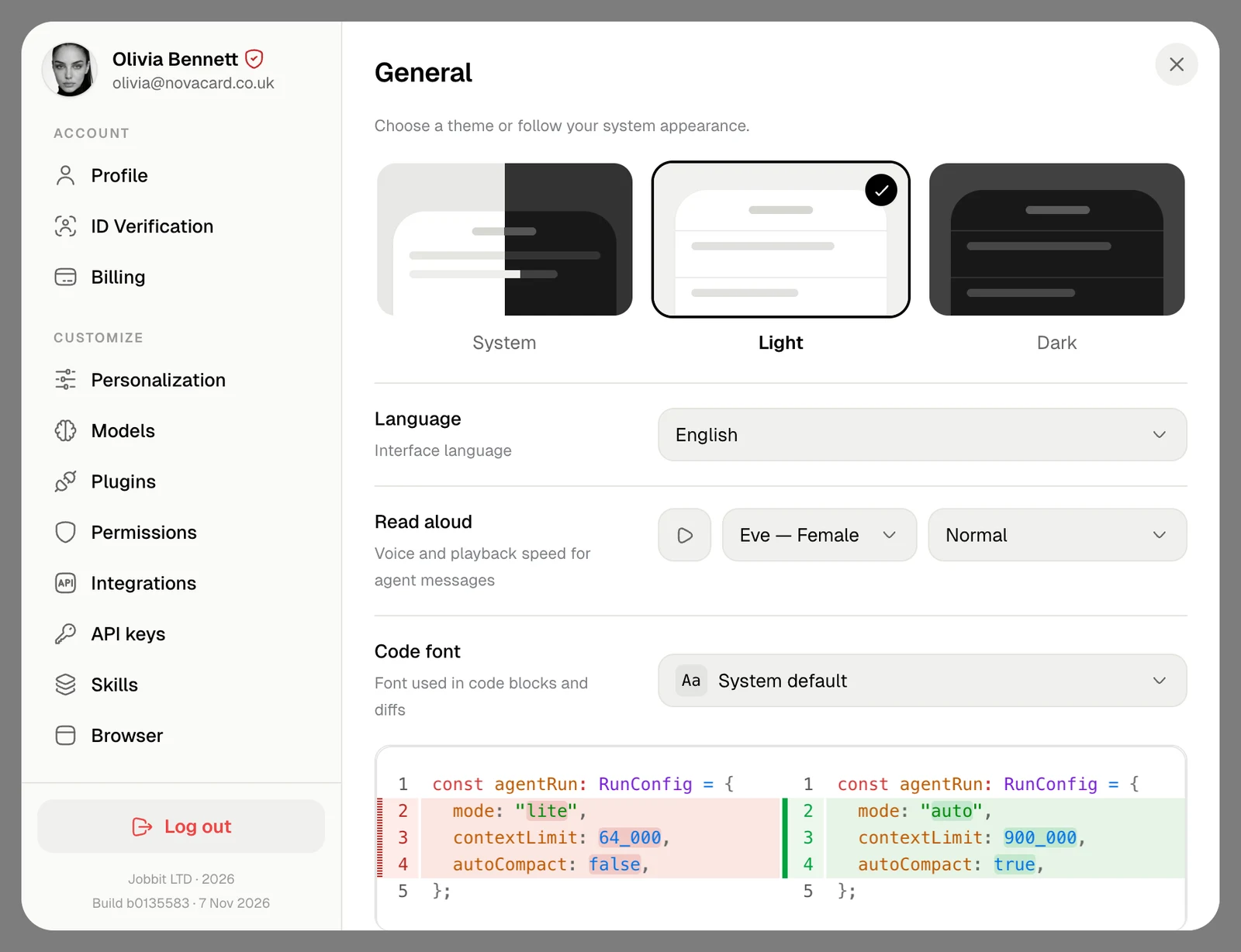
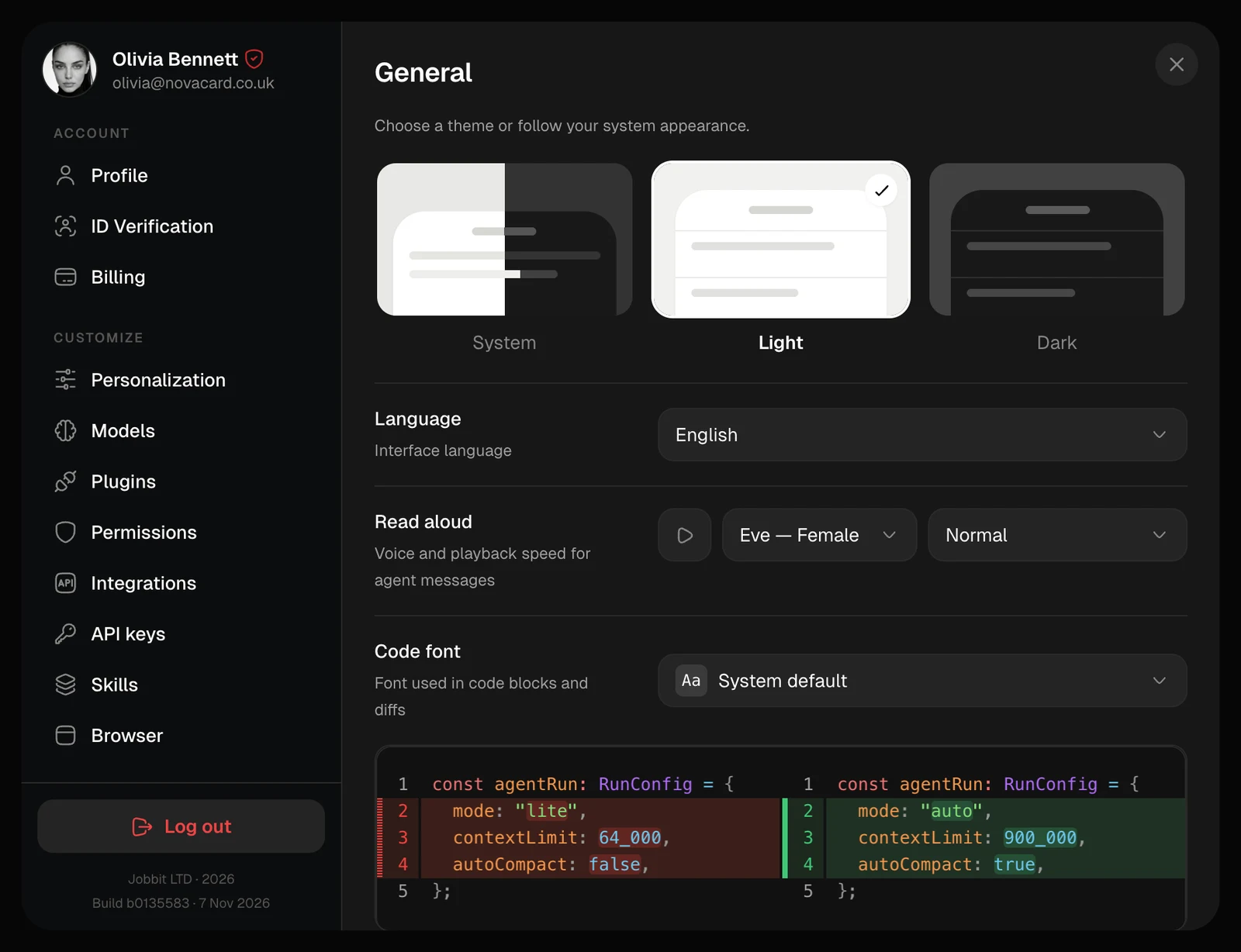
| Theme | System follows your device’s appearance; Light and Dark stay as they are |
| Language | The language of the interface |
| Read aloud | The voice and speed for reading the agent’s messages aloud. The play button lets you hear the voice first |
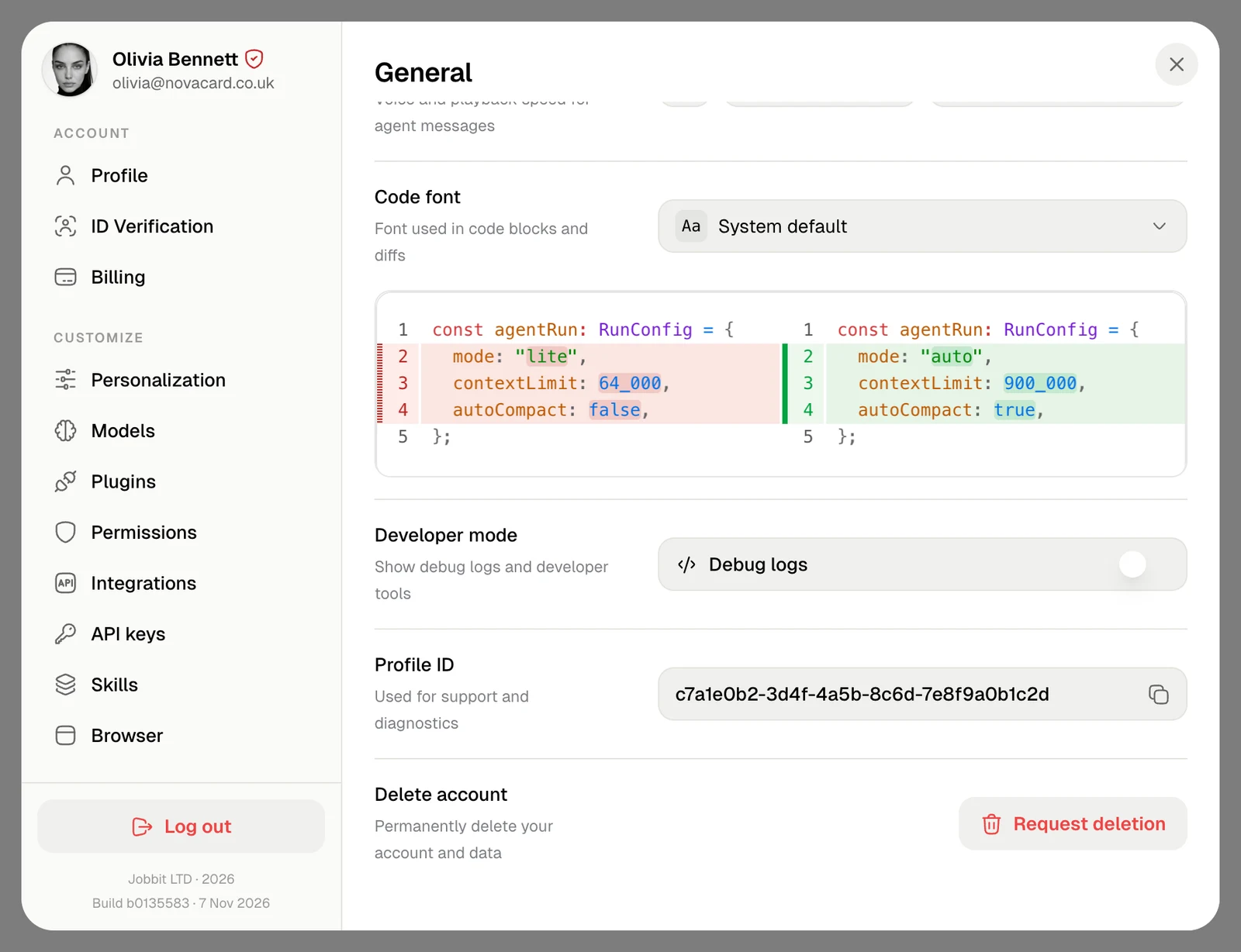
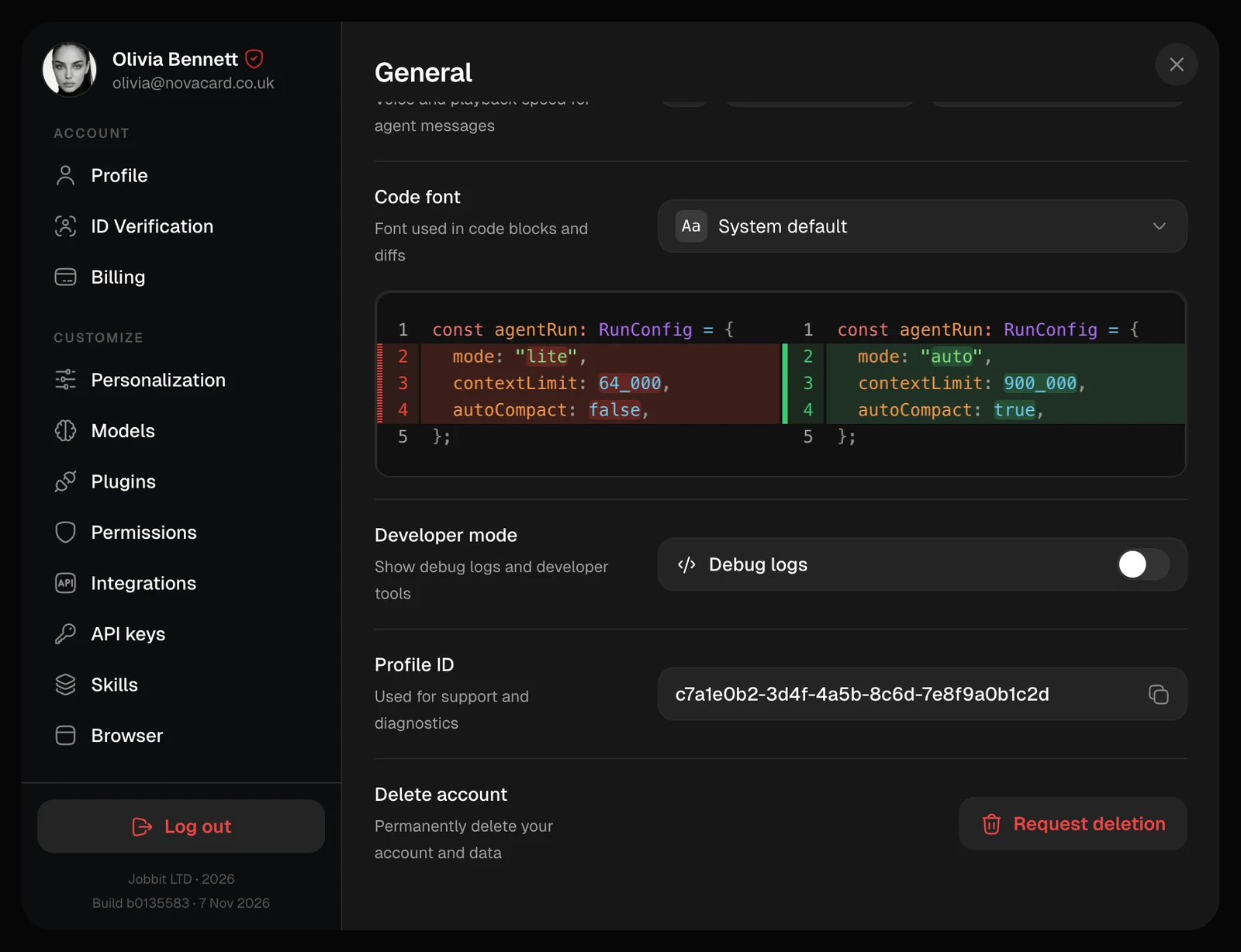
| Code font | The font of code blocks and diffs, with a preview below |
| Developer mode | Debug logs shows the agent’s debug logs and developer tools in chats |
| Profile ID | Your account’s ID. Click to copy it when support asks for it |
Read aloud
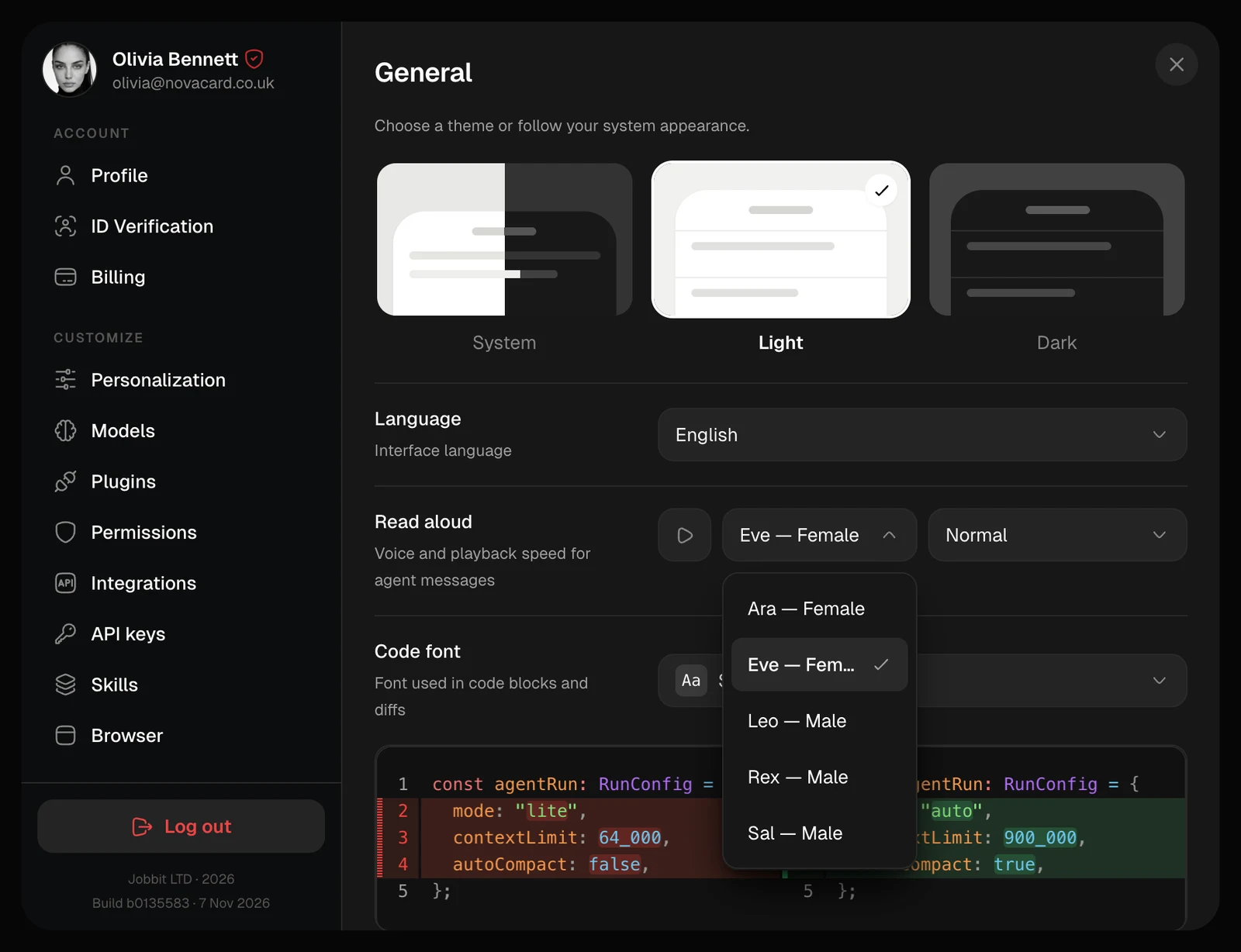
Pick one of five voices: Ara, Eve, Leo, Rex or Sal, and a speed: Slow, Normal or Fast.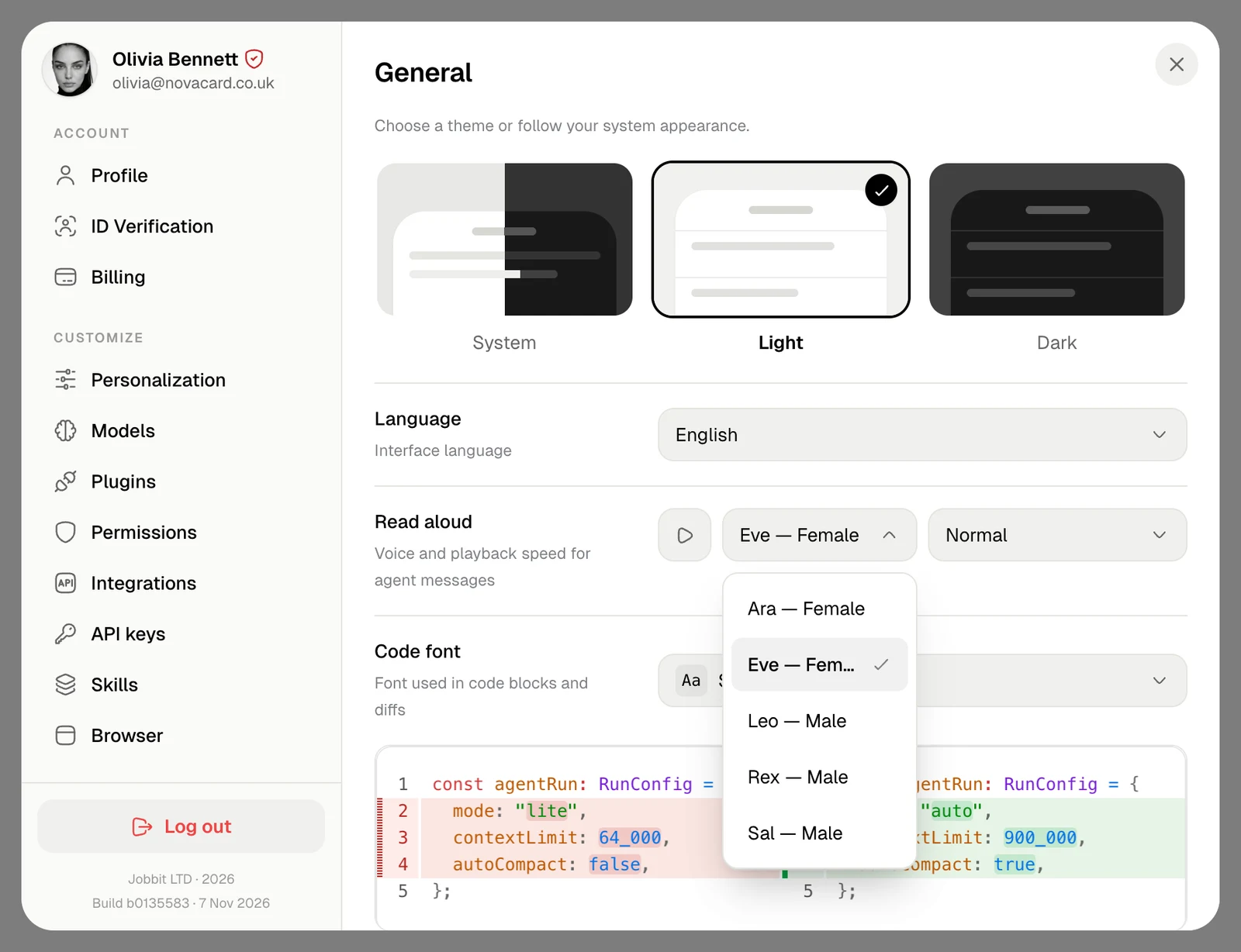
Lower down
Developer mode, Profile ID and Delete account are at the bottom of the section. See Delete your account.