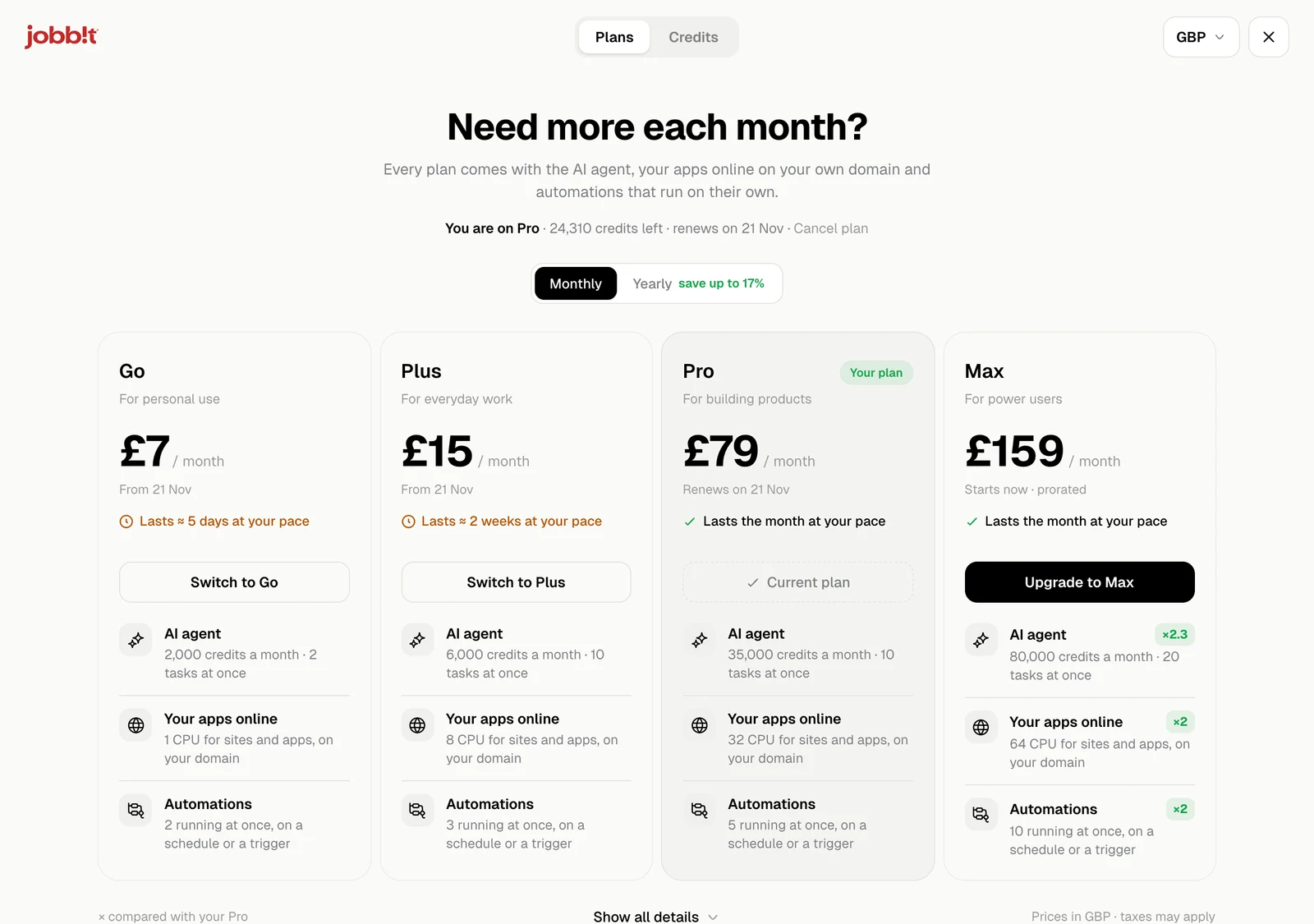
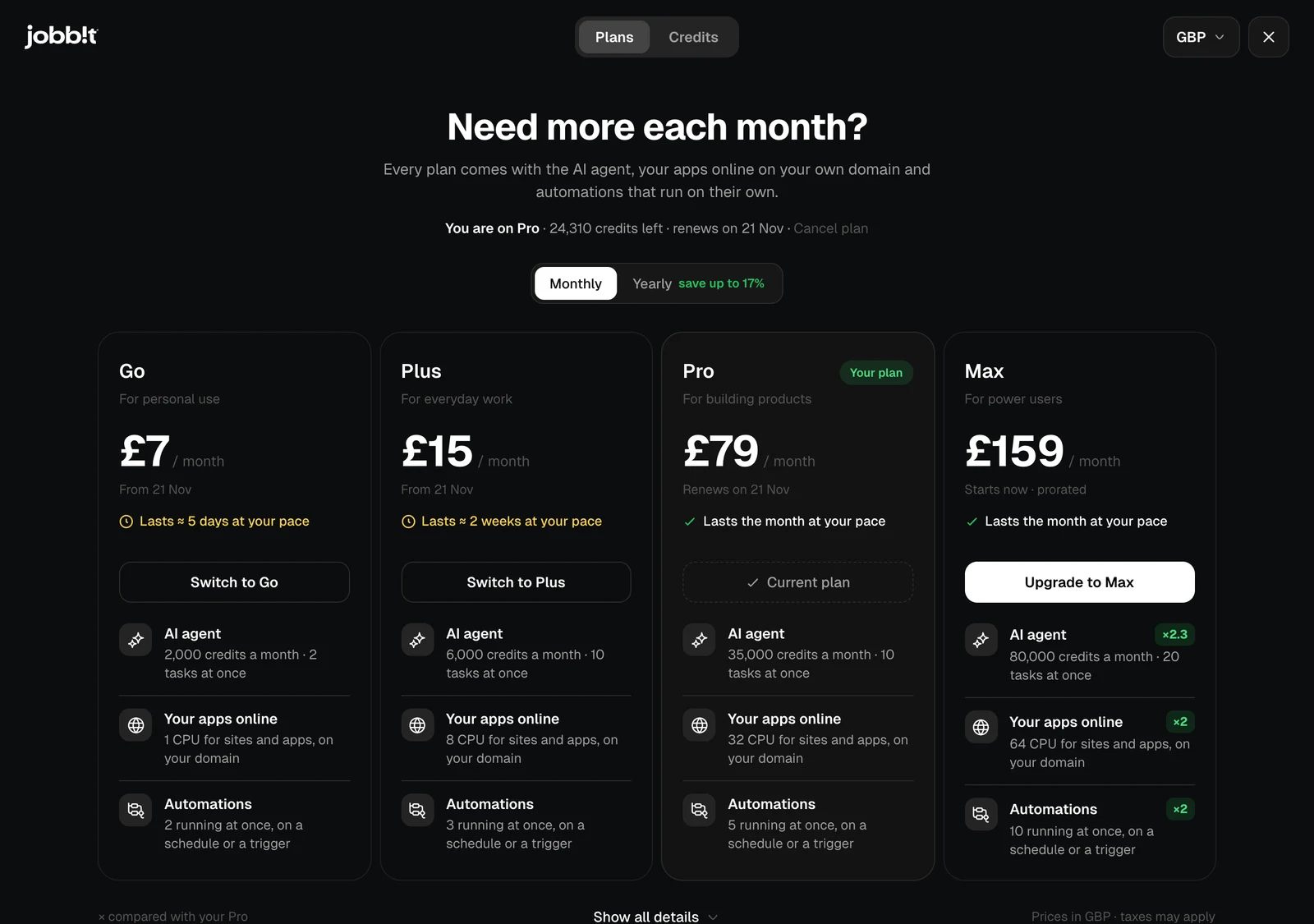
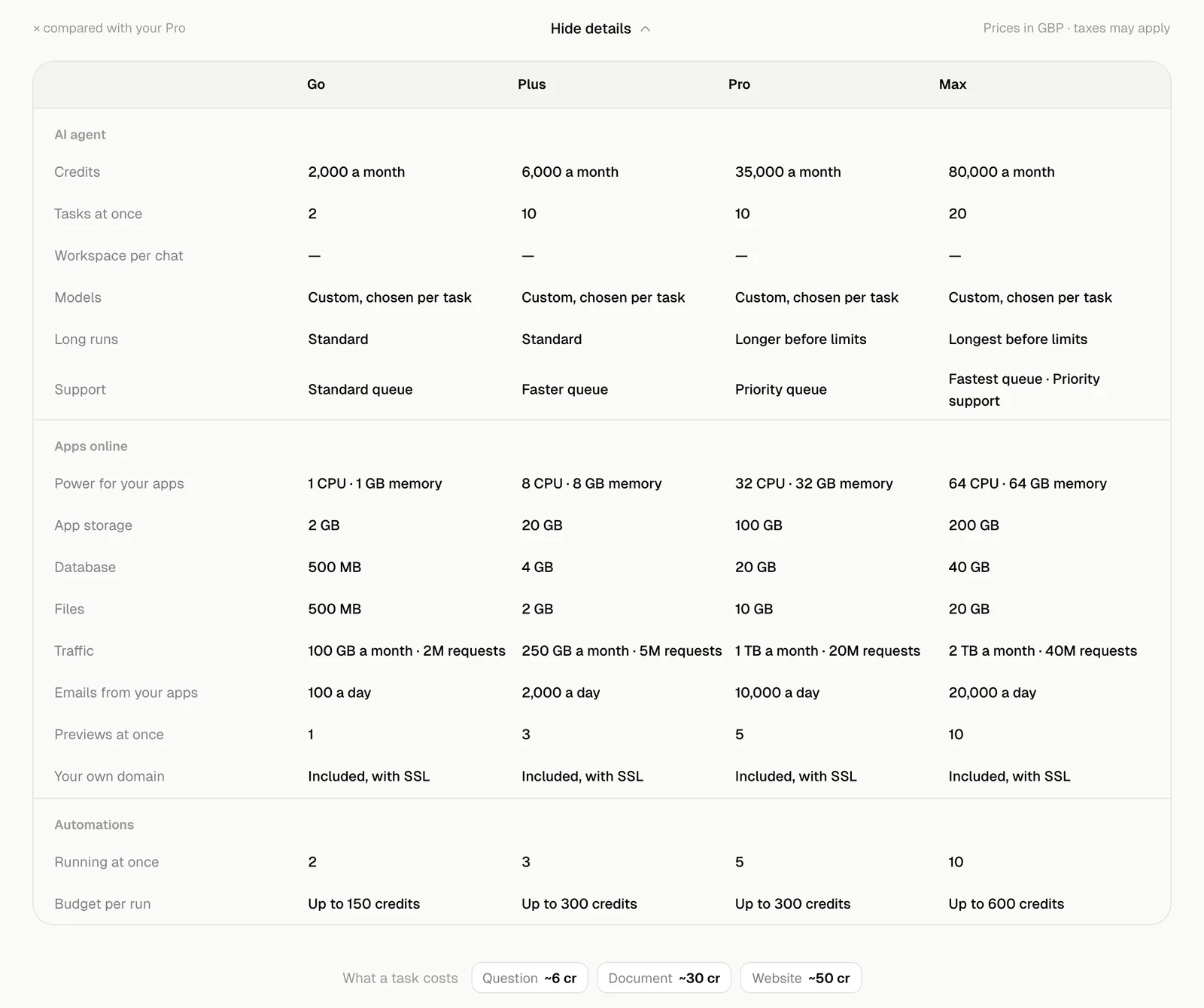
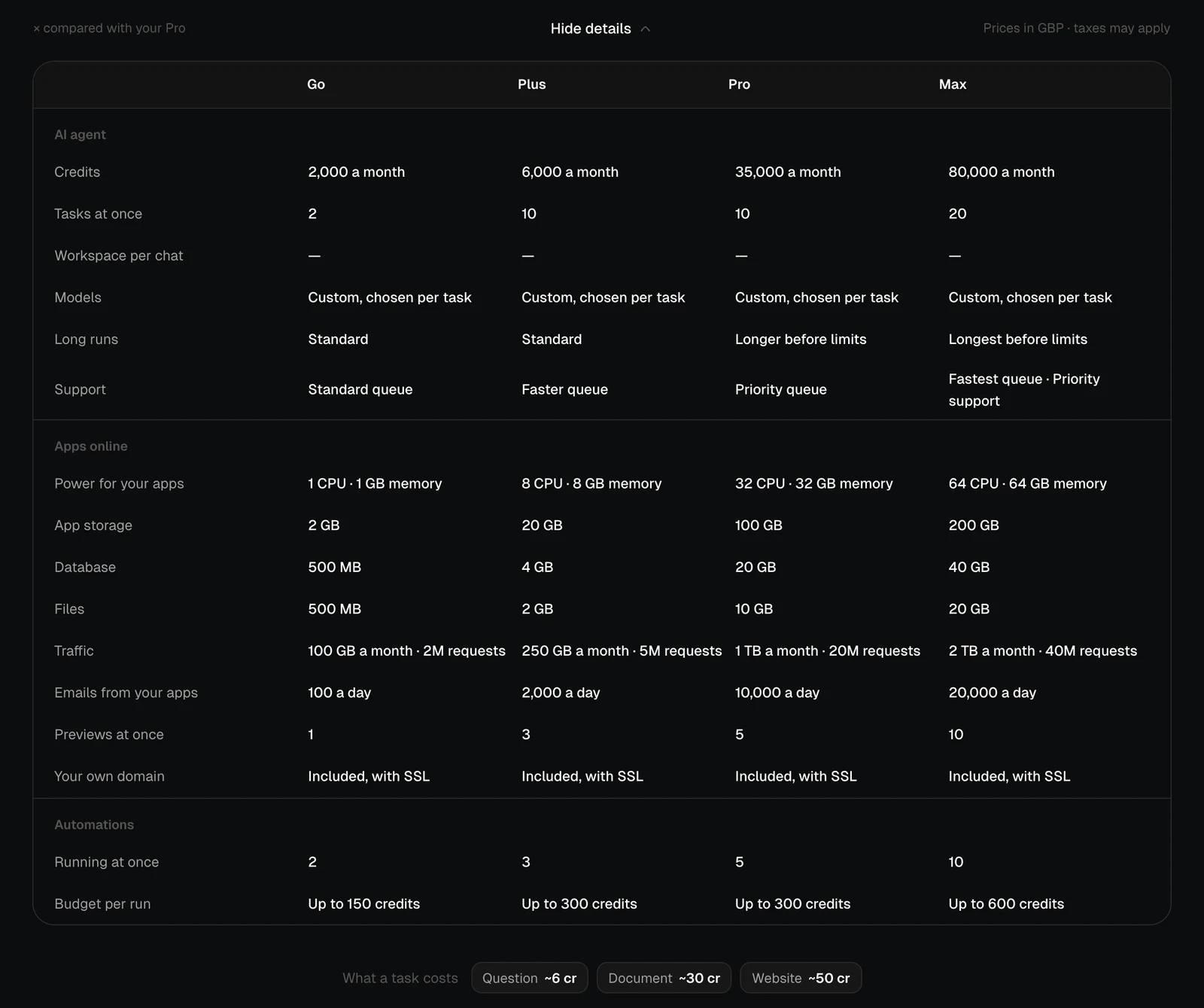
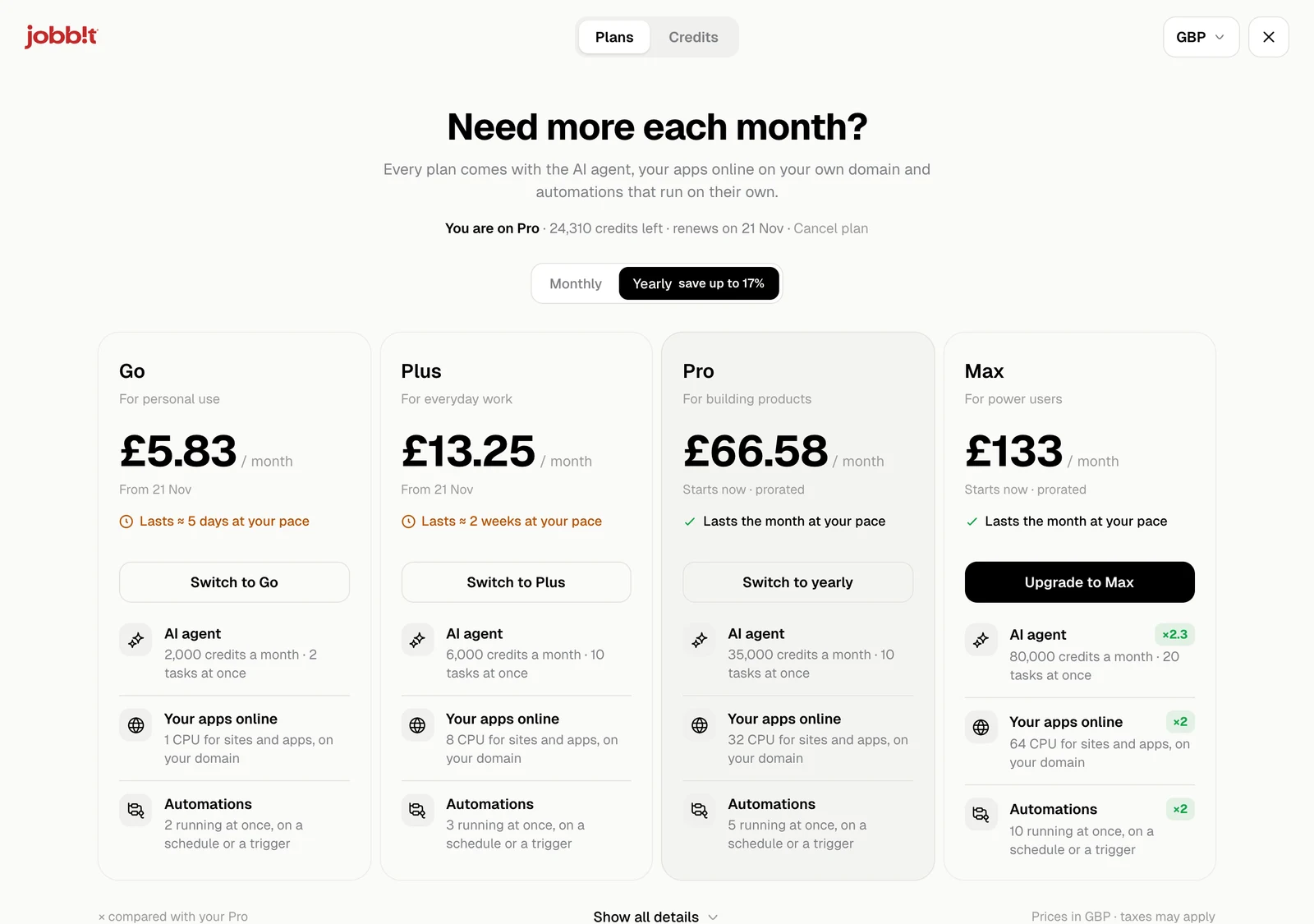
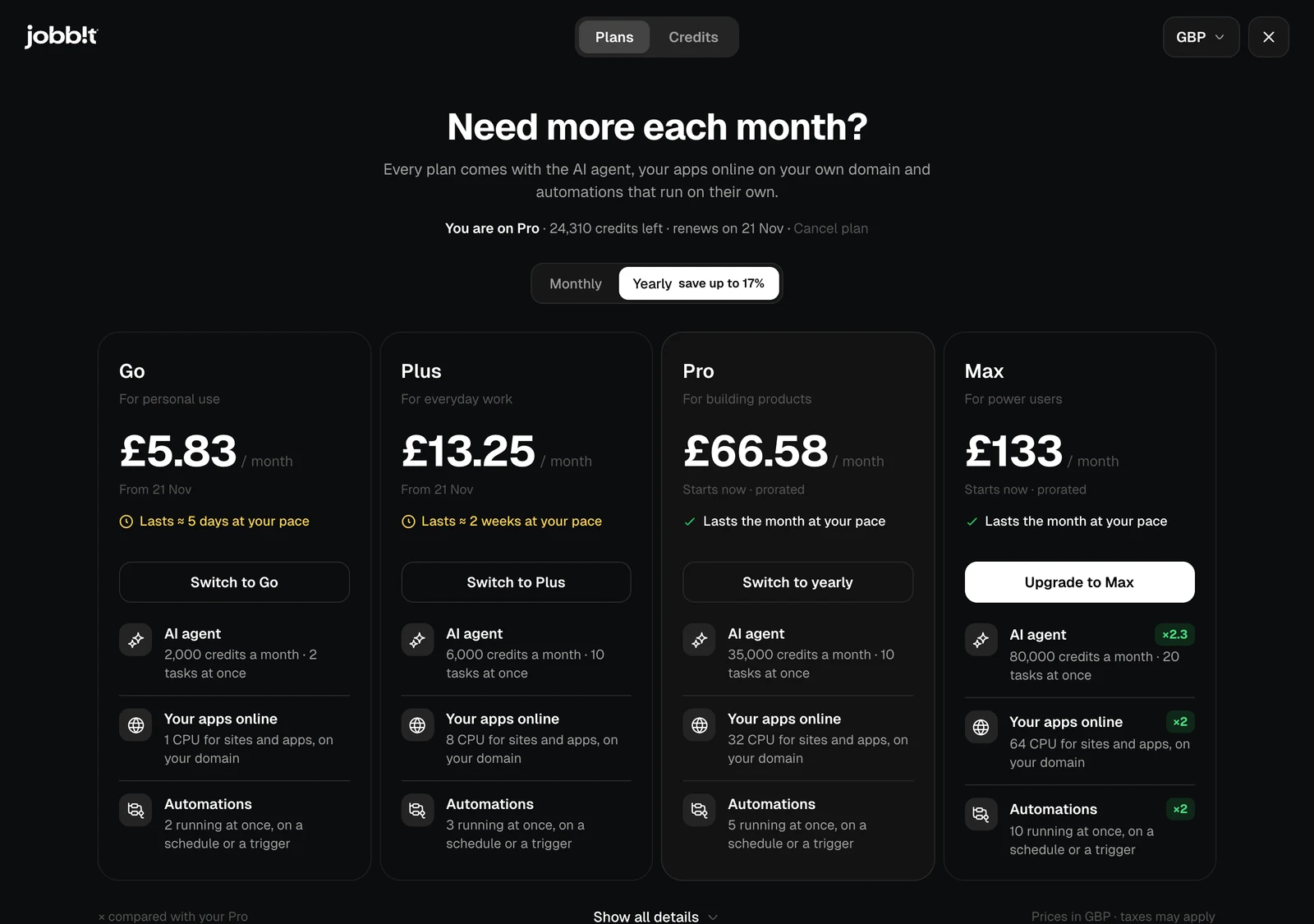
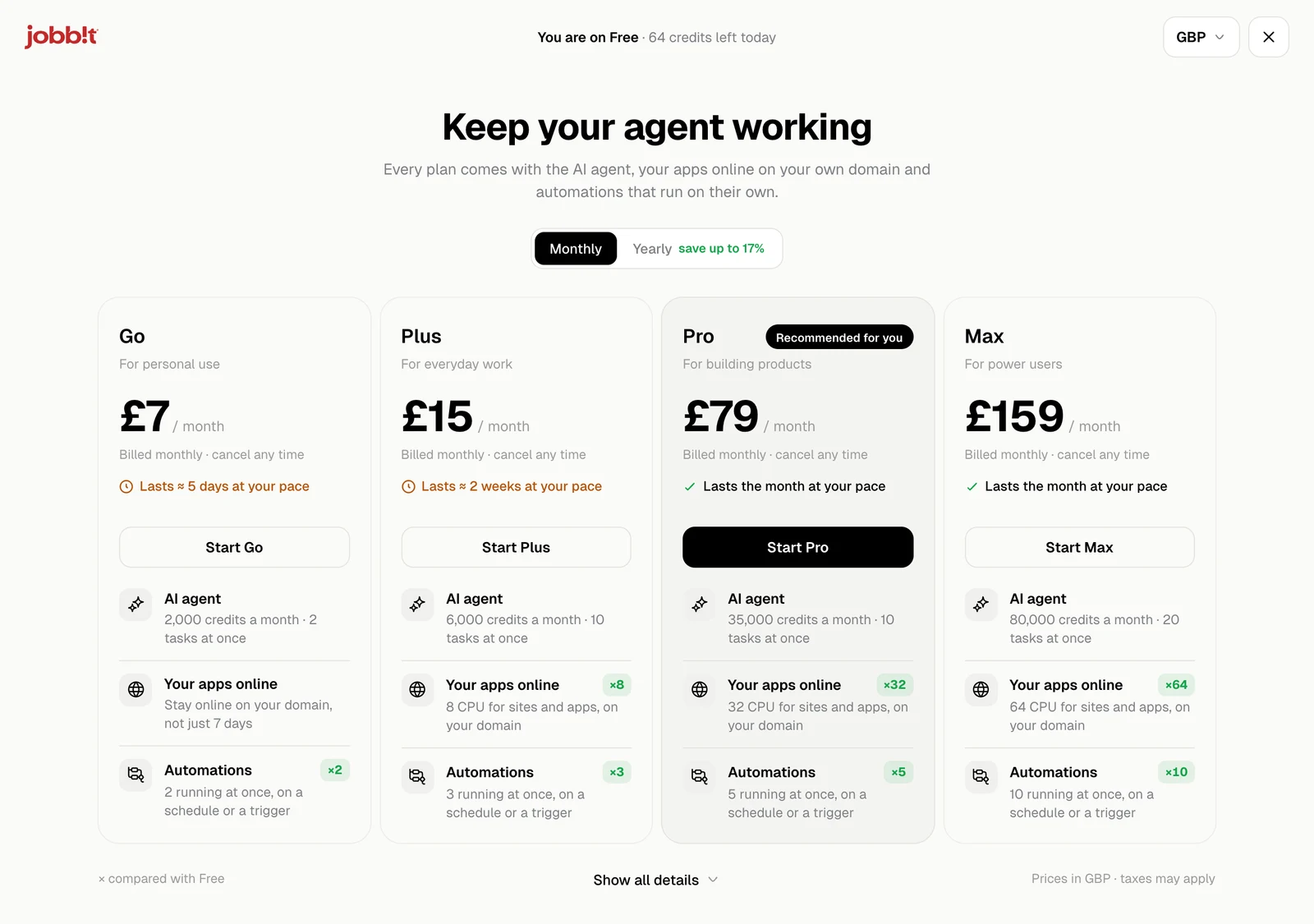
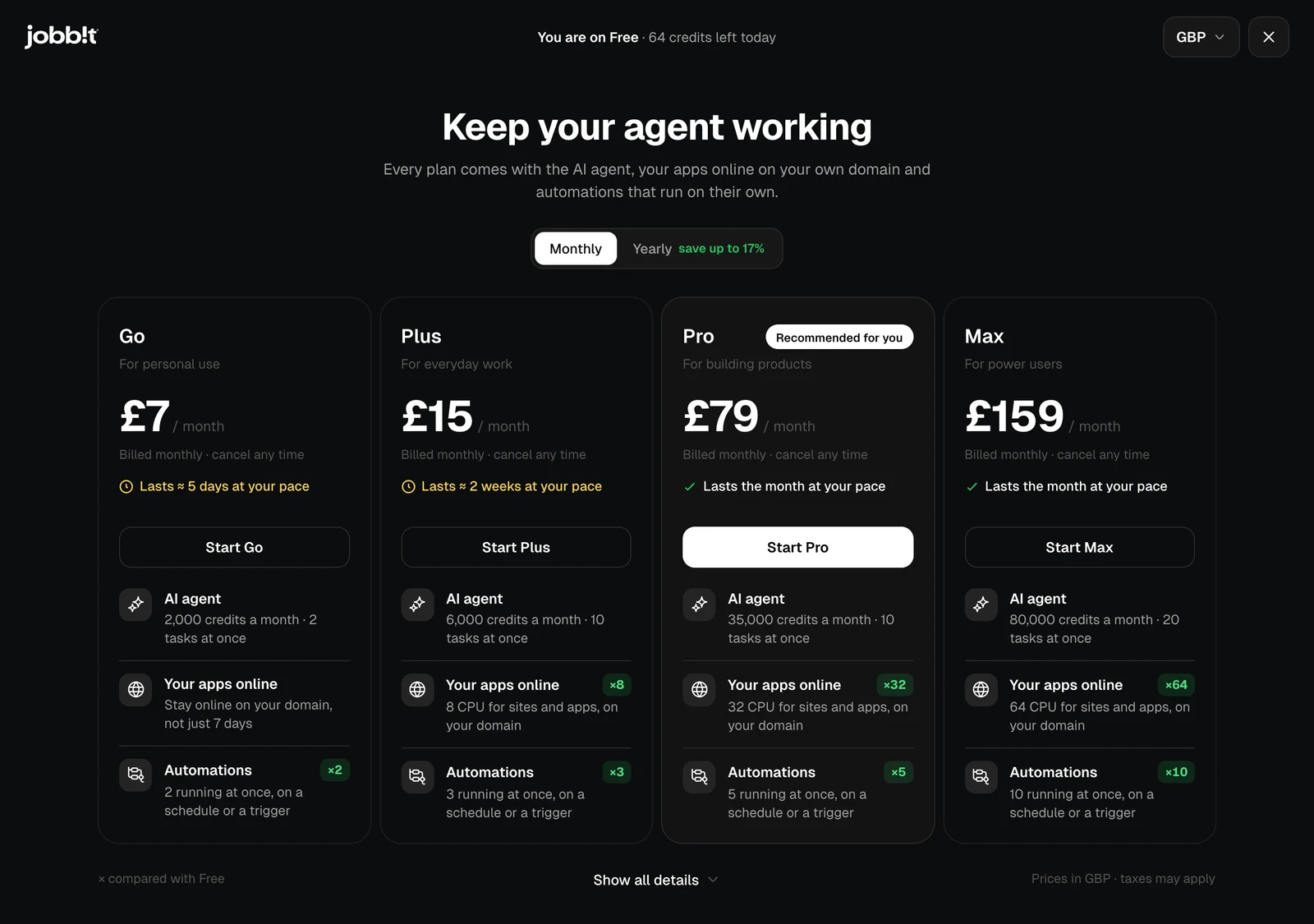
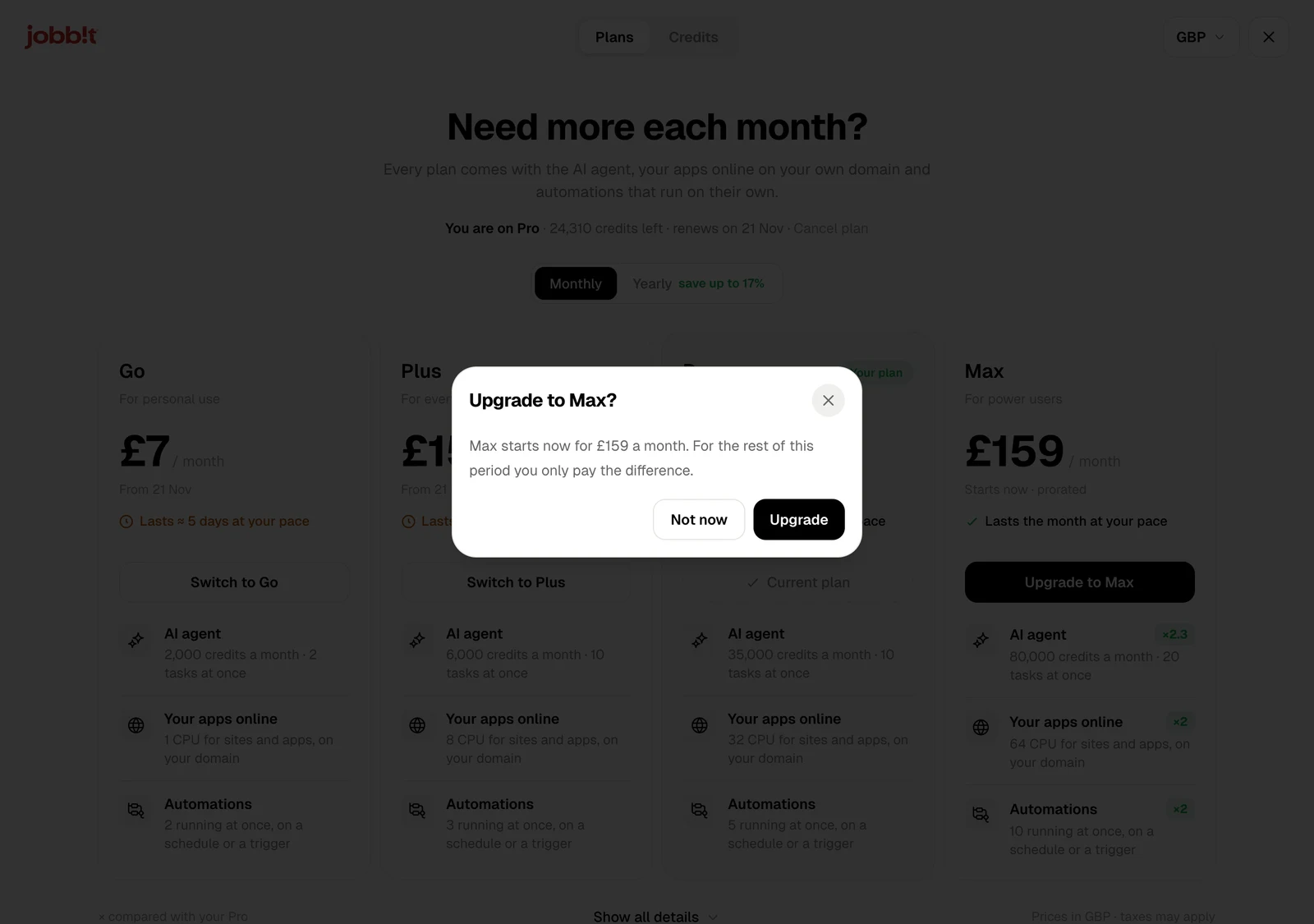
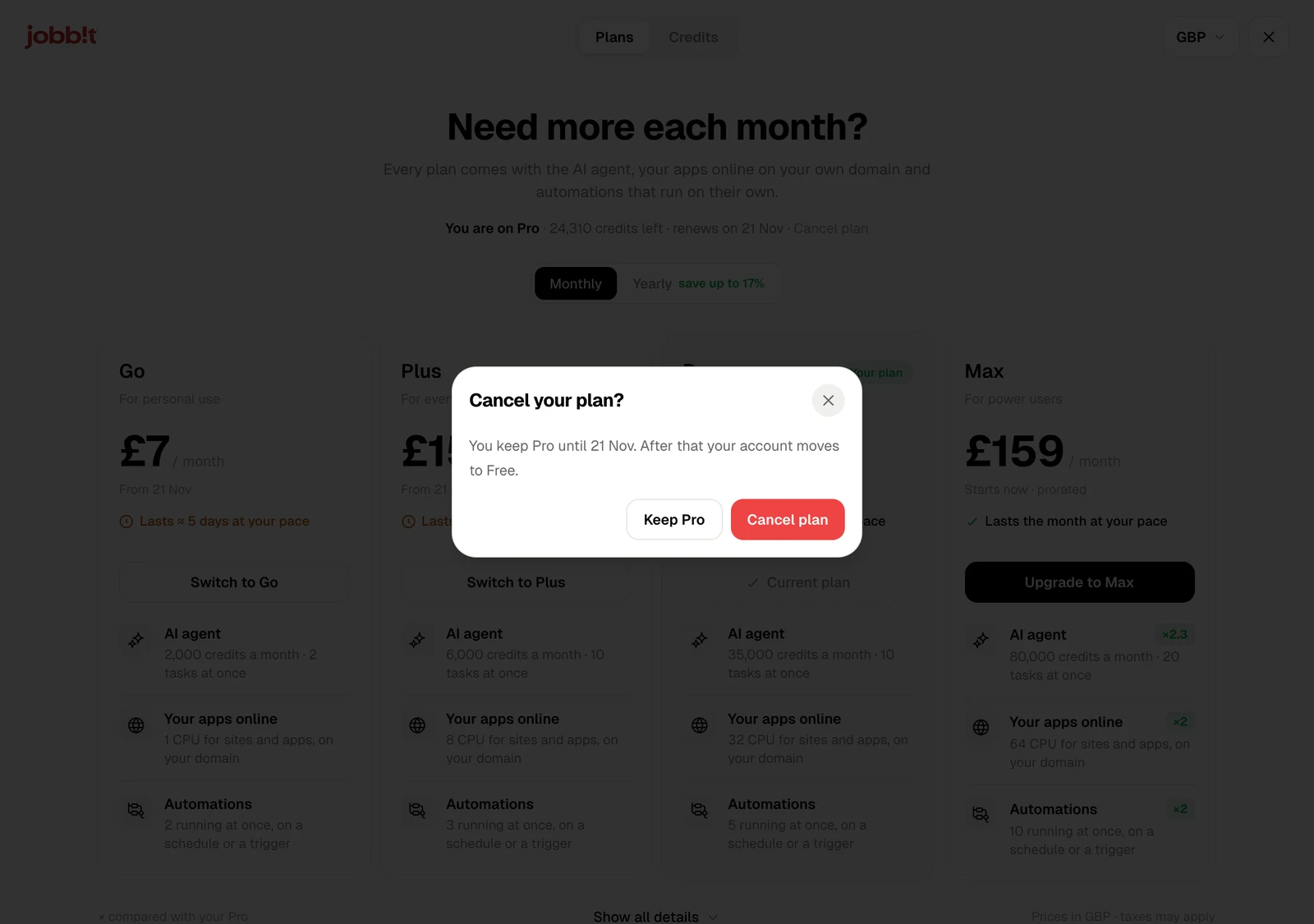
Every plan comes with the AI agent, your apps online on your own domain, and automations that run on their own. Plans differ in how many credits you get each month and how much power your apps and automations have.
Open the plans with Manage plan in Settings › Billing, or at the top of Usage.
The line under the title says which plan you are on, how many credits you have left and when the plan renews. Prices are shown in your currency; the menu at the top right changes it.
The plans
| Plan | For | Credits a month | Tasks at once | Apps online | Automations running at once |
|---|
| Free | Trying Jobbit | 100 a day | 2 | A small app, online for 7 days | 1 |
| Go | Personal use | 2,000 | 2 | 1 CPU, on your domain | 2 |
| Plus | Everyday work | 6,000 | 10 | 8 CPU, on your domain | 3 |
| Pro | Building products | 35,000 | 10 | 32 CPU, on your domain | 5 |
| Max | Power users | 80,000 | 20 | 64 CPU, on your domain | 10 |
Monthly or yearly
Monthly and Yearly switch how you pay. Paying yearly saves up to 17%, and you get the year’s credits along with it.
Start a plan
On the free plan each card has Start. Pay with a saved card or a new one, and the plan starts at once.
Change your plan
| You choose | What happens |
|---|
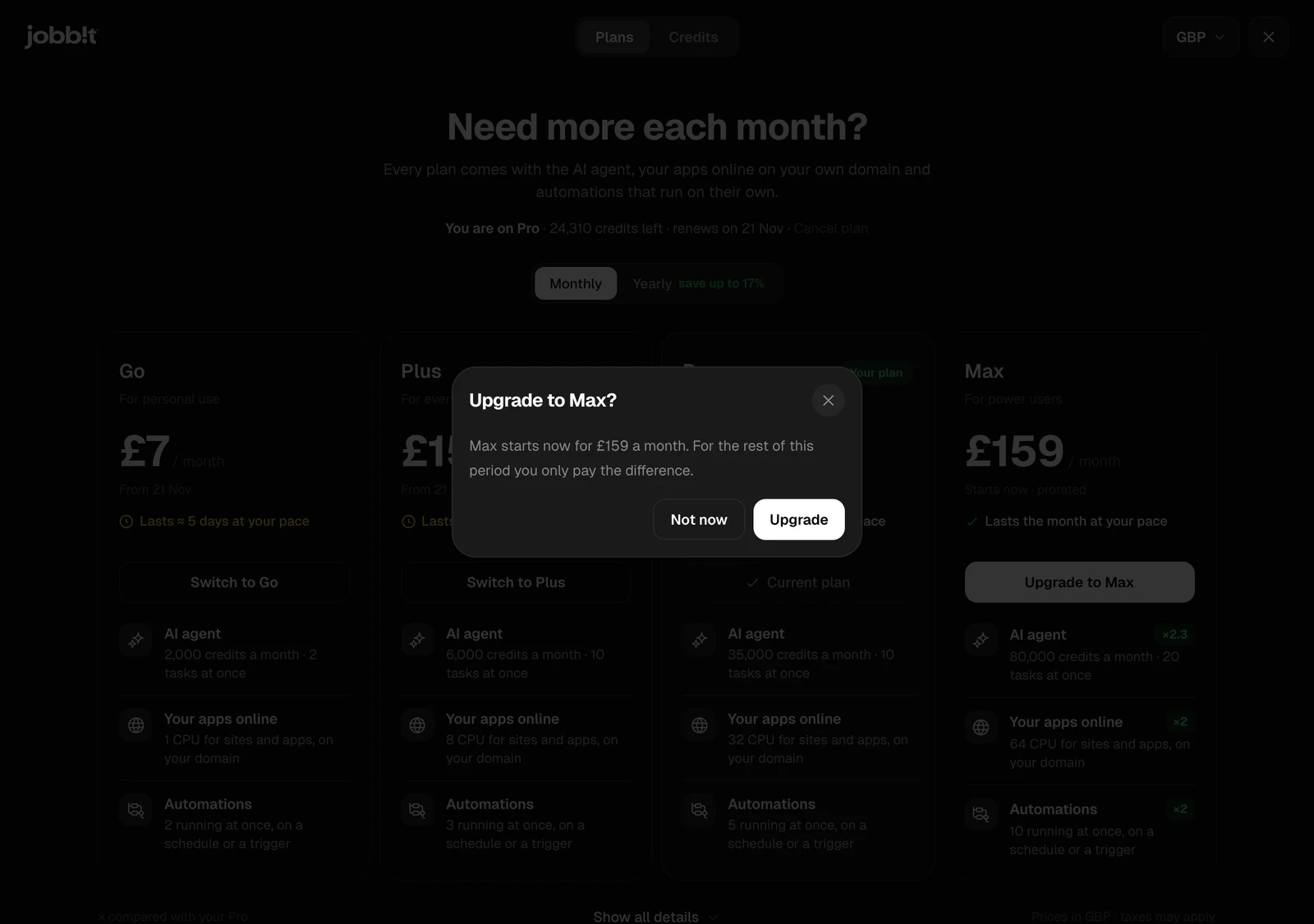
| Upgrade to a bigger plan | It starts now. For the rest of the current period you only pay the difference |
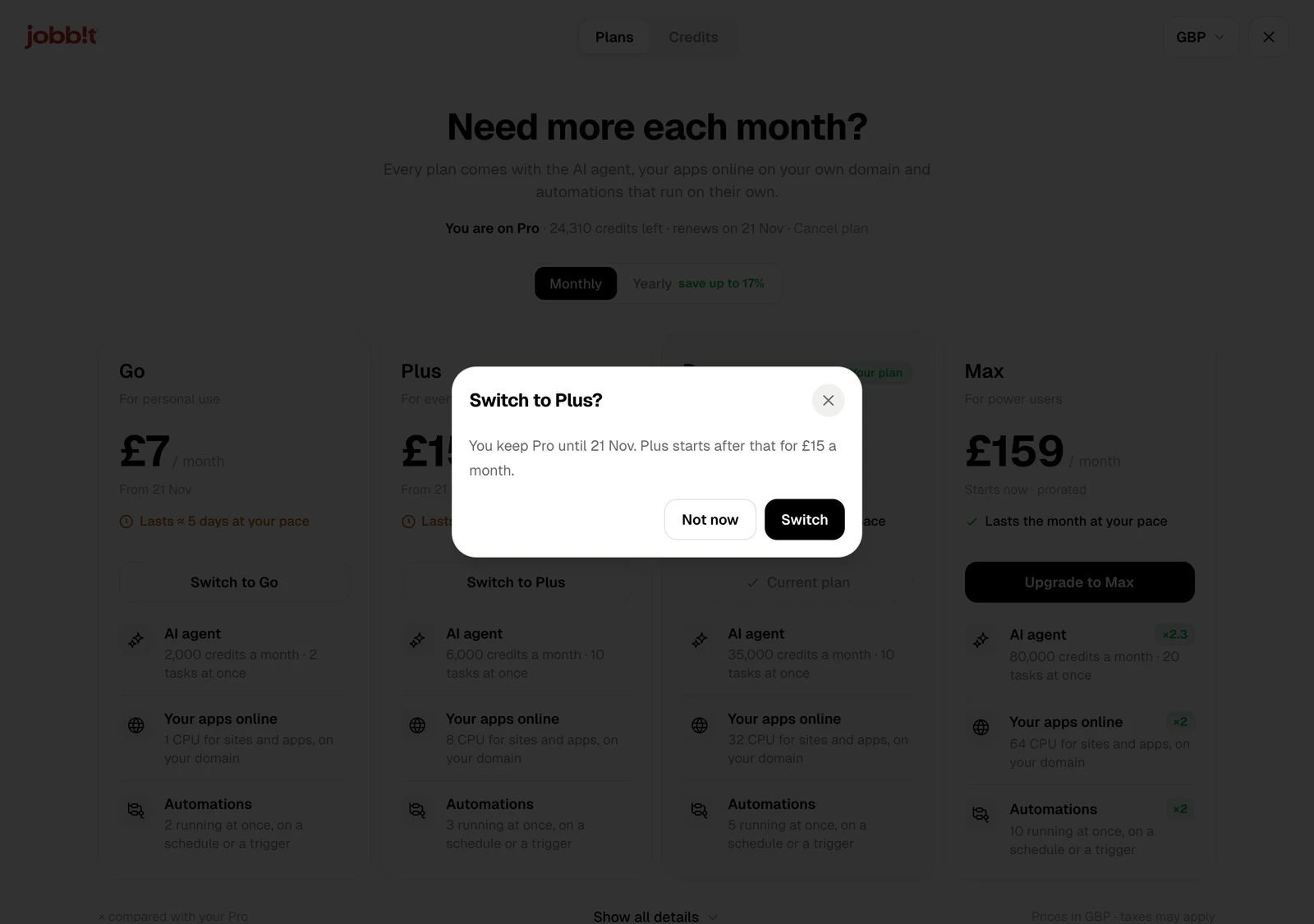
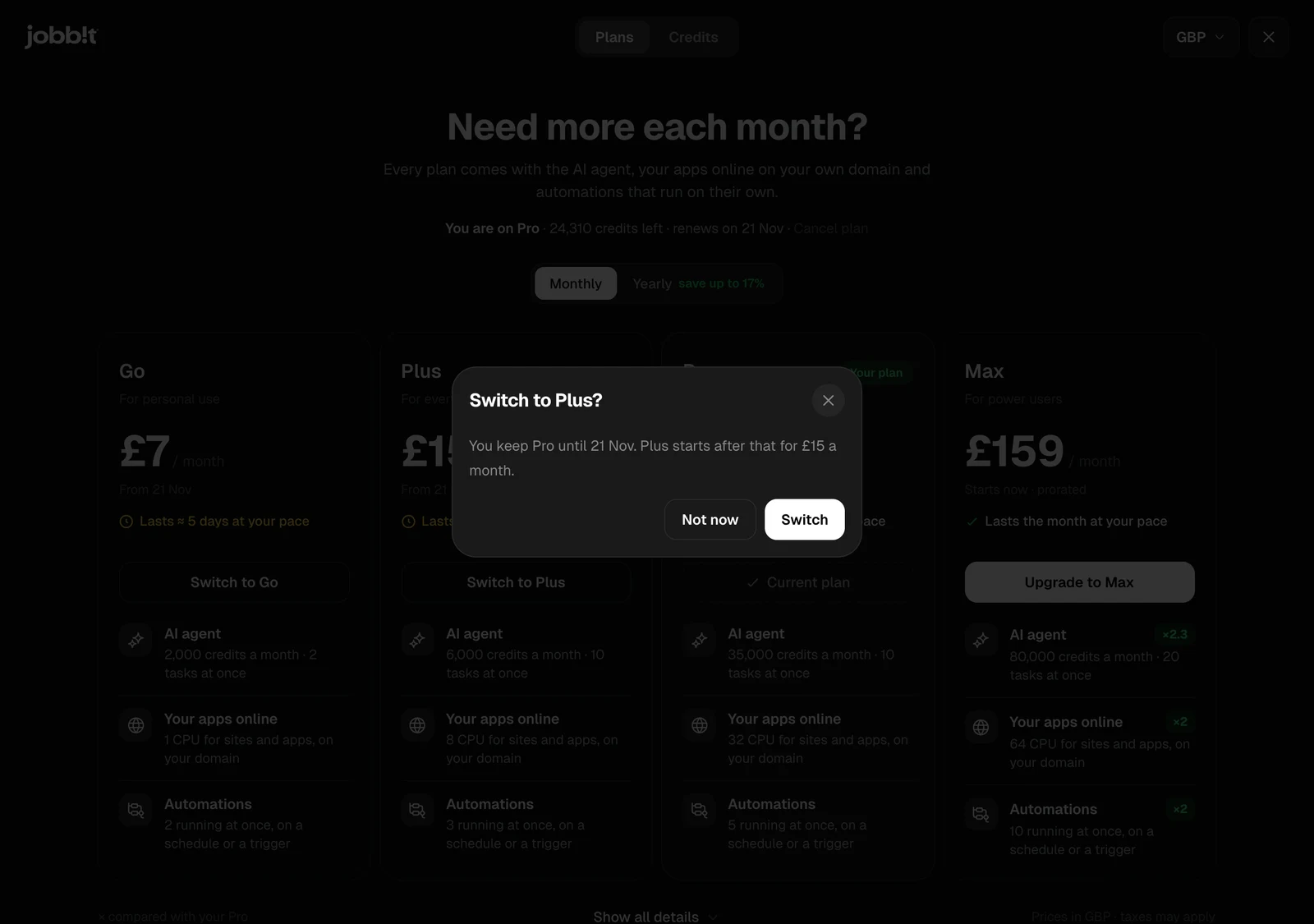
| Switch to a smaller plan | You keep your plan until it renews. The new one starts after that |
Cancel your plan
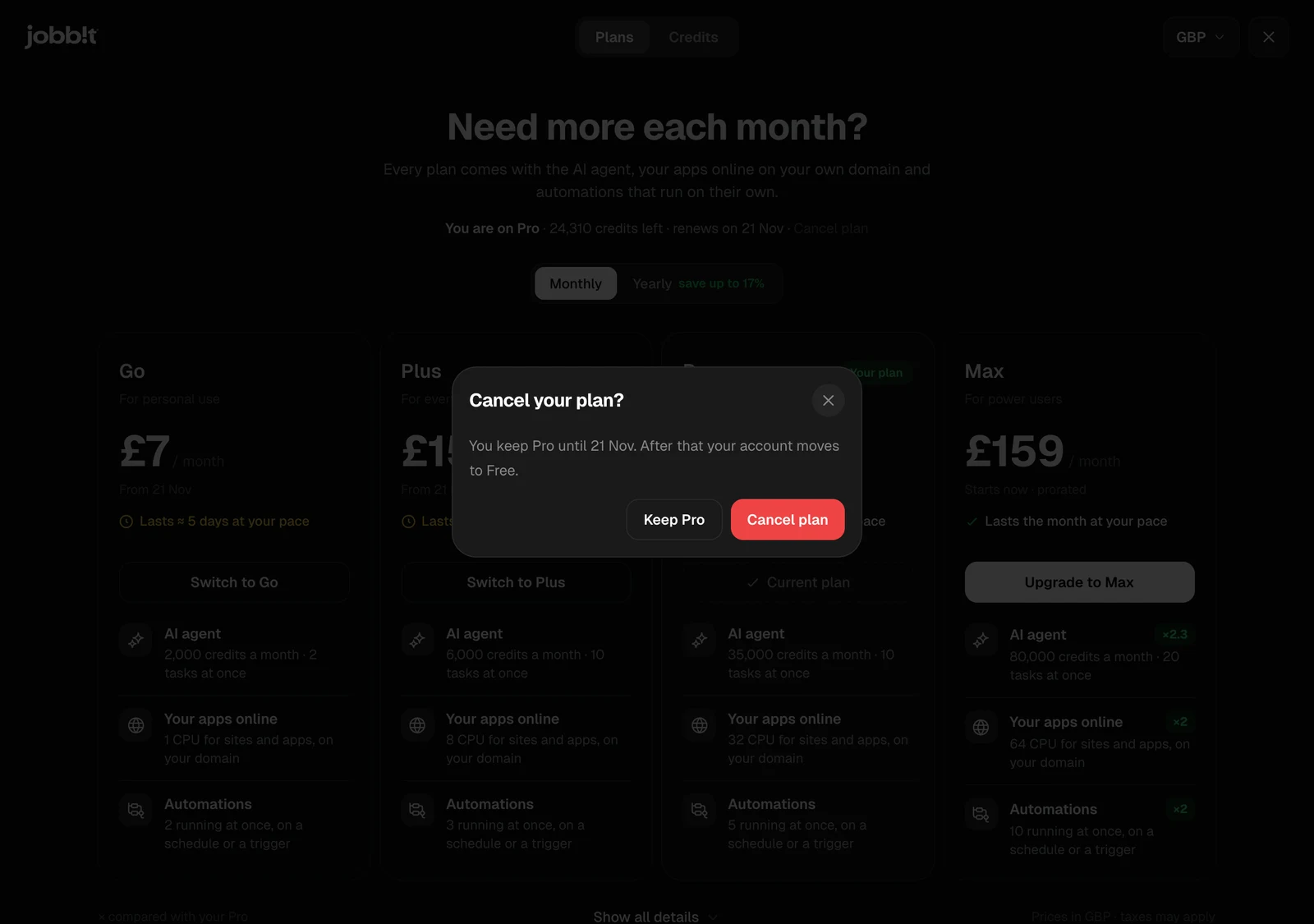
Cancel plan in the line under the title asks first. You keep your plan until the date it would renew; after that your account moves to Free. Until then, Keep your plan undoes the cancellation.
A plan bought in the Jobbit app on an iPhone or Android phone is managed in the App Store or Google Play: change or cancel it there. You can still buy extra credits on the web.