| Amount | What it is |
|---|---|
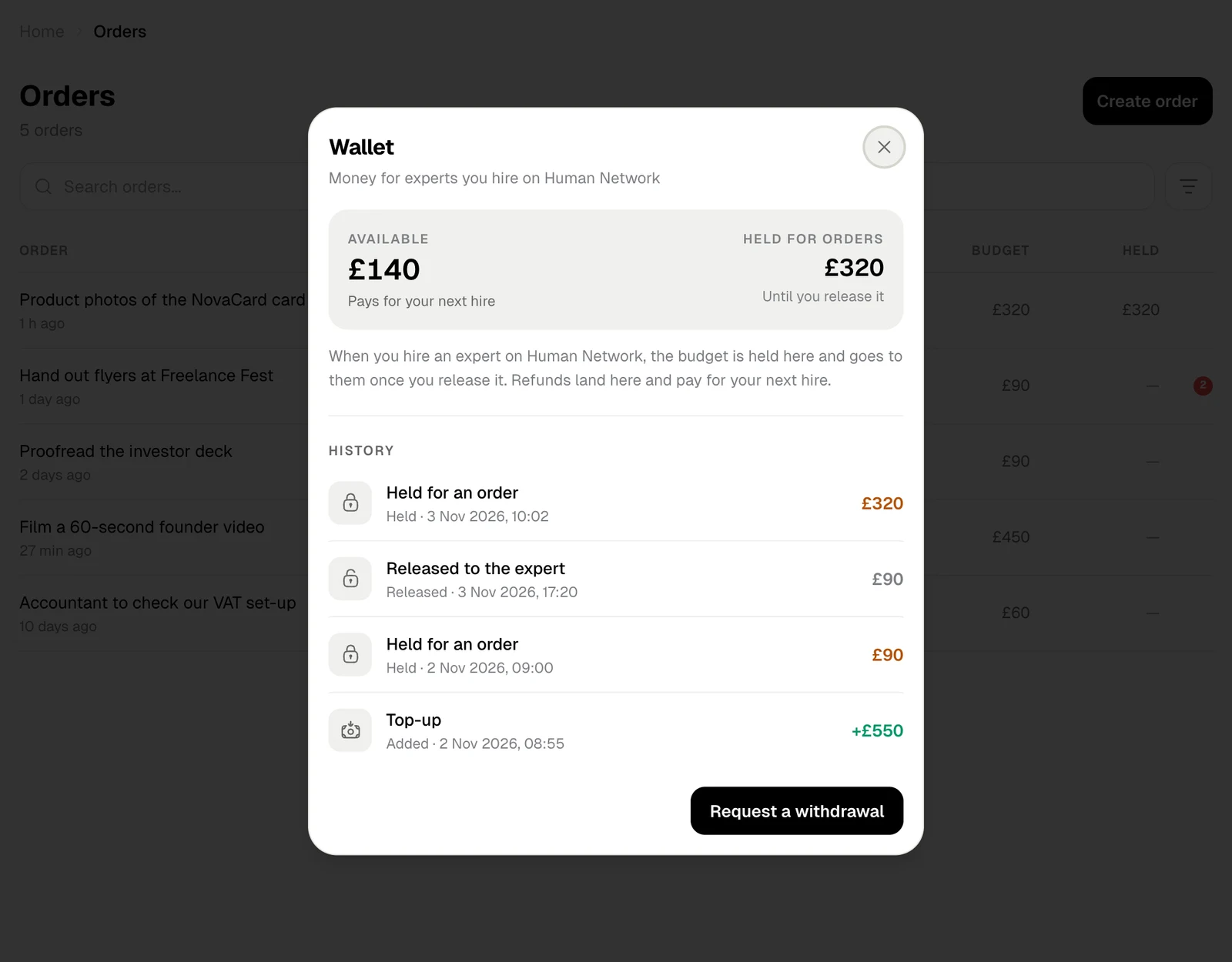
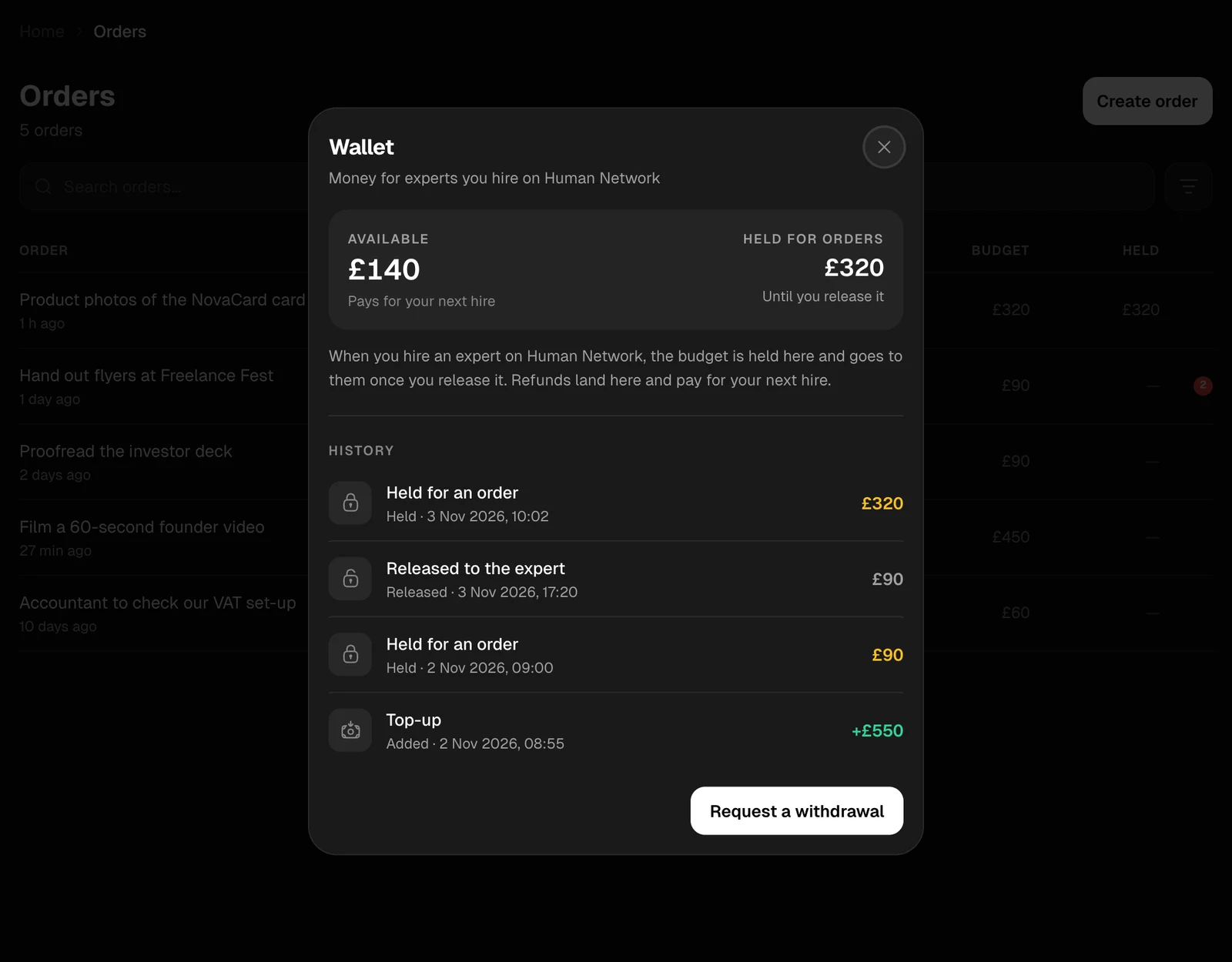
| Available | Money you can use. It pays for your next hire before you are asked for a card |
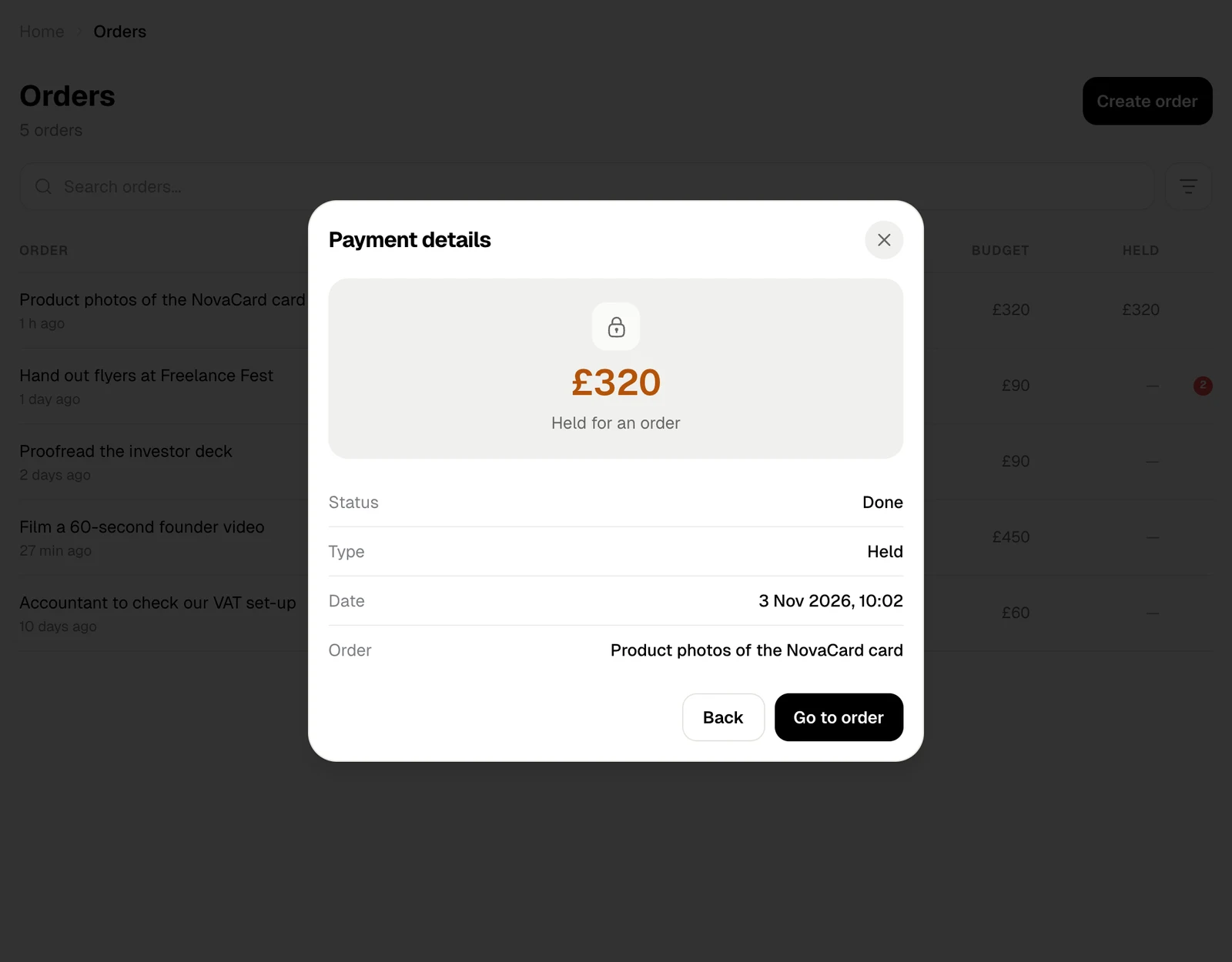
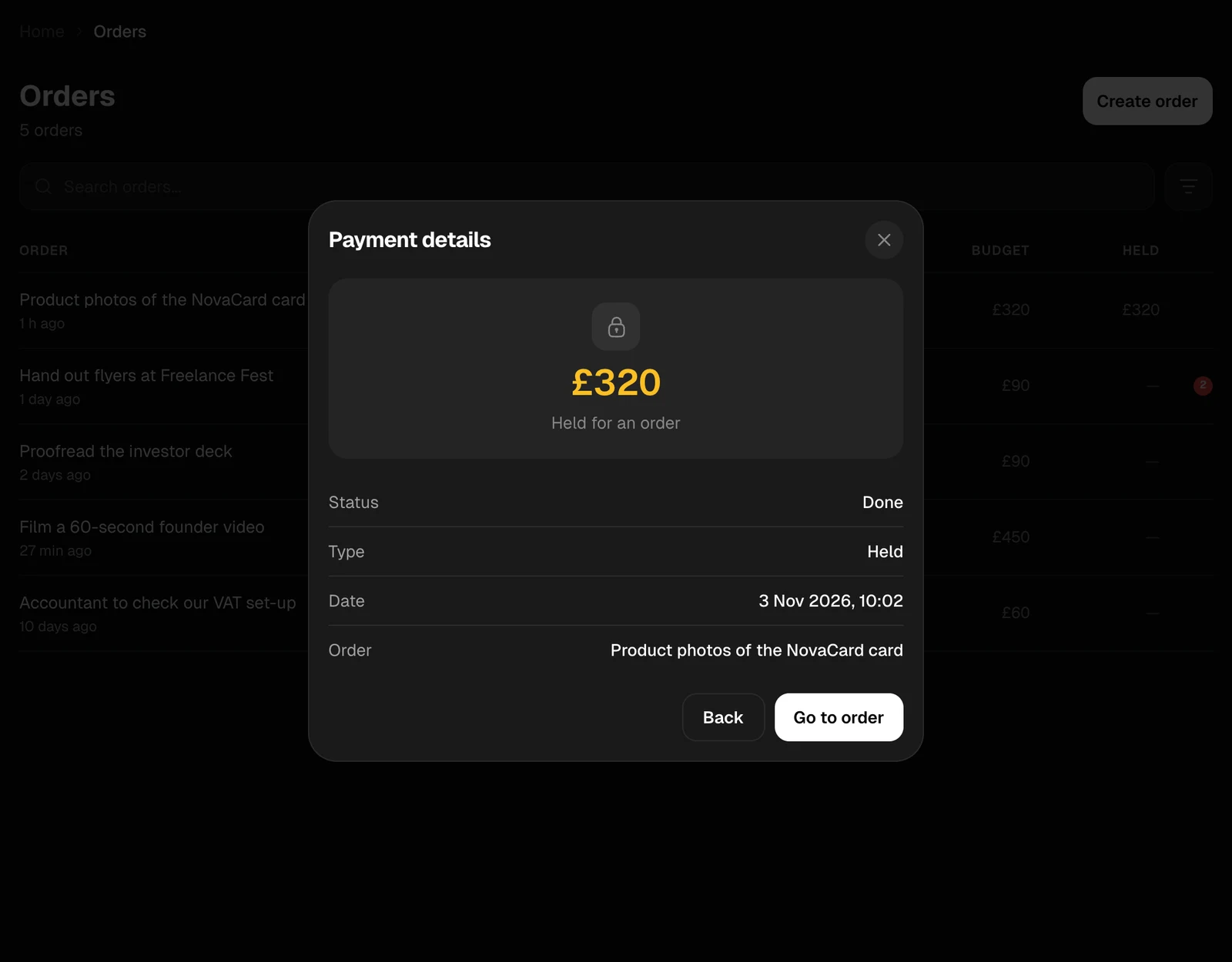
| Held for orders | Budgets of orders in progress. Each stays here until you release it to the expert, or until support decides an appeal |
History
Every movement is listed, newest first:| Line | What happened |
|---|---|
| Added | You paid money in by card |
| Held | A budget was held for an order you hired for |
| Released | Held money went to the expert, or came back to you |
| Paid | Money left your wallet, such as a withdrawal to your card |
Withdraw
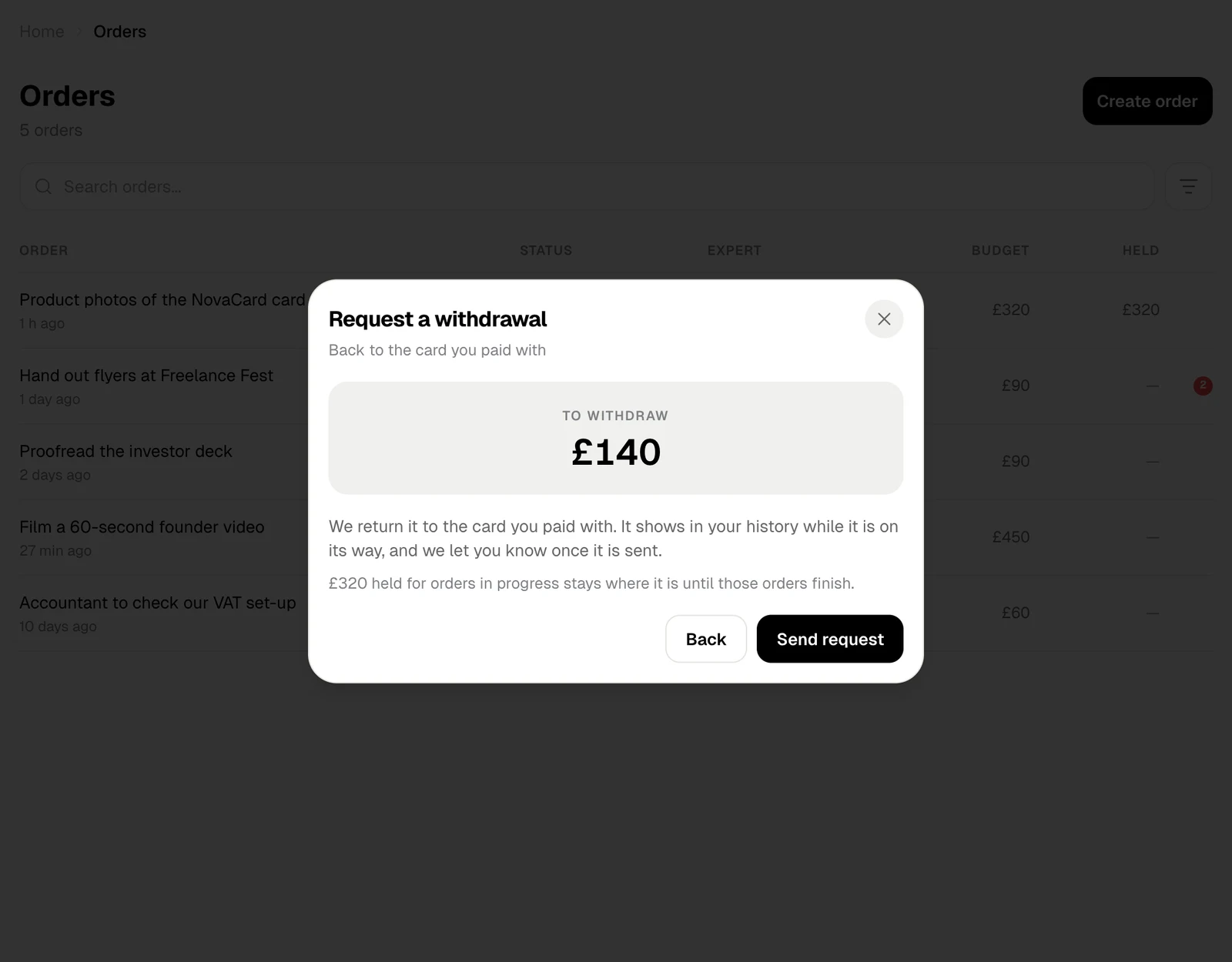
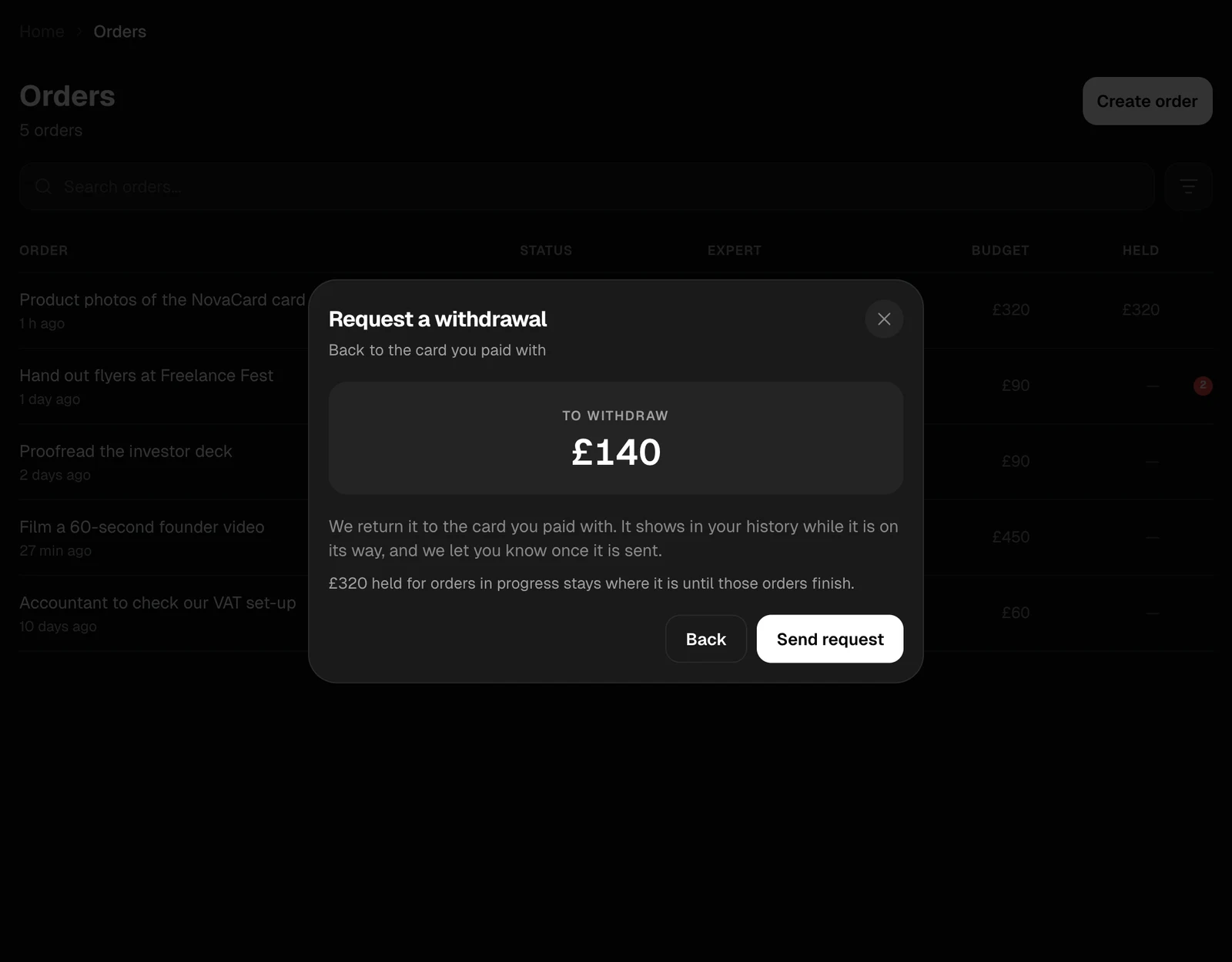
Request a withdrawal sends your available money back to the card you paid with. The request shows in your history while it is on its way, and Jobbit lets you know once it is sent. Money held for orders in progress stays where it is until those orders finish.