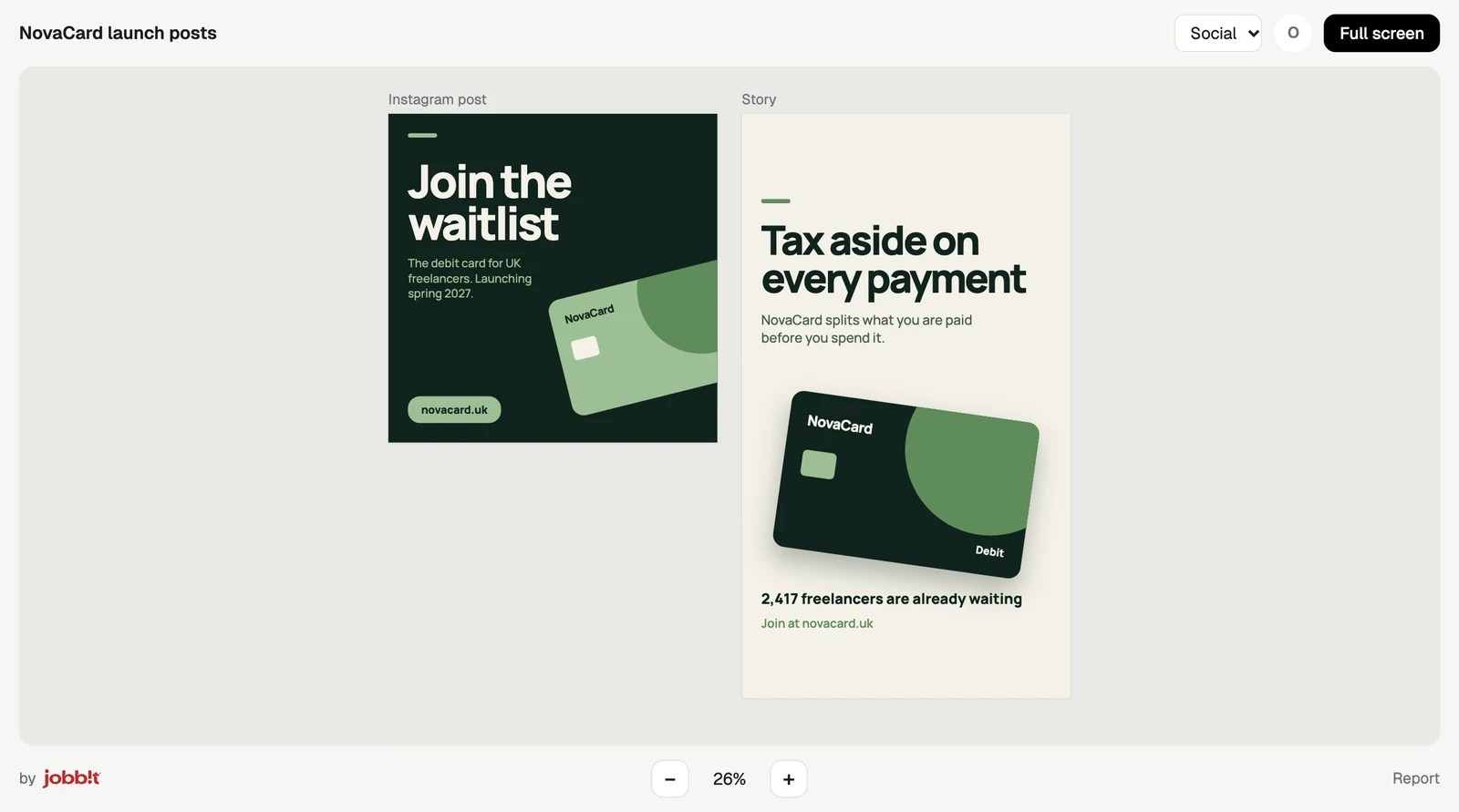
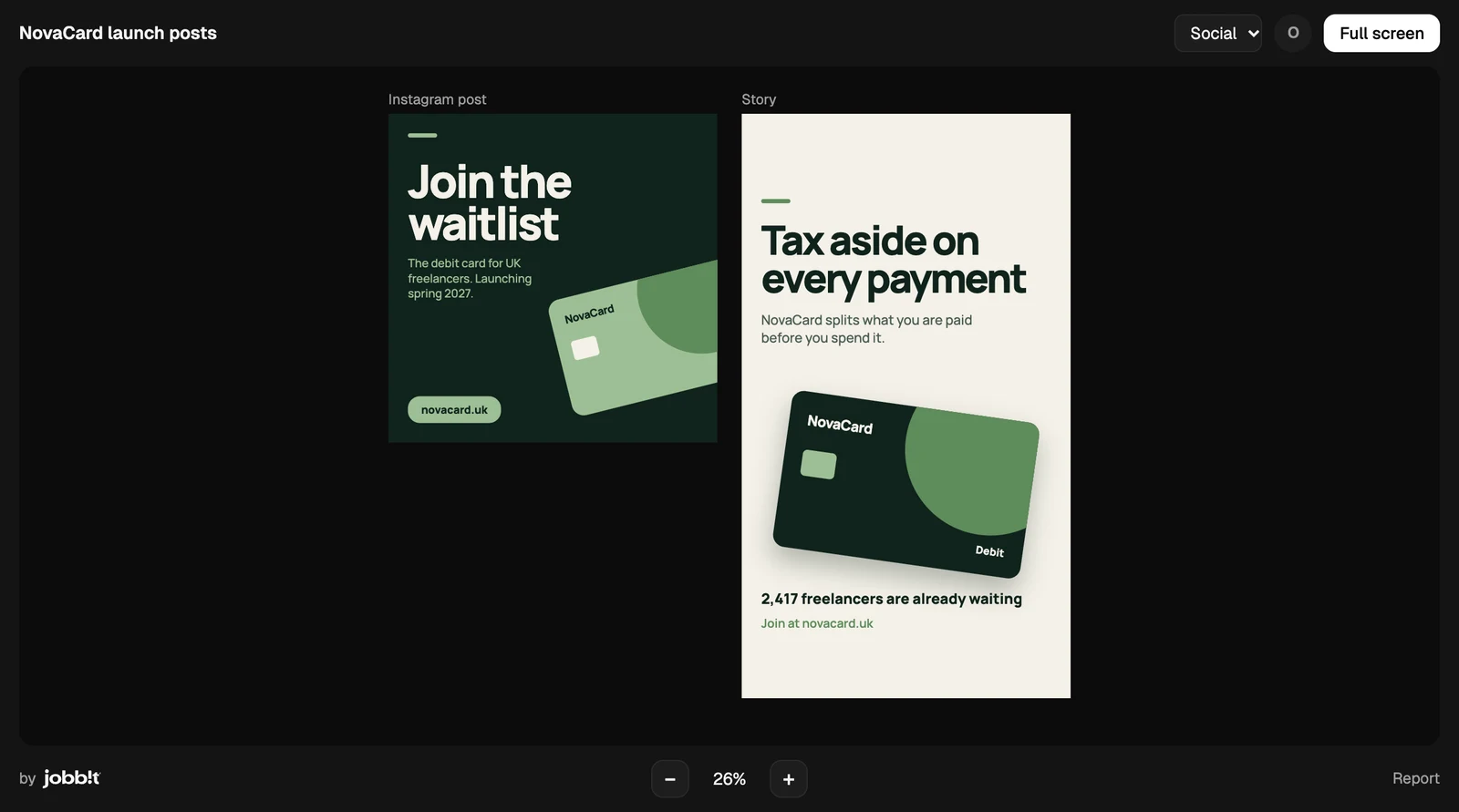
A public link lets anyone look at a presentation or a design without a Jobbit account. They cannot change it or download it. Only the owner can publish, and motion videos have no public link.

Publish

Share at the top of the document’s window opens Public link. Before you publish, it says what people get: they can look, scripts and forms in it do not run for them, and they can report it. Publish turns the link on.
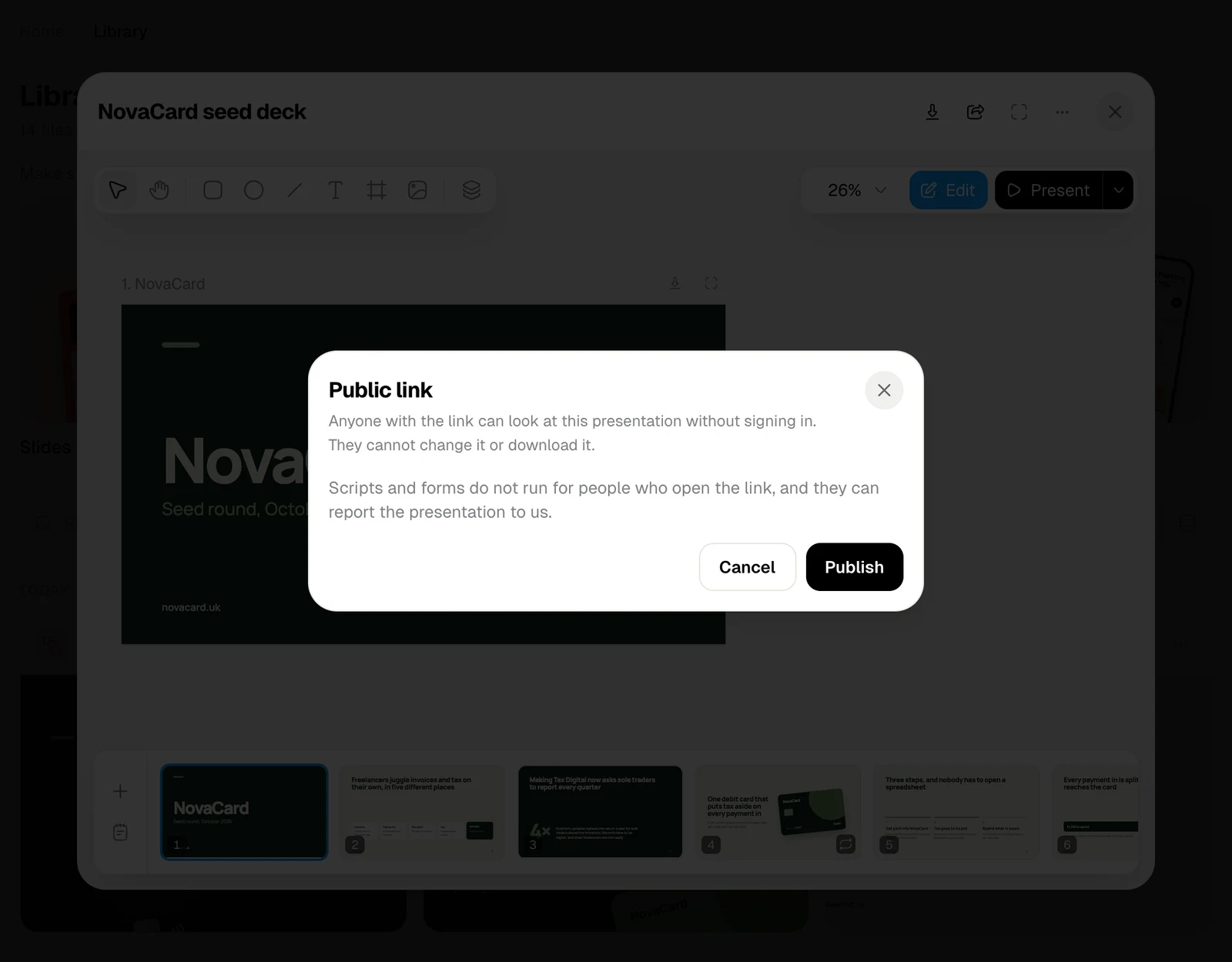
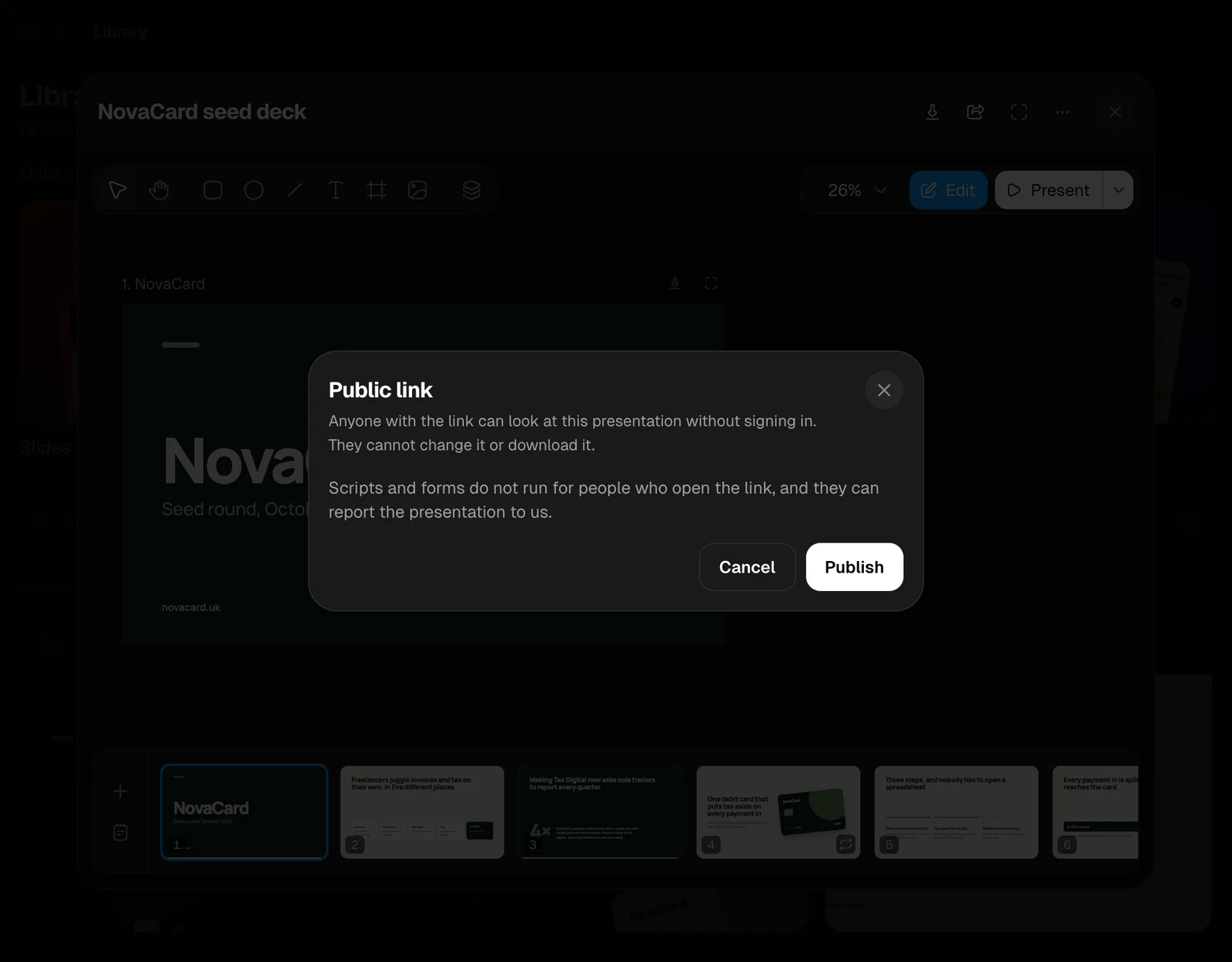
The Public link dialog with Cancel and Publish, light themeThe Public link dialog with Cancel and Publish, dark theme
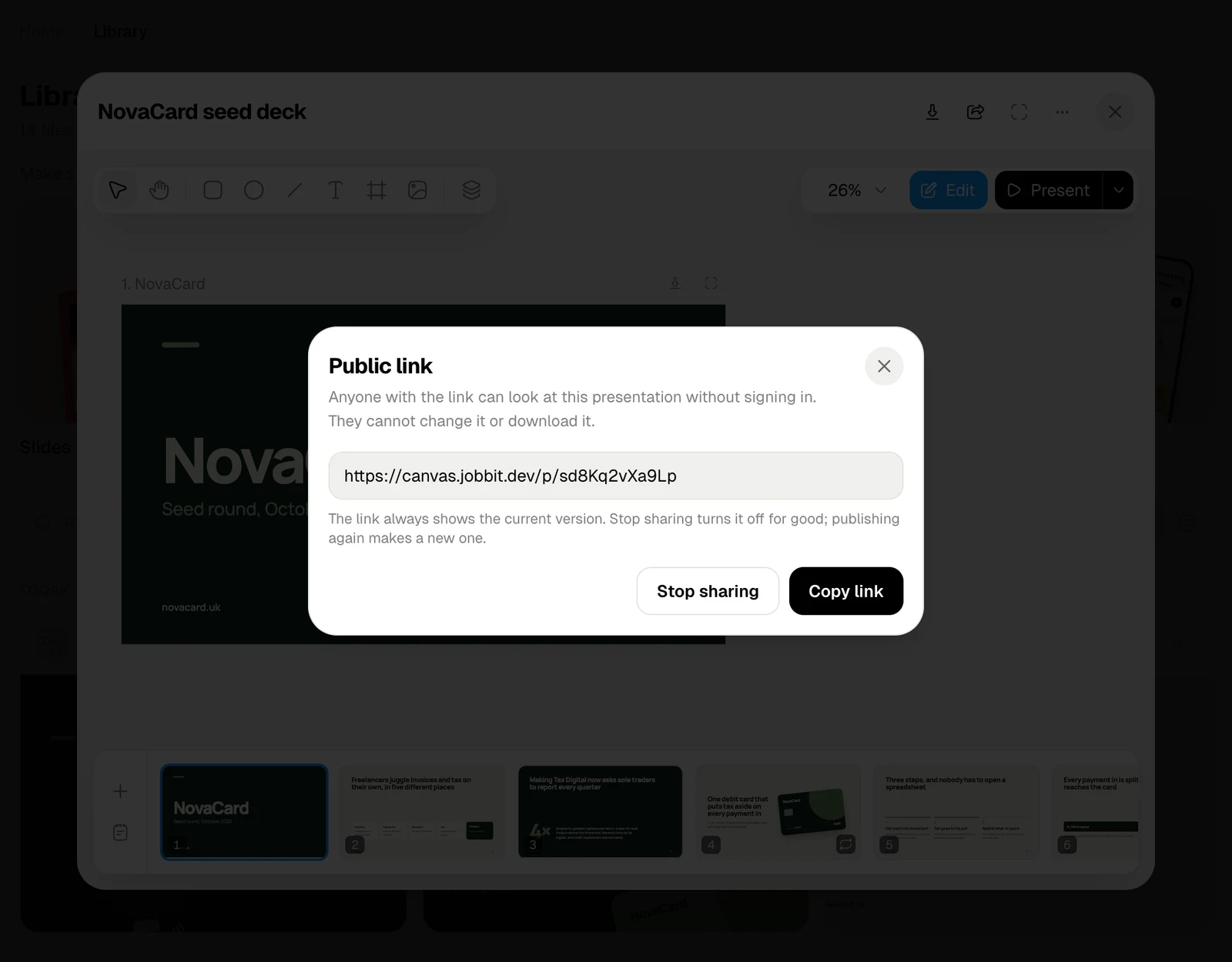
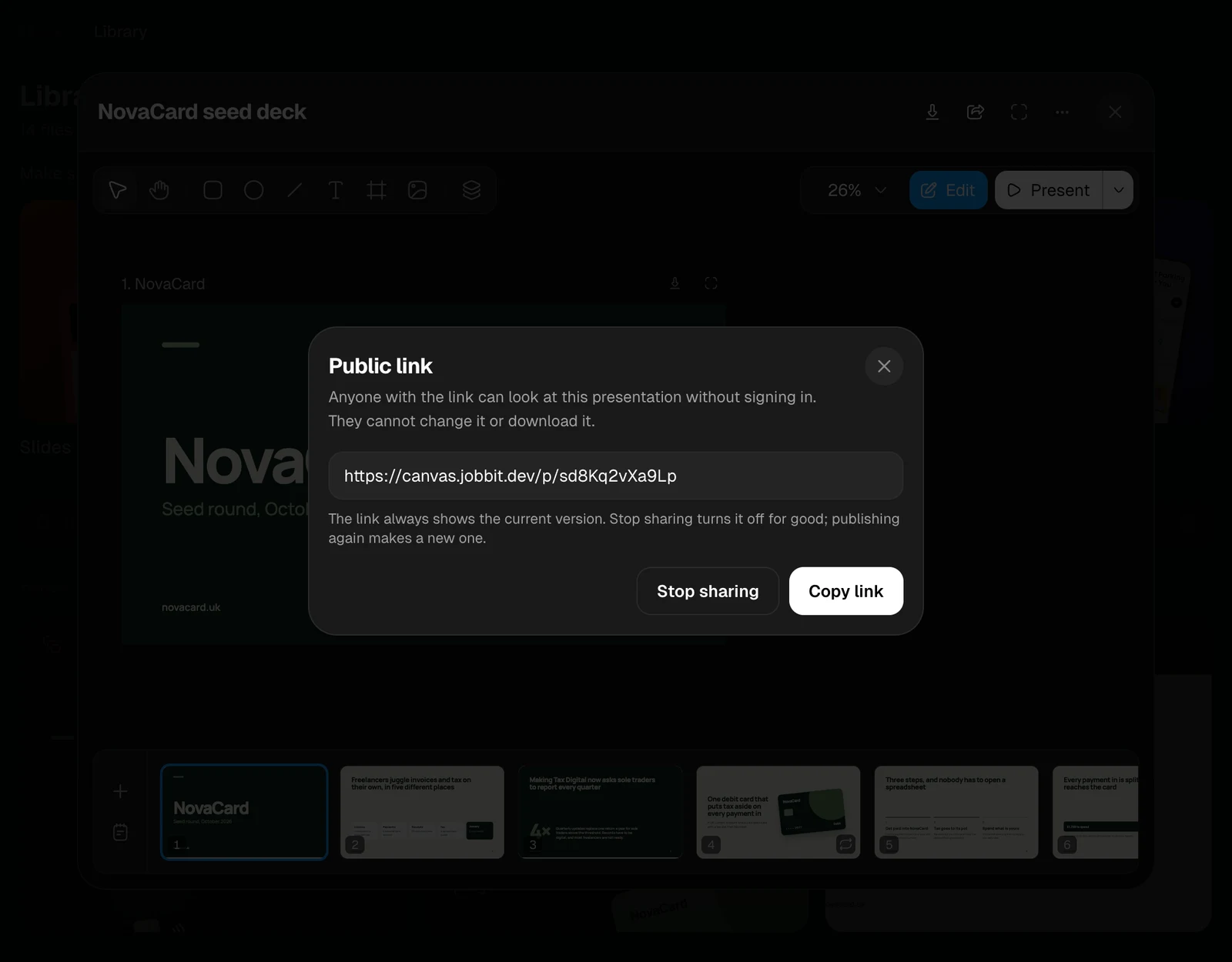
Once it is on, the dialog shows the link with Copy link. The link always shows the current version, so edits you make later show up for everyone who has it. Stop sharing turns the link off for good. Publishing again makes a new link, and the old one stays off.
The Public link dialog with the link, Stop sharing and Copy link, light themeThe Public link dialog with the link, Stop sharing and Copy link, dark theme

What people see

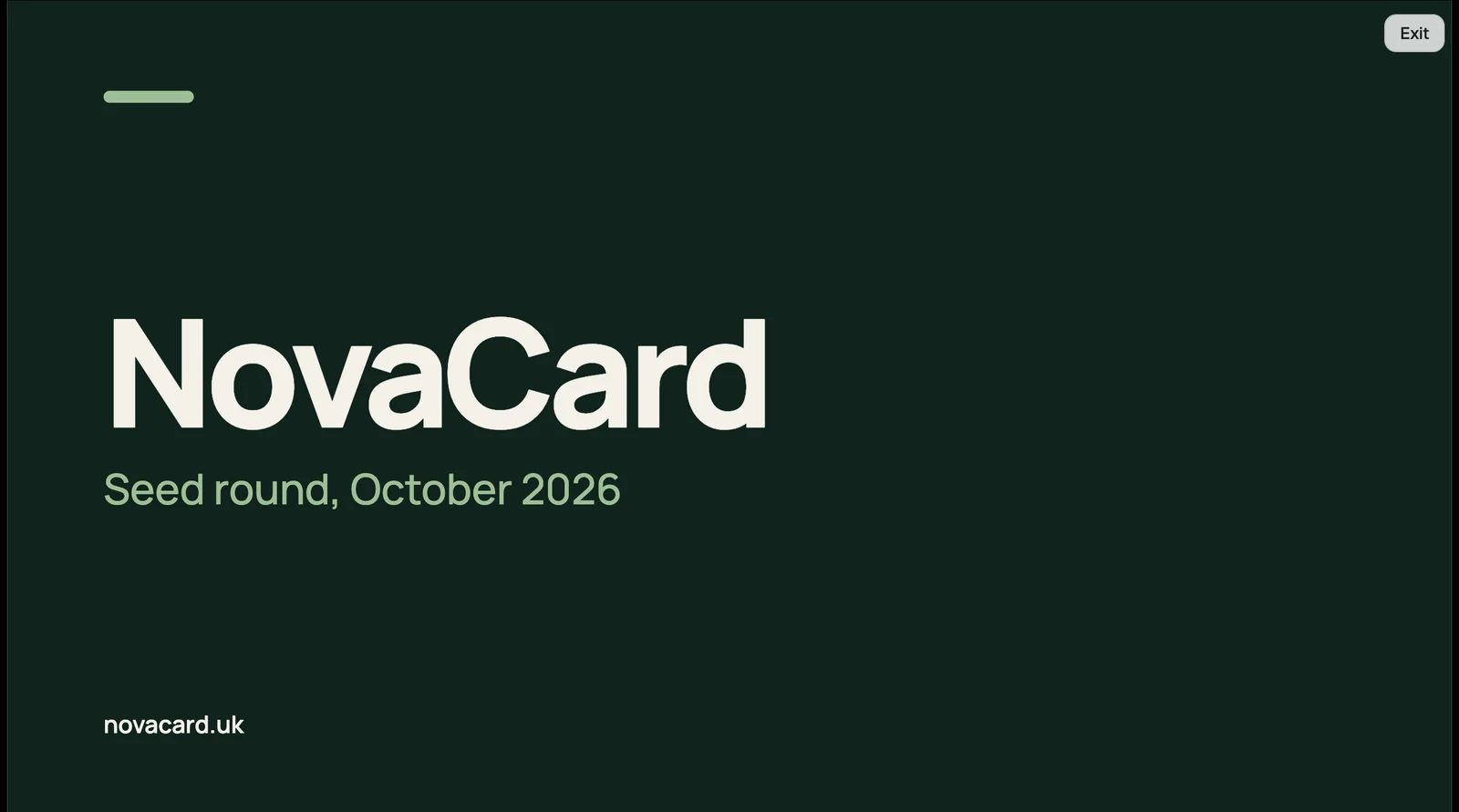
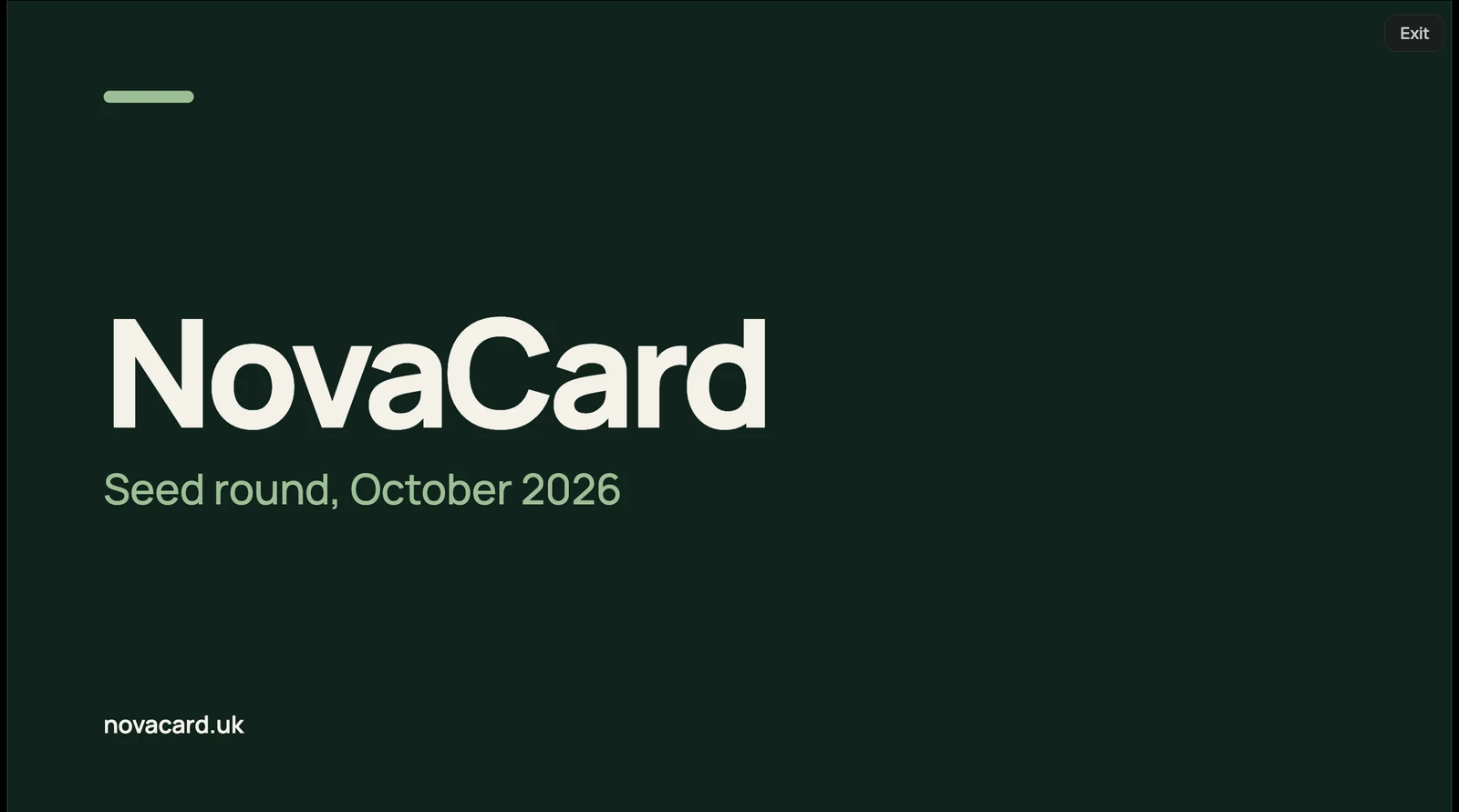
A presentation opens on its first slide, with its title, who shared it, and the slide number. The arrows and the keyboard go through the slides; Present shows them full screen, and Exit comes back.
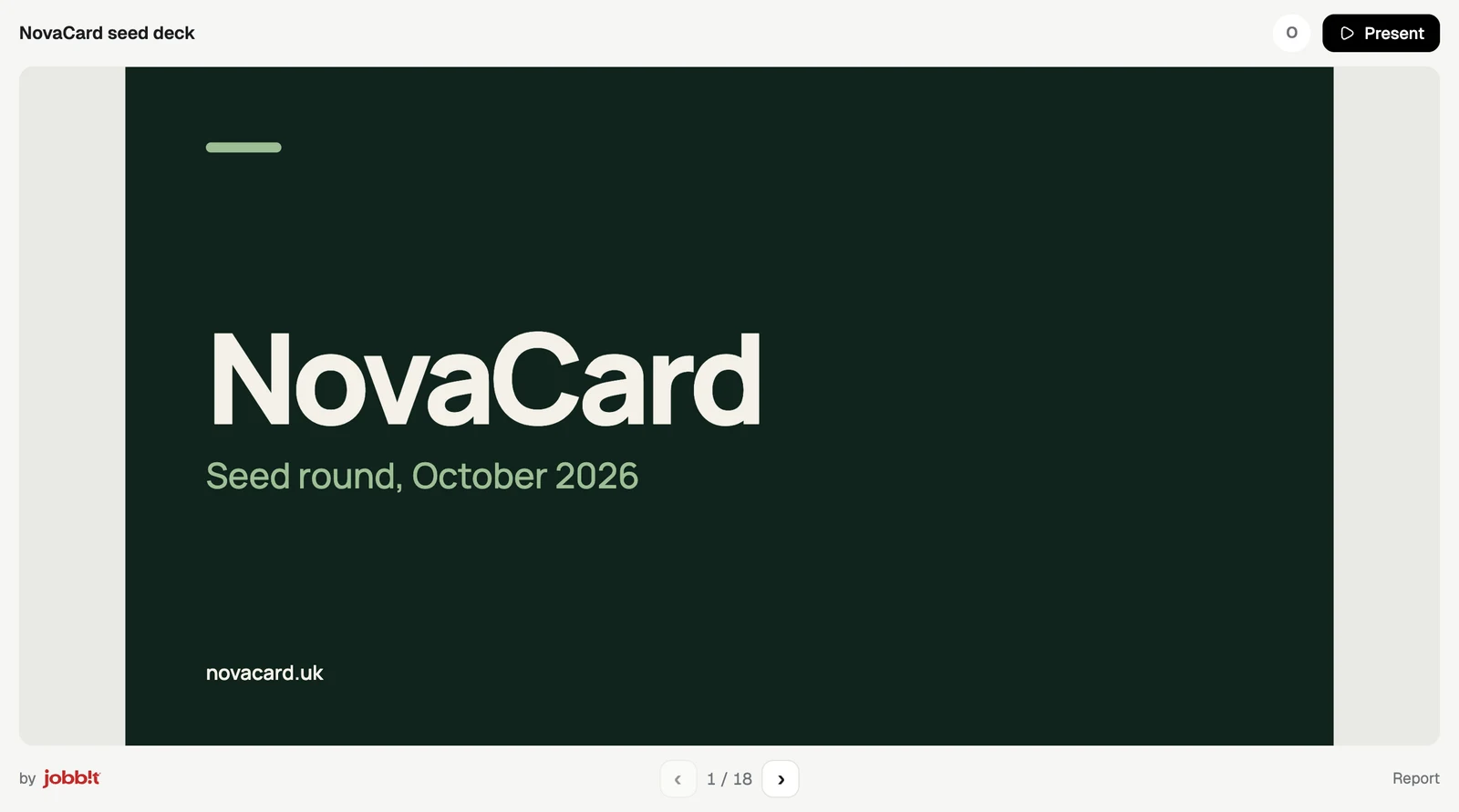
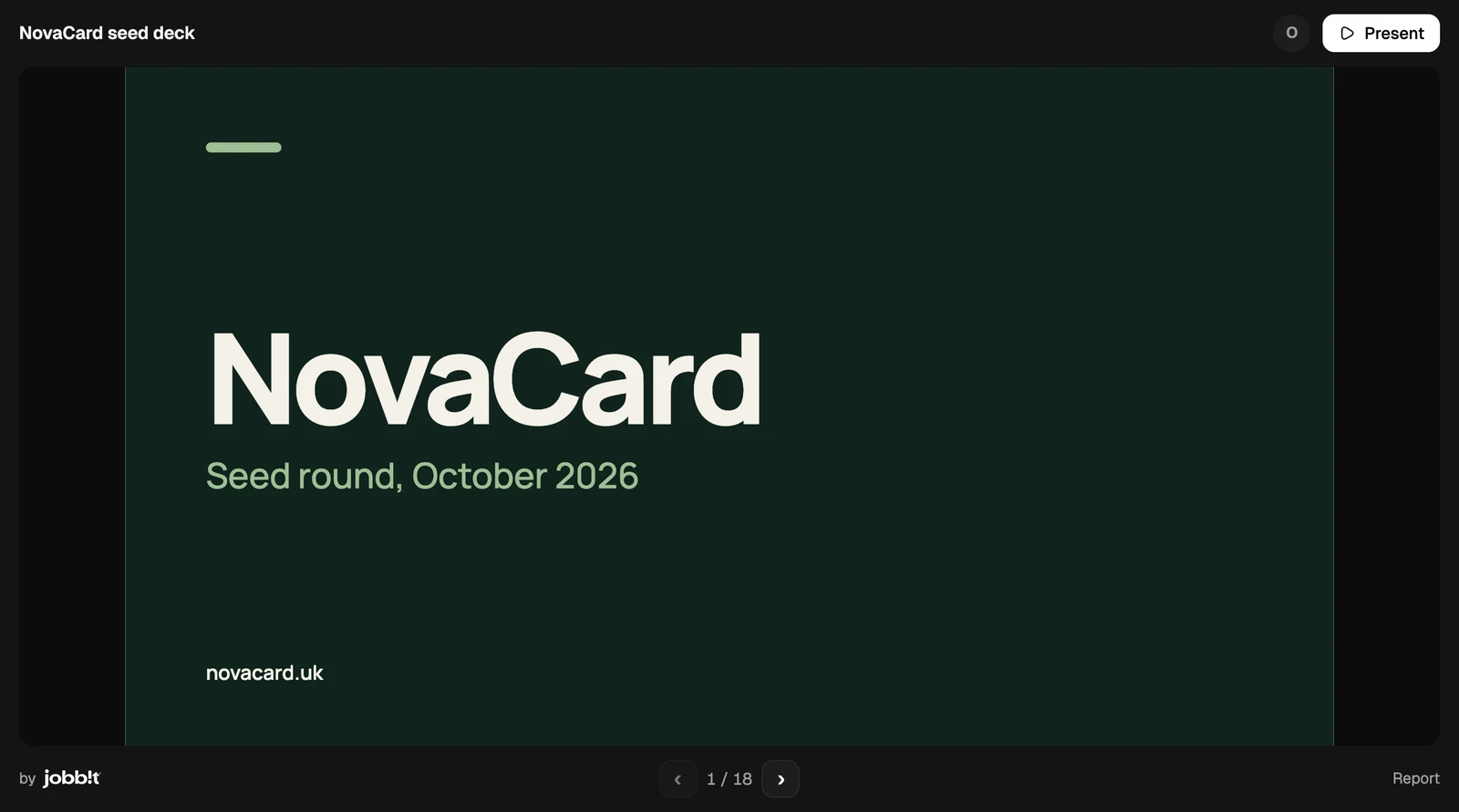
The public page of a presentation with Present and the slide arrows, light themeThe public page of a presentation with Present and the slide arrows, dark theme
A slide full screen with Exit, light themeA slide full screen with Exit, dark theme
A design opens on its first page, with every artboard of the page side by side. The page list switches pages, − and + zoom, the percentage fits the artboards back to the screen, and Full screen gives the design the whole screen.
The public page of a design with the page list and zoom, light themeThe public page of a design with the page list and zoom, dark theme
The public page follows the light or dark setting of the viewer’s device.

Reports

Report at the bottom of the page lets anyone tell Jobbit something is wrong: phishing or a scam, spam, illegal or harmful content, or something else, with a note. A presentation or design taken down after a report cannot be published again.
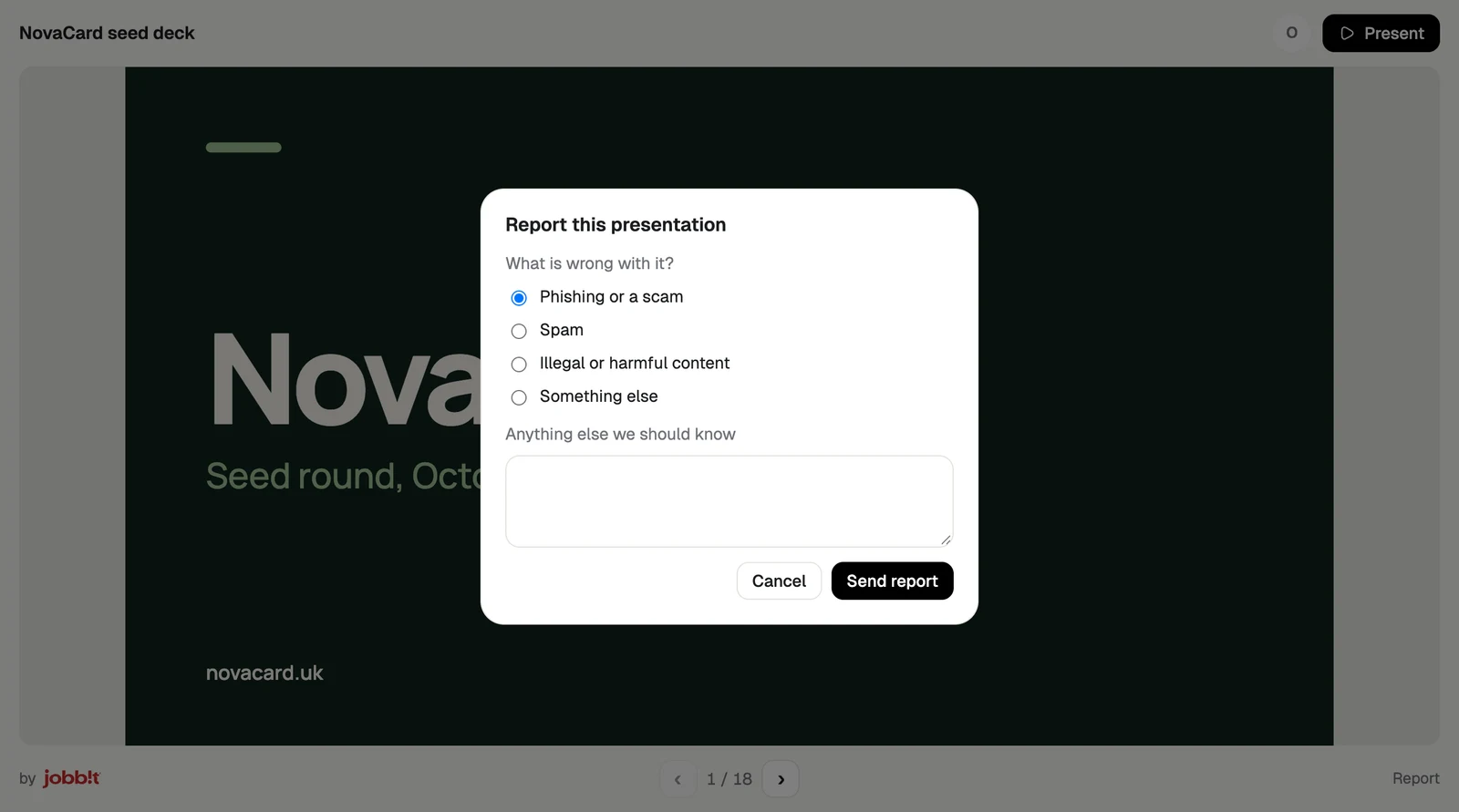
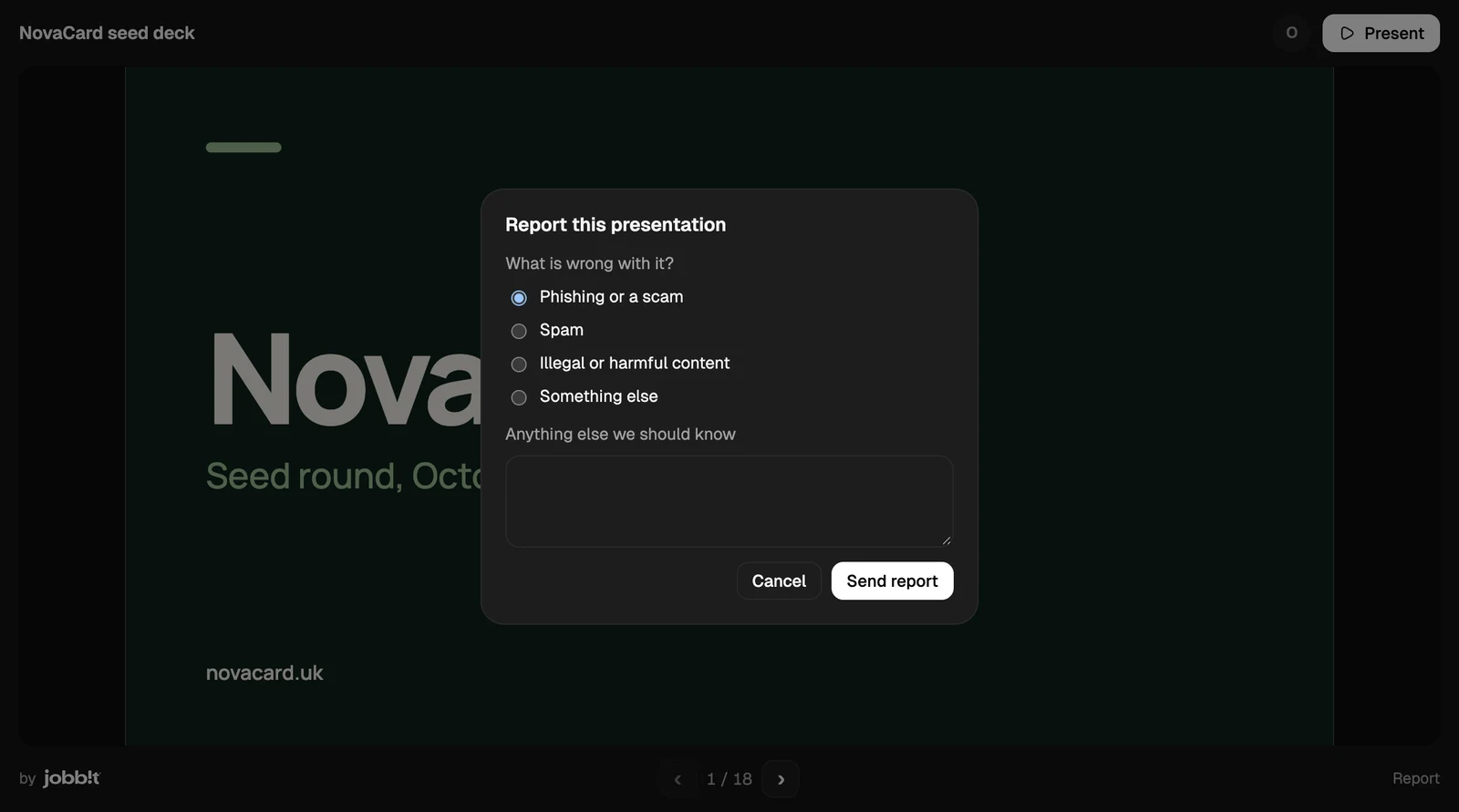
The Report this presentation dialog with four reasons, light themeThe Report this presentation dialog with four reasons, dark theme
When the link was turned off, or the document was deleted, the page says This link is not available.
The This link is not available page, light themeThe This link is not available page, dark theme