

Ask for one in any chat, or start from Make something new in the Library. The document appears in the chat as the agent builds it, and lands in your Library.
Open a document
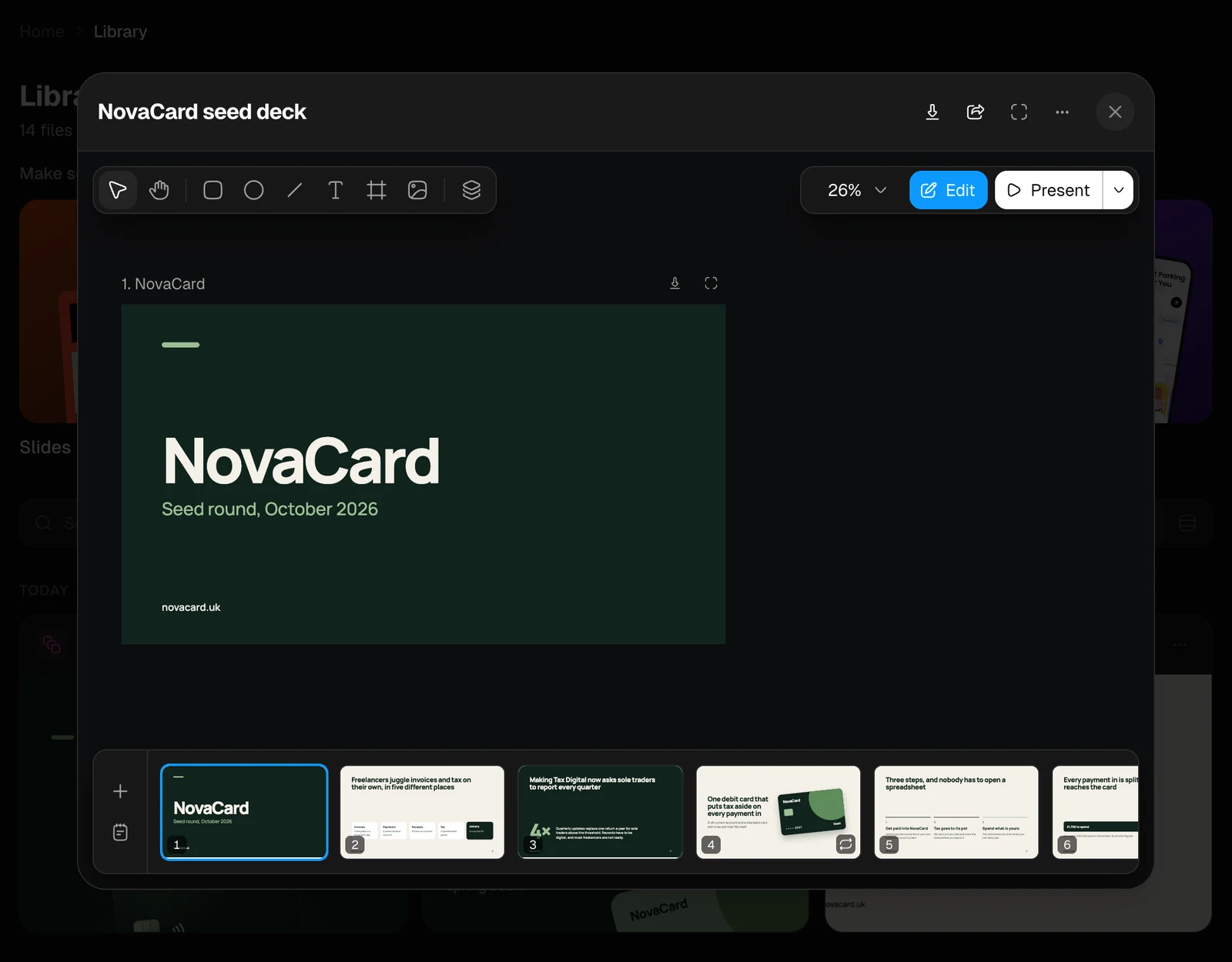
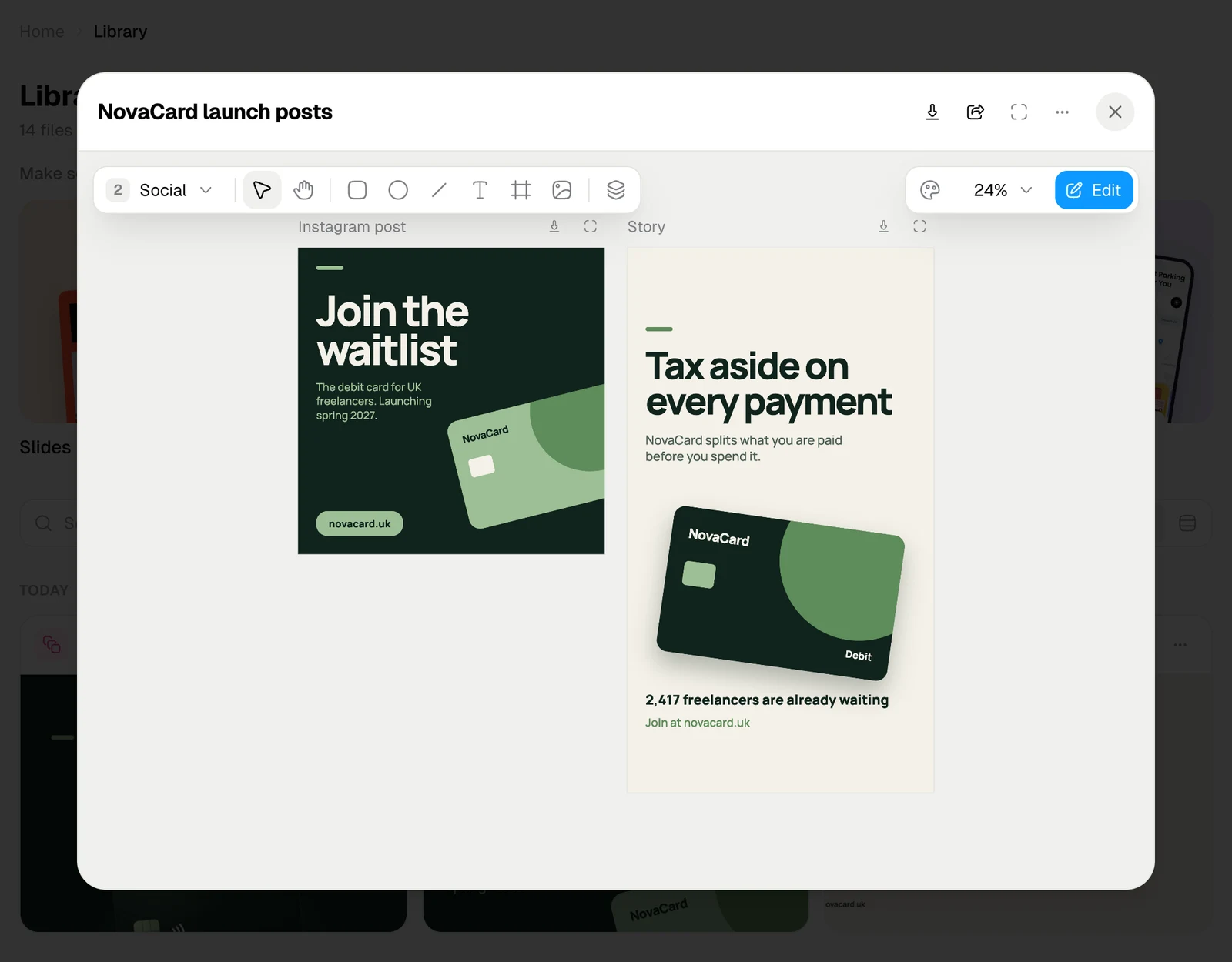
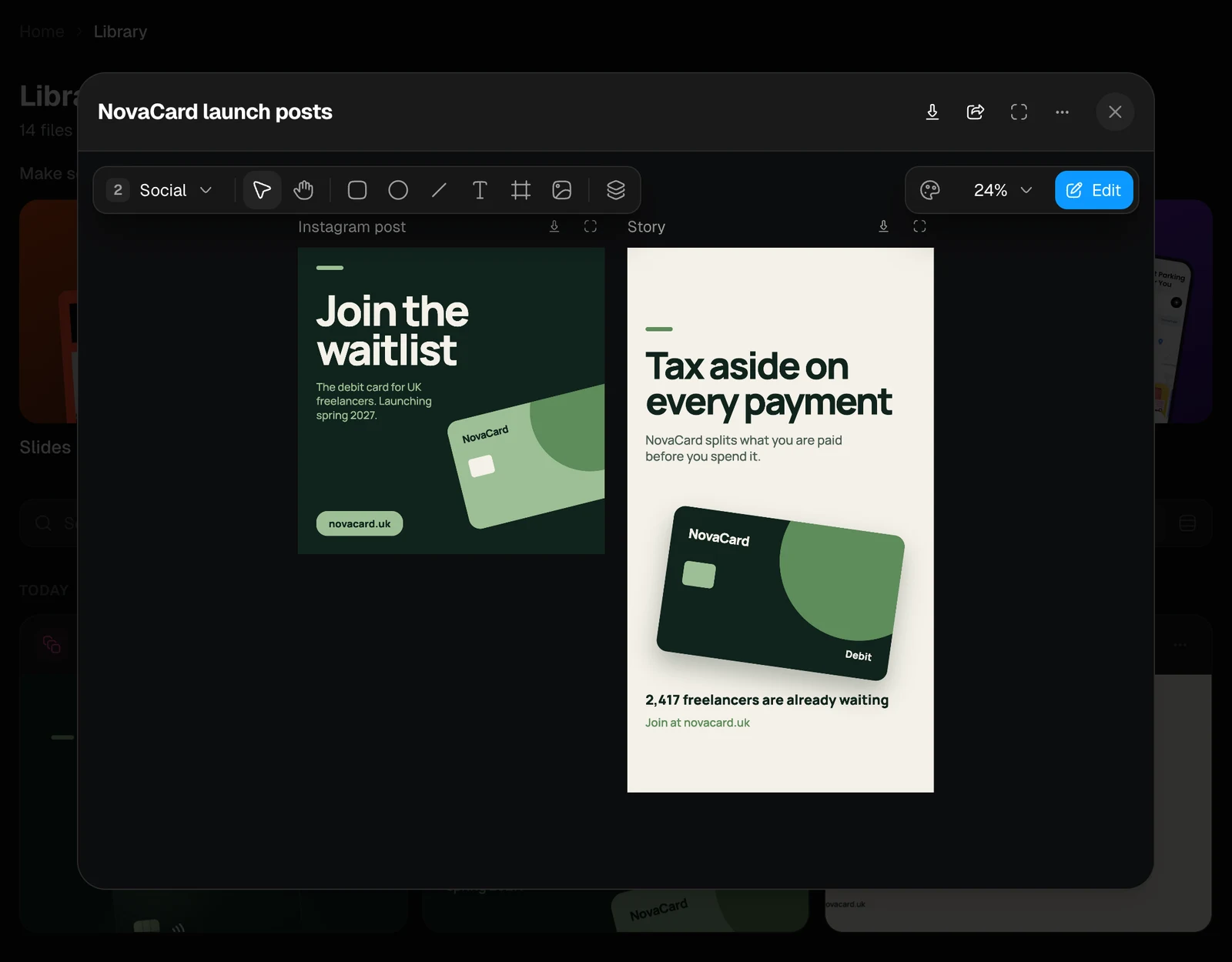
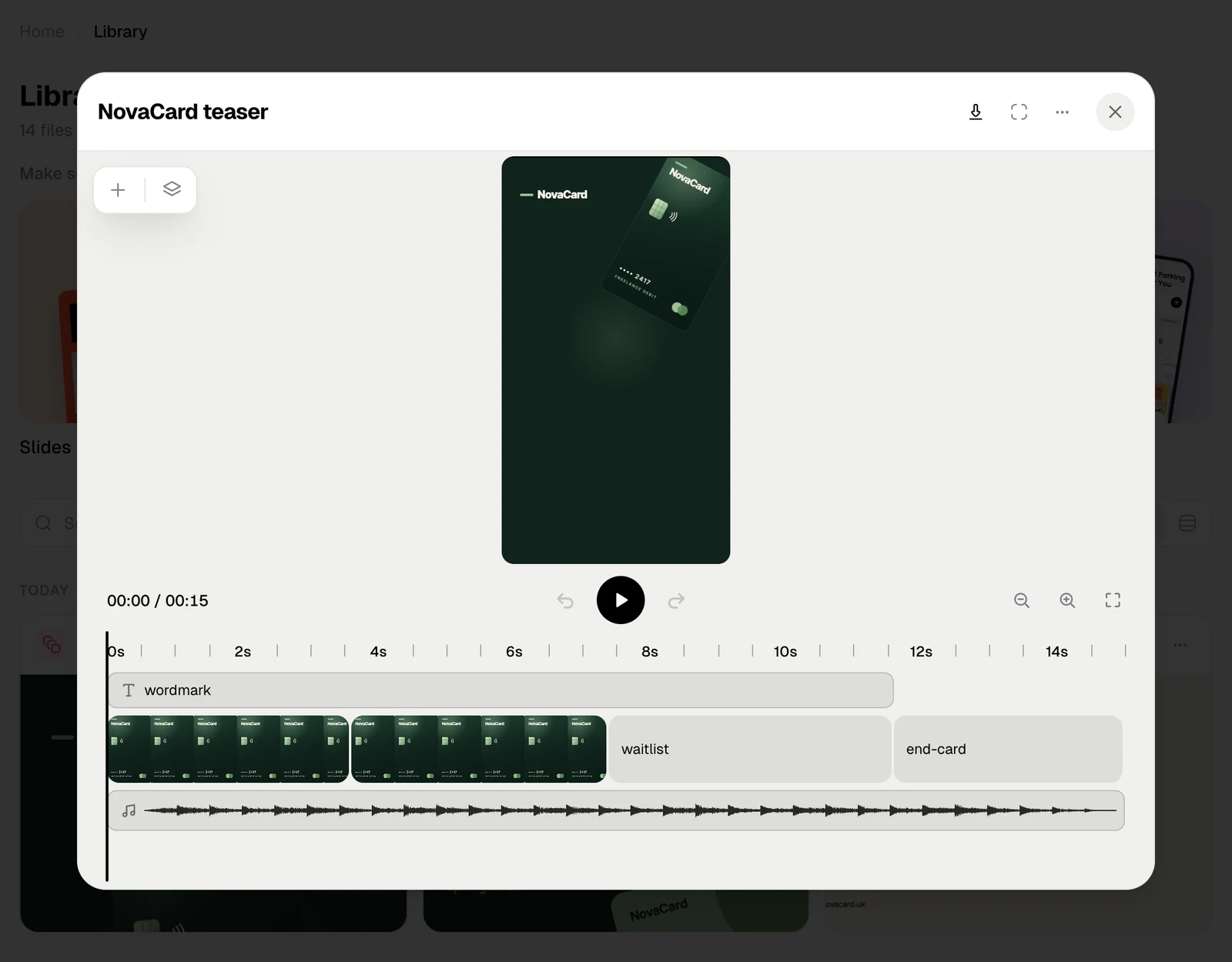
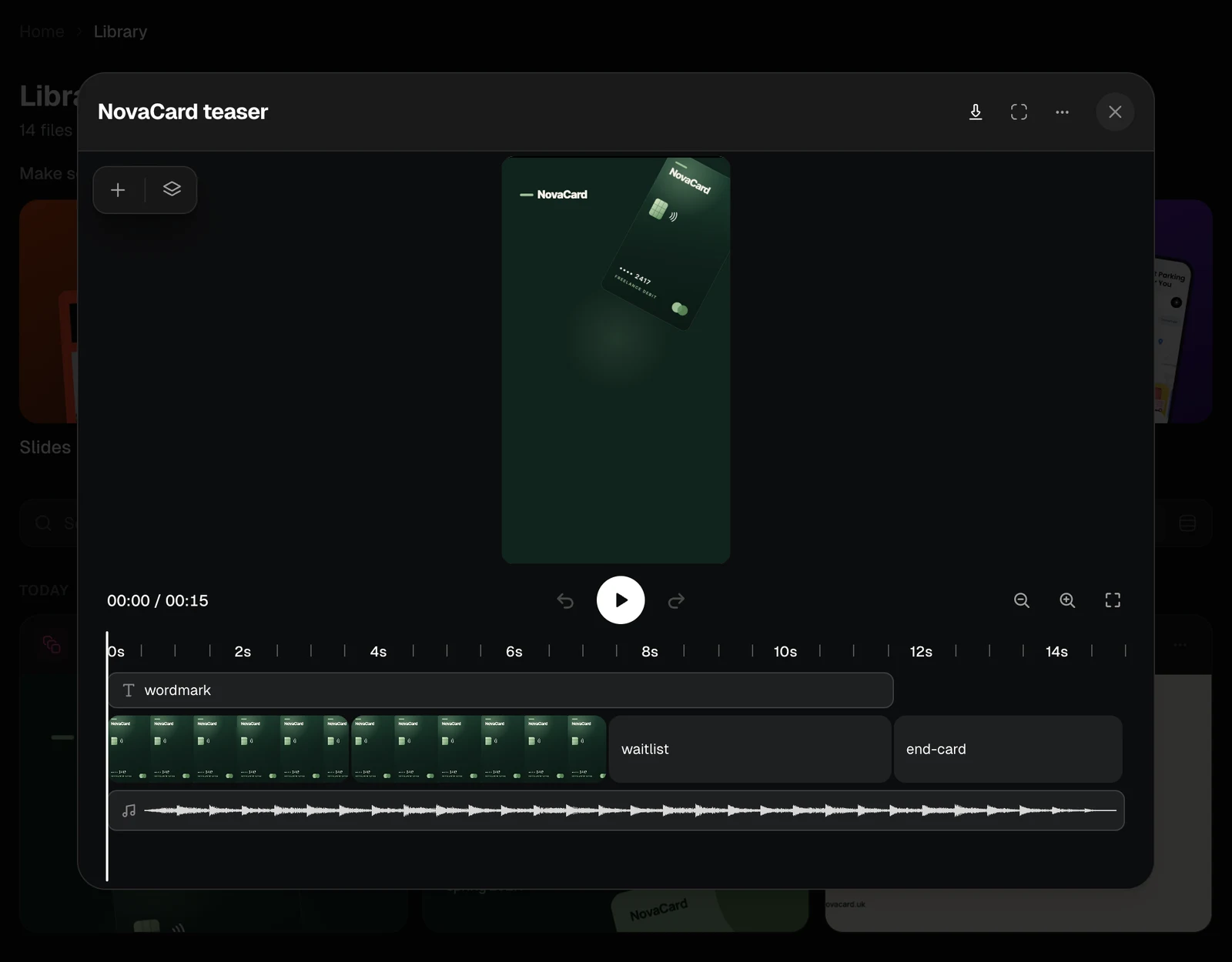
Click a presentation, design or motion video in the Library, or its card in the chat. It opens in its editor, inside the same window that shows any other file.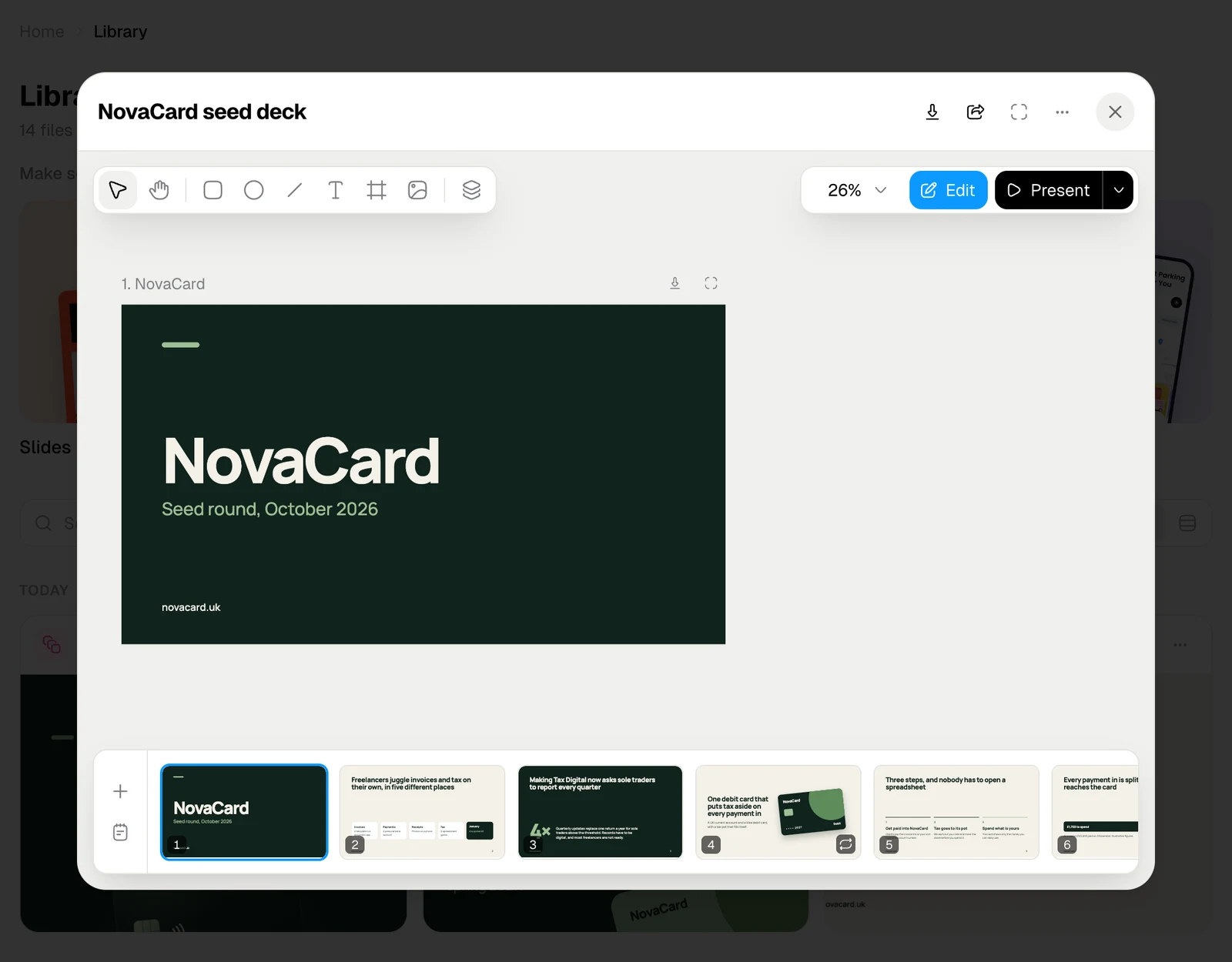
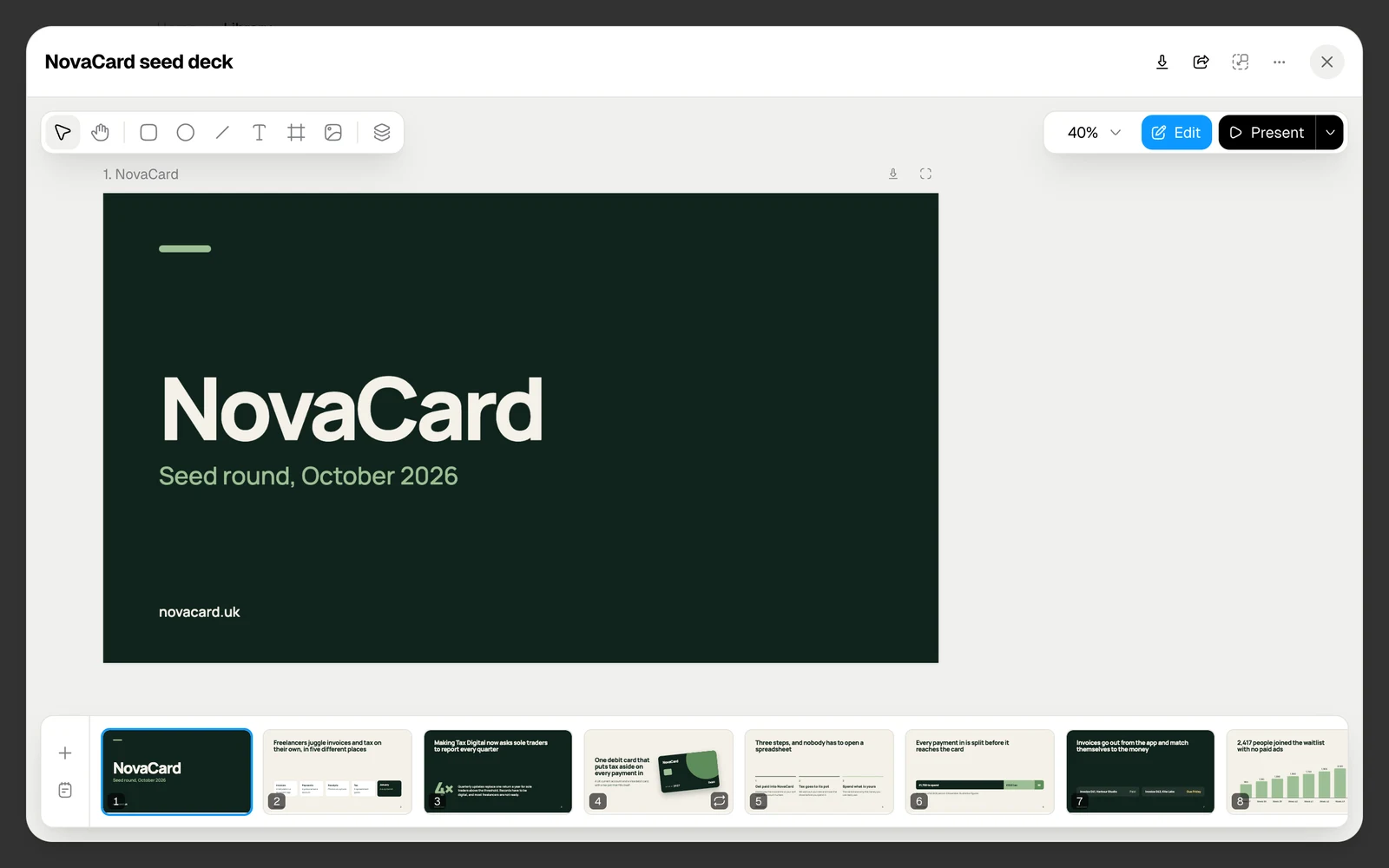
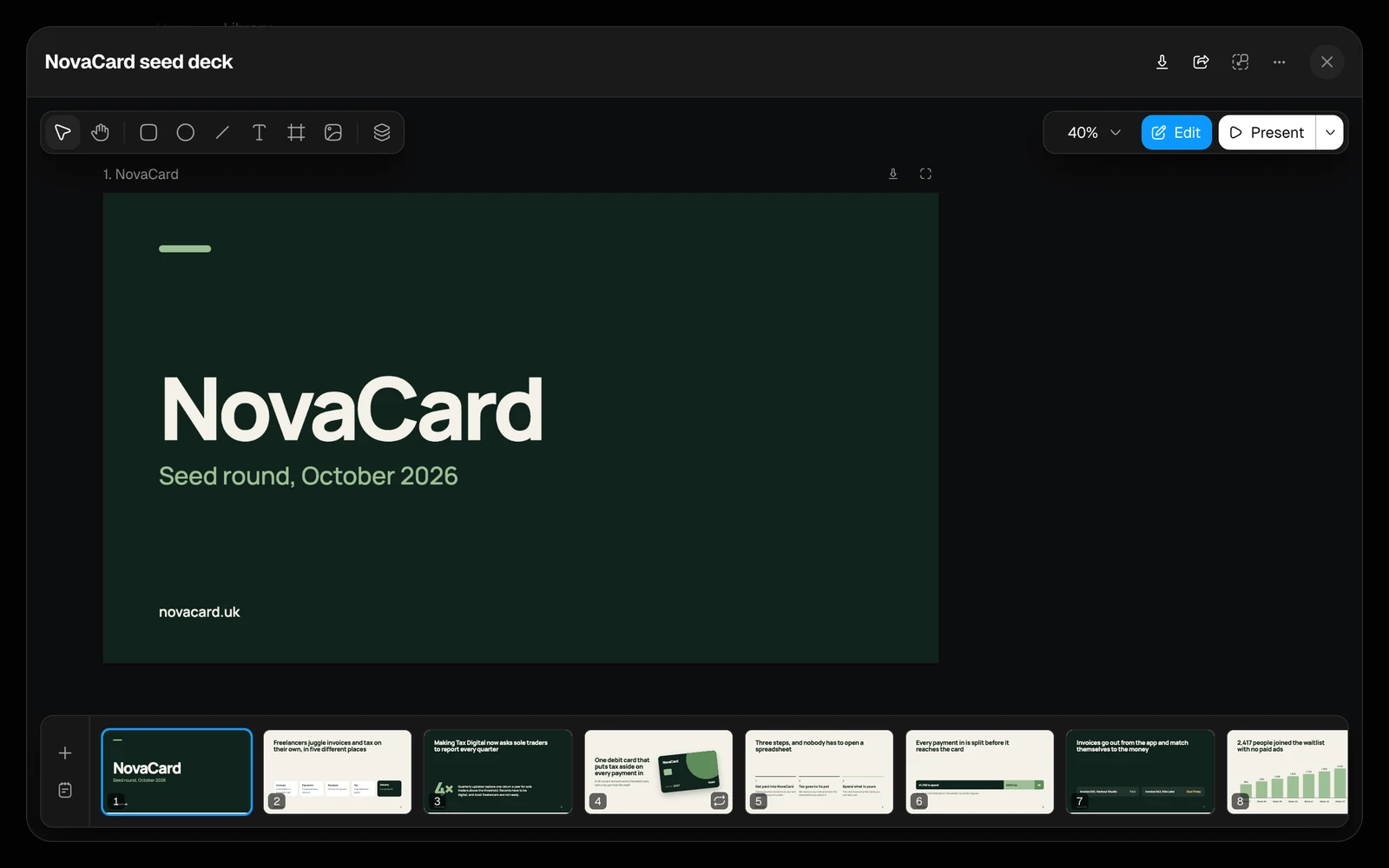
| Button | What it does |
|---|---|
| Download | Saves the document as a file. See Download |
| Share | Turns a public link on or off. Presentations and designs only, and only for their owner. See Public link |
| Fullscreen | Gives the editor the whole screen |
| ⋯ | Rename, Send to Agent, Add to project, Star or Unstar, Delete. See Manage files |
Who can change it
| Person | What they can do |
|---|---|
| You, the owner | Everything: edit, present, download, share, rename, put it in a project, delete |
| Editors of the project it is in | Edit, present and download |
| Viewers of the project | Look at it, present it and download it. A motion video opens in a player |
Edit together with the agent
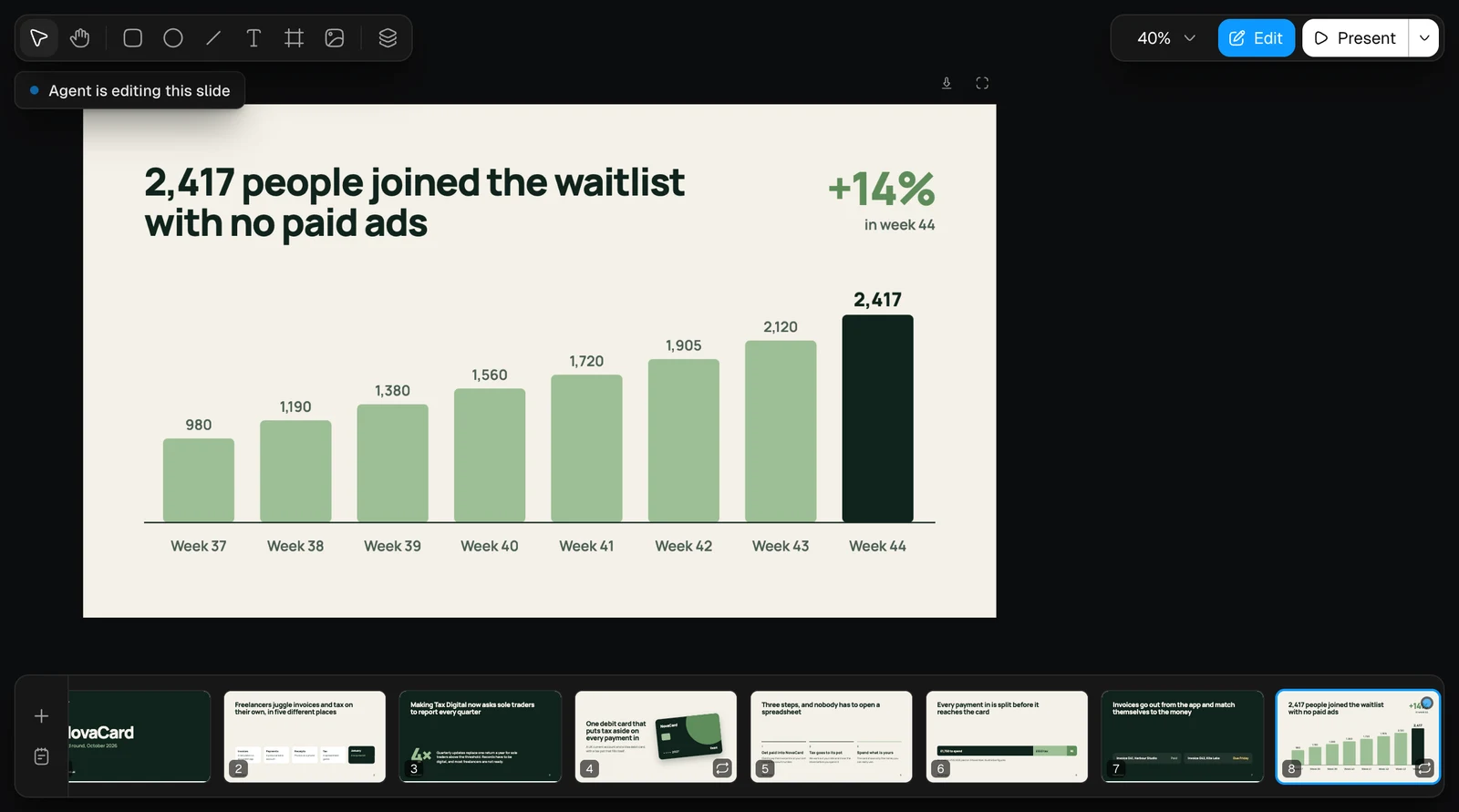
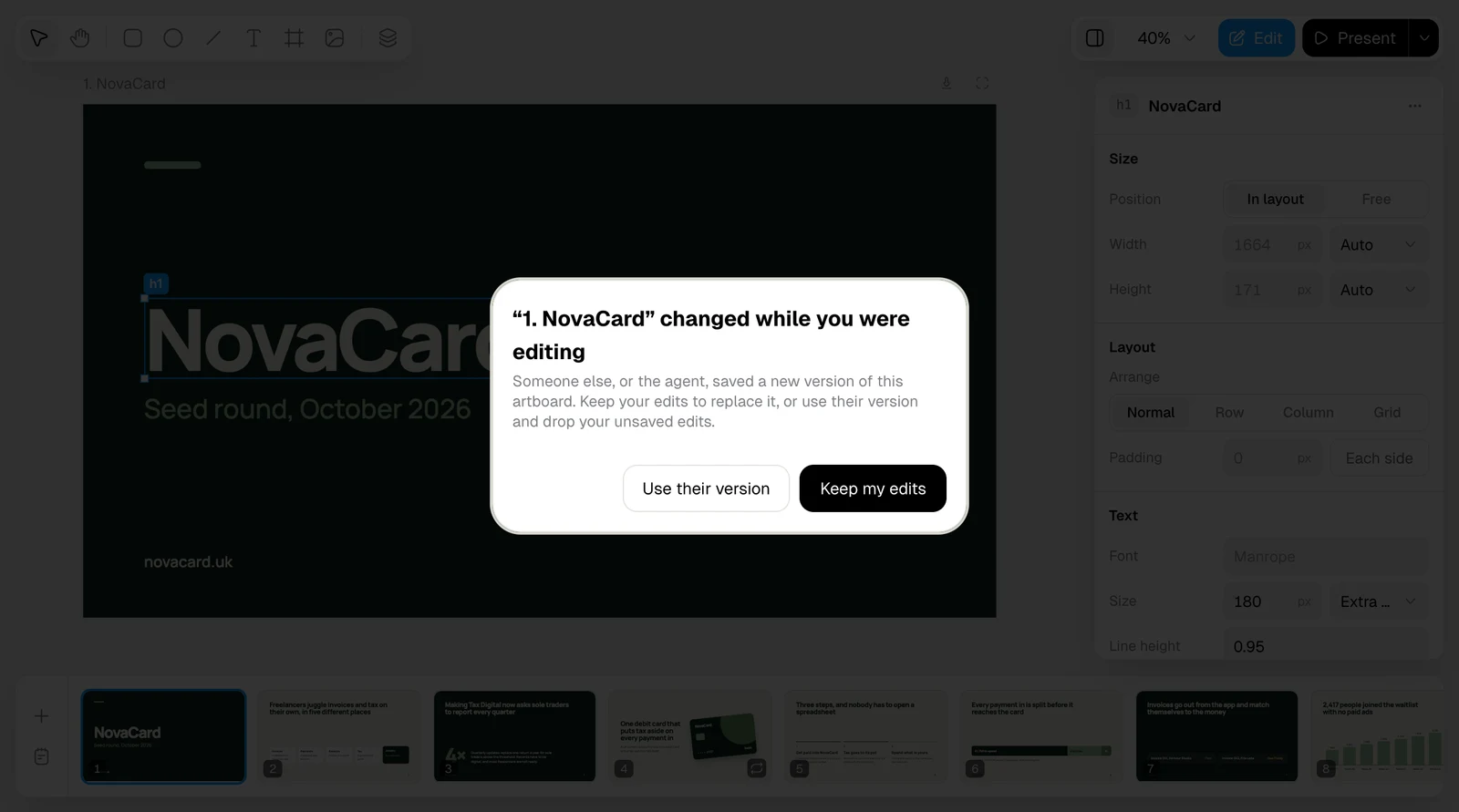
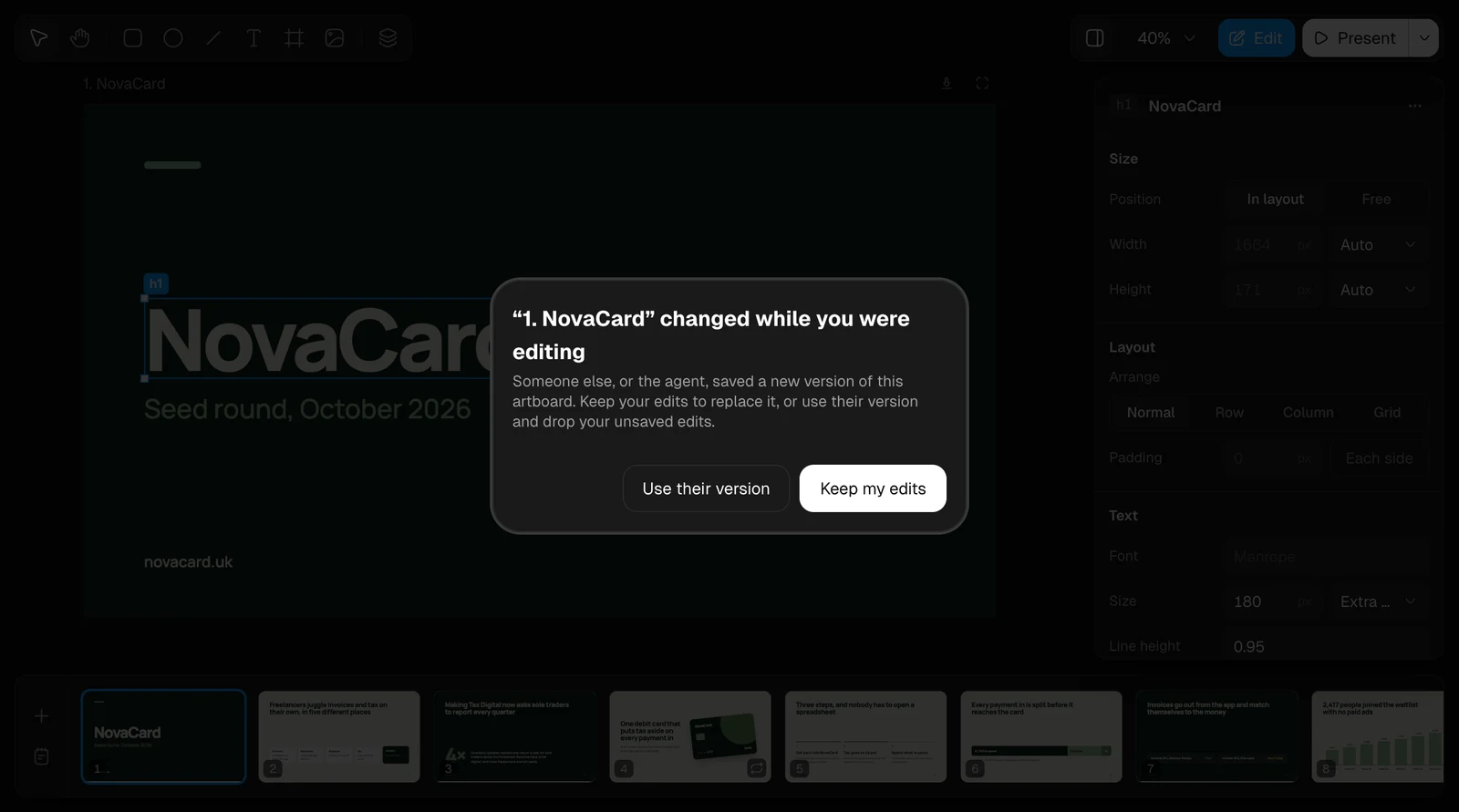
You and the agent work on the same document. Change things yourself in the editor, or ask in the chat: “make the cover darker”, “add a slide about pricing after slide 10”. Your changes save on their own, a moment after you make them, and ⌘Z undoes them, ⇧⌘Z brings them back. While the agent works, the slide it is changing says Agent is editing this slide.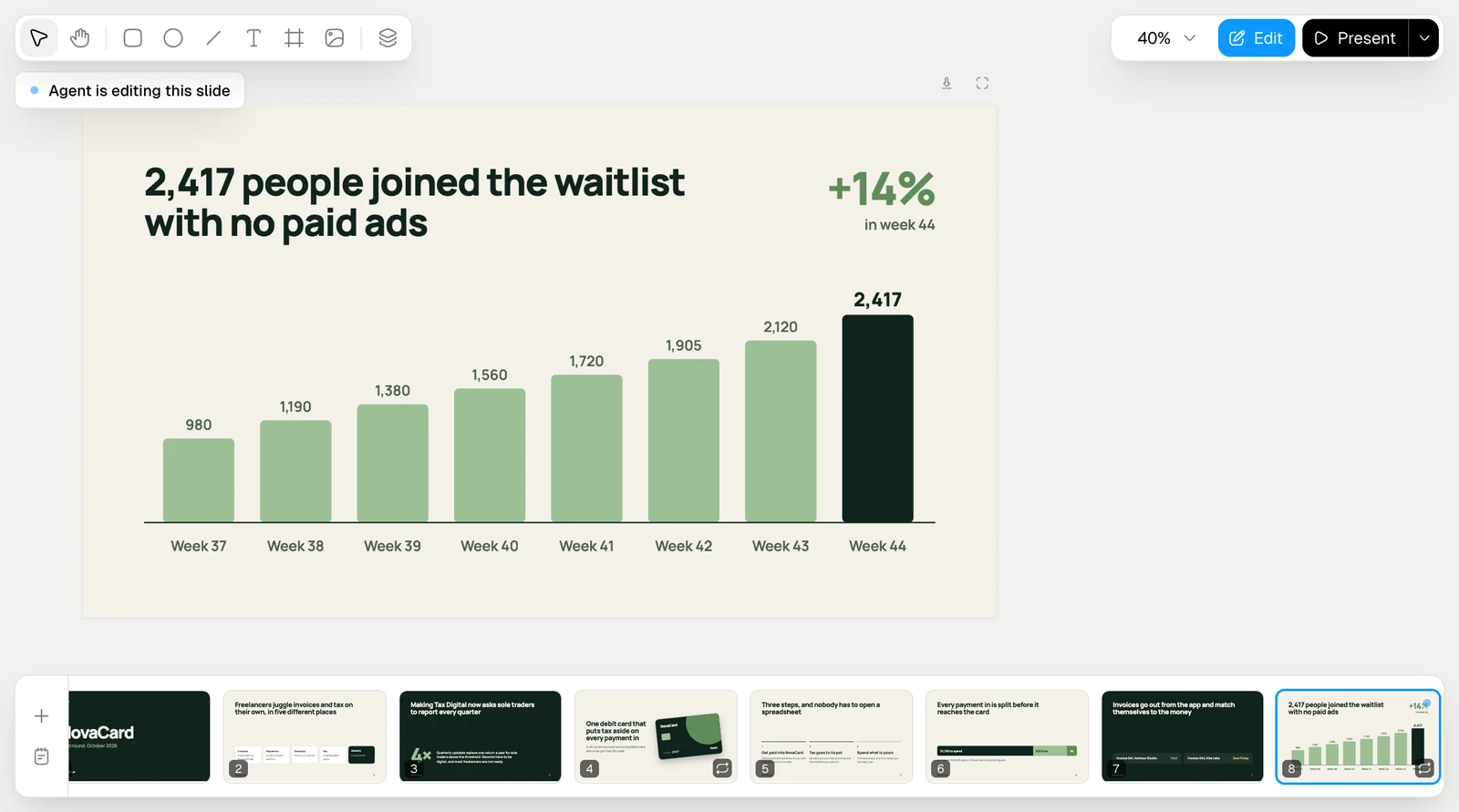
Download
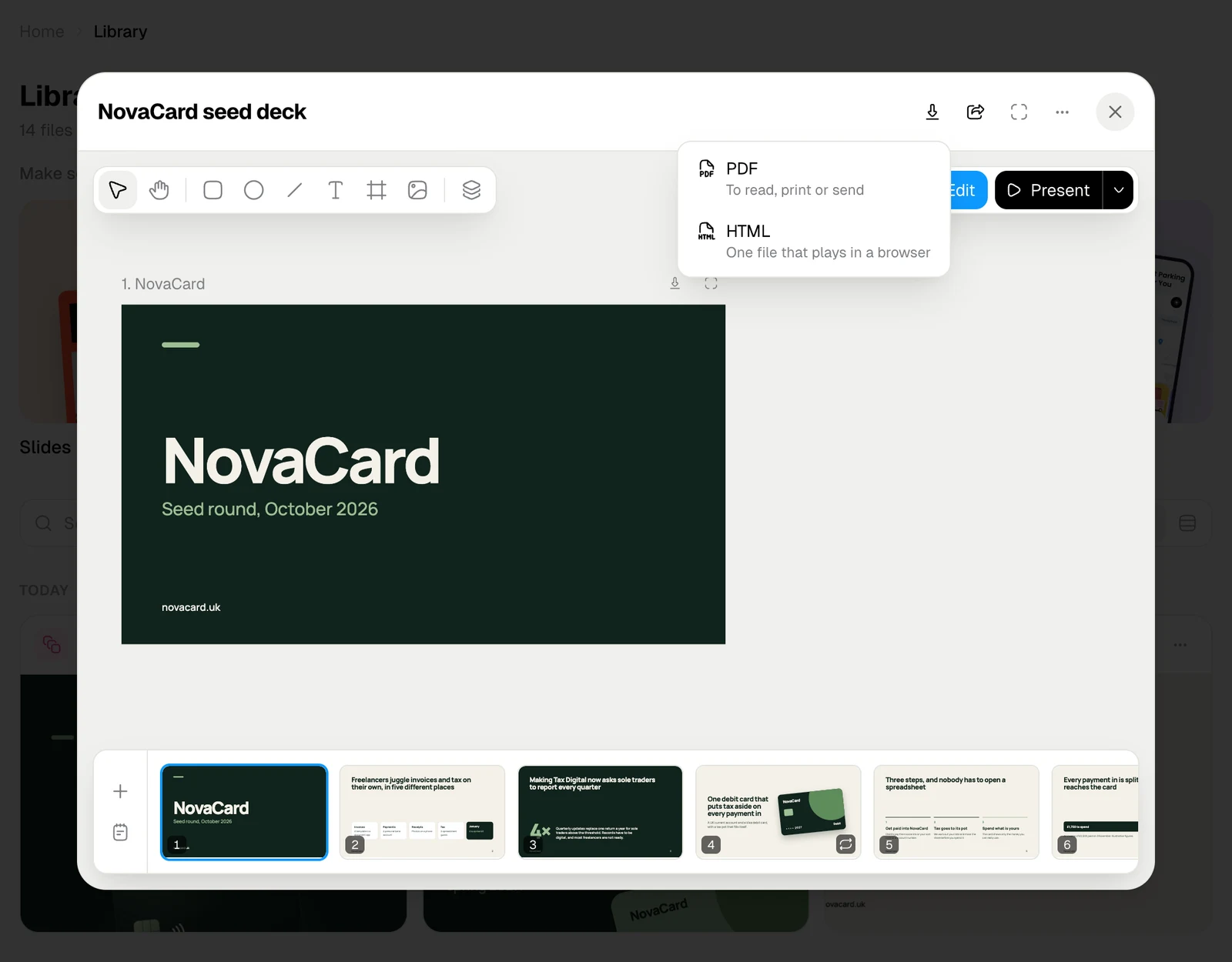
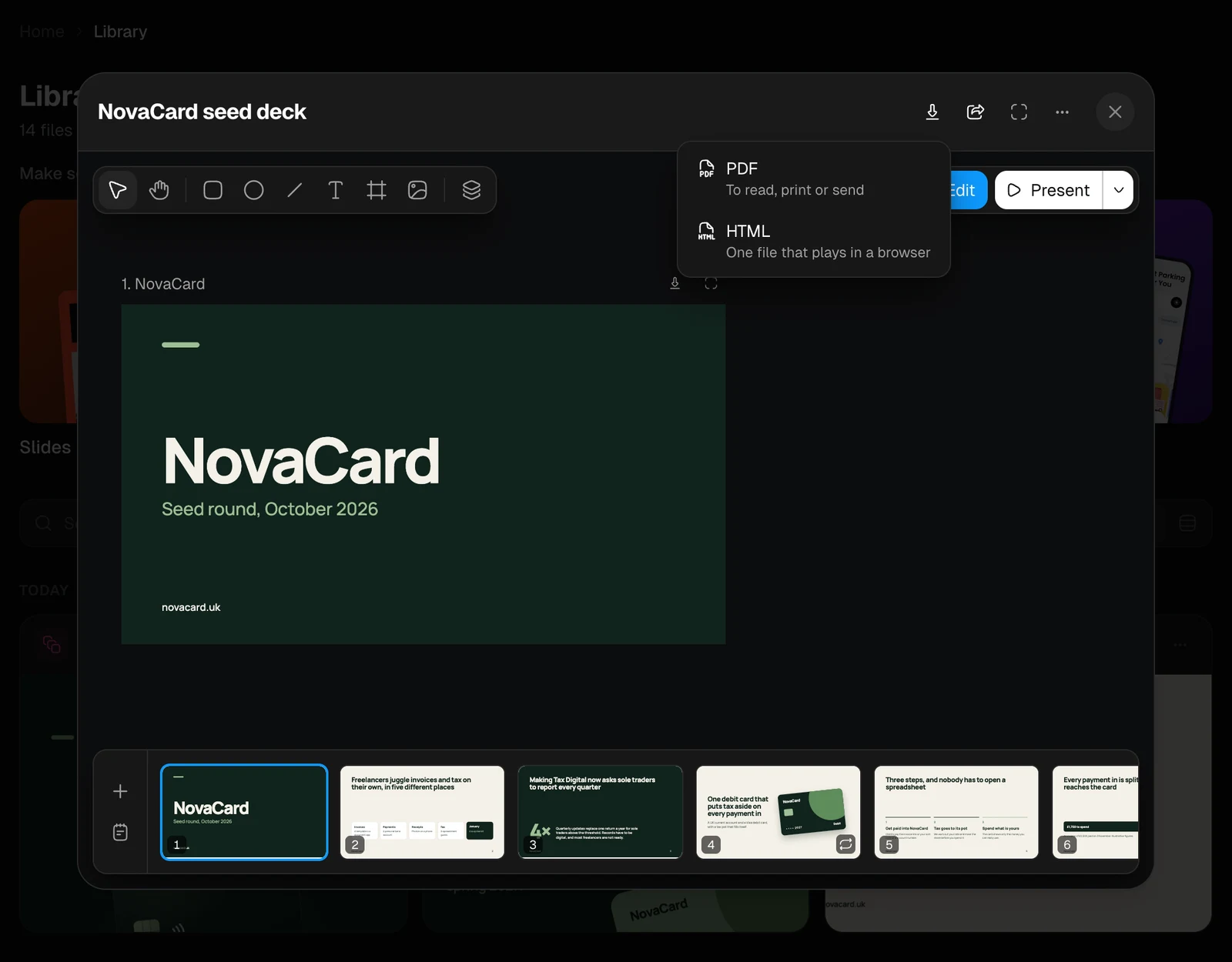
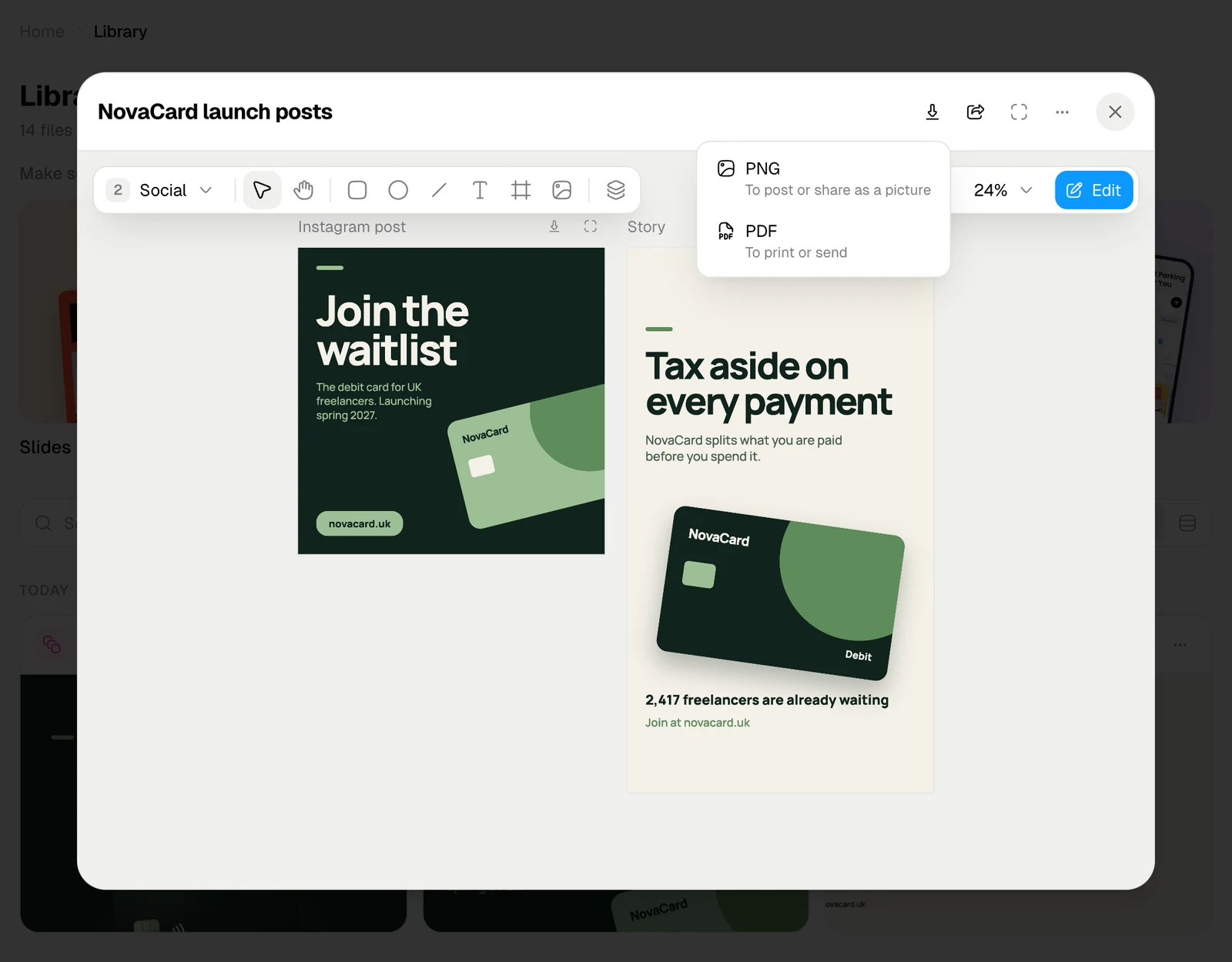
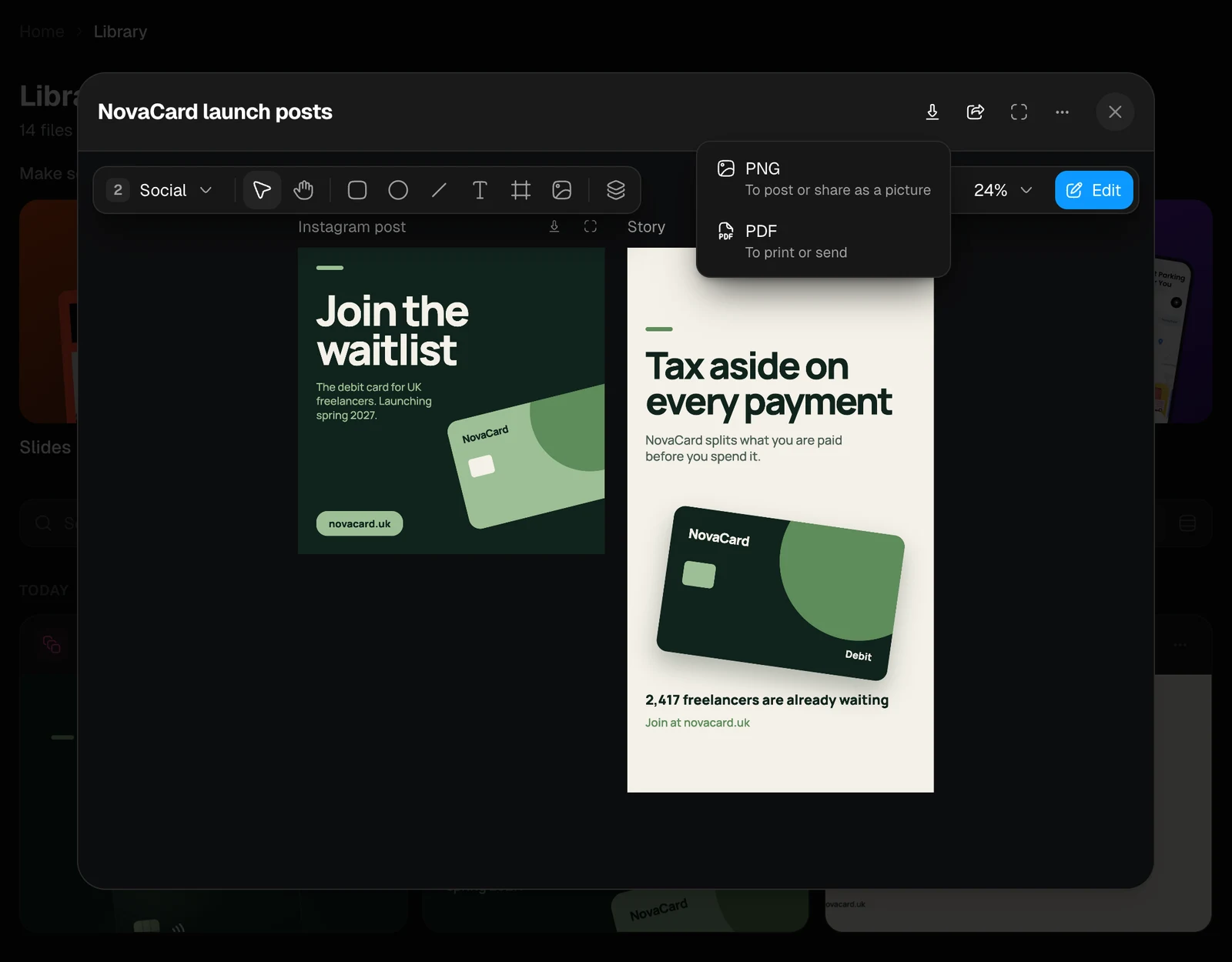
Download at the top of the window saves the whole document:| Document | Formats |
|---|---|
| Slides | PDF, to read, print or send. HTML, one file that plays in a browser |
| Design | PNG, to post or share as a picture. PDF, to print or send. Each artboard becomes its own file, and several come together in a ZIP |
| Motion | Opens the editor’s Export window: MP4, WebM, GIF or a still. See Export |
Put it in a project
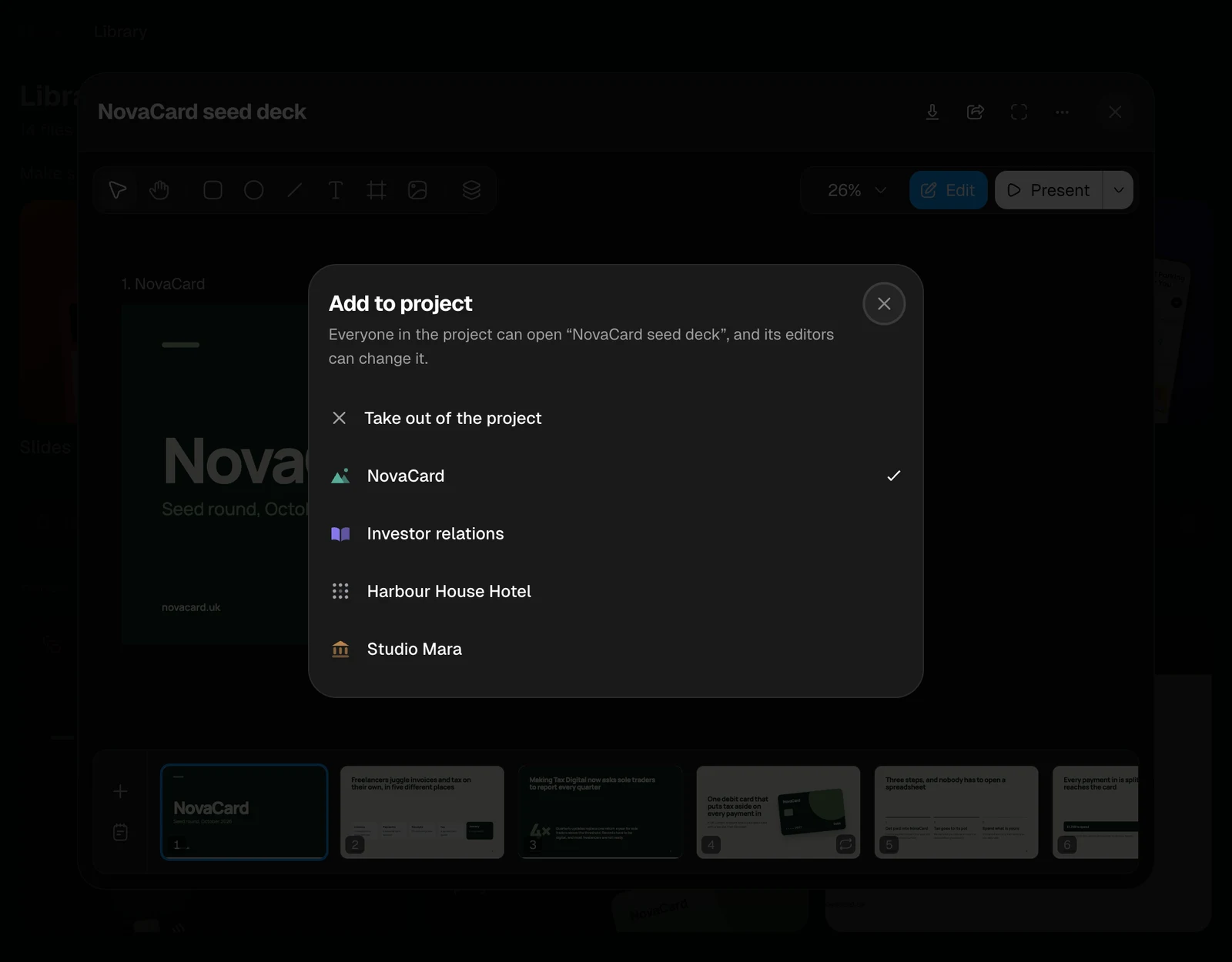
⋯ › Add to project puts the document in a project, where everyone can open it and its editors can change it. See Add to project.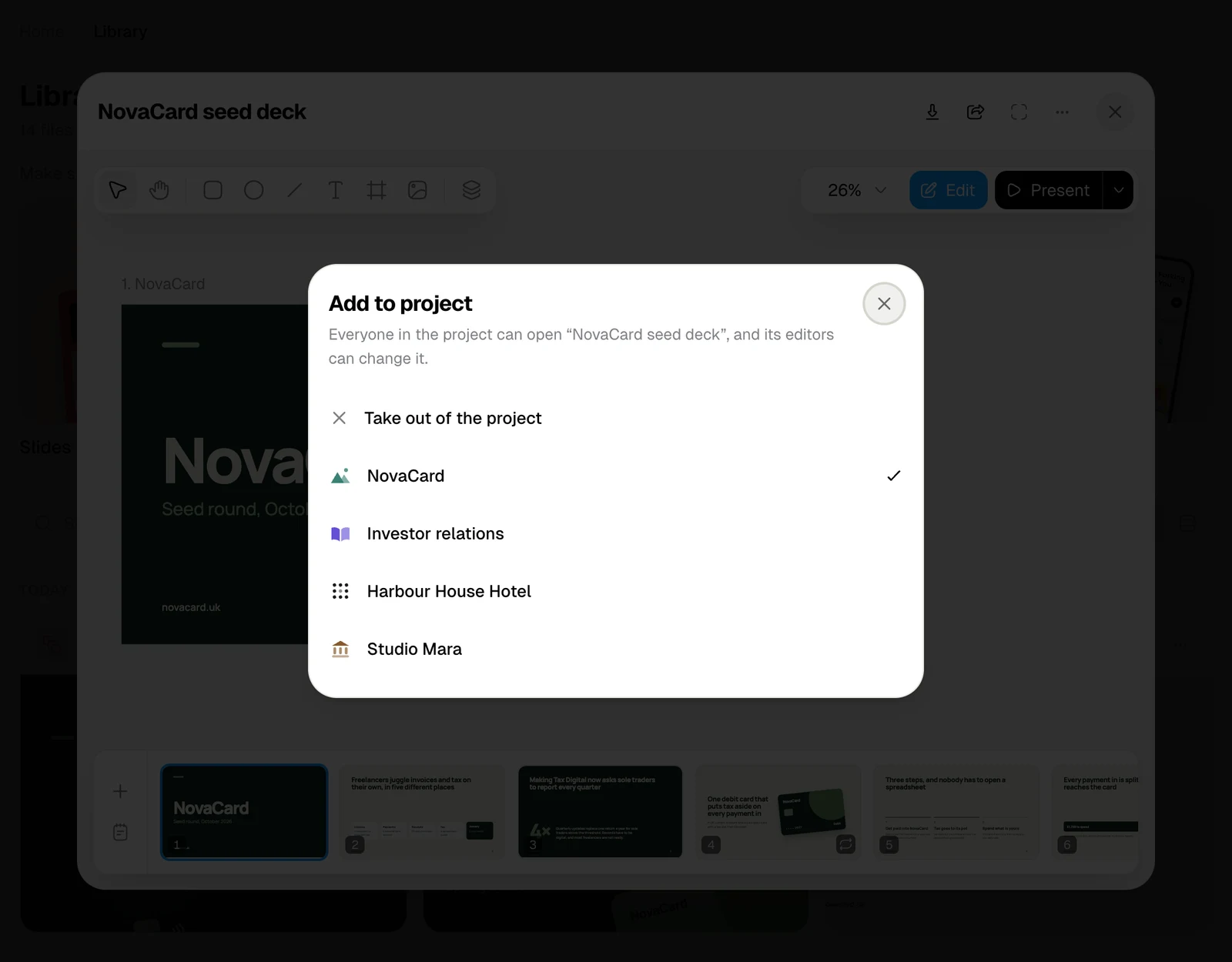
Slides
Slides, notes, transitions, and presenting with a presenter view.
Design
Pages of artboards, a design system, components and tweaks.
Motion
Scenes on a timeline, text and sound, and export to video.
Public link
Let anyone look at a presentation or design without signing in.