Responses
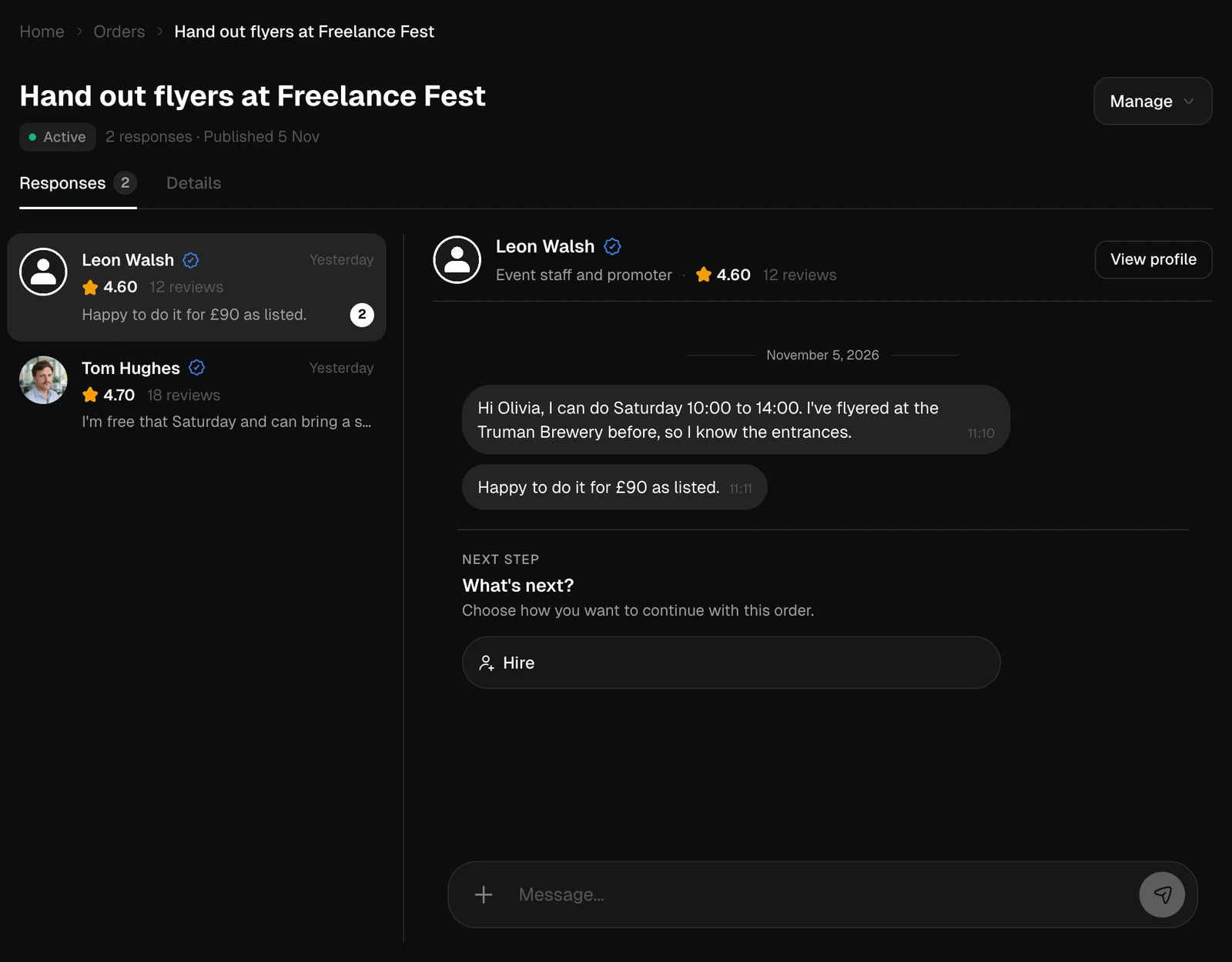
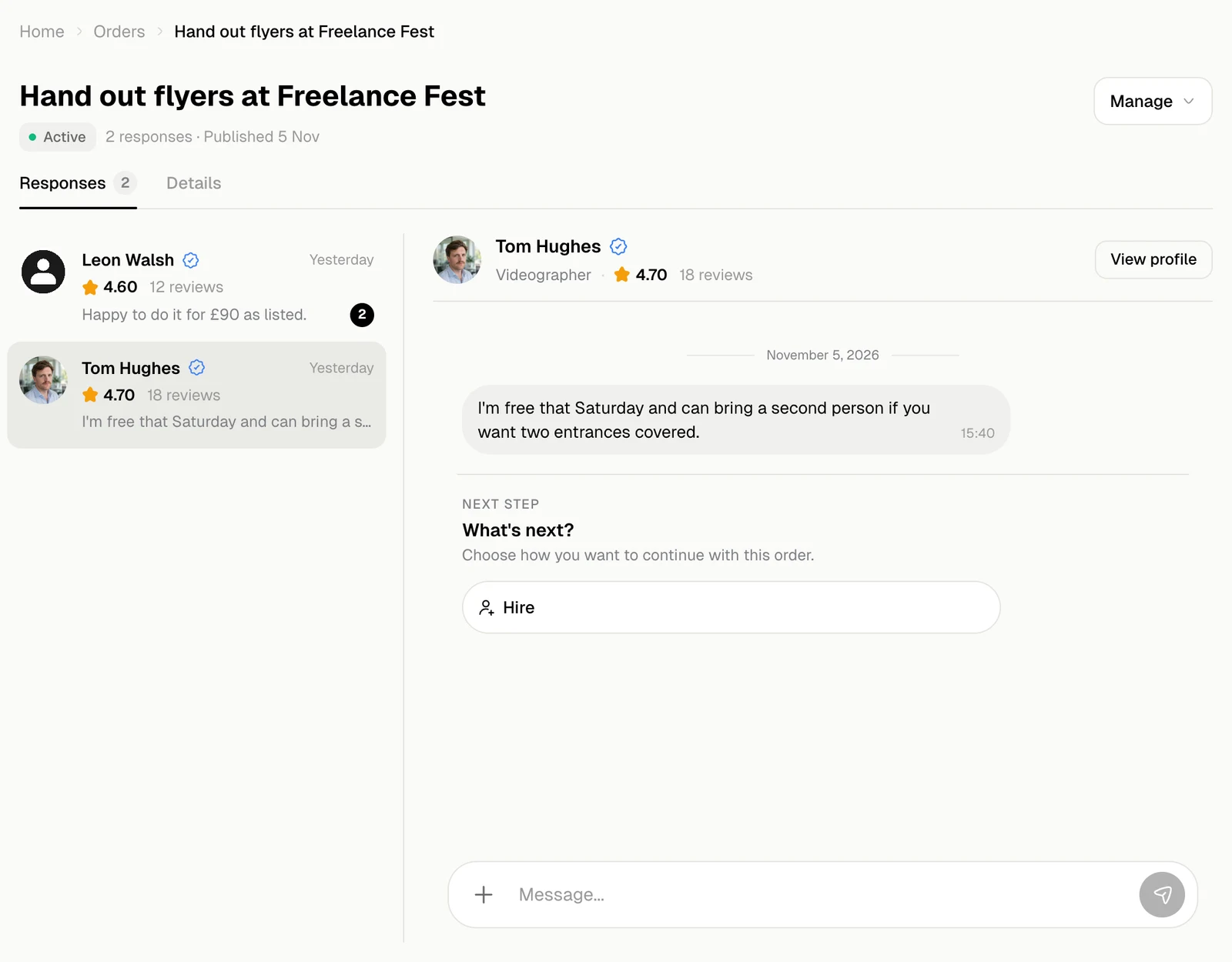
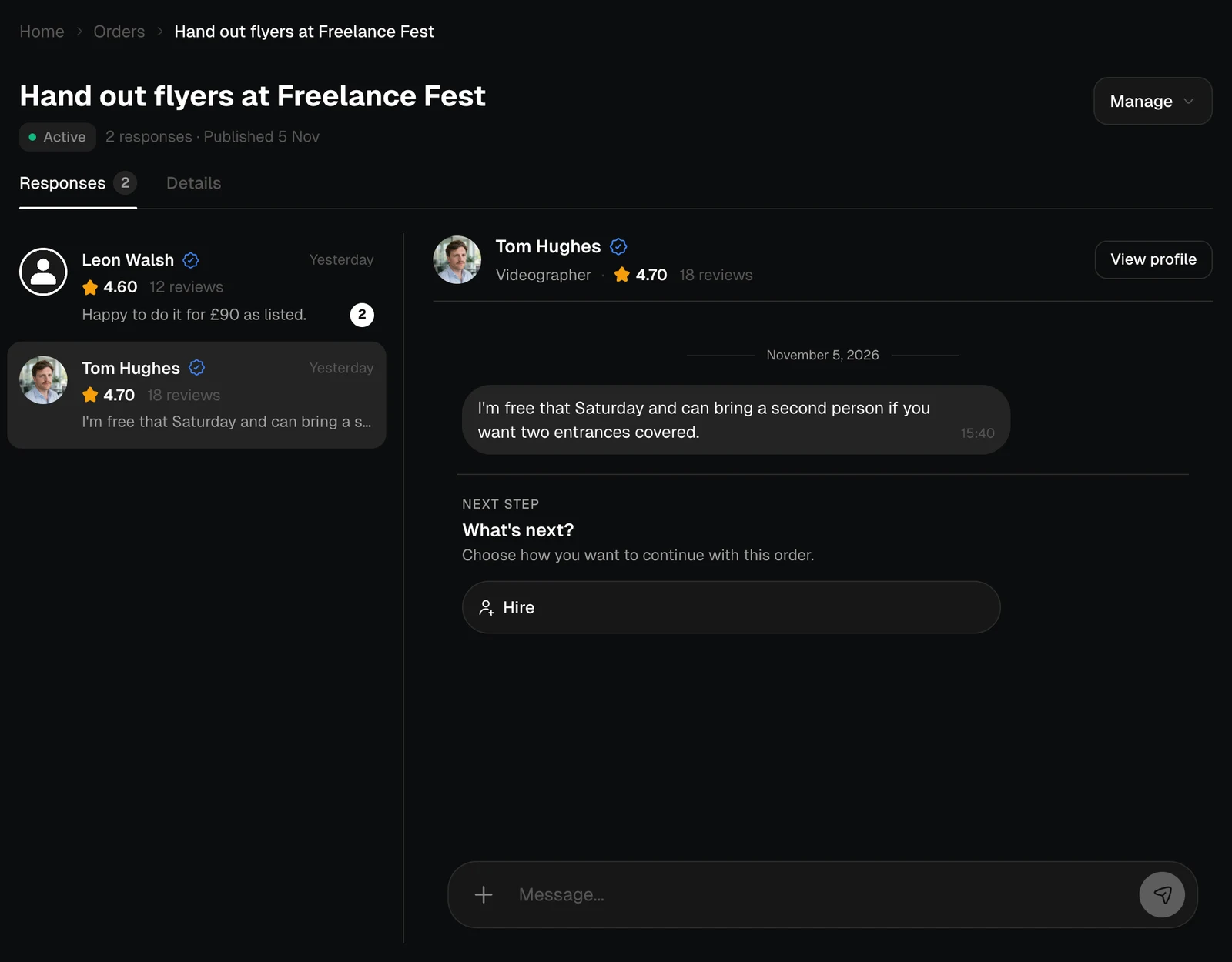
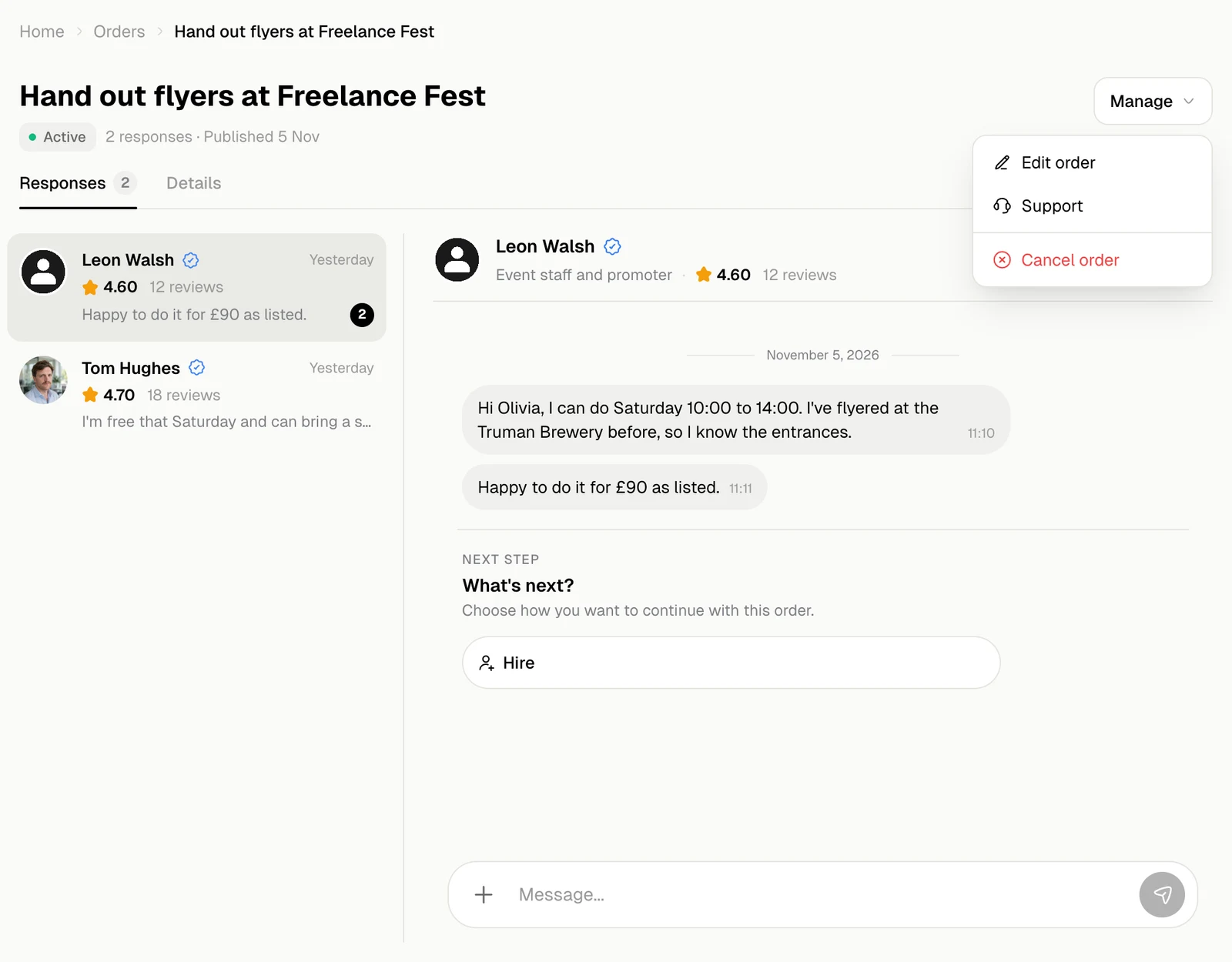
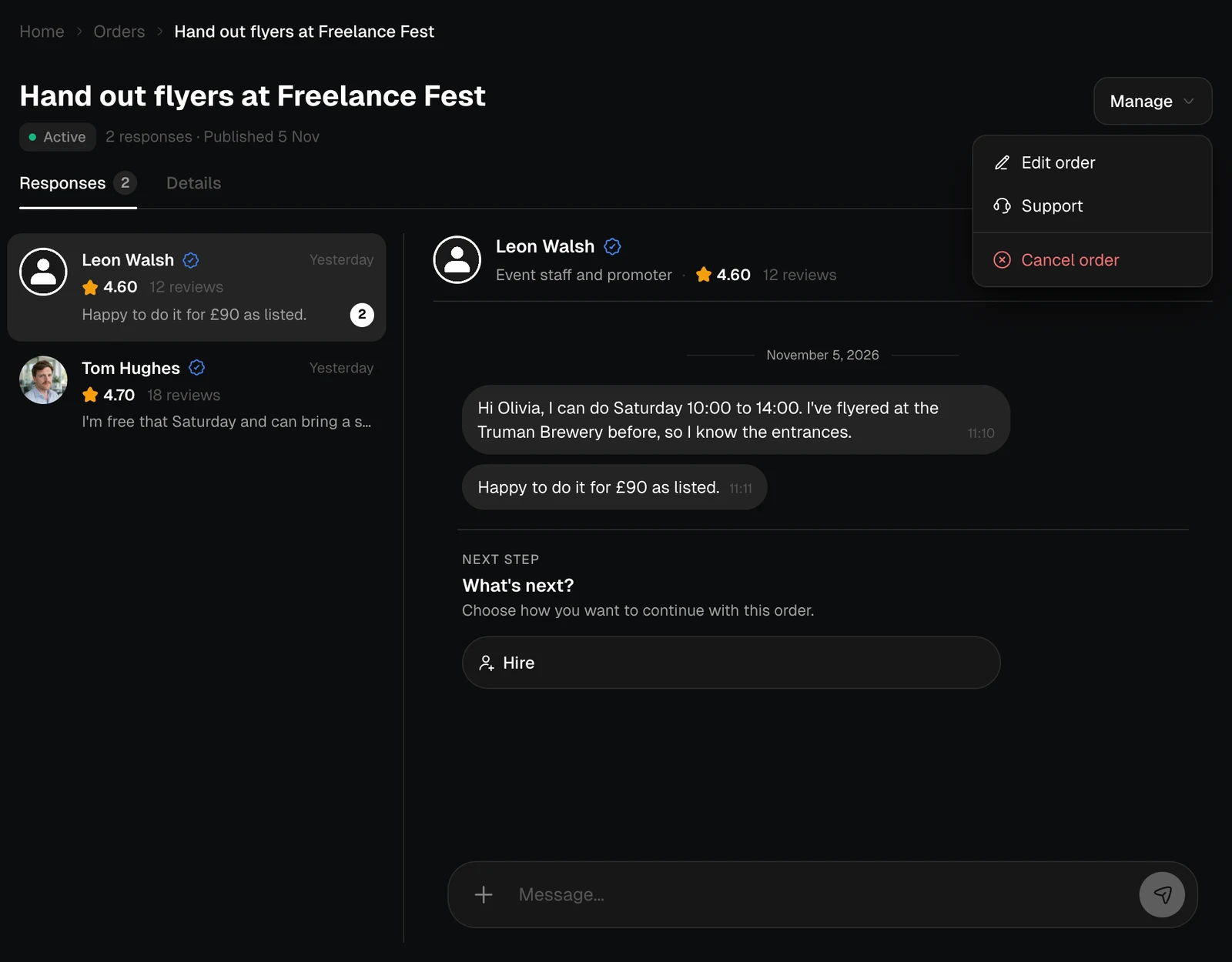
The Responses tab lists the experts who replied, each with their rating, the last message and new messages. The chat with the expert you pick is on the right.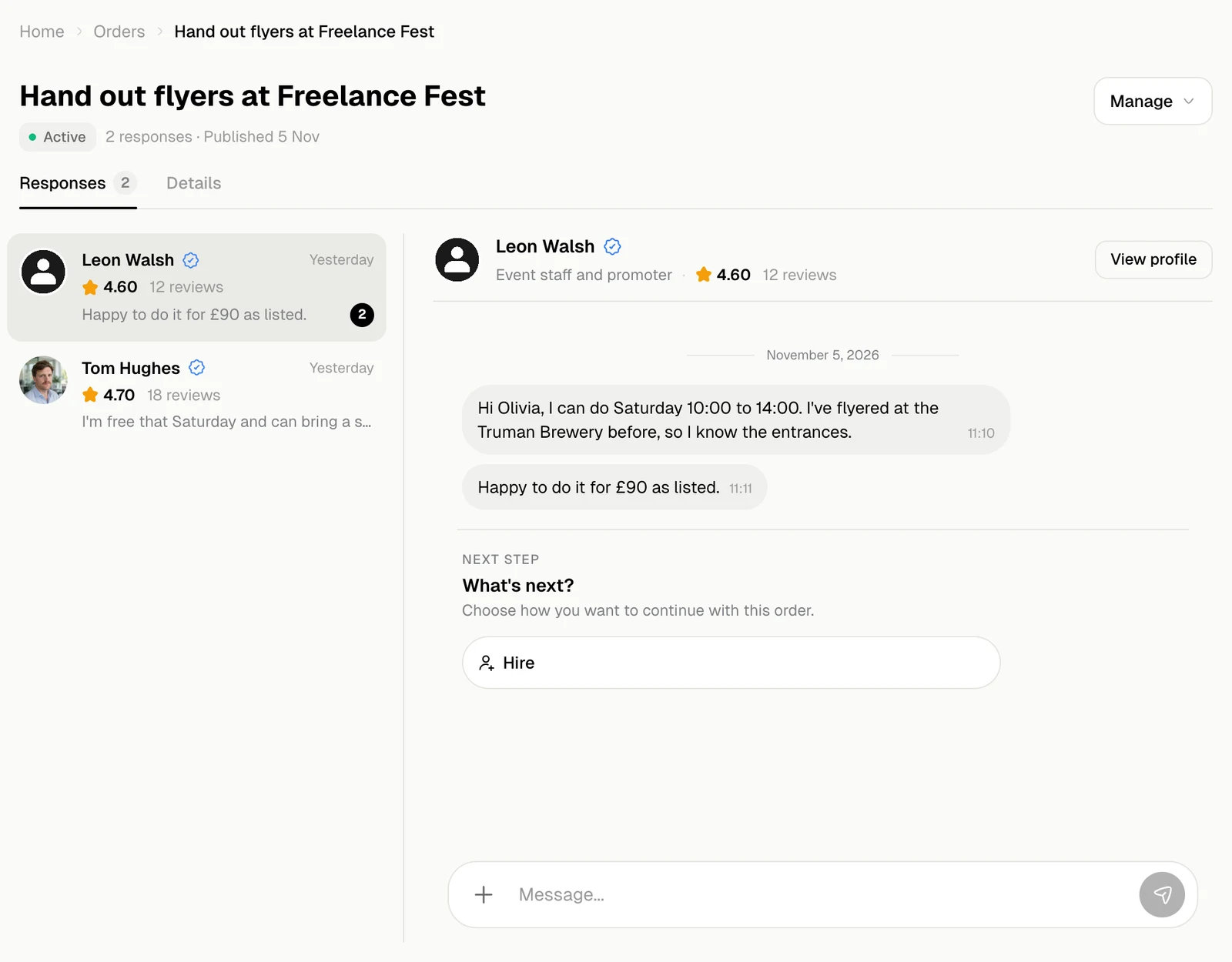
The chat
- Type in Message and send. + adds files or photos, up to ten at a time.
- View profile opens the expert’s profile.
- Grey lines in the middle are notes from Jobbit about the order, such as when the money was held or released.
- What’s next? under the messages shows what you can do now: Hire, then Release Funds or Appeal, then Leave Review. See Hire and pay.
Details
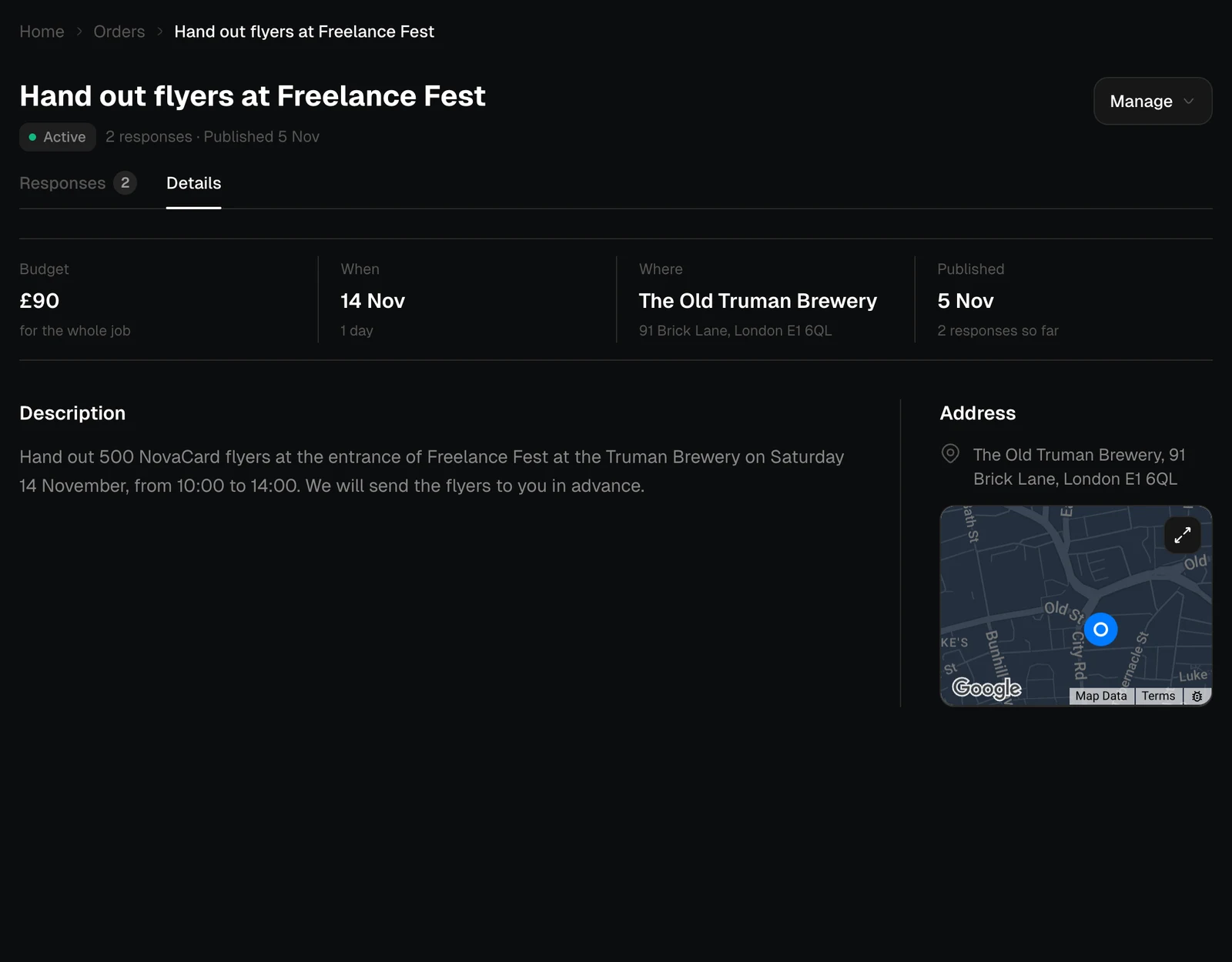
The Details tab shows the order itself: the budget, when and where, when it was published, the description, files and the address on a map.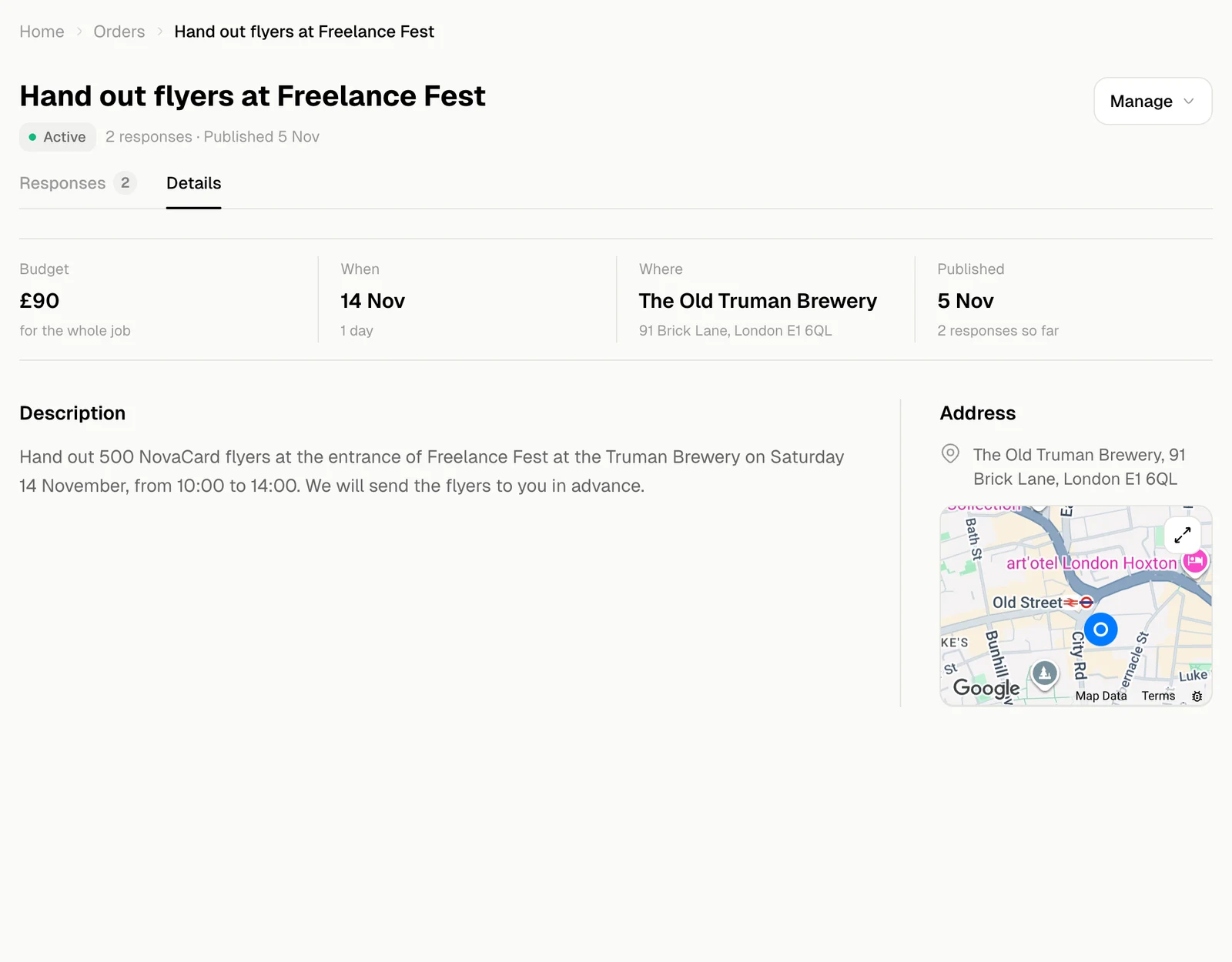
Manage the order
Manage at the top right:| Action | When |
|---|---|
| Edit order | Before you hire. Changing the description or files sends the order to moderation again |
| Republish | On a cancelled order: it goes back to experts |
| Support | Any time: write to Jobbit about this order |
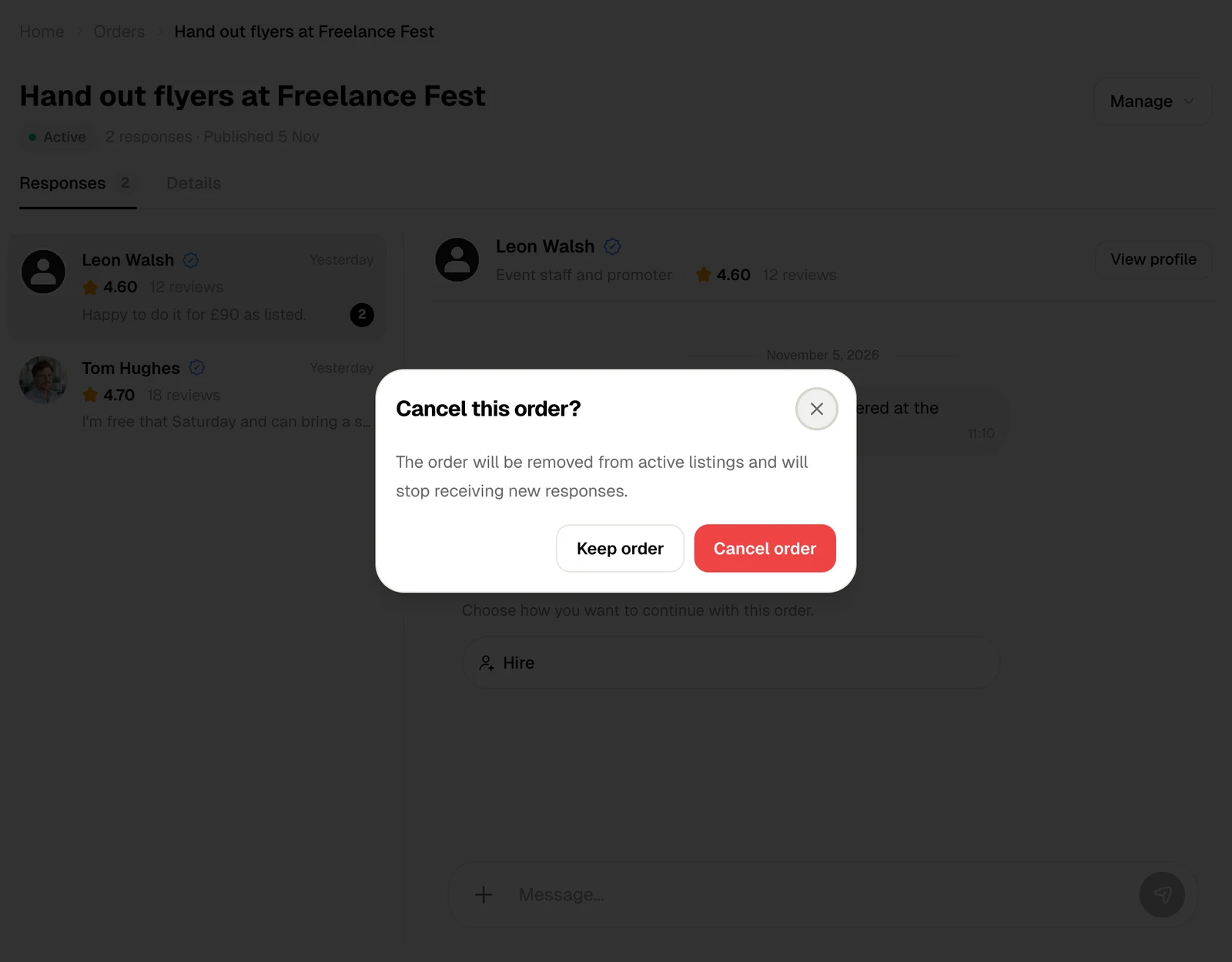
| Cancel order | Before you hire. The order leaves the listings and stops getting responses |
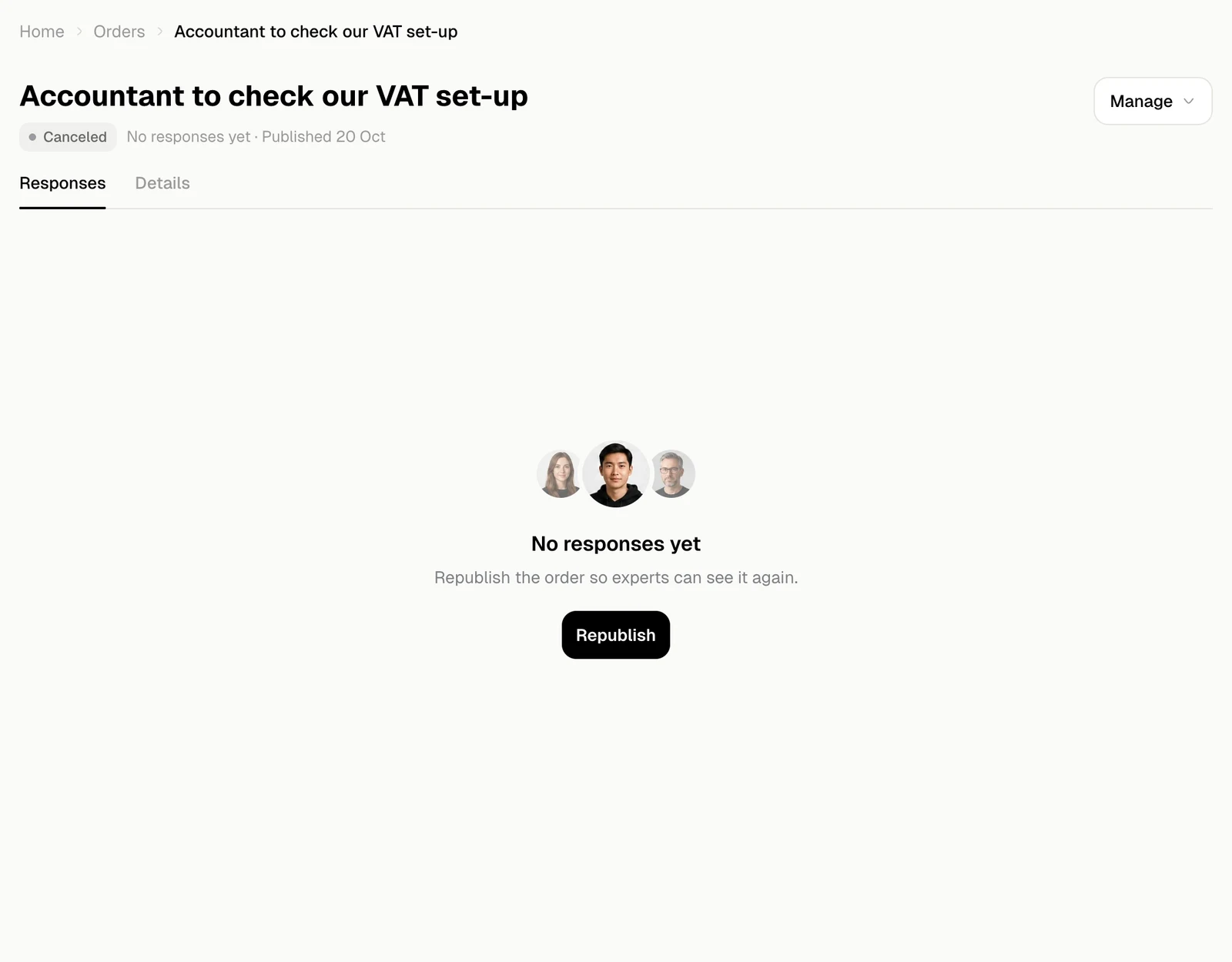
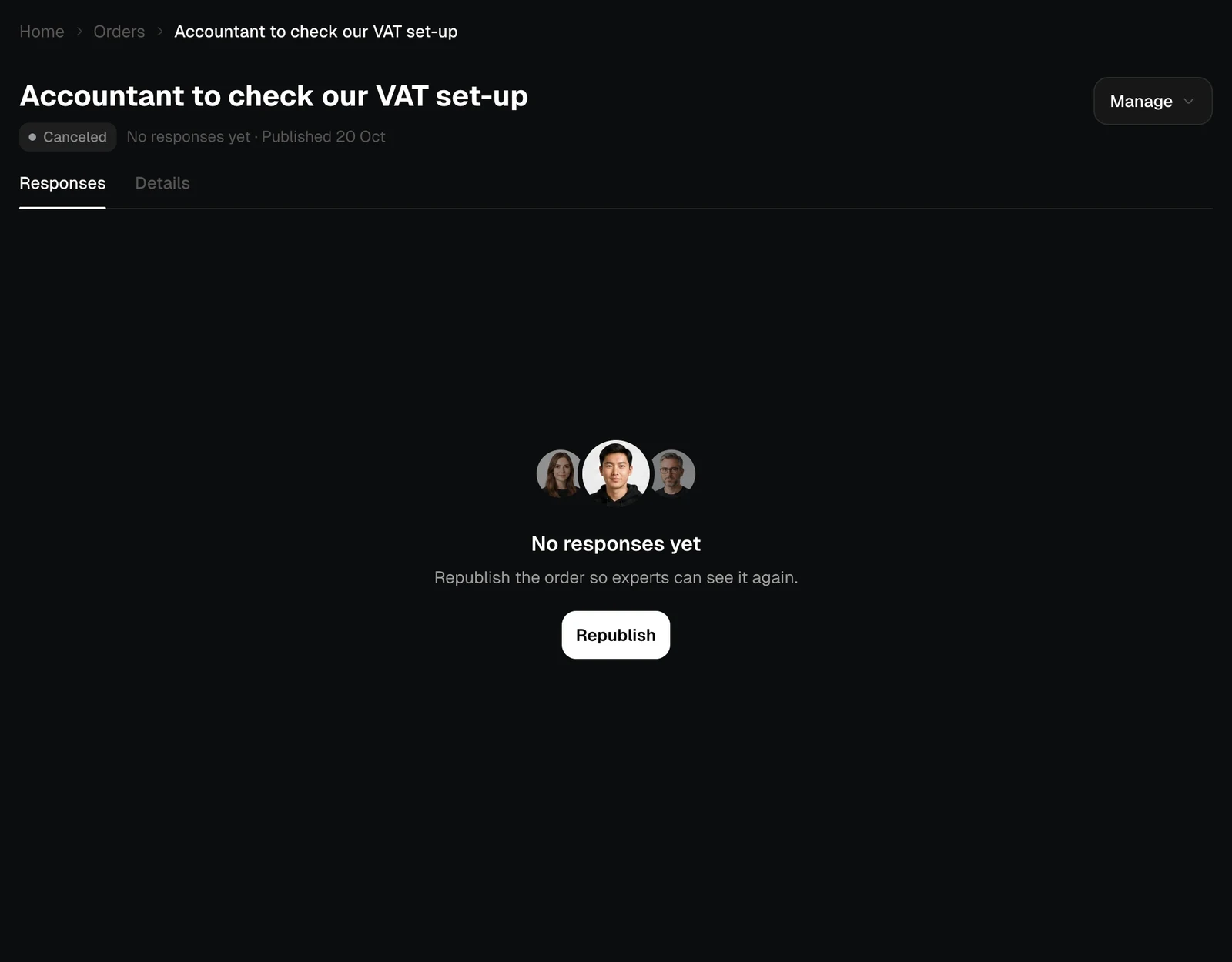
No responses yet
Until someone replies, the order page says what is happening: the order is being checked, experts can already see it, or it was cancelled and can be republished.