Hire
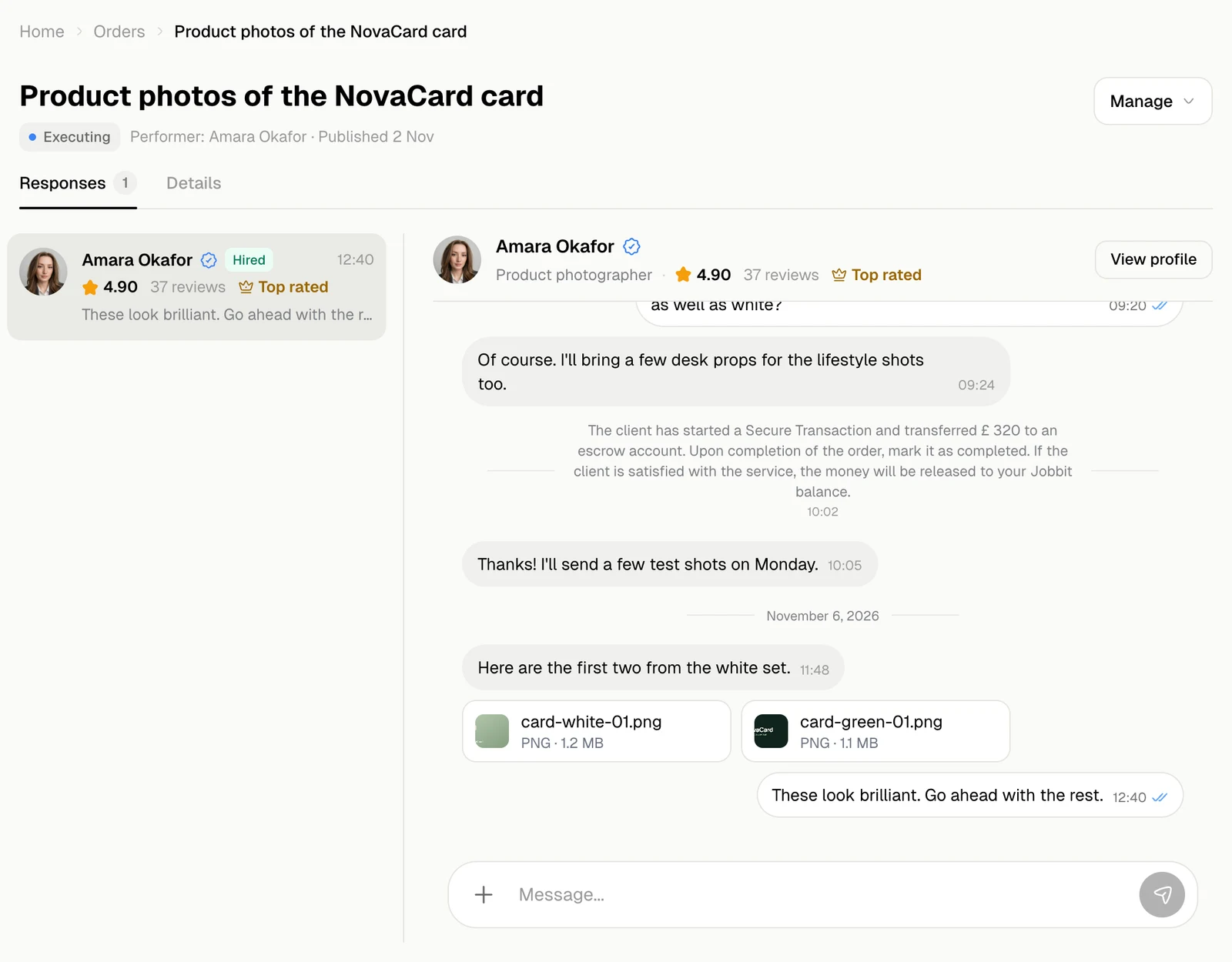
In the chat with the expert you want, What’s next? offers Hire.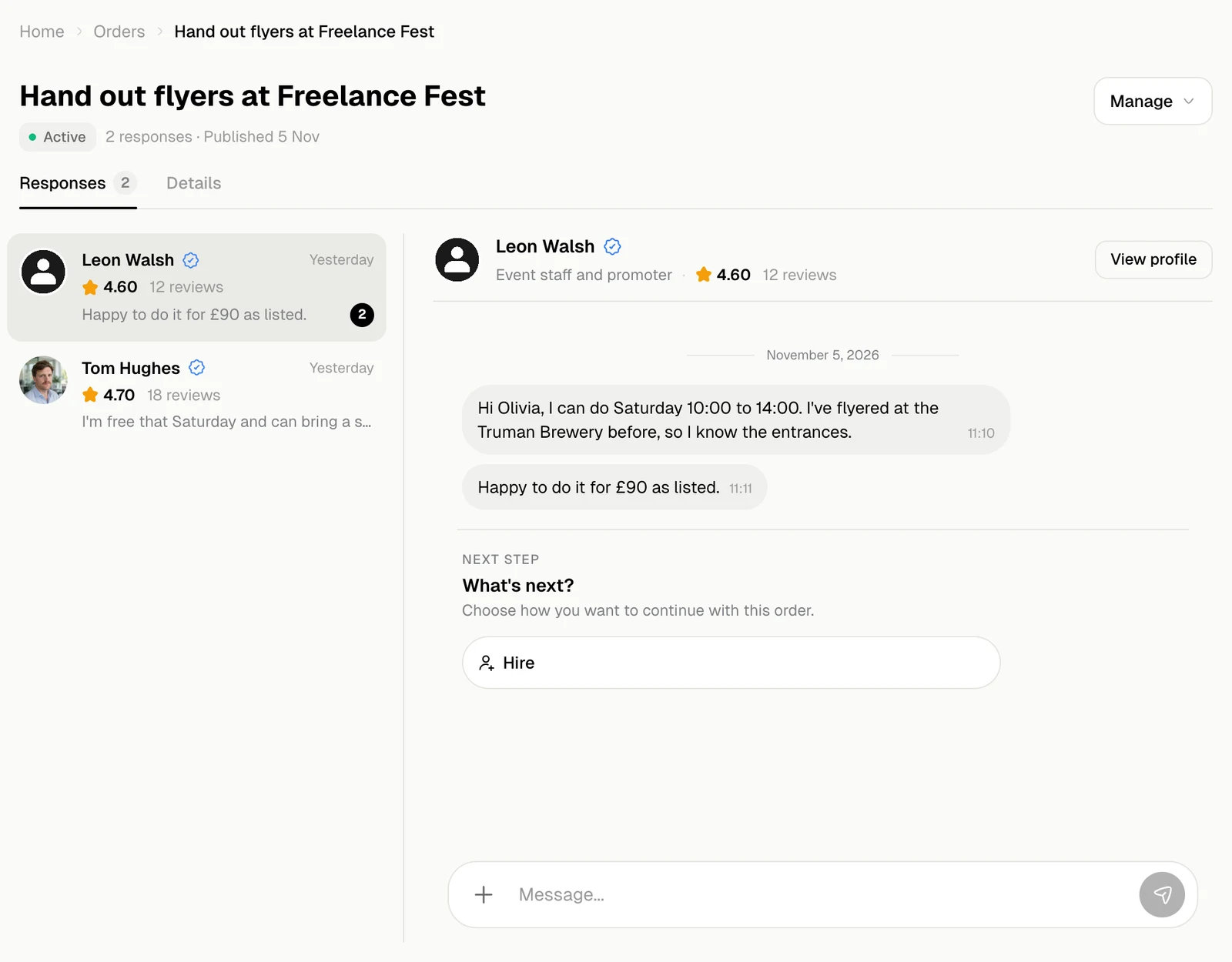
- If your wallet has the order’s budget available, Hire holds it at once.
- If it does not, a Payment window opens to pay the budget by card. When the payment goes through, the expert is hired.
- The order needs a budget to hire. If it has none, add one with Edit order first.
Check the work
When the expert marks the job as done, the order is Checking and What’s next? offers two choices.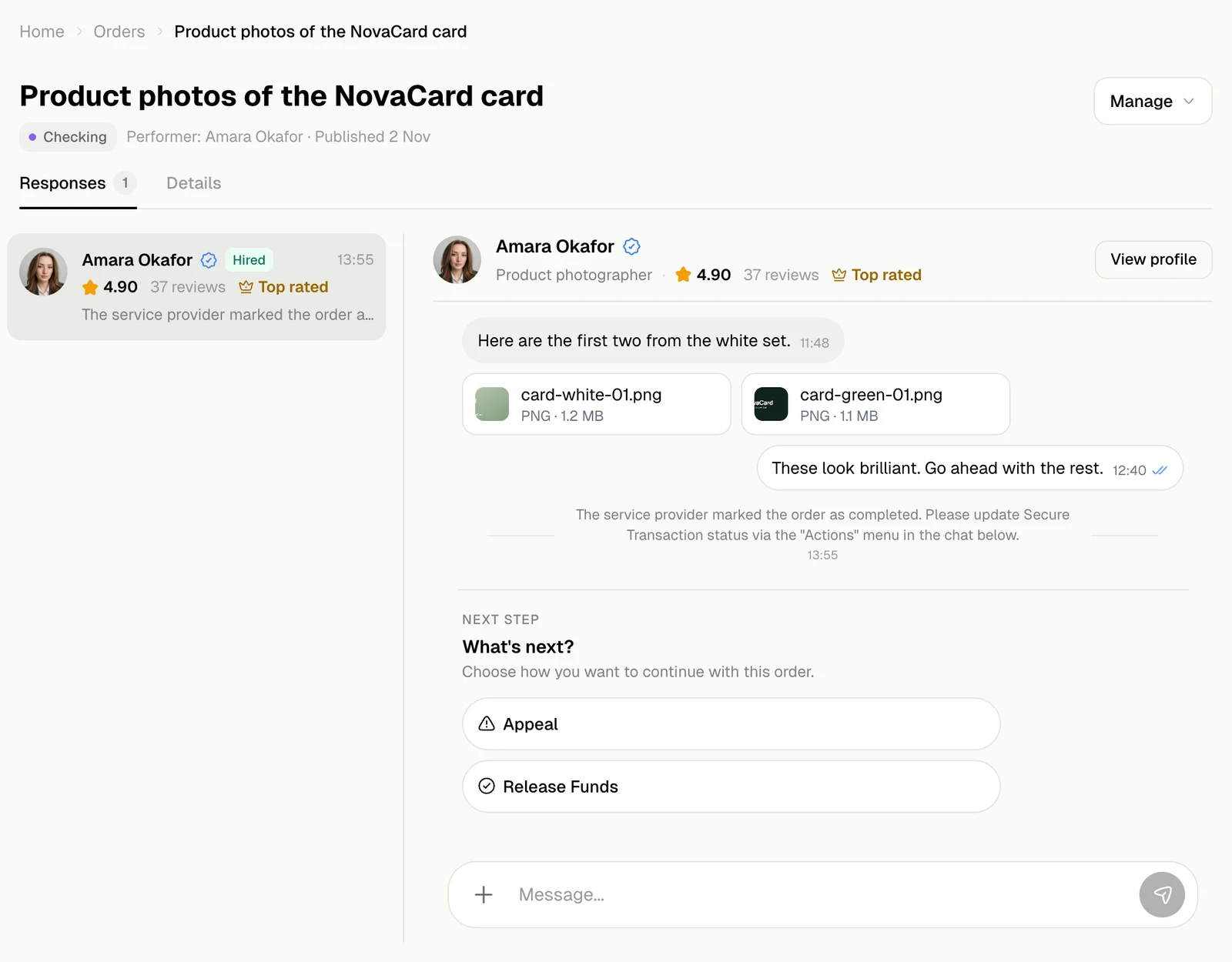
Release the money
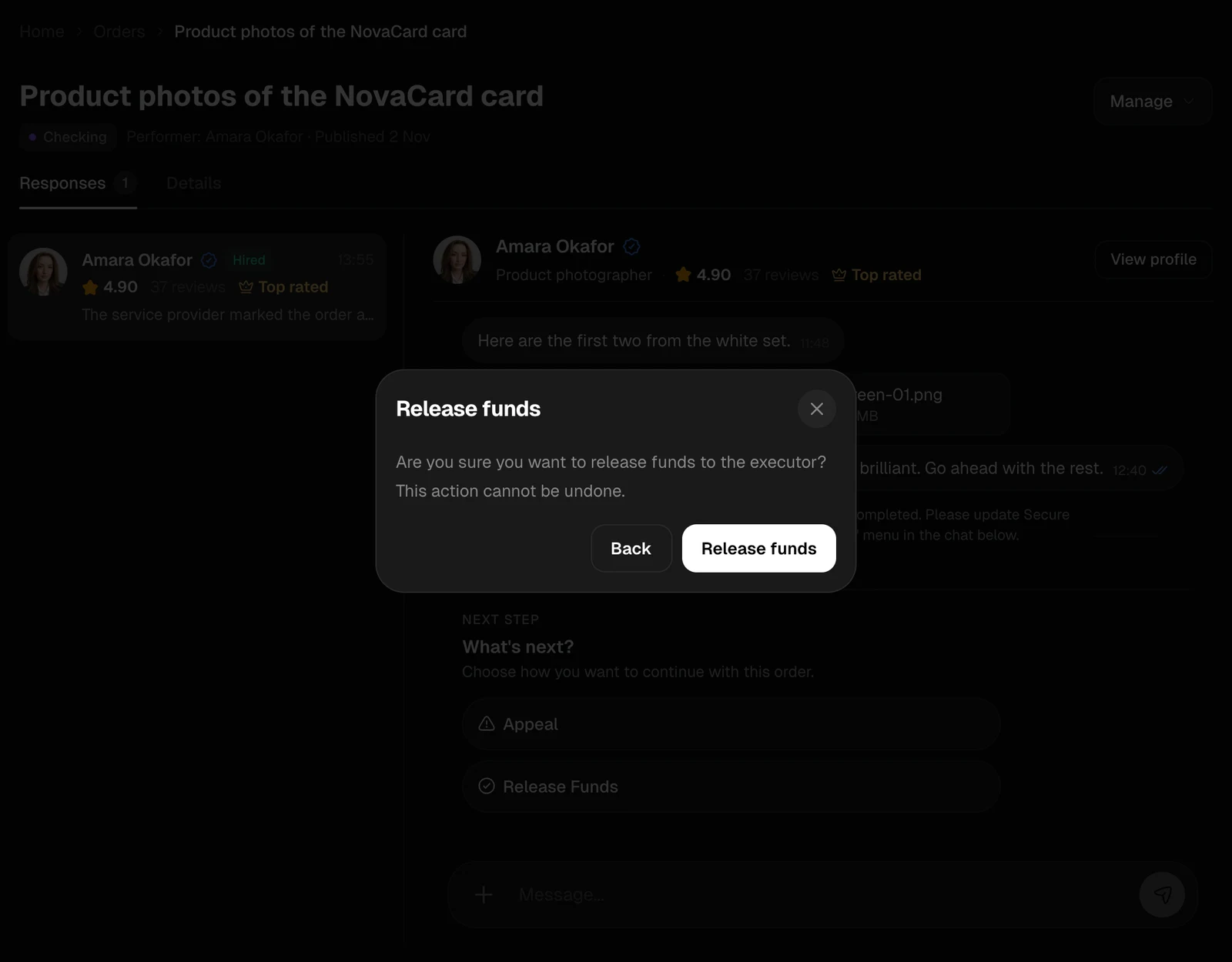
Release Funds sends the held money to the expert, after you confirm. This cannot be undone. The order is Completed. You pay the budget and nothing more: Jobbit’s fee comes out of the expert’s share.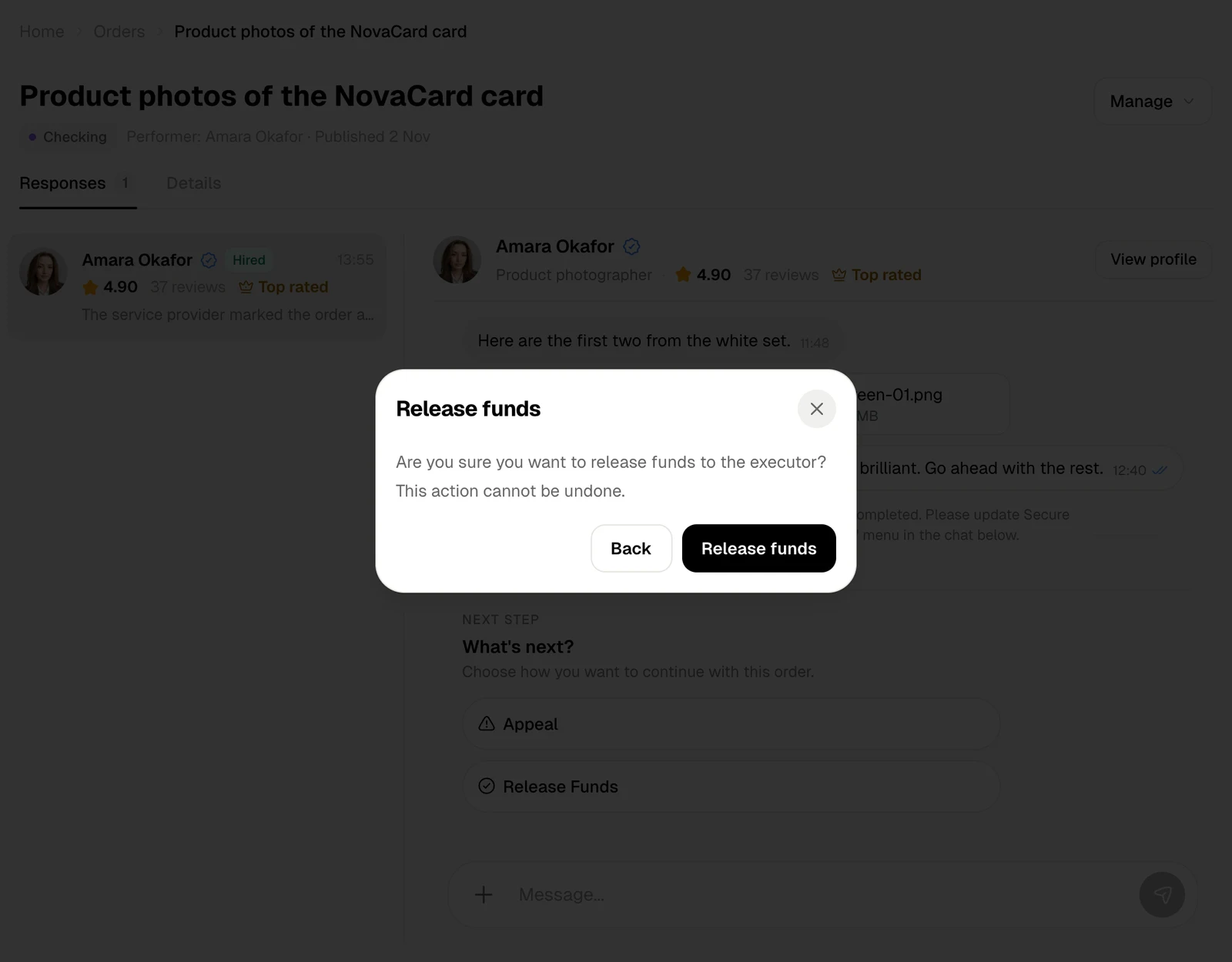
Appeal
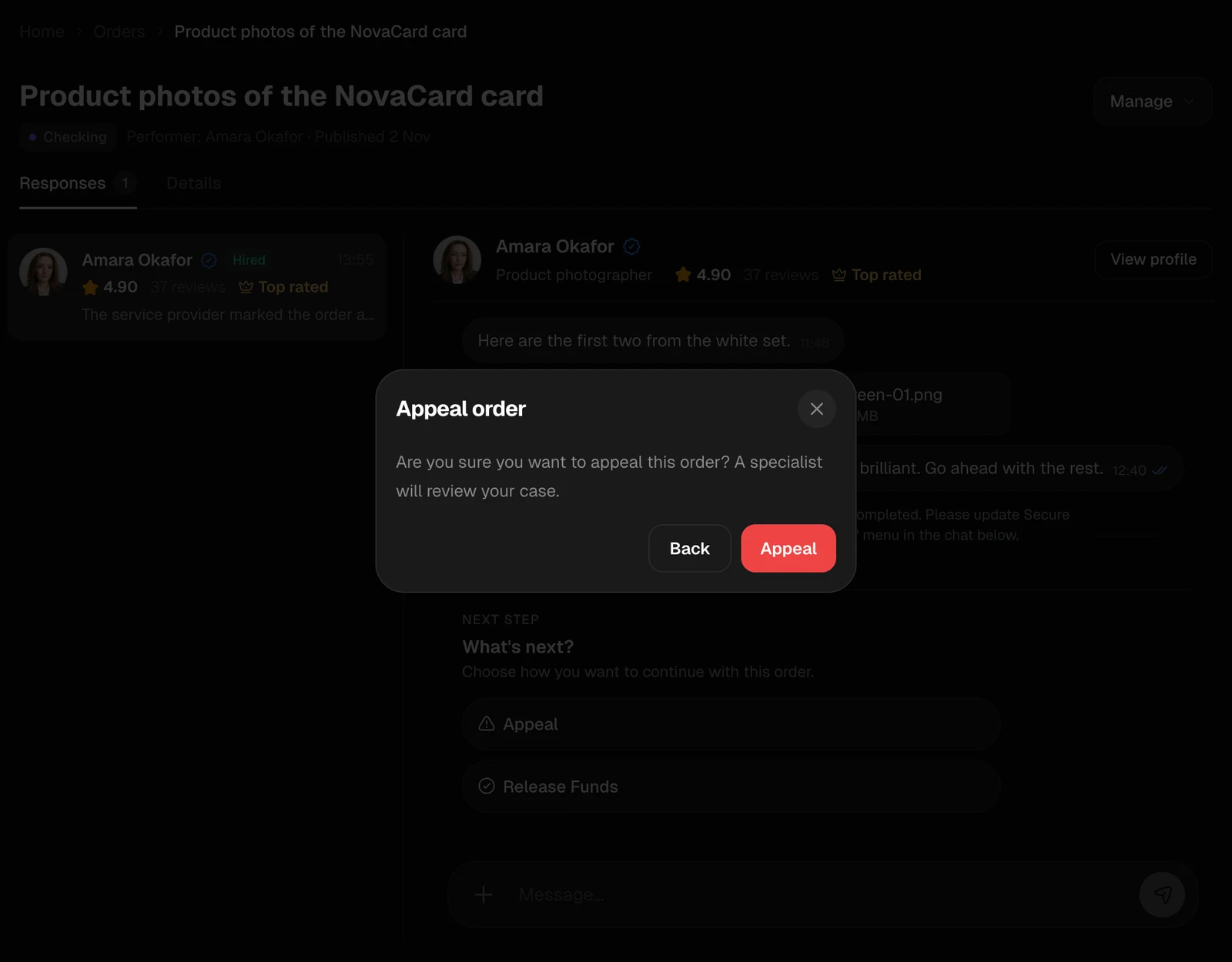
If the job was not done as agreed, Appeal asks a specialist from Jobbit support to look at the case. The order is in Appeal and the money stays held. Support decides who is right: the order ends as Appeal: Client Win or Appeal: Executor Win, and the money goes back to your wallet or to the expert.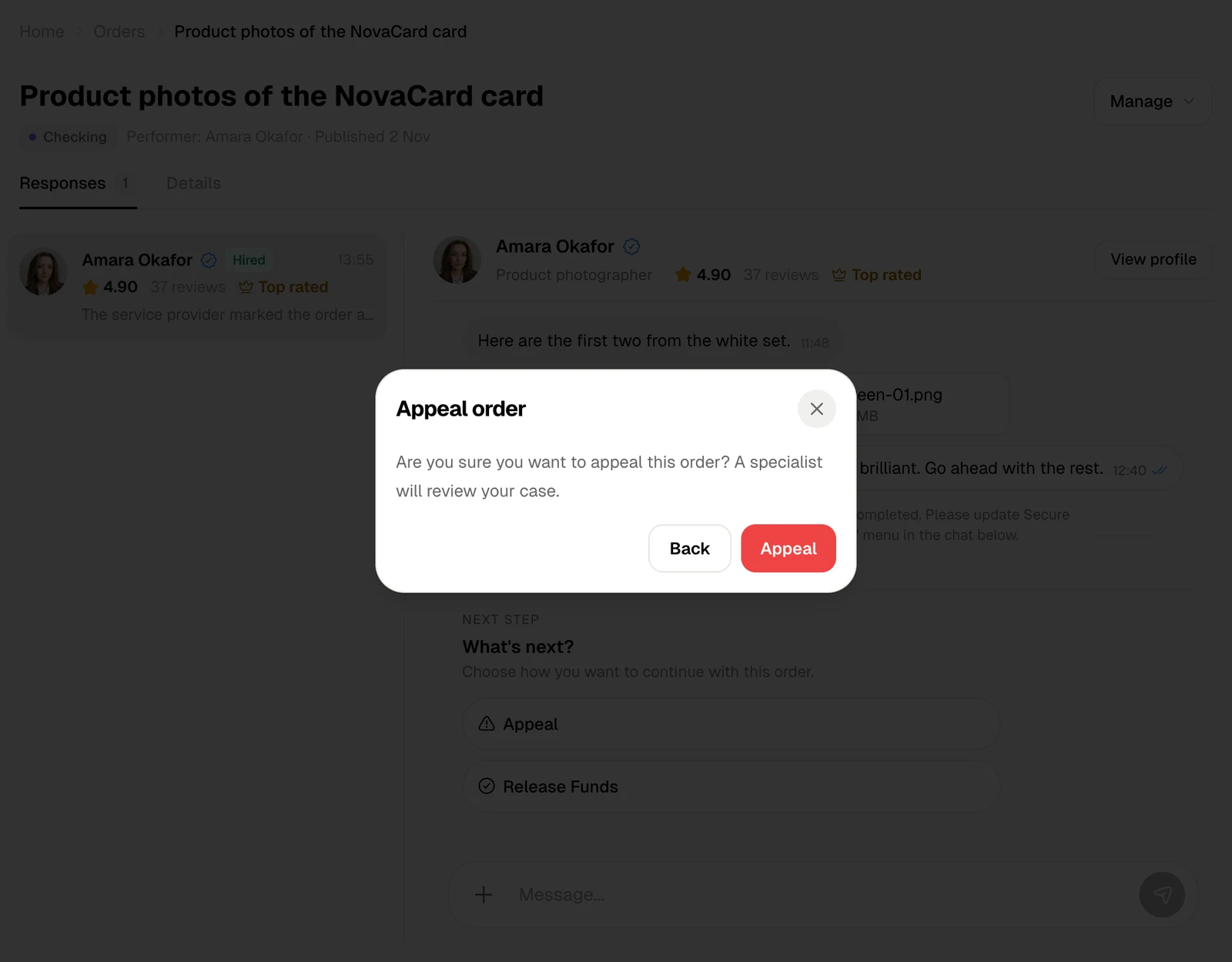
After the job
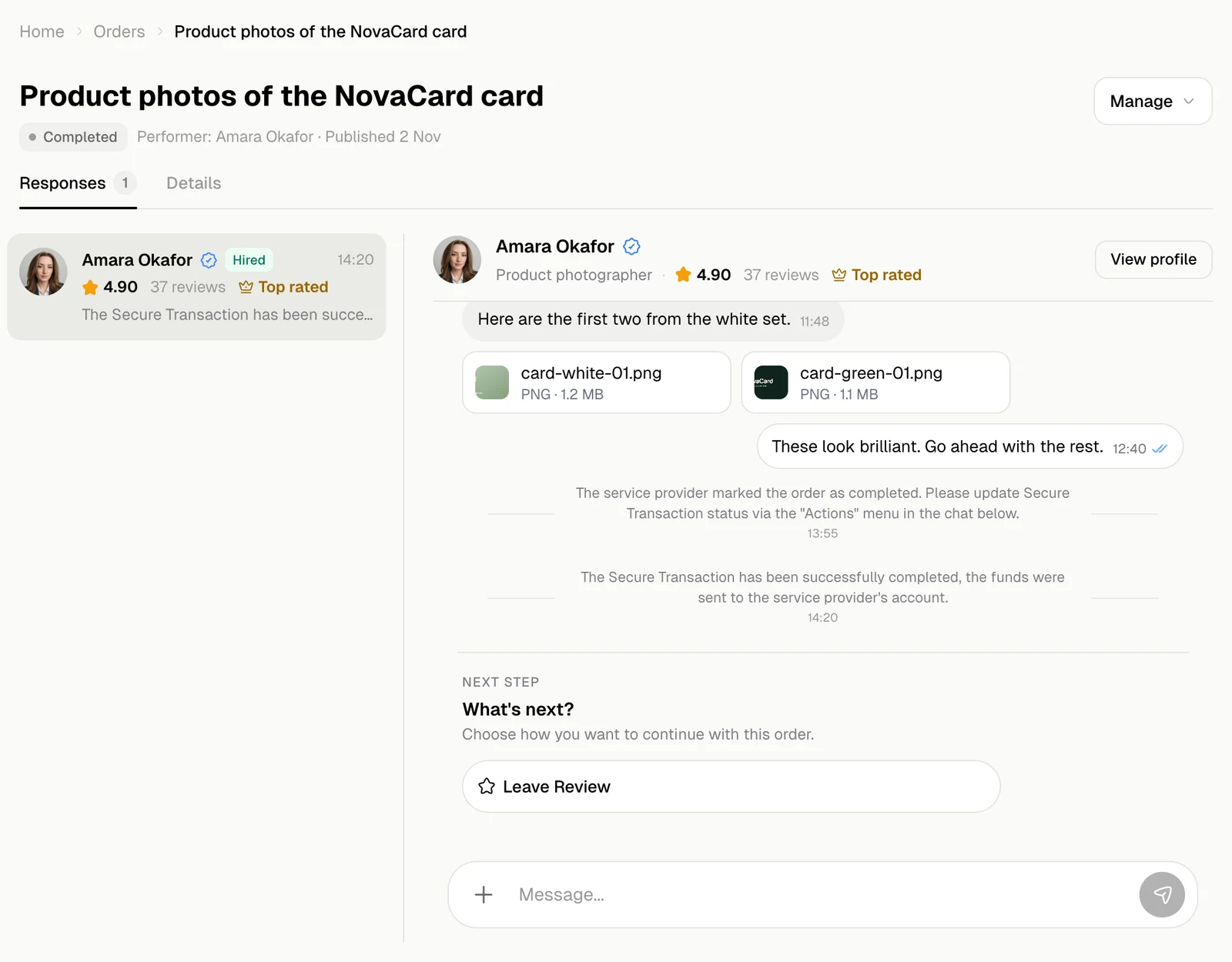
When the order is completed, What’s next? offers Leave Review. See Reviews.