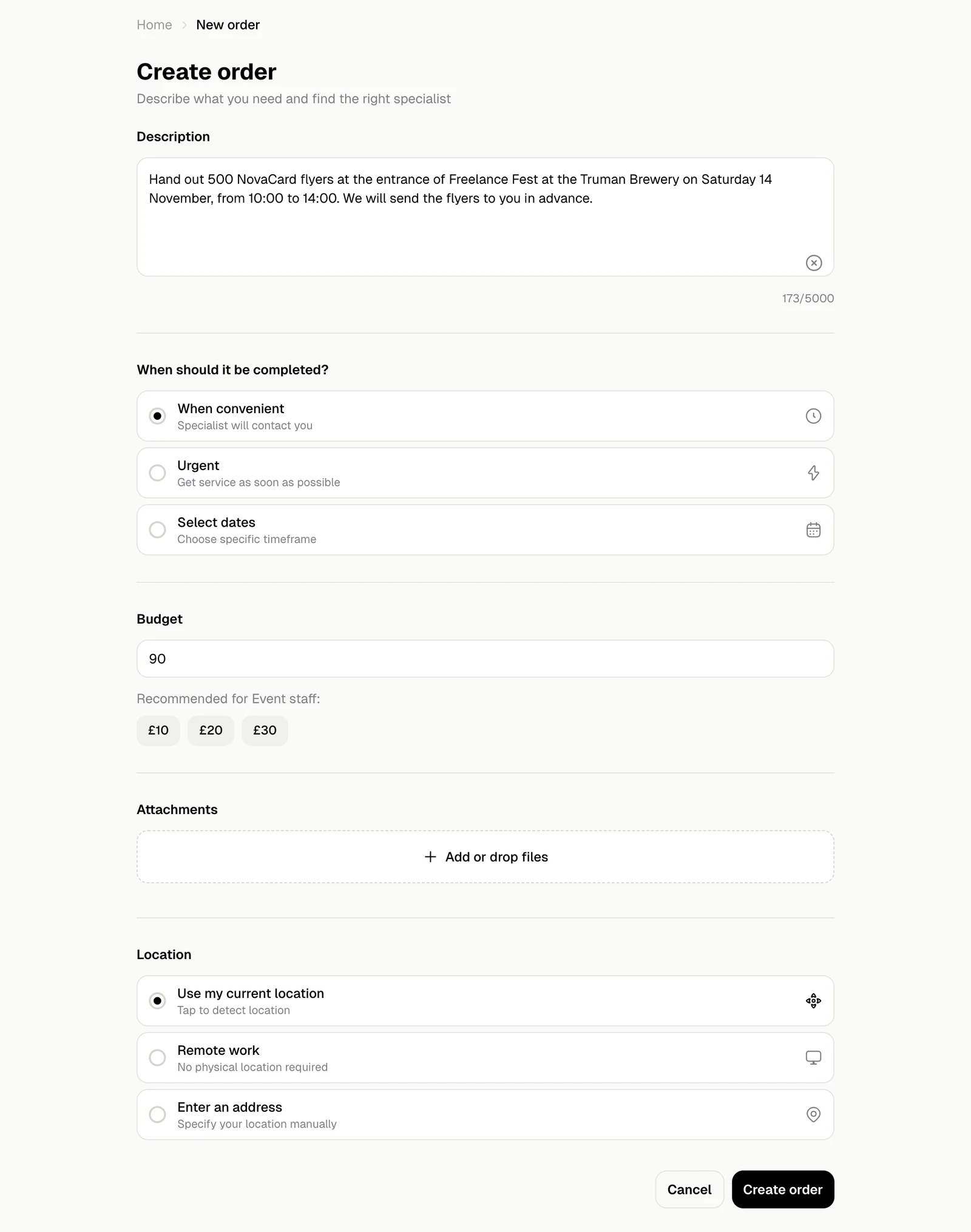
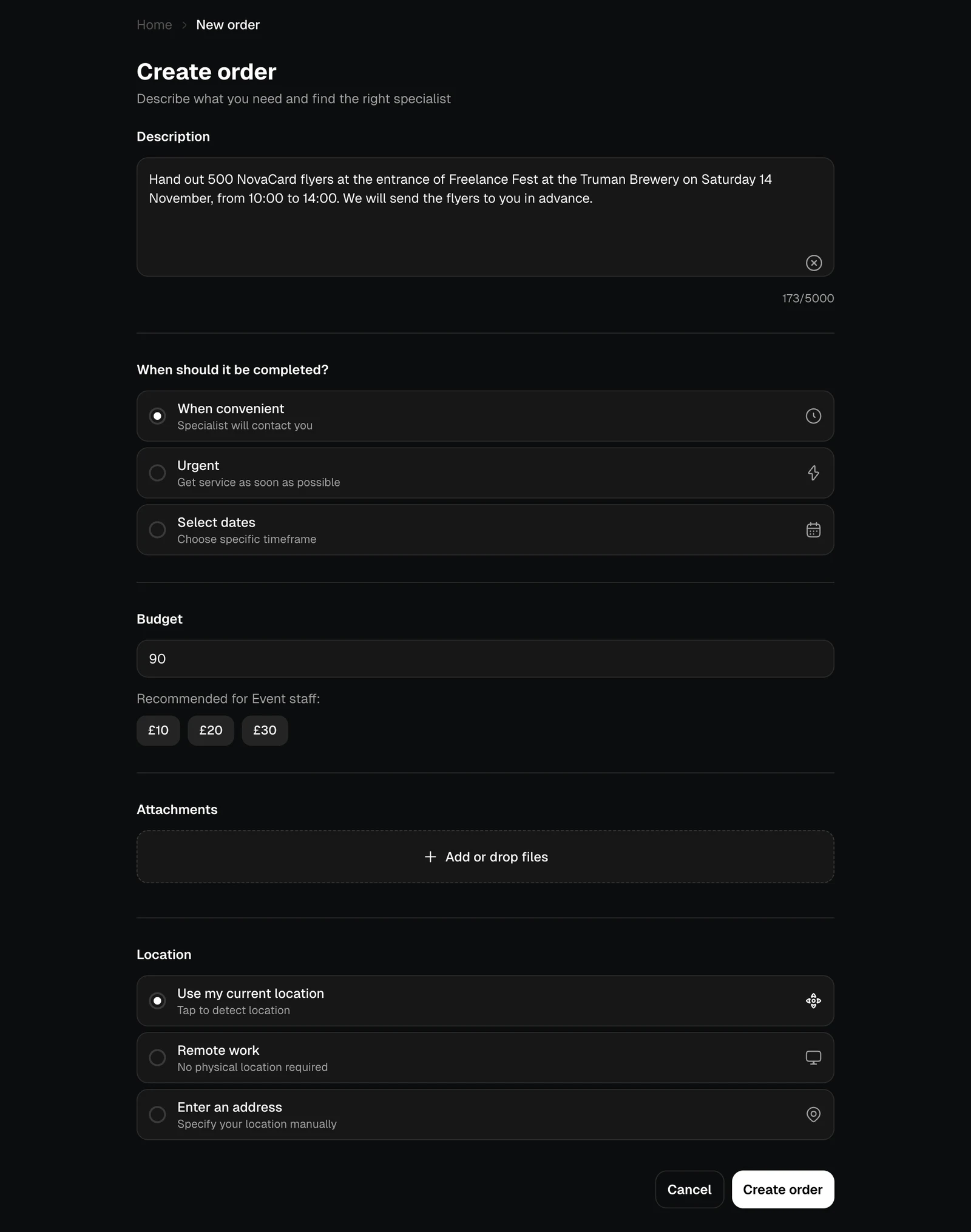
An order describes a job, and experts who do that work reply to it. Create order on Human Network or on the Orders page starts one.
| Field | What to put in |
|---|
| Description | The job in your own words: what, where, when and anything the expert should bring. Up to 5,000 characters |
| When should it be completed? | When convenient: the expert contacts you. Urgent: as soon as possible. Select dates: a start and an end date |
| Budget | What you pay for the whole job, from £5. Some categories suggest amounts under it |
| Attachments | Photos, plans or documents that help explain the job |
| Location | Use my current location, Remote work when no visit is needed, or Enter an address |
Hiring needs a budget on the order. If an order has none, add one with Edit order before you hire.
Moderation
Every new order is checked before experts see it, and so is an order whose description or files you change. Until then it is On moderation. An order that breaks the rules is Rejected, with the reason, and you can post a new one without it.
Your orders
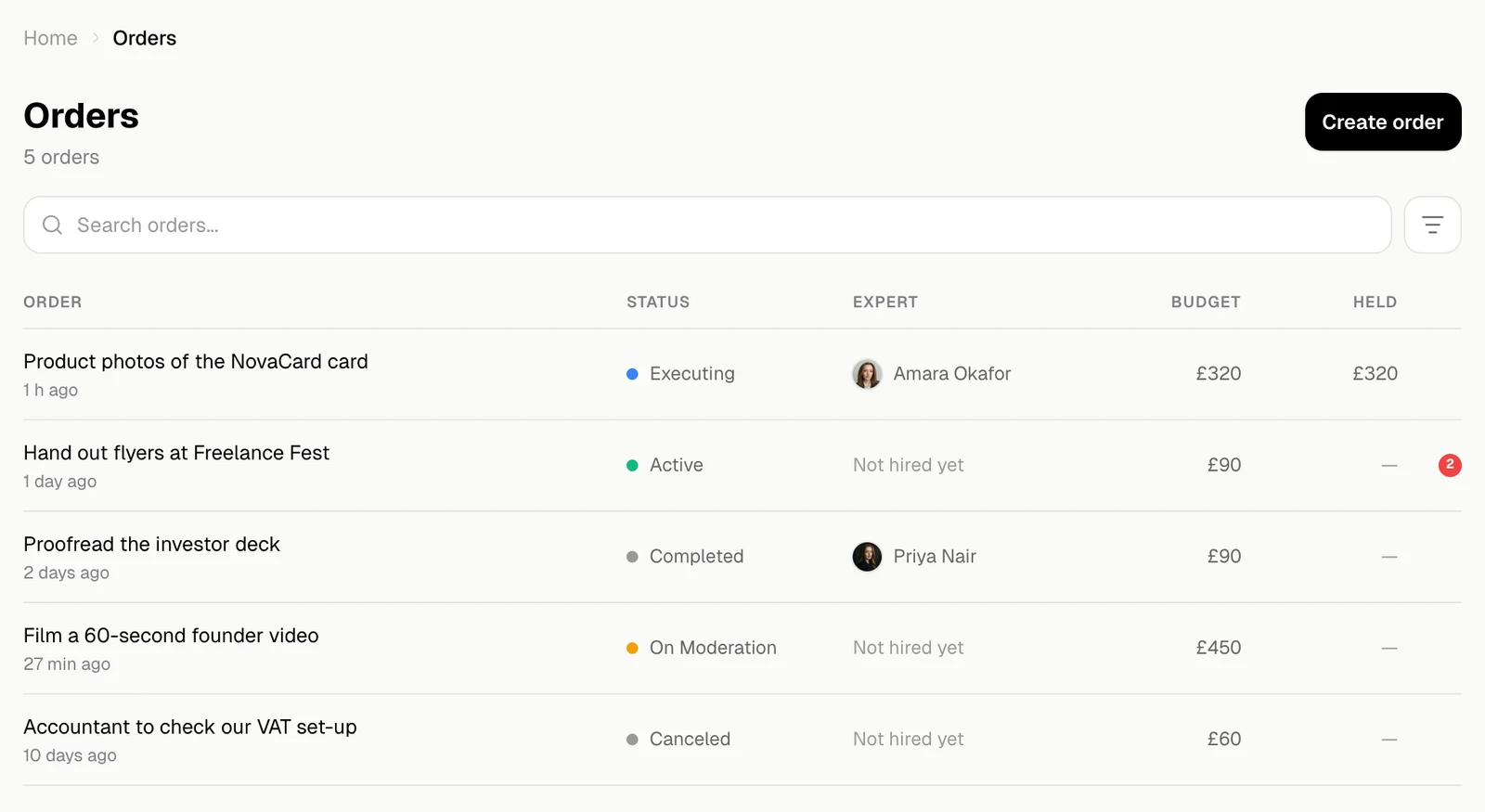
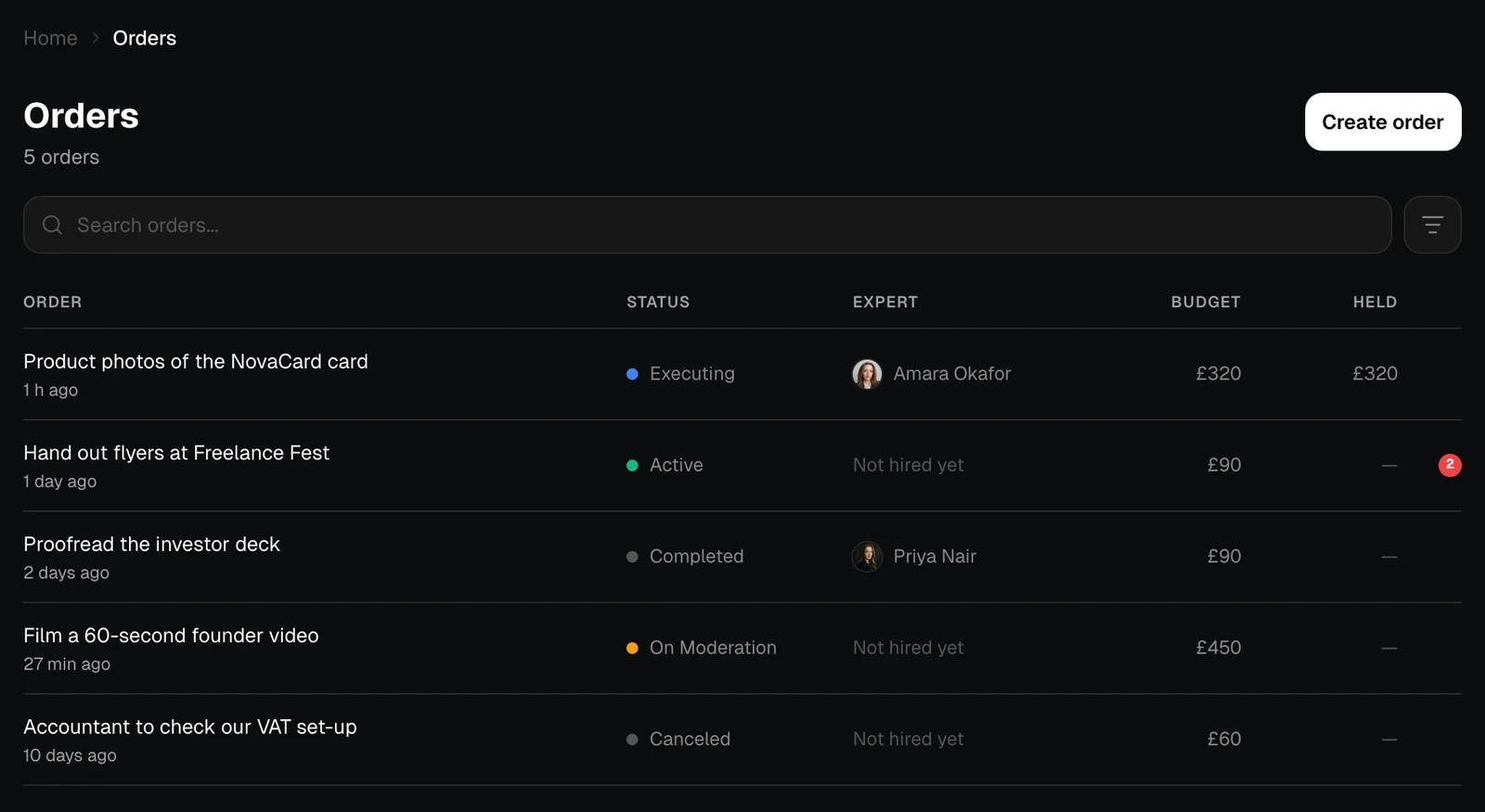
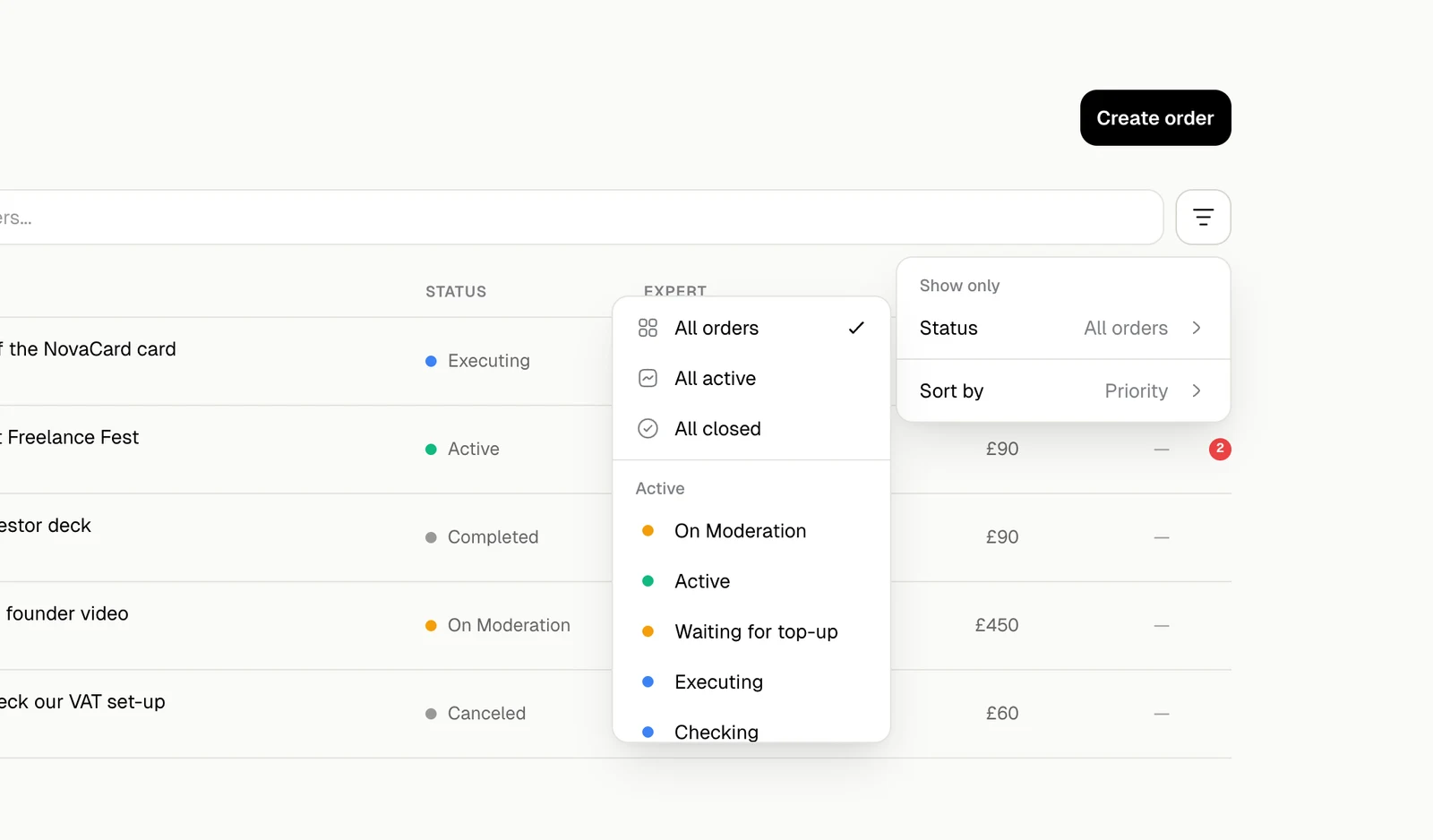
Orders lists everything you have posted, with the status, the expert you hired, the budget and what is Held for it. A red dot counts new messages.
Search finds orders by name. The filter shows All orders, All active, All closed or one status, and sorts by Priority, Last updated, Newest or Oldest.
Statuses
| Status | What it means |
|---|
| On moderation | Being checked. Experts cannot see it yet |
| Active | Experts can see it and reply |
| Waiting for top-up | Waiting for money on your wallet |
| Executing | You hired an expert and the budget is held. See Hire and pay |
| Checking | The expert says the job is done. Release the money or appeal |
| Completed | You released the money to the expert |
| Appeal | Support is looking at a dispute |
| Appeal: Client Win, Appeal: Executor Win | Support decided the dispute for you or for the expert |
| Canceled | You cancelled it. Republish to show it to experts again |
| Rejected | It did not pass moderation |