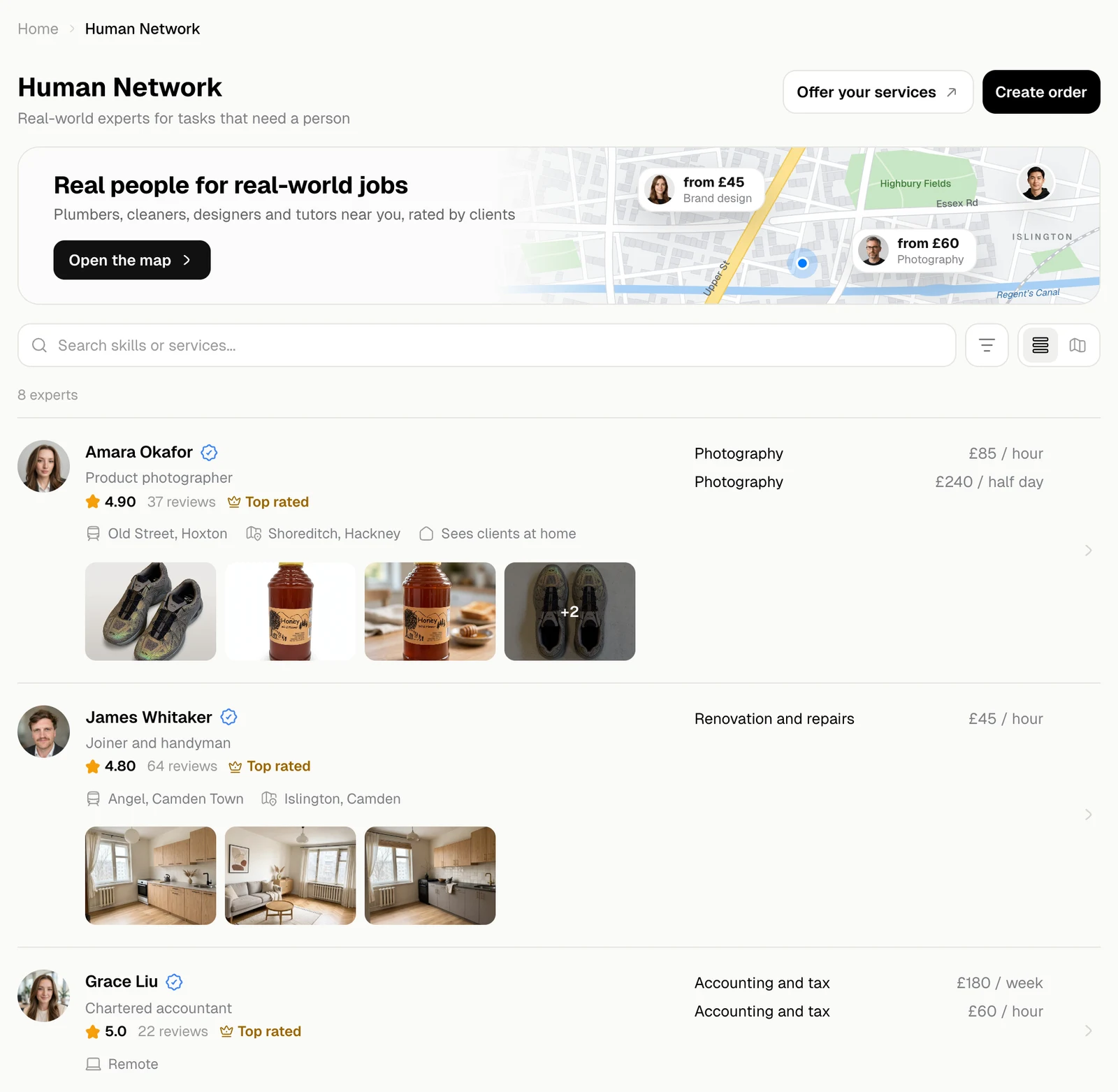
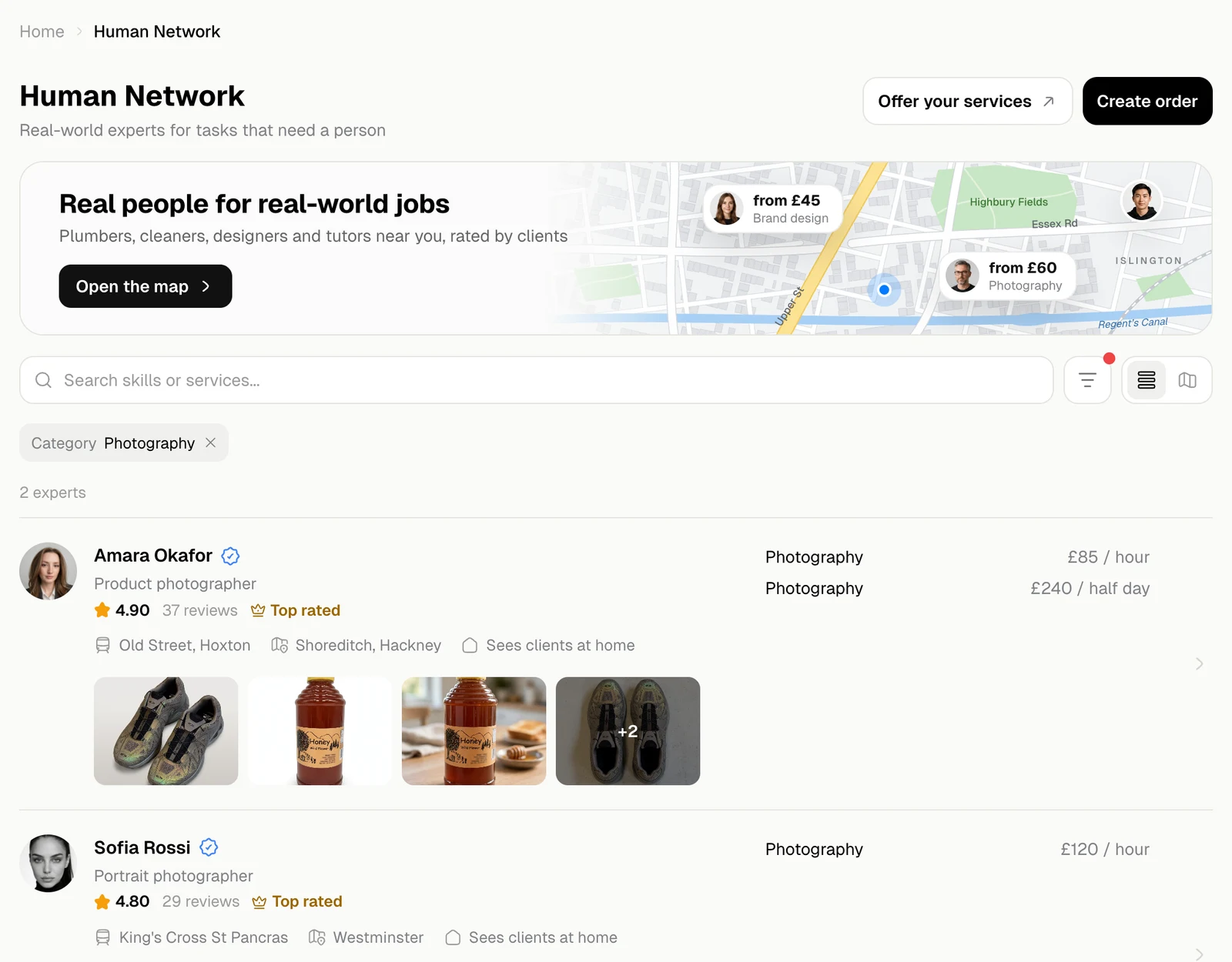
Human Network in the sidebar lists the experts. Each row shows:
  • the name, with a blue tick when the expert is verified;
  • what they do, their rating and number of reviews, and Top rated from 4.8 stars;
  • where they work: stations, areas, Sees clients at home or Remotely;
  • their services with prices, on the right;
  • a few pieces of their work.
Click a row to open the expert’s profile.
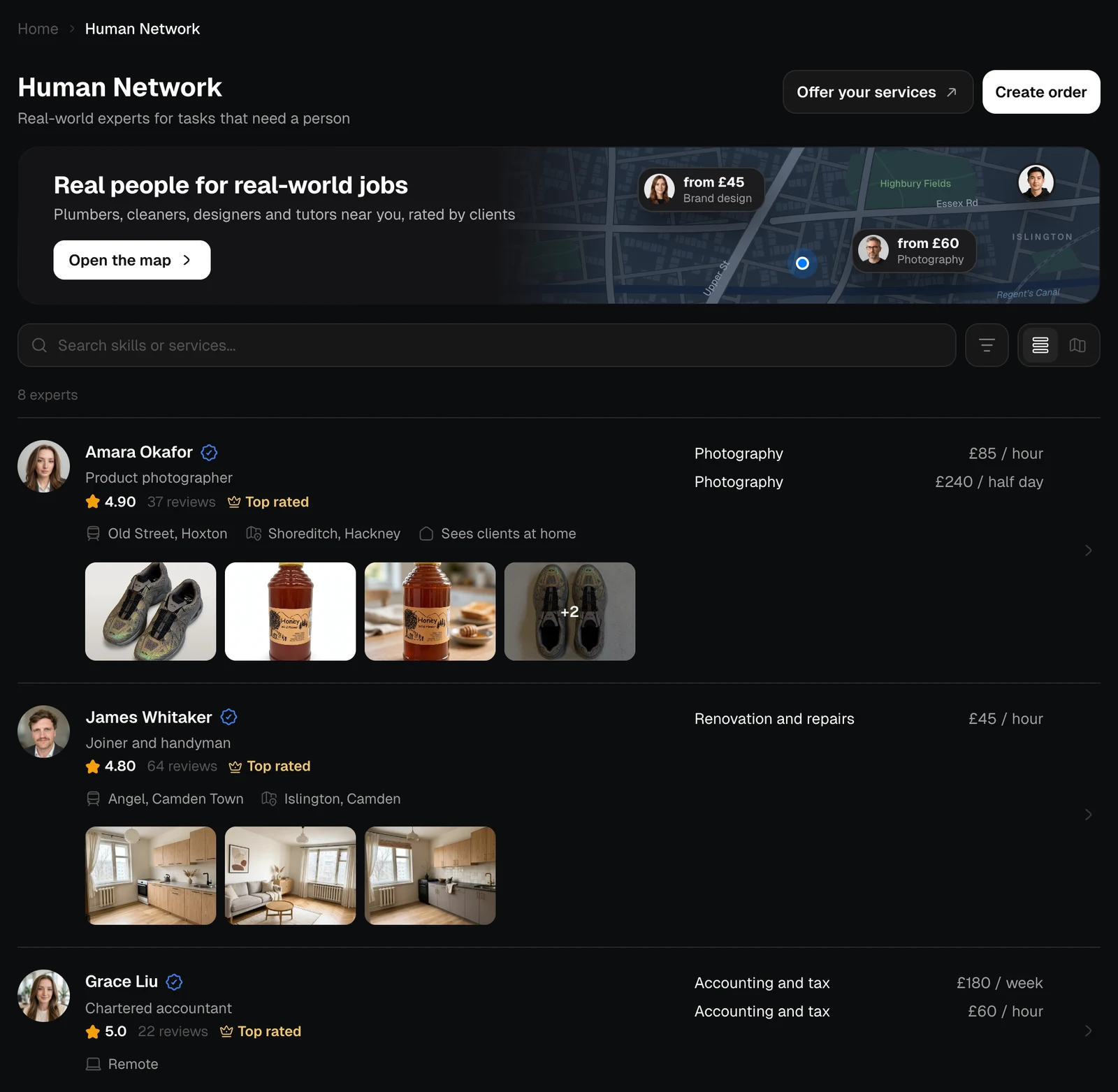
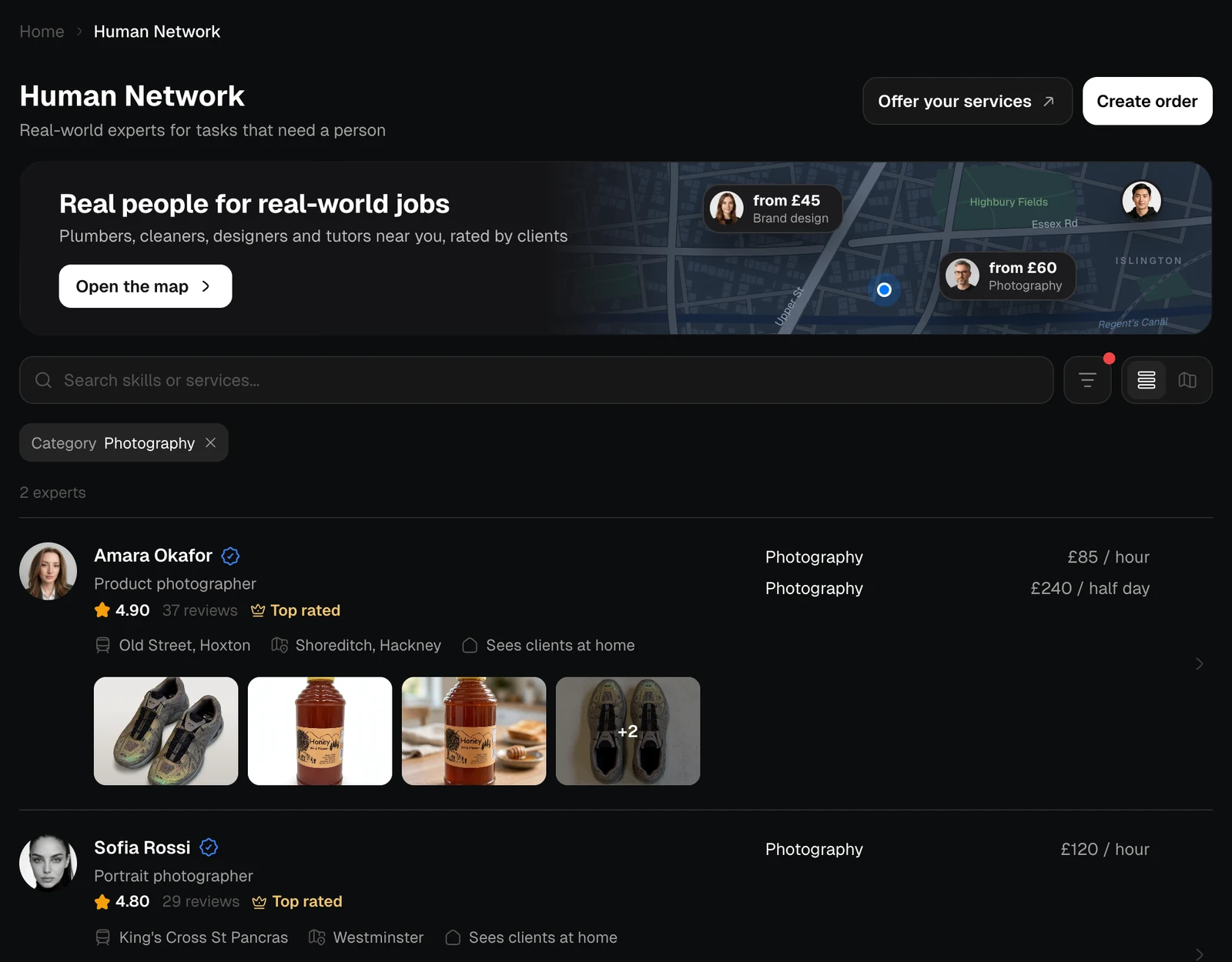
The list of experts with ratings, services and portfolio pictures, light themeThe list of experts with ratings, services and portfolio pictures, dark theme
Create order at the top describes a job for experts to reply to, instead of looking for them yourself. See Post an order. Type a skill or a service in Search skills or services. The list updates as you type, and the line above it counts the experts found.
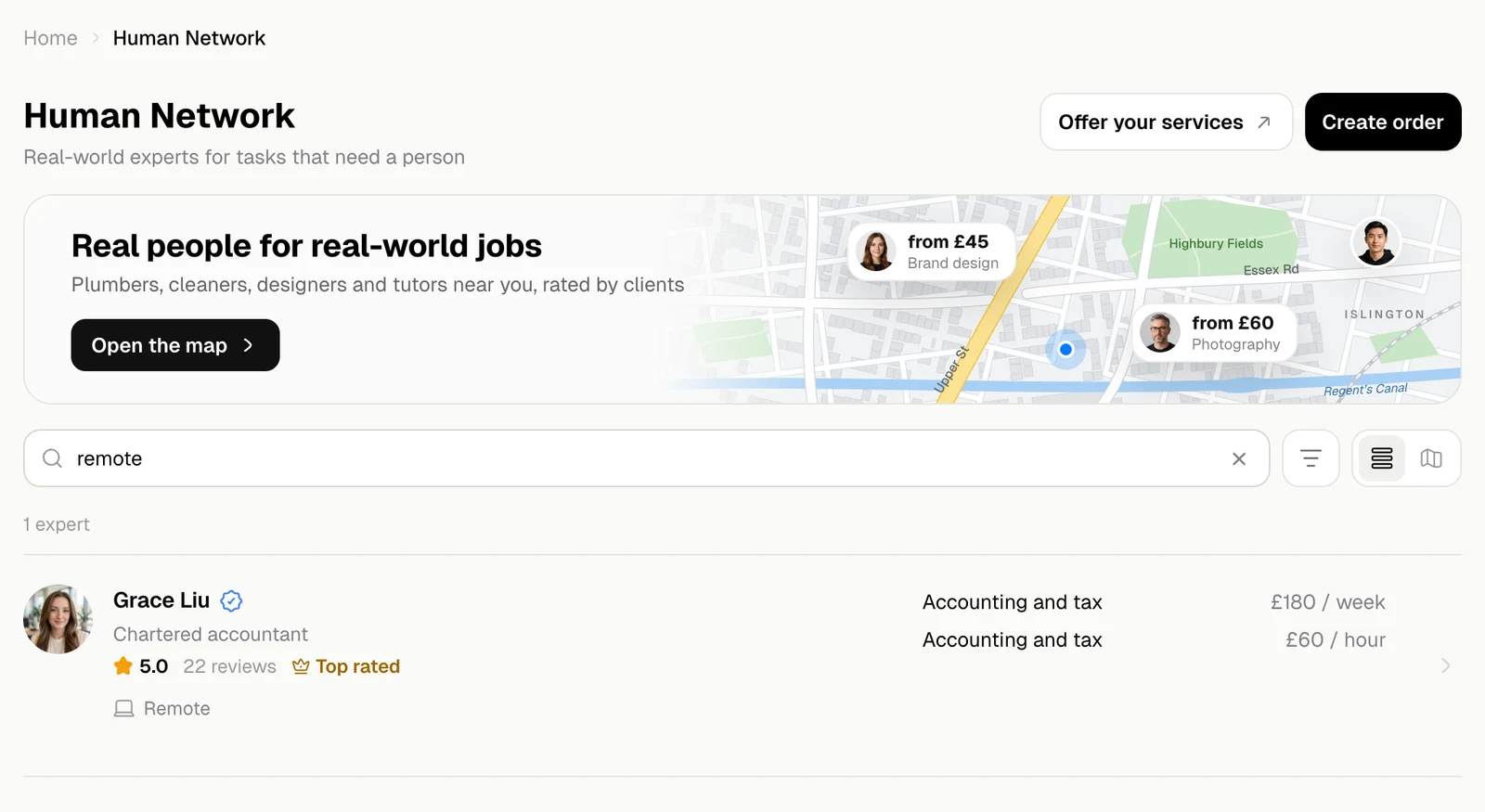
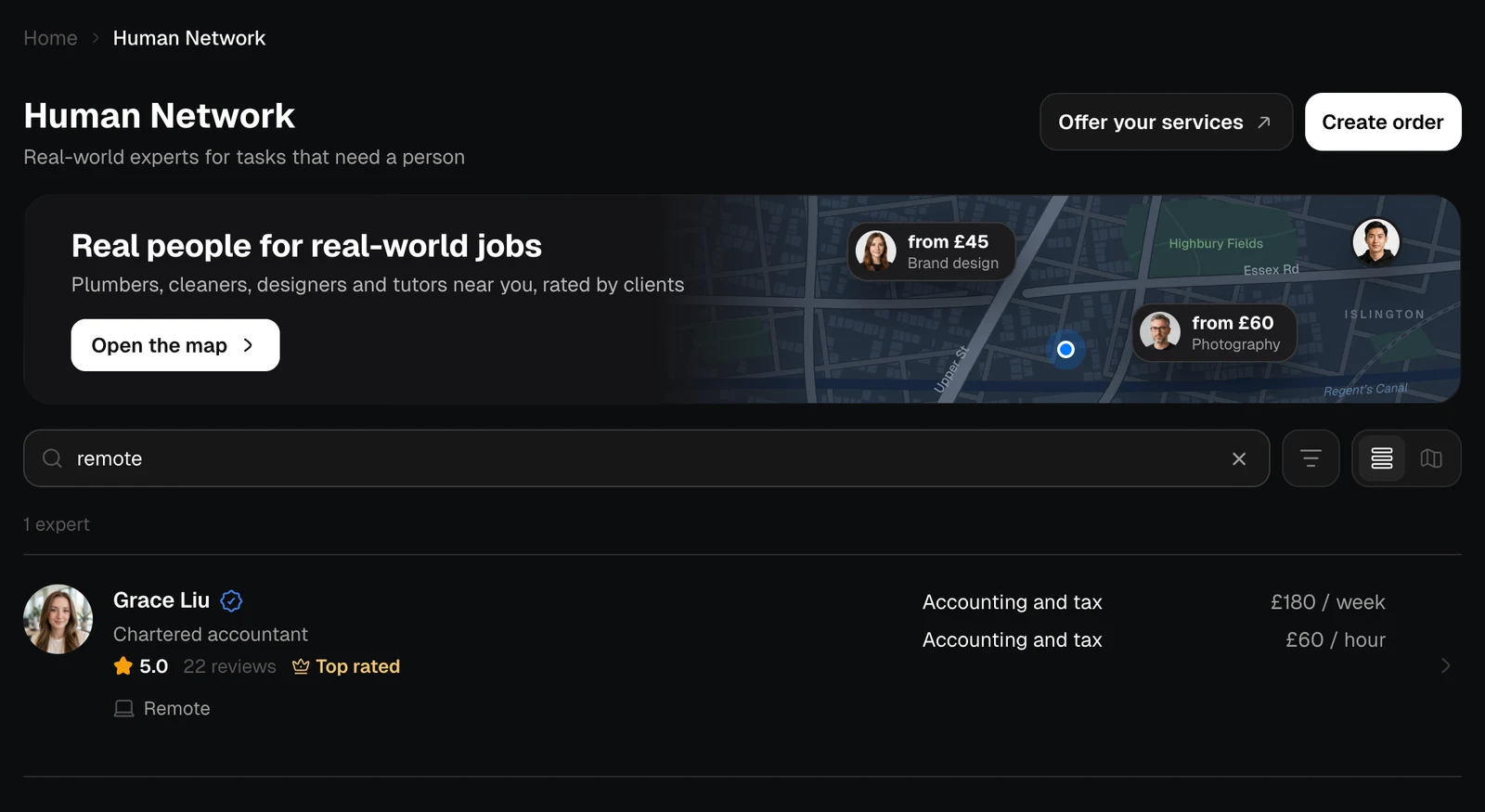
The search field with remote and one expert found, light themeThe search field with remote and one expert found, dark theme

Filters

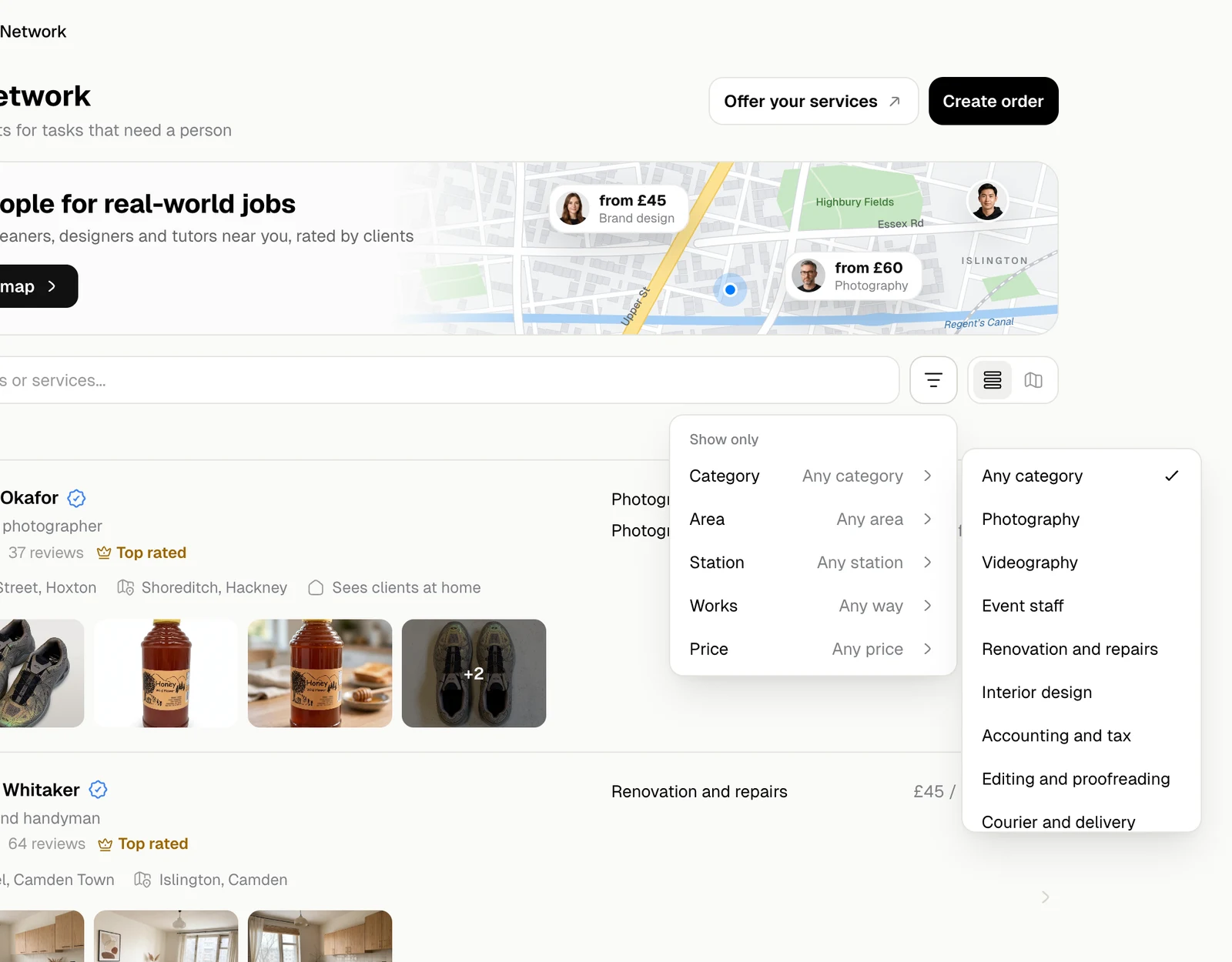
The filter button narrows the list down.
FilterChoices
CategoryWhat the expert does, such as Photography, Event staff or Accounting and tax
AreaThe part of the city they cover
StationA station near them
WorksAny way, Remotely, or Sees clients at home
PriceAny price, Up to £25, £25 to £50, £50 to £100, Over £100
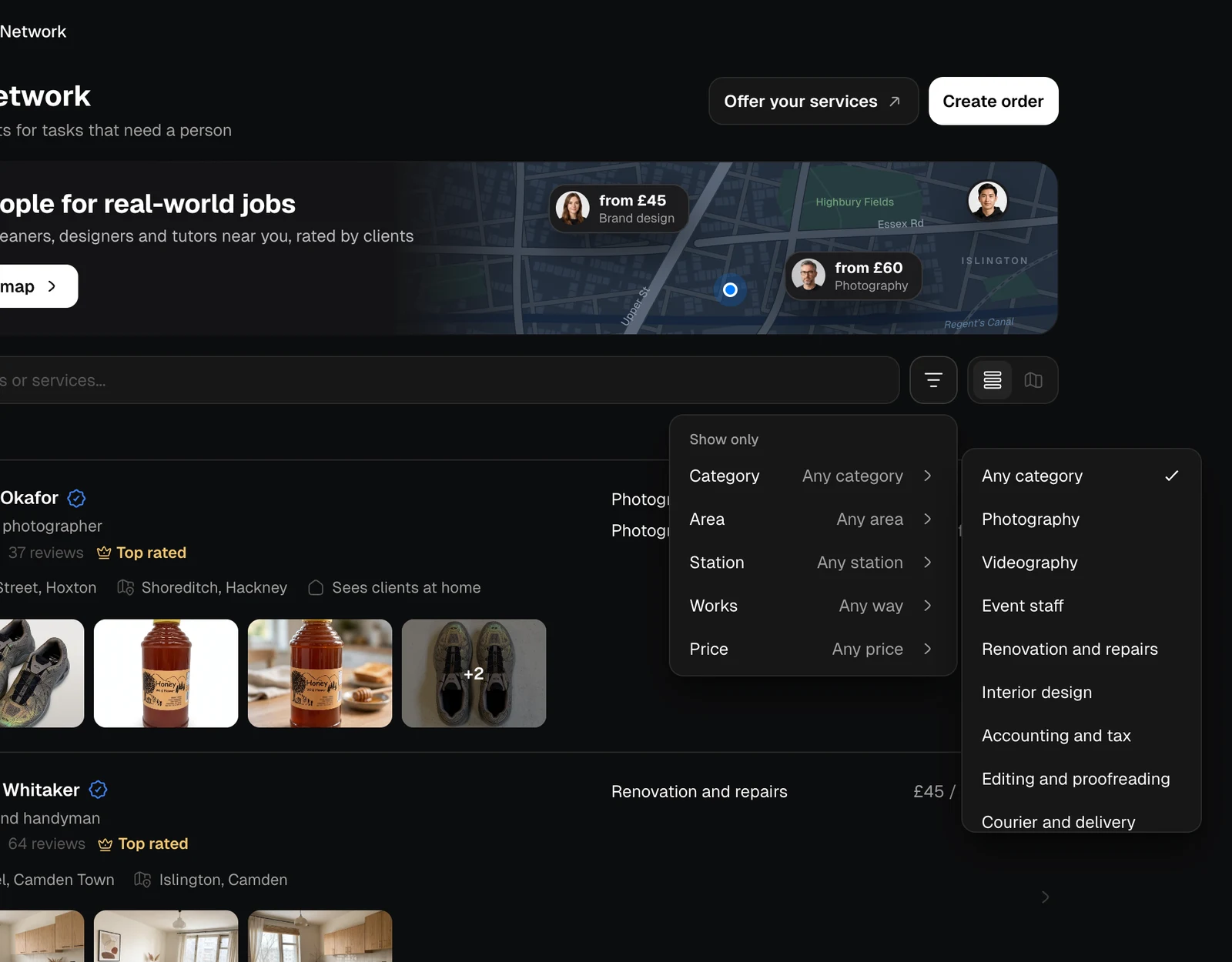
The filter menu with the Category list open, light themeThe filter menu with the Category list open, dark theme
Each filter that is on shows as a chip under the search. × on a chip turns it off; with two or more, Clear all turns them all off.
The list filtered to Photography with a Category chip, light themeThe list filtered to Photography with a Category chip, dark theme

The map

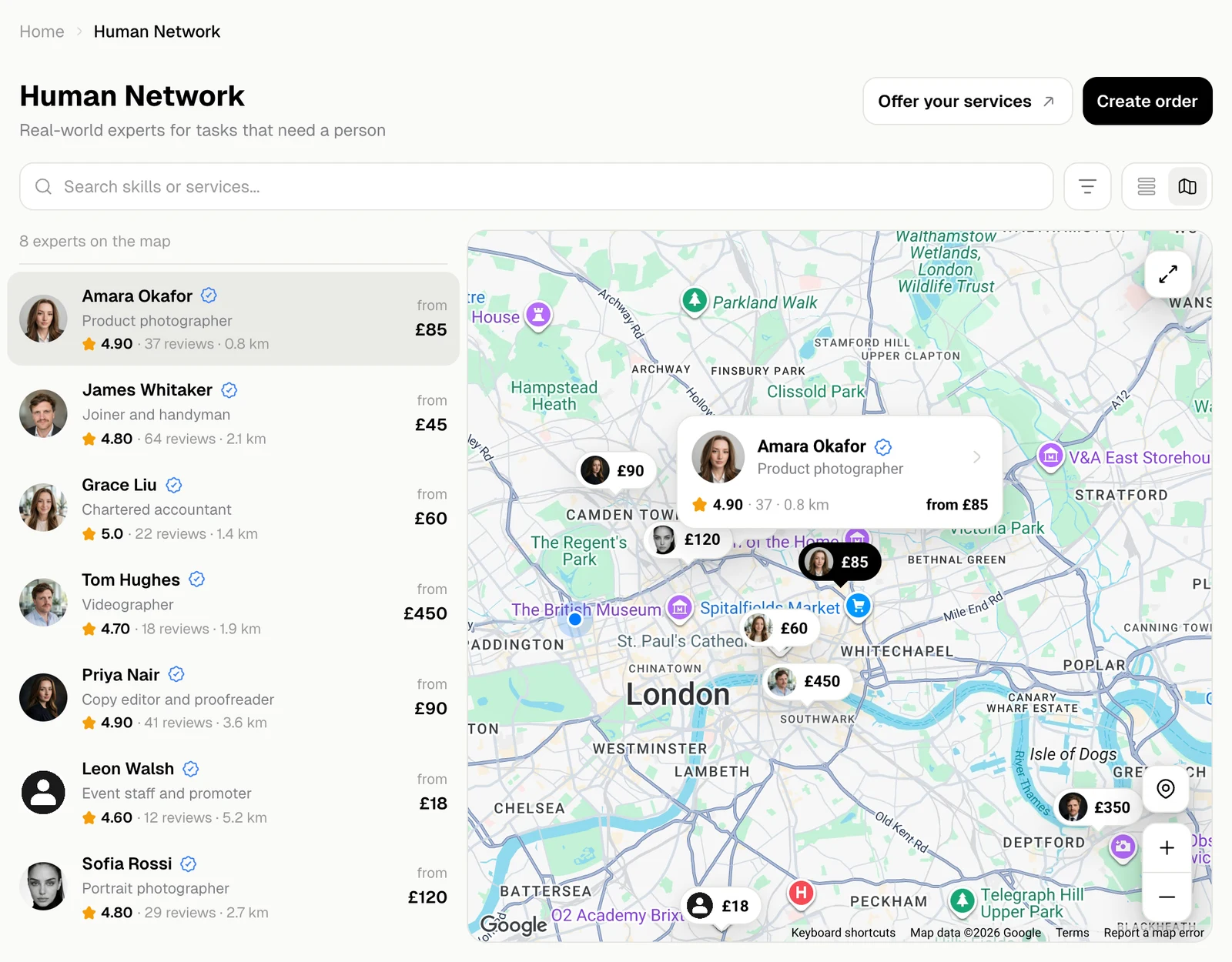
The map button next to the filter shows the experts on a map, with their prices as pins. The list beside it says how far away each one is. The map starts where you are, if your browser lets Jobbit know, and in London if it does not.
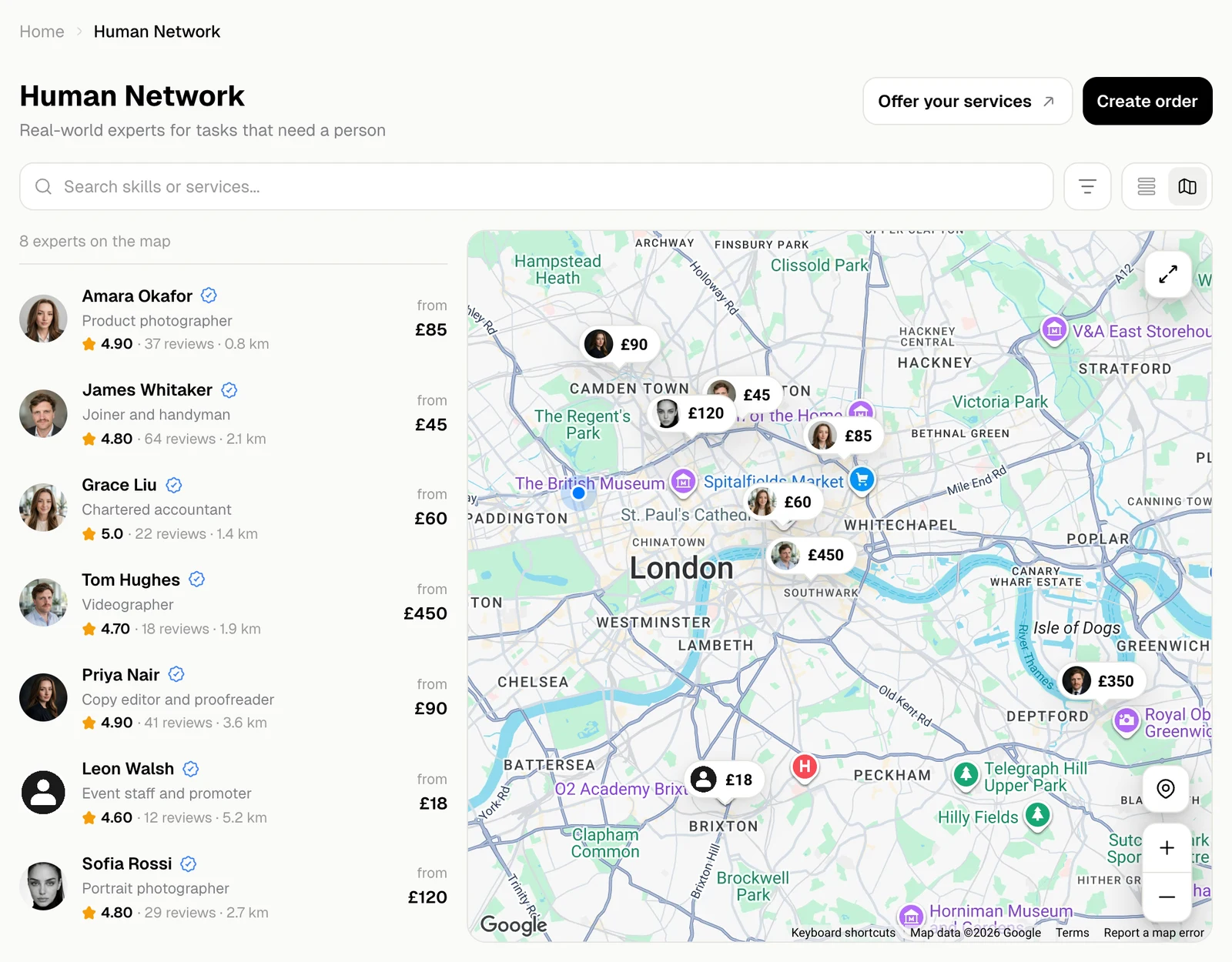
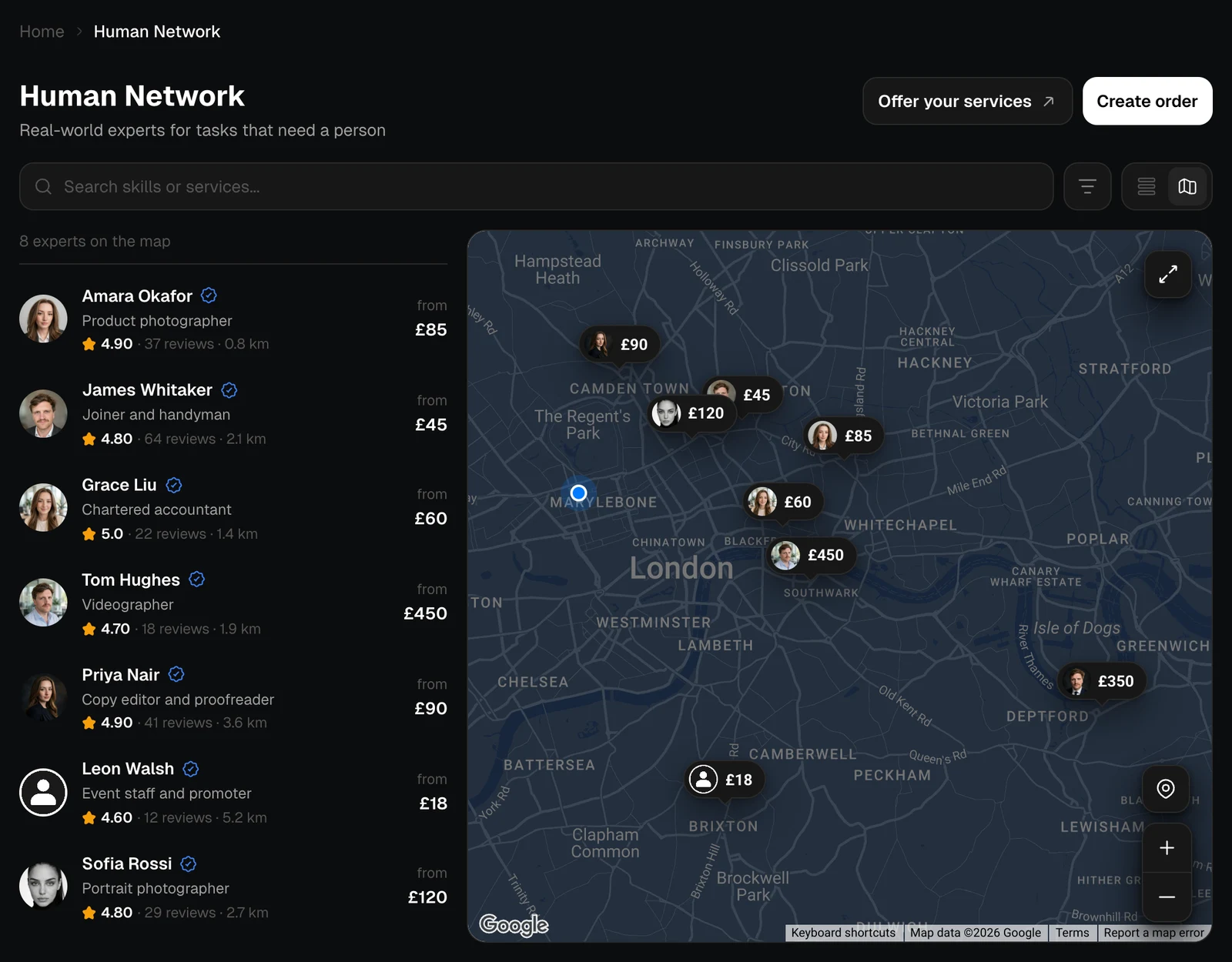
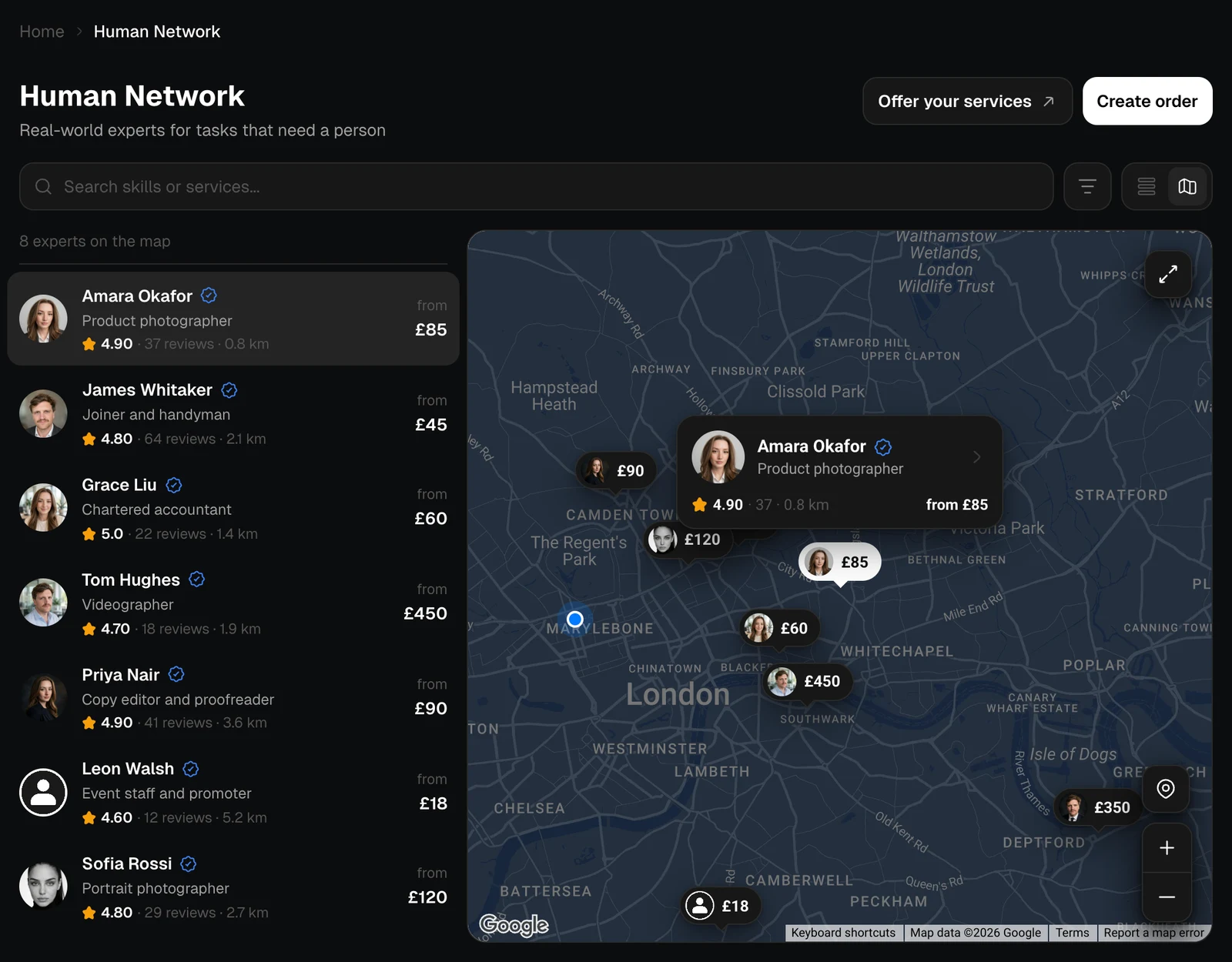
The map with price pins and the list of experts with distances, light themeThe map with price pins and the list of experts with distances, dark theme
Click a pin or a row to pick that expert: the map shows their card, with their rating and lowest price, and the card opens the profile. The buttons on the map make it full screen, take you back to where you are, and zoom in and out.
An expert's card on the map with their rating and price, light themeAn expert's card on the map with their rating and price, dark theme
Search and filters work on the map too.