| Column | What it shows |
|---|---|
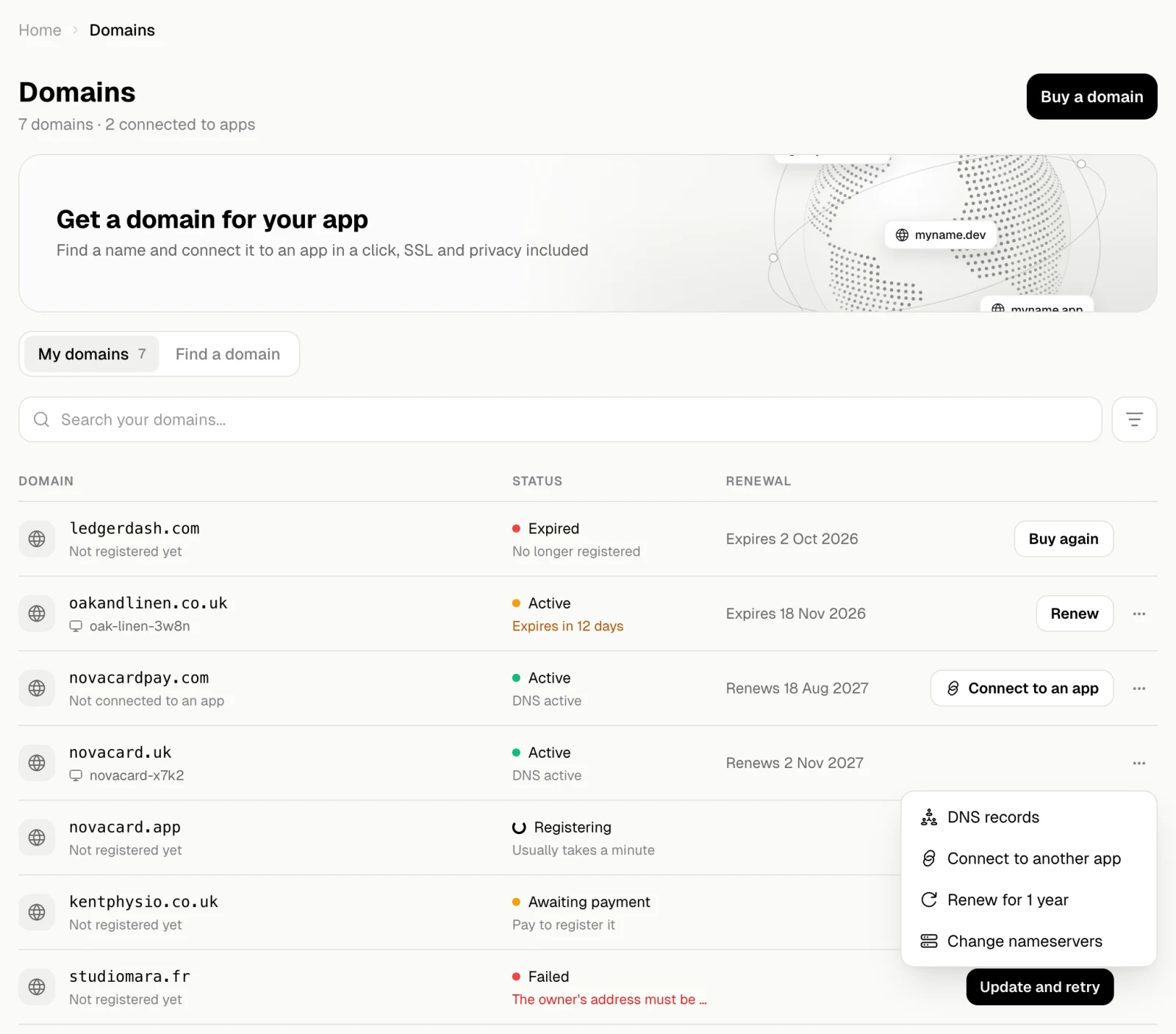
| Domain | The name, and the app it is connected to or Not connected to an app |
| Status | Where the domain stands, with a short note under it |
| Renewal | Renews and the date with auto-renew on, Expires and the date with it off |
Statuses and what to do
| Status | Note | What to do |
|---|---|---|
| Active | The DNS status, such as DNS active | Nothing. Connect to an app if it has no app yet |
| Active, amber | Expires in 12 days | Auto-renew is off and it expires within 30 days. Renew it. See Renewal |
| Active, red | The DNS problem | Open its DNS records to see what is wrong |
| Registering | Usually takes a minute | Wait. If the registry is slow, it can take up to 24 hours |
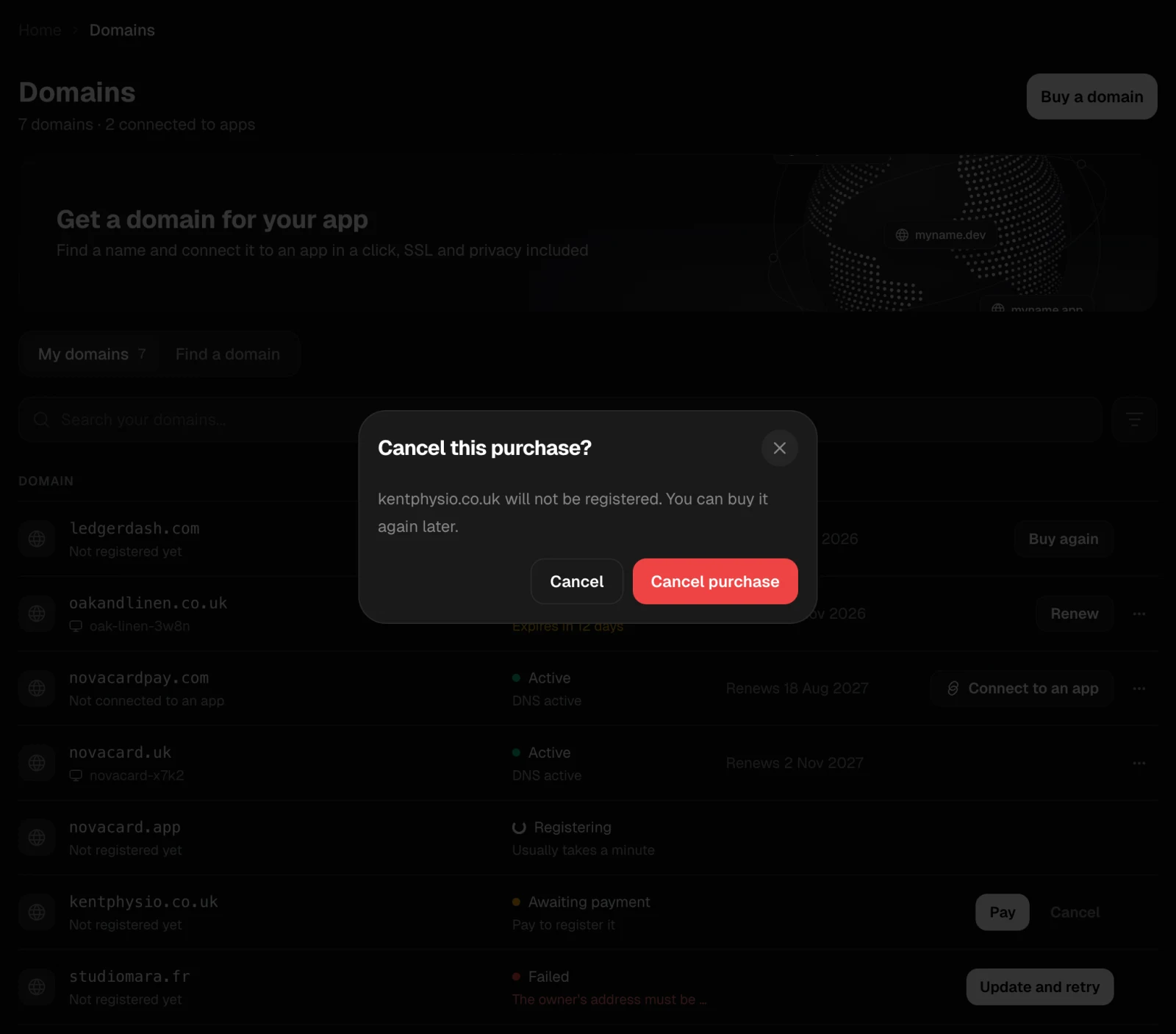
| Awaiting payment | Pay to register it | Pay to finish the purchase, or Cancel it |
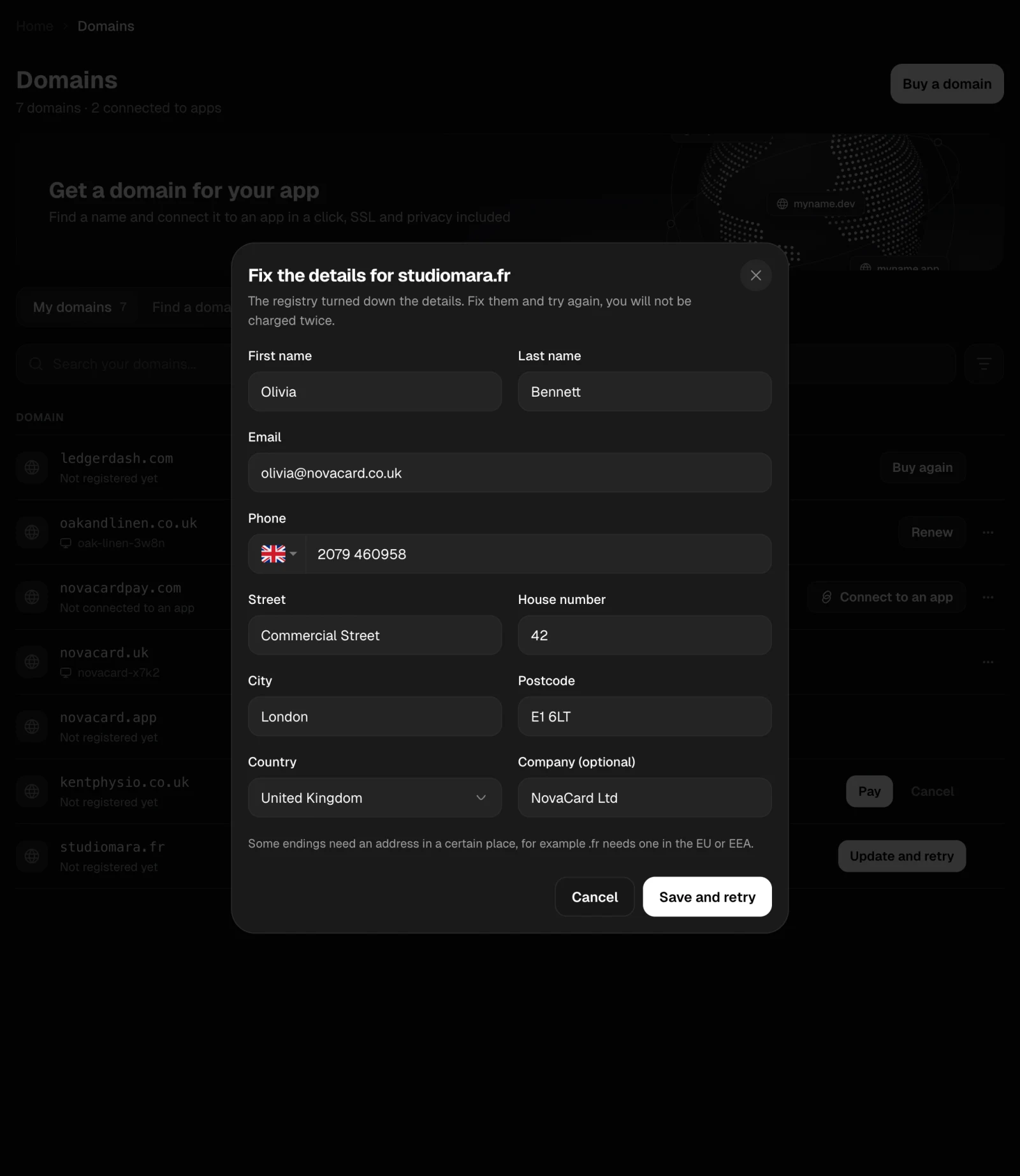
| Failed | Why the registry turned it down | Retry, or Update and retry when the owner’s details were the problem |
| Expired | No longer registered | Buy again checks whether the name is still free |
| Cancelled | Buy again if you still want it |
Menu of a domain
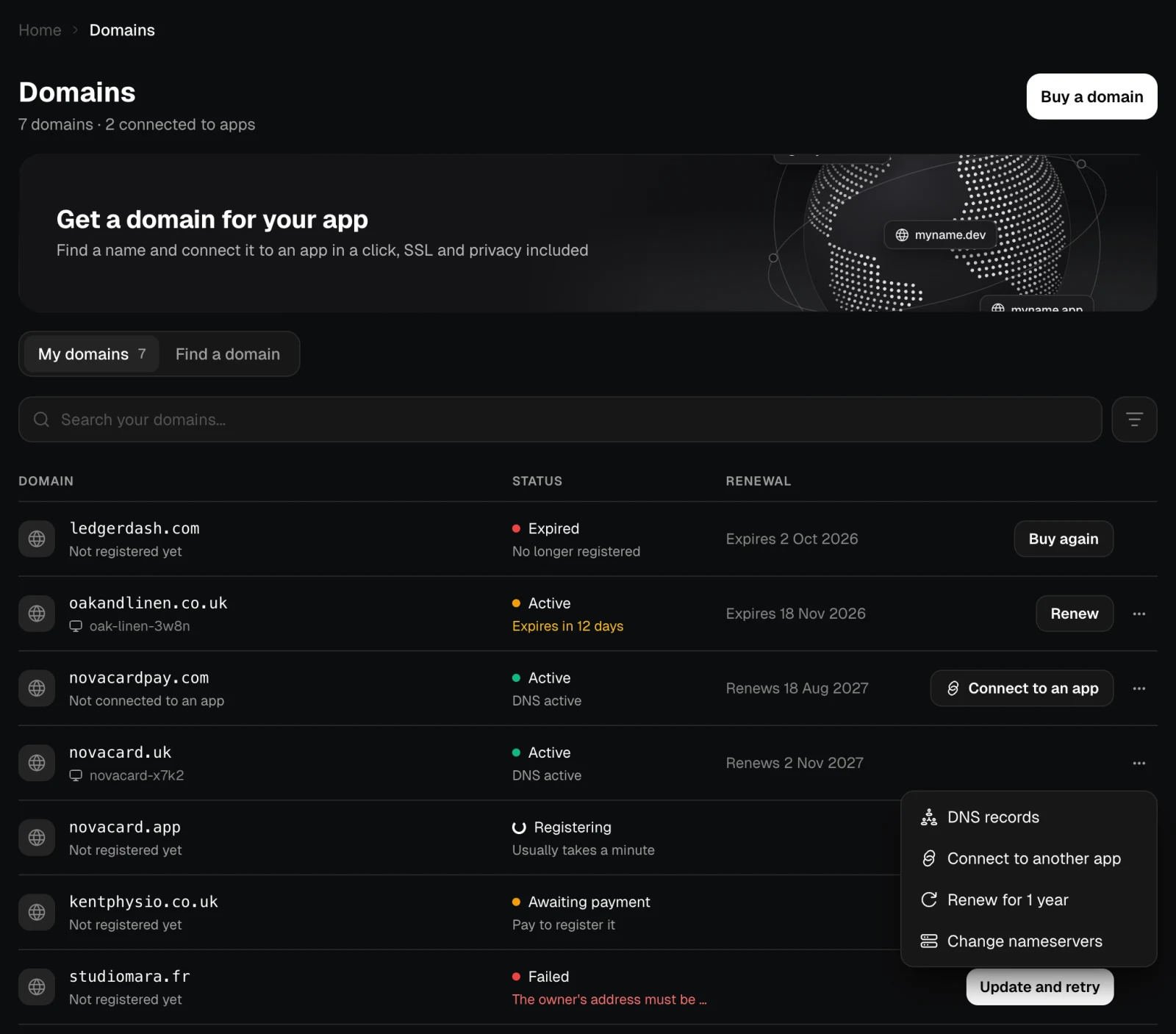
The ⋯ menu of an active domain:| Action | What it does |
|---|---|
| DNS records | Opens the DNS records |
| Connect to an app / Connect to another app | Puts the domain on an app. See Connect to an app |
| Renew for 1 year | Renews it now. See Renewal |
| Change nameservers | Moves its DNS to another provider. See Nameservers |
A purchase that is not paid
A domain stays Awaiting payment when the payment did not finish, for example if you closed the Stripe page. Pay opens the payment again. Cancel drops the purchase after you confirm; the domain is not registered and you can buy it later.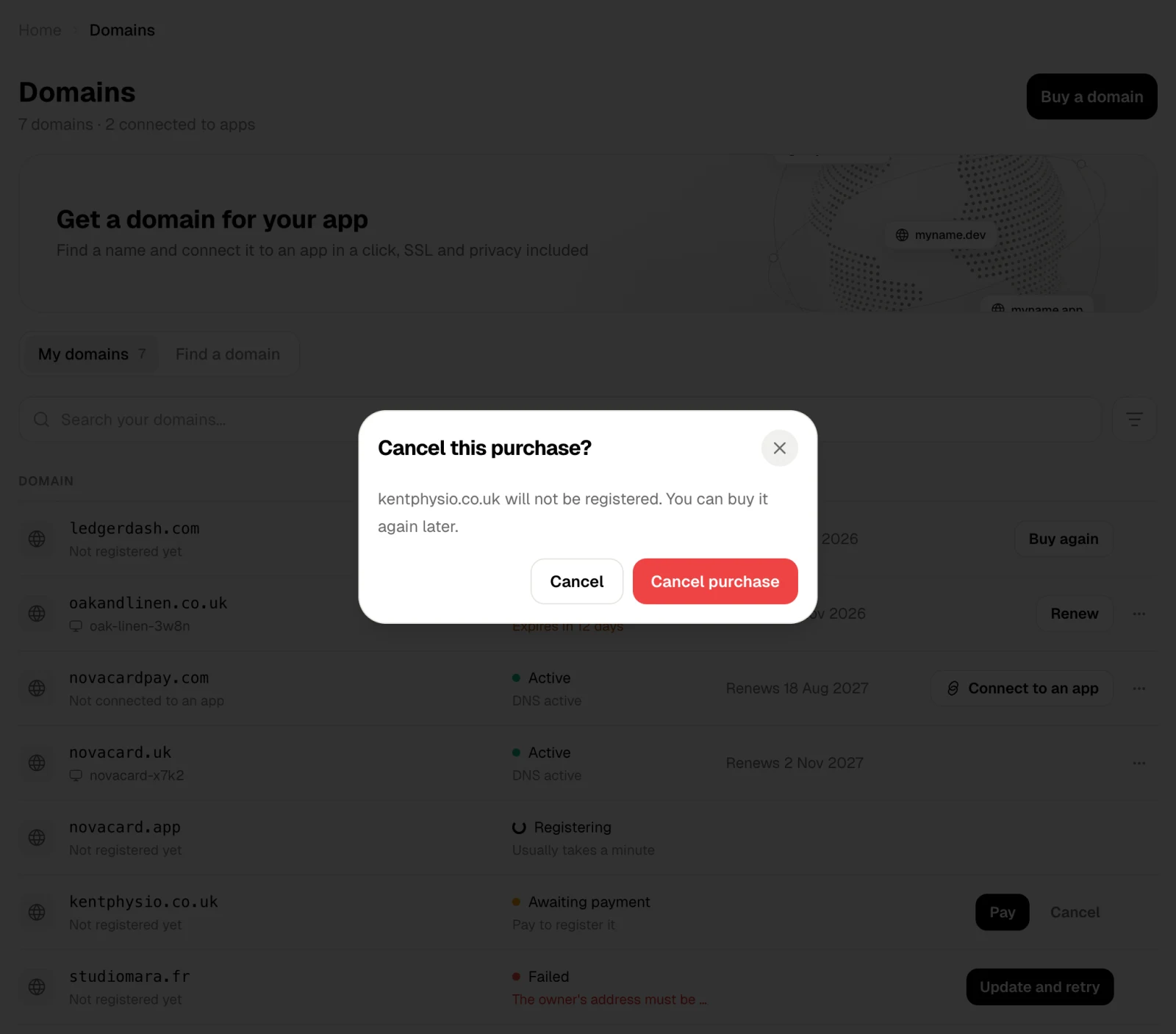
A registration that failed
When the registry turns a domain down, the status is Failed with the reason. If the problem was the owner’s details, Update and retry opens them to fix. You are not charged twice. Otherwise Retry tries again as it is.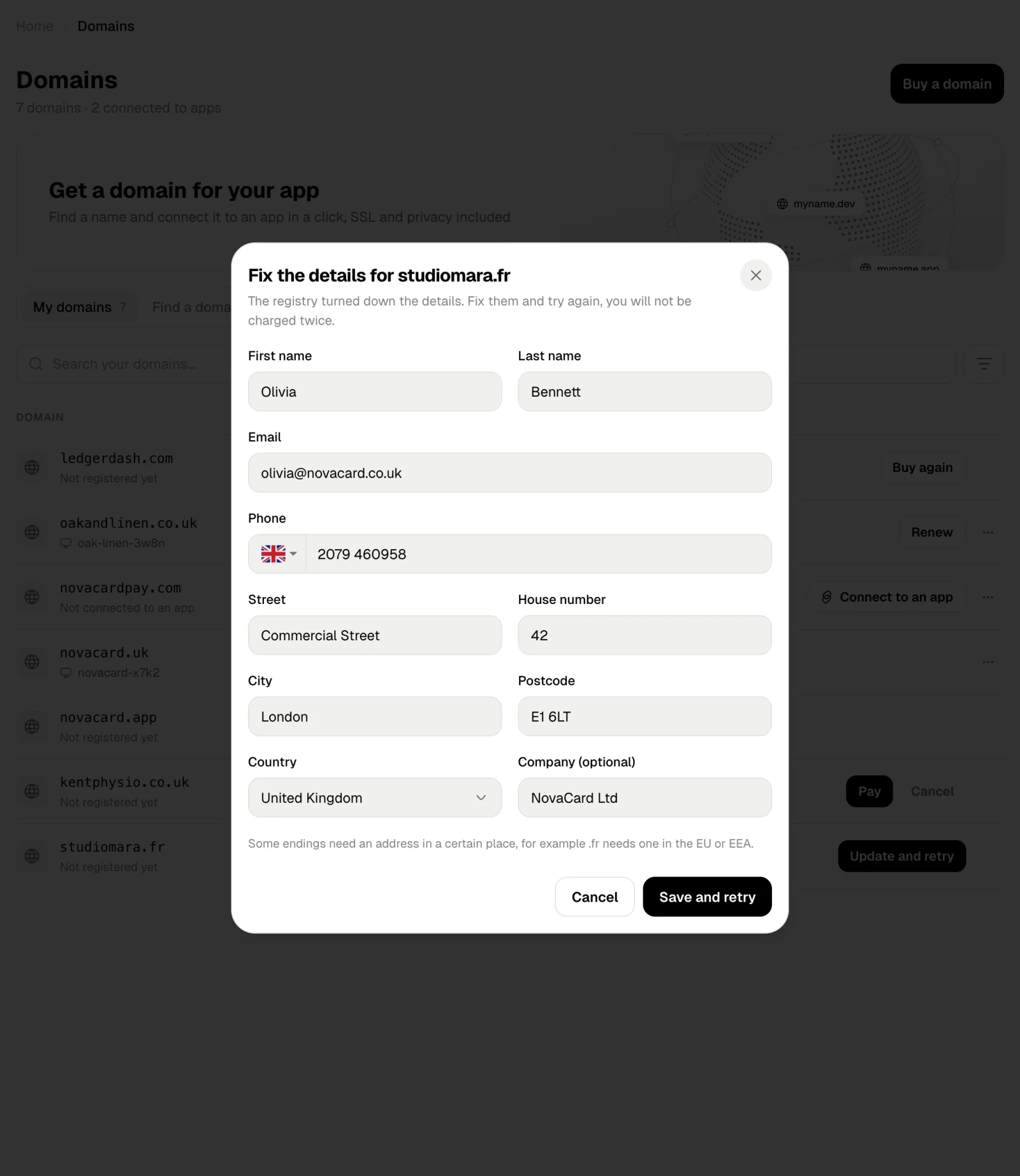
Search, filter and sort
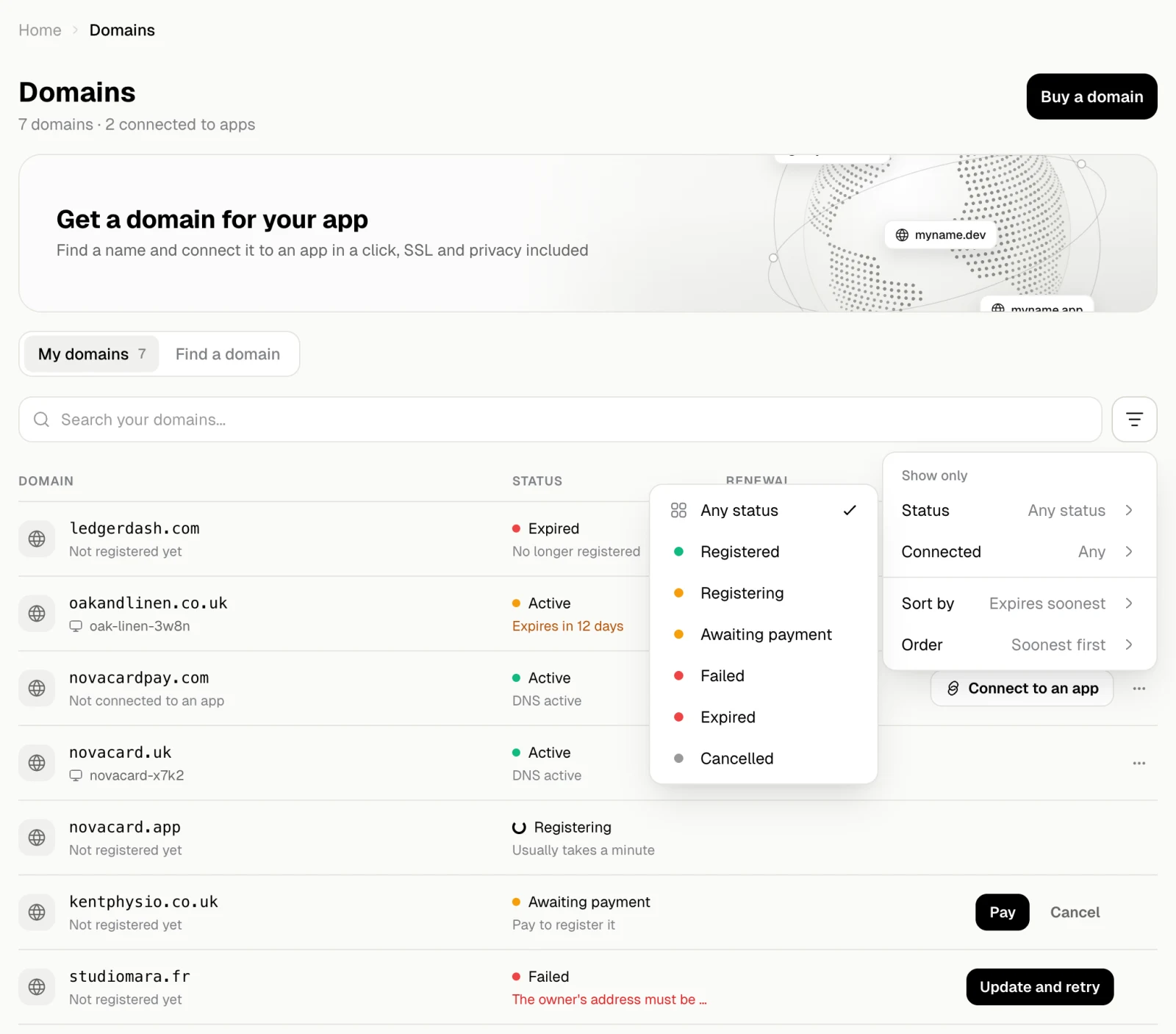
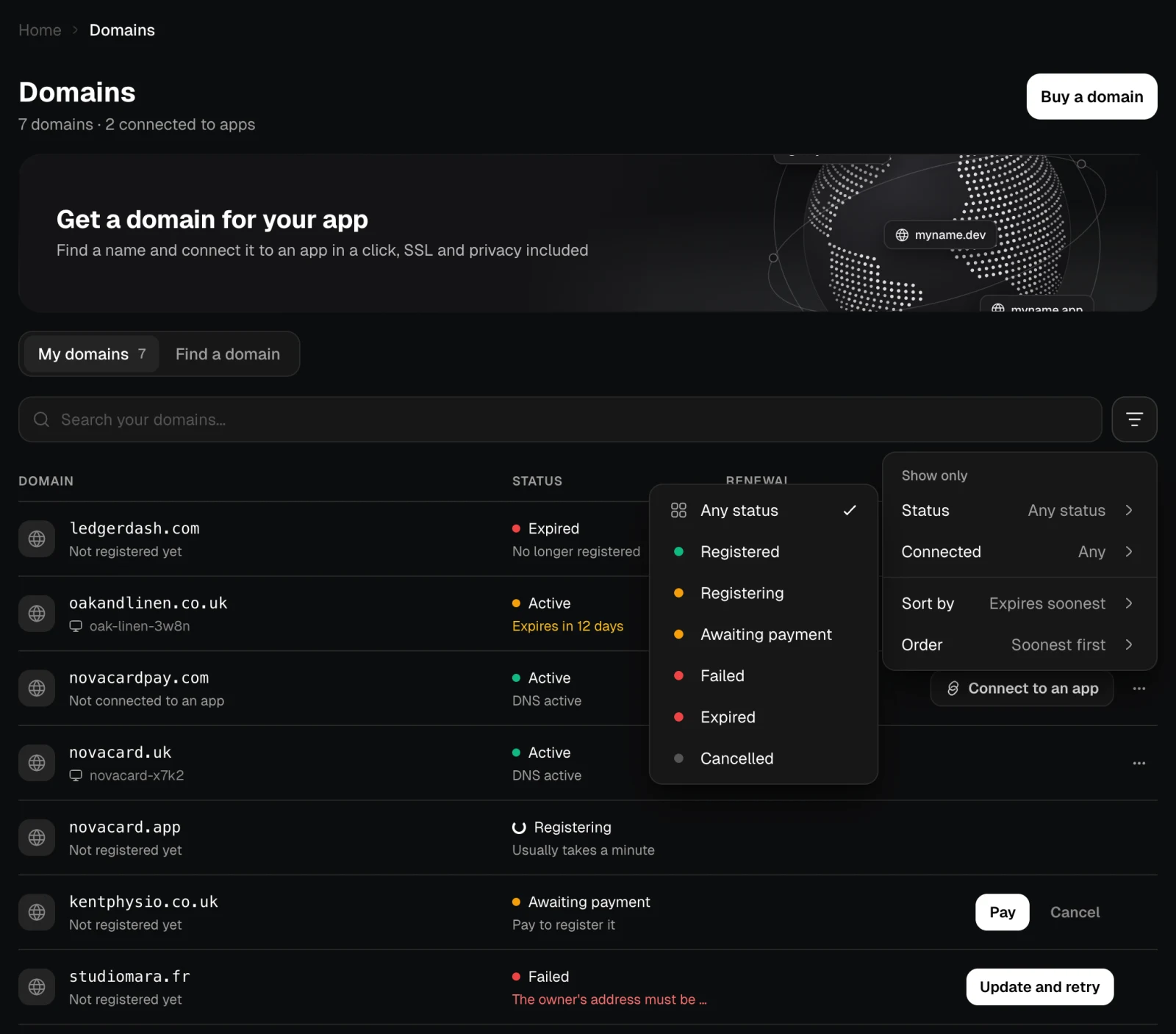
Search your domains finds one by name. The filter button next to it has:- Status: Registered, Registering, Awaiting payment, Failed, Expired, Cancelled.
- Connected: connected to an app, or not connected.
- Sort by: expires soonest, name or date bought, with the order you choose.