
A domain is registered for a year at a time. Every domain bought on Jobbit starts with auto-renew on, so it stays yours as long as the renewal can be paid. The Renewal column on My domains and the domain’s DNS records page say which way it goes: Renews and the date with auto-renew on, Expires and the date with it off.

Auto-renew

With auto-renew on, Jobbit renews the domain for another year with your saved card two weeks before it expires. If the charge does not go through, it tries again a week before and three days before, and emails you each time it fails.
  • Without a saved card, Jobbit emails you to renew it by hand.
  • After a renewal, you get an email saying the domain is renewed.

Reminders

A month before a domain expires, Jobbit emails you when it expires and whether auto-renew is on.

Renew by hand

Renew for 1 year in a domain’s ⋯ menu renews it now. A domain with auto-renew off that expires within 30 days shows Expires in … days and a Renew button on its row.
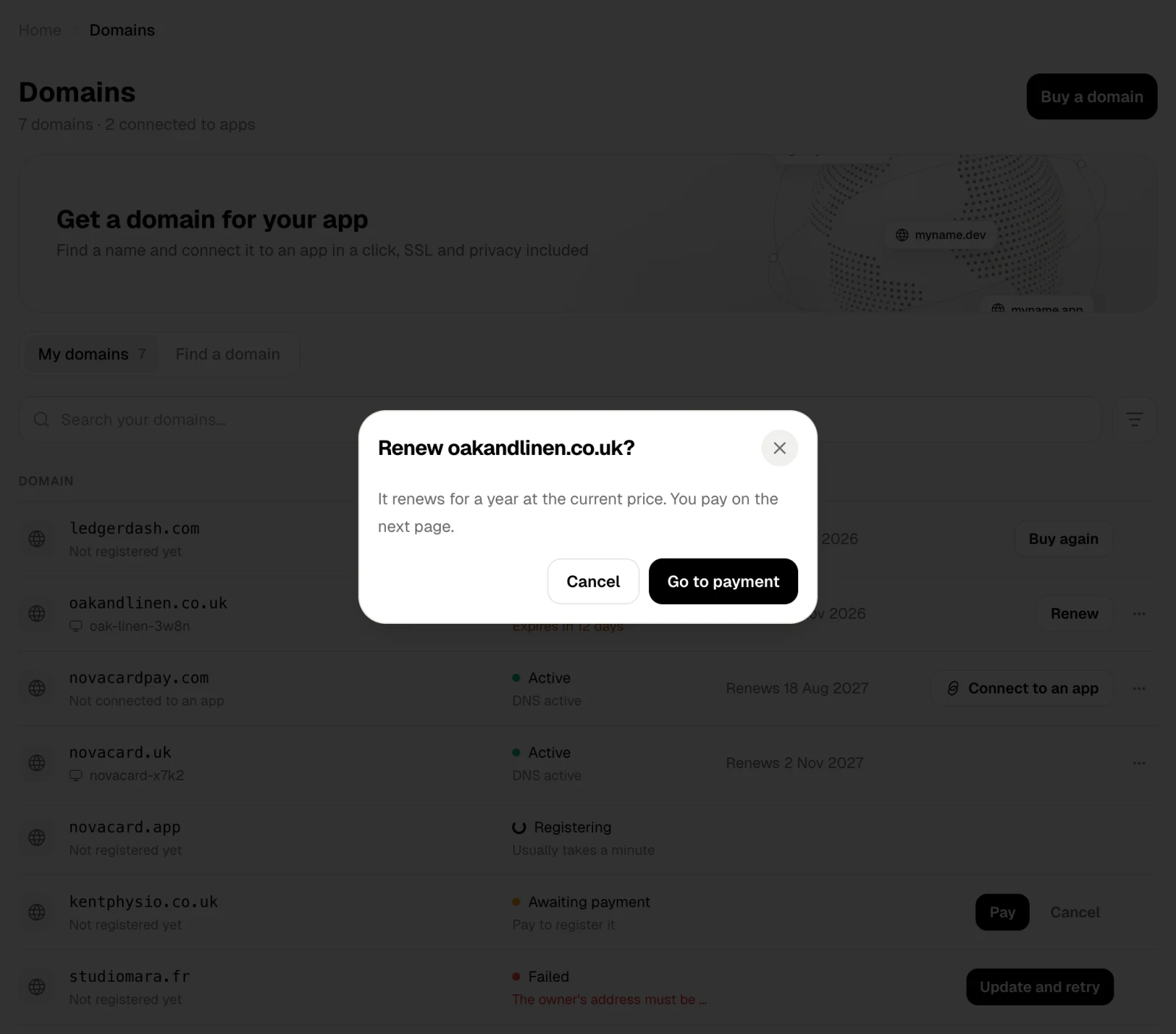
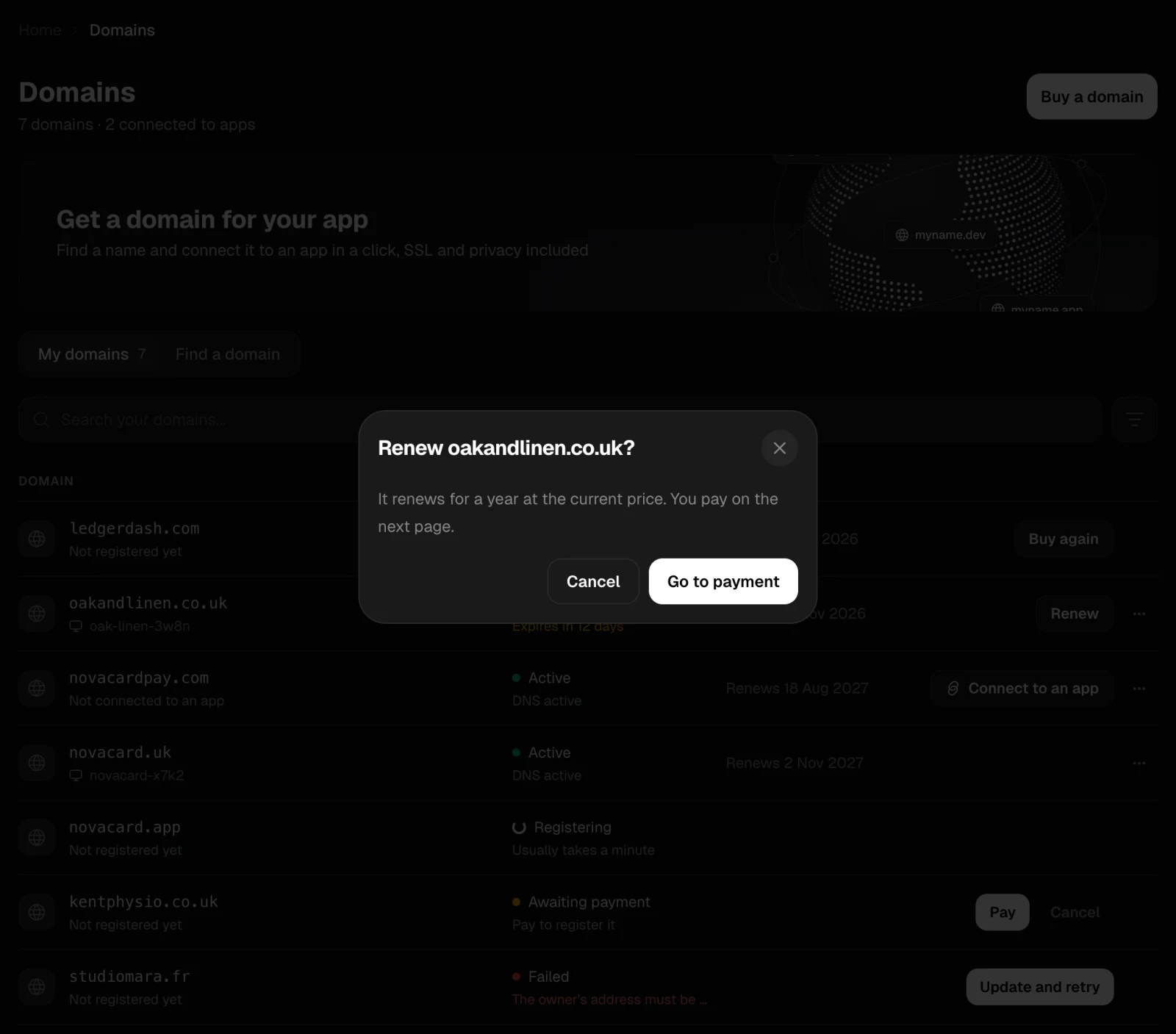
The Renew oakandlinen.co.uk dialog with Go to payment, light themeThe Renew oakandlinen.co.uk dialog with Go to payment, dark theme
It renews for a year at the current price. Go to payment opens a secure Stripe page; when you have paid, you come back to Domains.

When a domain expires

An expired domain shows Expired and No longer registered. Buy again checks whether the name is still free and, if it is, opens the purchase.