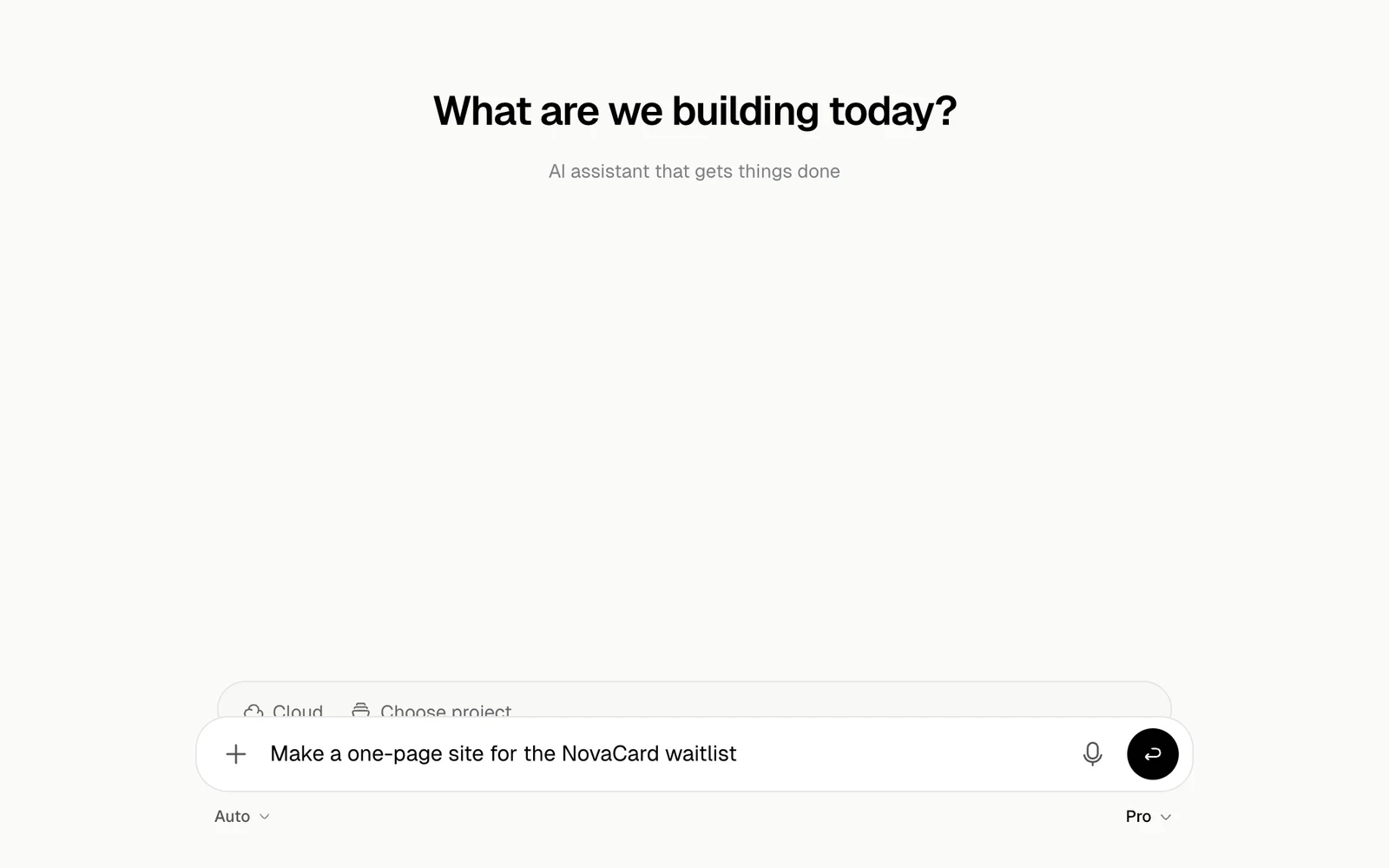
Open Jobbit and sign in. The home page has a message box. You do not need to choose a tool first: the agent works out what the job needs.To start from something finished, open Templates.
Mention the audience, the format, your materials, deadlines and anything the agent should avoid.
The audience is small businesses in the UK. Keep the copy concise. Use a red accent colour. Avoid stock-photo language. Make the page work well on phones.
Attach files when the task depends on existing material, such as a brand guide, a spreadsheet, a PDF, an image or a previous draft. Type @ to point the agent at one of your projects, apps, plugins or skills. See Start a task.
You can follow each step while the agent works. When it needs a decision, it asks you in the chat.Depending on the task, you get:
A preview of a site or an app
A file, such as a document, a spreadsheet or a deck
A researched answer with its sources
An image, a video or audio
An automation that runs by itself
An order on Human Network
Open the result and check it as you would check work from a colleague. Look for missing context, wrong assumptions, formatting problems, weak sources and anything that needs another pass.
Create a one-page app for tracking weekly marketing tasks. It should have a clean dashboard, task status filters and a simple form for adding new work.
Research the best payroll tools for a UK start-up with 15 employees. Compare pricing, integrations, support and compliance. Return a short recommendation table.
Turn this rough outline into a polished client proposal. Keep the tone confident but not salesy, and include a timeline and next steps.
Every weekday at 9 am, check the latest product reviews and summarise the top complaints and feature requests.
A longer message is rarely the way to better results. Clearer context and tighter requests for changes are.